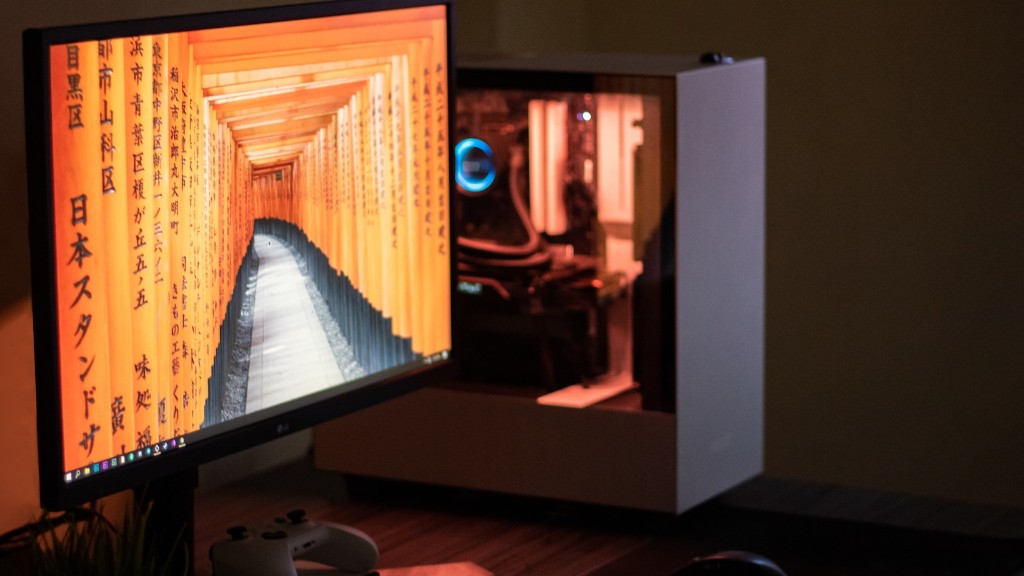
For those of you who have an old system lying around or want to try a new gaming experience, there are plenty of ways to turn your computer into a gaming PC. There are some basic steps that need to be taken to ensure the process is successful. Before getting started, it’s essential to determine what type of system you need, what components and software are necessary, and the process of conversion.
One of the first steps to turning an old computer into a gaming PC is to determine your needs. You’ll want to consider the kinds of games you want to play, and what type of graphics card and processor you need for them. Additionally, it’s important to decide if you want to build the system yourself or go with a pre-built package. This will help you figure out the best components and the amount of money you can spend.
Once you know what you need, it’s time to gather the parts for the build. This includes a CPU, motherboard, RAM, graphics card, storage drives, cooling system, and a power supply. Depending on the type of gaming PC, additional components such as sound cards, network cards, and cases might be necessary. Be sure to do research on each component to ensure compatibility and reliability.
After gathering the necessary parts, it’s important to set up the hardware. Depending on the experience of the individual, this can range from a few hours to a few days. Taking the time to make sure everything is installed properly will ensure the build runs smoothly and minimizes potential issues.
Now that the hardware is set up and ready to go, it’s important to install the necessary software. This includes any drivers needed for components and an operating system. Many gaming PCs use Windows 10, as it offers optimal gaming performance. Additionally, certain software such as antivirus programs should be installed to protect the system.
Finally, it’s important to test the system and make sure it meets expectations. This involves running benchmark tests on the hardware, setting up games and verifying that the performance is up to the task. Once all tests have been run and the system passes, the final step is to enjoy your new gaming PC.
LCD Monitor
For gamers looking to ramp up the gaming experience, an LCD monitor is a necessary addition. LCD monitors come in a variety of sizes, features, and resolutions. The key features to consider are size, refresh rate, aspect ratio, resolution and input connections. Different sizes and resolutions exist that will fit various gaming needs and budgets. Ultimately, the selection of an LCD monitor should come down to the gaming titles being played.

When pairing a monitor with a gaming PC, it is important to consider the connection options. Many modern monitors use DisplayPort connections, but some older PCs only have VGA or DVI connections. Using an adapter or converter can help bridge the gap between newer and older technologies.
Another necessary consideration is to ensure the monitor has the right refresh rate and response time for the gaming titles being played. A higher refresh rate provides a smoother image and faster response times help reduce image ghosting and blurriness. A monitor that can support the right refresh rate and response time will ensure a great gaming experience.
Finally, in order to get the most out of any gaming setup, a monitor should support a wide color range and a high contrast ratio. This will enhance the game’s visuals and bring out details such as small objects and shadows. Many modern monitors are capable of producing a wide range of colors and a high dynamic range for the best visuals.
Gaming Keyboard and Mouse
The gaming experience can be greatly enhanced with the use of a gaming keyboard and mouse. Many keyboards are designed specifically for gaming, with useful features such as programmable keys and backlit keys for nighttime gaming. Wired or wireless options provide gamers with the flexibility to choose the best connection for their gaming setup.
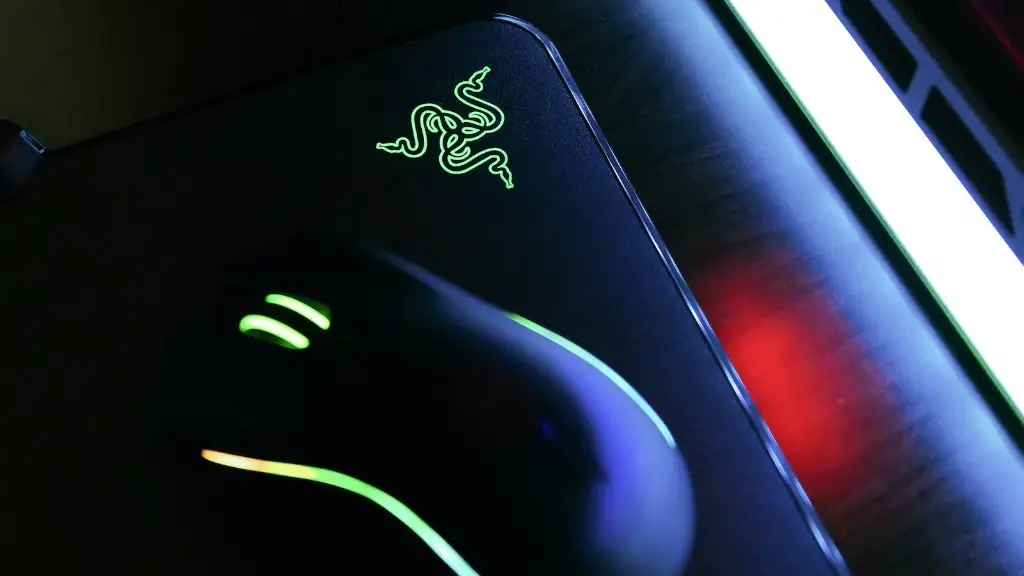
Gaming mice come in a variety of forms, with the most common being an optical mouse. The optical mouse is generally preferred as it combines accuracy with a light weight construction. Features such as adjustable weights and adjustable sensitivity can be found in many modern gaming mice, giving gamers the flexibility to tailor the setup to their needs.
For those looking for a truly immersive gaming experience, a gaming keyboard and mouse can provide an edge. The ability to program keys to create custom macros and the quicker response time can help deliver an unbeatable gaming experience.
Game Consoles and Controllers
For gamers looking for a more immersive experience, game consoles and controllers offer an exciting way to engage with the game. Game consoles such as the PlayStation 4 or Xbox One provide the ability to play modern titles on a larger screen with immersive surround sound.
Controllers such as the Xbox Elite Wireless Controller and the DualShock 4 provide gamers with an enhanced gaming experience. Controllers can be customized with adjustable triggers and sensitivity, adjustable weight, and extra inputs. Many controllers also feature wireless connections, allowing gamers to play from further away.
Game consoles and controllers can provide a unique gaming experience by providing an enhanced visual and audio experience. With the ability to customize controllers, gamers have the flexibility to create a gaming setup that’s tailored to their needs.
Virtual Reality
The ultimate gaming experience can be found in virtual reality (VR). VR headsets such as the Oculus Rift and the HTC Vive provide an immersive way to experience games. This can be done with compatible headsets and a gaming PC with a relatively powerful graphics card.
VR games offer an unparalleled gaming experience, with enhanced visuals and realistic game play. Many modern consoles are also offering virtual reality experiences, such as the PlayStation VR. This offers gamers a low-cost entry point to virtual reality gaming.
For those looking to take the gaming experience to the next level, virtual reality provides the perfect solution. With enhanced visuals and realistic game play, gamers can be transported to virtual worlds and explore them in ways never before possible.
Peripherals
Various peripheral devices can turn an old computer into a gaming PC. High-quality gaming headsets, keyboards, and mice will provide a better gaming experience than generic devices. Additionally, sound cards, memory cards, and hard drives can provide an improved experience.
Many of these devices come in a range of prices, ensuring that gamers can customize their setup to fit their budget. By investing in peripheral devices, gamers can ensure their gaming PC performs at its best and provides the best gaming experience possible.
By adding peripheral devices, gamers should also consider investing in a quality battery. This will ensure that the PC will be able to perform at its best wherever gaming takes them.
For gamers looking for the perfect gaming setup, it is important to consider all the necessary components, from hardware to software. By following the steps outlined, gamers can turn an old system into a gaming PC that meets their needs and exceeds expectations.
