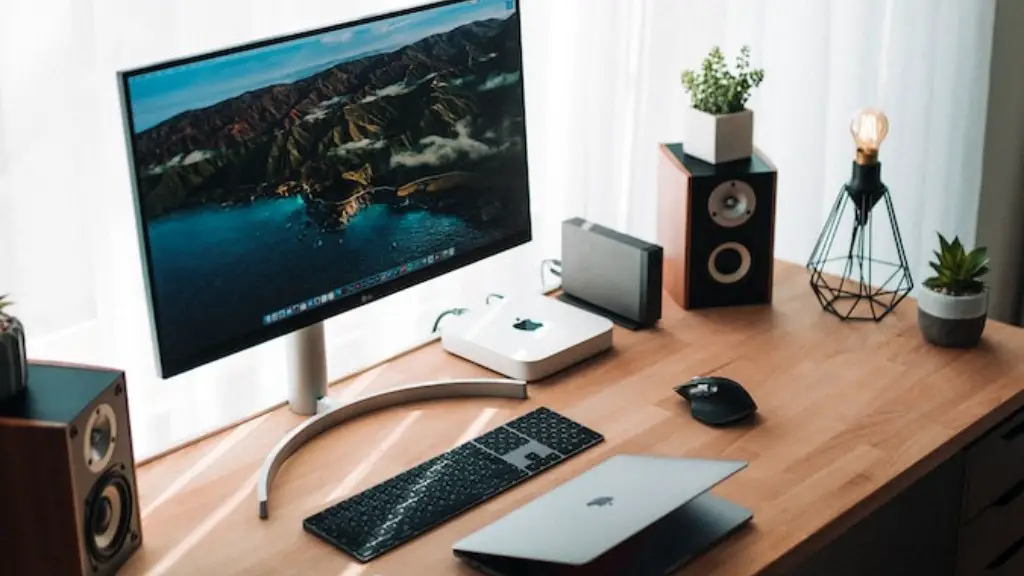
Assembling a small form factor gaming PC is no easy feat. However, with the right components and knowledge, anyone can build their own gaming PC with ease. This article focuses on providing a step-by-step guide on how to put together a small gaming PC. Firstly, you’ll need to decide what type of PC you want and the components that you need. Ideally, you should select components with appropriate size, power and cost. Once you’ve decided what components you need, it’s time to start assembling the PC. Here are the steps to follow:
1.Start off by acquiring a small form factor case. Make sure it’s compatible with your motherboard’s form factor and contains enough ports to support your chosen components.
2.Mount the motherboard and secure it in place with the nuts and bolts that come with the case.
3.Install the CPU into the motherboard’s appropriate socket.
4.Plug in the RAM modules into the appropriate slots.
5.Put the graphics card in its slot and secure it with a screw.
6.Screw in the hard drive, power supply and any fans you may have.

7.Connect all your components to the motherboard and make sure that everything is properly connected. Once you’re sure everything is connected correctly, you can turn the system on and begin installing the necessary software.
Choosing Components For a Small PC
Choosing the right components is essential for any gaming PC, especially when dealing with a small form factor PC. A small form factor PC may require components with low power consumption & good cooling capacity. Here are some components you should consider when choosing parts for your gaming PC.
Firstly, the motherboard is one of the most important components for a small gaming PC. Make sure to pick a mini-ITX or micro-ATX motherboard depending on the size of the case you prefer. Additionally, the processor should have at least four cores and is able to support the motherboard. Also, look for a good quality graphics card, one with a decent memory capacity and the ability to run modern games. Lastly, the power supply should match the size of your motherboard and other components.
Cooling Requirements For Small Form Factor PCs
Small form factor PCs often cannot accommodate large cooling components due to their cramped internal spaces. In this case, liquid cooling or low-profile air coolers are recommended for proper cooling. Some of the best CPUs for a small gaming PC require cooler solutions with a low profile and low noise levels. Apart from this, you should also make sure to have enough fans in the case to keep the air flowing to prevent overheating.
Storage Solutions For Small PCs
One of the biggest challenges in building a small PC is fitting enough storage. Small form factor PCs may have dual drive bays, but these may not be enough if you have many games and applications to install. In such cases, you can opt for an M.2 SSD or a 2.5-inch SSD drive. An M.2 SSD offers up to five times the speed of a regular SATA drive, while a 2.5-inch SSD offers a balanced performance.
Installing components into the Case
Before you can install any components into your case, you’ll need to apply the standoffs that come with the case. The standoffs keep the components from coming into contact with each other and also provide support to the motherboard. Once the standoffs are in place, you can start installing the components, such as the motherboard, the CPU, the RAM and the graphics card, into the case. Make sure to secure all the components with screws and double-check that everything is connected correctly and firmly before powering on the system.
Preparing and Connecting the Peripherals and Devices
Now that all your components have been installed, it’s time to connect the peripherals and devices. Firstly, attach the monitor, keyboard and mouse to the appropriate ports on the rear panel of the case. For wireless devices, you’ll have to install their drivers first before connecting them to the system. Apart from this, you’ll also have to connect the power cables to the power supply and make sure that the cables are plugged in properly.
Making Sure it Works
Before powering on the system, make sure to check all the connections again to make sure everything is properly connected. Once everything is in place, you can press the power button and make sure the system boots up. If the system does not boot up, then there’s a possibility that one of the components has a fault. In such cases, double-check each component and make sure it’s connected correctly.
