Building a gaming PC is now more accessible than ever before – it’s fun, exciting and can be a great way to save money on a top-tier rig. You’ll need a few items to get started, but the good news is that you probably won’t need to buy them all at once. To make sure you get the best gaming experience possible, here’s what you’ll need to get your gaming PC build off to a good start.
Your main priority needs to be a GPU. This is the gaming PC part that really makes the most difference in performance and is absolutely essential if you want your games to run as intended. While there’s a range of GPUs available, a mid-range card like the RTX 2060 or RTX 2070 will provide decent performance for a fraction of the price of the top-end GPUs.
Your processor is the other essential component for any gaming PC build. While a quad-core CPU will be more than enough for most games, you’ll want to look at getting a higher-spec processor if you plan on streaming video on the side. For those looking for ultimate performance, Intel’s latest 8-core i7 processors should have you covered.
Moving on to storage needs, you’ll likely want to opt for a large SSD for your operating system and key games, with additional space for games on a larger scale hard drive. If you’re tight on cash, you can still get away with an old-fashioned HDD if you’re willing to sacrifice the loading speed and capacity of an SSD.
Your motherboard is equally important to your gaming PC build; you need something that’ll fit within your case and provide enough space for your graphics card and processor to fit comfortably. Pay attention to details like available ports and room for RAM as well.
Last but not least, you’ll need a case and power supply. This will be something of personal preference in terms of size, however, you’ll want to make sure that your case is able to fit all the components you’ve chosen, and a PSU with a decent wattage to keep everything powered. The good news is, there’s a wide range of cases and PSUs available in different sizes and power outputs so you can get the perfect fit for your build.
These are the crucial components you need before you start building your gaming PC. Of course, you can add extra peripherals and accessories such as a gaming monitor, mouse, keyboard and audio system later on, but getting these components right is the foundation of a great gaming PC.
Peripherals and Accessories
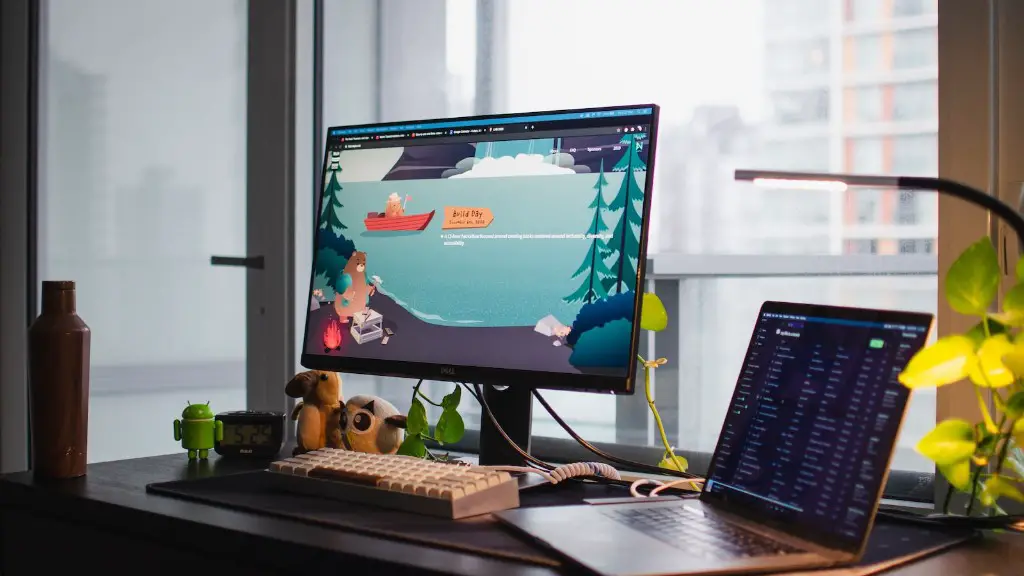
When constructing your gaming PC, it goes beyond the core components. To truly bring it to life, you’ll need to pick up some quality peripherals and accessories to bring your gaming experience to the next level.
Starting with the basics, the audio quality of any gaming PC build is key to a great overall experience. Whether you opt for headphones, speakers, or a sound card, you’ll want to find equipment that can provide the kind of immersive audio experience you’re after.
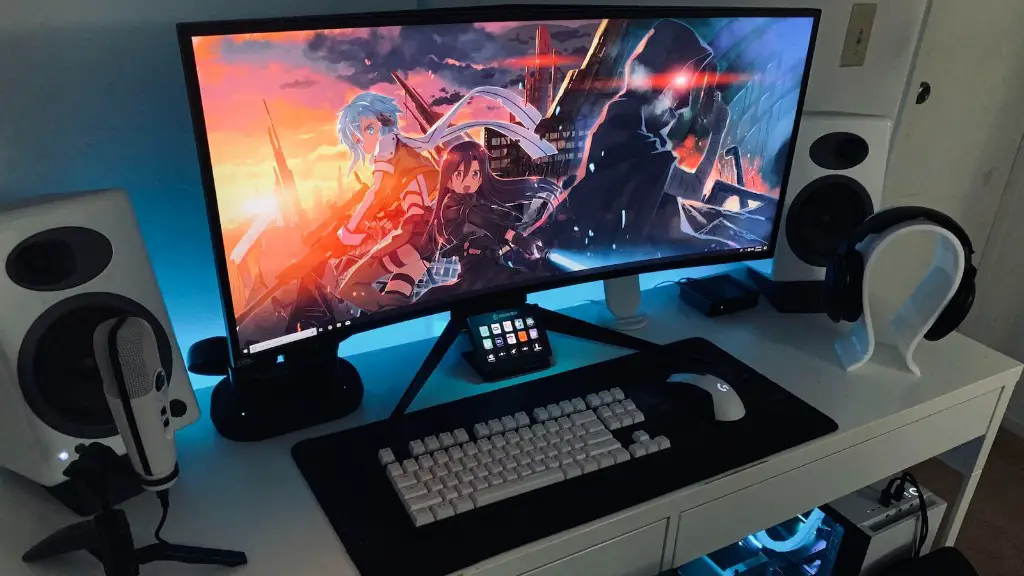
When it comes to visuals, a gaming monitor is essential. While a traditional monitor will do the job, you’ll want to look into curved or ultra-wide monitors if you are looking to take your digital gaming world to the next level. High refresh rate monitors will also give you a competitive edge in certain genres.
Mice, keyboards, and controllers are also important for the perfect gaming experience. Pick up something that fits your style, from traditional four-button gaming mice designed for FPS games, to high-end gaming keyboards with mechanical switches, you’ll want to find something that’s comfortable for you to use.
Finally, you’ll want a good gaming chair to complete your set up. These chairs come in a range of sizes and materials, and range from cheap and functional to more expensive options with lots of bells and whistles. It pays to shop around and compare the different styles to find the perfect fit.
There are countless peripherals and accessories available for gamers, so you may consider buying a few essentials such as a gaming mouse or headphones before you go all-in on the more expensive items.
The Best Components for Your Gaming PC
When it comes to building a gaming PC, there’s no one-size-fits-all approach. Different genres of games require different components in order to get the best out of them. However, it pays to be well informed so you know what to expect from your gaming PC.
If you’re an eSports fanatic, for example, then a high-end CPU and GPU should be at the top of your list. Alternatively, if you’re a fan of fast-paced shooter games, then a top-of-the-line GPU and a higher-end RAM should do the trick.
For those wanting to take their gaming up a notch with virtual reality, then picking the right VR headset will be the first step. While there are capable headsets that are relatively affordable, you’ll want to look for one with reliable head tracking and a wide field of view for a more immersive experience.
If you’re in the market for something more professional, then you’ll need to invest in more than just powerful hardware. A AAA gaming PC build should include a high-performance motherboard with support for high-end graphics cards and a good sound card for a more immersive audio experience.
Of course, you’ll want to couple this with the best cooling system possible for those extra-long gaming marathons. A high-end liquid cooling system might be required if you’re looking to get the most out of your hardware.
A Well Organized Gaming PC
It’s not enough to just buy the right components for the best gaming experience; you also need to ensure that the internals of your PC are properly connected. This includes connecting the various components of your gaming PC together with the right cables, and ensuring that they are properly routed and routed with the right tension.
Since all components of your gaming PC need to communicate with each other, proper cable management ensures that all signals and power are efficiently moved from one part of your machine to the other.
Furthermore, proper cable management also reduces the potential for a bottleneck, which slows down your system’s speed, and allows for quieter operation by leaving space for the essential cooling system components.
When done correctly, cable management is one of the most important aspects of any gaming PC build – it makes a huge difference to how your PC looks and runs. Invest in the right tools and keep your work area organised, and you can build a PC that looks as good on the inside as it does on the outside.
Essential Tools for Your Gaming PC Build
Putting together a top-tier gaming PC is no easy task, and it’ll require a few essential tools to get the job done. First and foremost, you’ll need a reliable screwdriver – preferably a battery powered one, as it’ll provide more power and torque than a manual screwdriver.
A set of tweezers are also handy for cleaning up after you’ve installed components, while a pair of needle-nose pliers are great for pulling cables into tight spaces. Additionally, a good set of spare screws is always a good idea in case you need to replace any that go missing during the build.
Finally, you’ll want to invest in a good anti-static wrist strap which connects you to the frame of your PC to ensure that you don’t accidentally zap any components while you’re handling them. This is particularly important if you’re using sensitive components such as RAM.
If you plan on overclocking your components, then you’ll want a good monitoring program to help you get the best performance from your hardware. Many of these programs offer detailed insights on your hardware, including temperatures and voltages, so you can adjust your settings for maximum performance.
Conclusion
Building a gaming PC is a rewarding task, and with the right components and peripherals, you can create a rig that can stand up to any game. By following the essential tips above, you’ll be able to get your build off to a good start, and give yourself the competitive edge in any game you take on.
