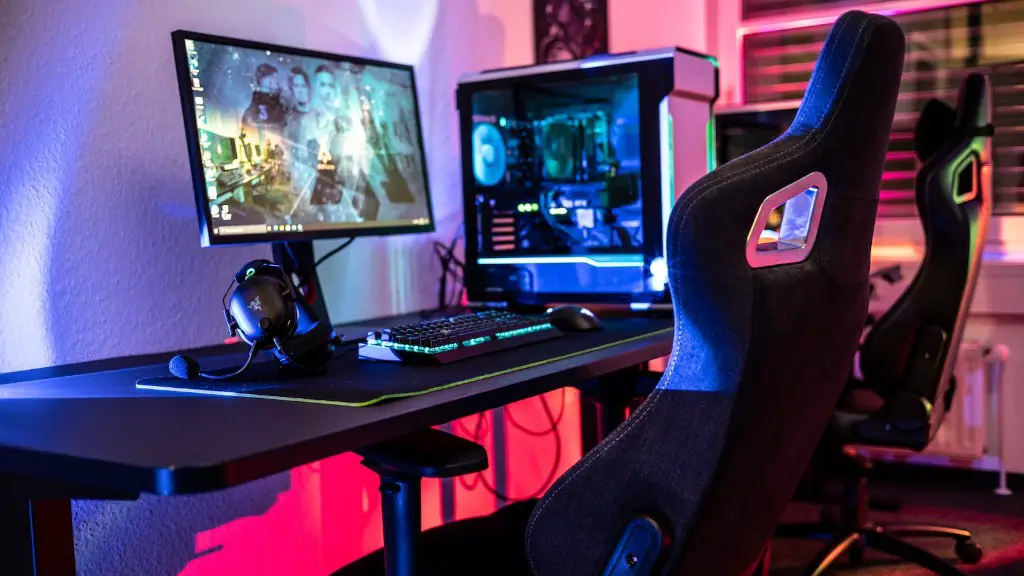
It’s a common question for many PC gamers – is two fans enough for a gaming PC? While it’s ultimately up to the person to decide their ideal cooling solution, there are some facts that should be considered when determining the number of fans needed. Firstly, a gaming PC must be capable of sustaining taxing workloads. This is especially true when playing games that require heavy usage of temperature-sensitive hardware such as GPUs and CPUs. As such, gamers should consider not just the hardware and its ability to sustain heat under pressure, but also the system’s cooling configuration and airflow.
Structural layout is important to consider when opting for the right cooling solution. When planning a new build, it’s a good idea to evaluate the potential airfl ow and cooling paths within the case. Properly planned air flow, as well as a good number of fans, is essential for efficiently dissipating heat from the system. Poor air flow will cause components to run excessively hot and therefore, result in malfunctions and possible damage.
The number of fans to install must be based off of the heat that the components produce. CPUs, GPUs and even RAM produce varying amounts of heat, and some cases such as miniITX may require more fans than standard towers. Also, cases that are generally used for LAN gaming tend to be more compact and require more fans for adequate cooling.
Cases offering space for water cooling should also be taken into consideration. As water coolers transfer heat in a considerably more efficient manner than air coolers, oftentimes two fans may be enough. In comparison, air coolers are dependent on at least three fans and a decent air flow to adequately dissipate the heat of the components.
In the end, while objectively answering if two fans are enough for a gaming PC can be hard, the key is to take into account the hardware and intended cooli ng solution. With the right planning and hardware, two fans can be enough but it may require additional hardware to ensure that the system does not overheat.
Is A Radiator Needed?
When deciding on two fans as the cooling solution for a gaming PC, gamers should also consider other components such as radiators. Radiators are mounted onto components to provide direct cooling for heat-critical parts, such as GPUs and CPUs. Radiators draw the heat away from the PC core components, and depending on their own efficiency and structure, more than two fans may be needed to ensure suitable cooling.
When it comes to air-cooled systems, a higher number of fans disperse heat more effectively. With radiators, as they are in direct contact with the hardware, they can transfer heat efficiently by dissipating the heat directly and not relying on an outside force such as a fan. In comparison, when it comes to air cooling, a fan can push hot air away, but it can’t draw the cooler air into the system.

The size of the radiator also matters. Smaller radiators may require more fans to sustain the air flow to fast enough to draw the hot air away. Larger radiators need fewer fans to provide the same effectiveness, however, as radiator performance depends on the air flow, two not may be enough.
Ultimately, when it comes to having two fans for adequate cooling for a gaming PC, it requires the right combination of components and a properly configured cooling configuration. Radiators are an important part of the setup, as they can be responsible for direct cooling and draw hot air away from the system. To ensure a properly functioning gaming PC, it’s important for gamers to consider the number of fans, their size, and type of coolant before making their purchase.
Types Of Fans
When choosing the right fans for a gaming PC, there are generally two options to choose from – air coolers and liquid coolers. Air coolers are typically equipped with intake and exhaust fans and work by moving air throughout the system. This type of fan relies on air pressure to move air throughout the case.
Alternatively, liquid coolers work by circulating a special cooling liquid in a series of interconnected pipes and fans. The liquid is then drawn through the pipes, allowing it to pull the heat away from the cores and dissipate it quickly. Liquid coolers may be used for more extreme overclocking, where heat builds up faster than an air cooler can dissipate it, as well as in hotter systems that are prone to higher temperatures.
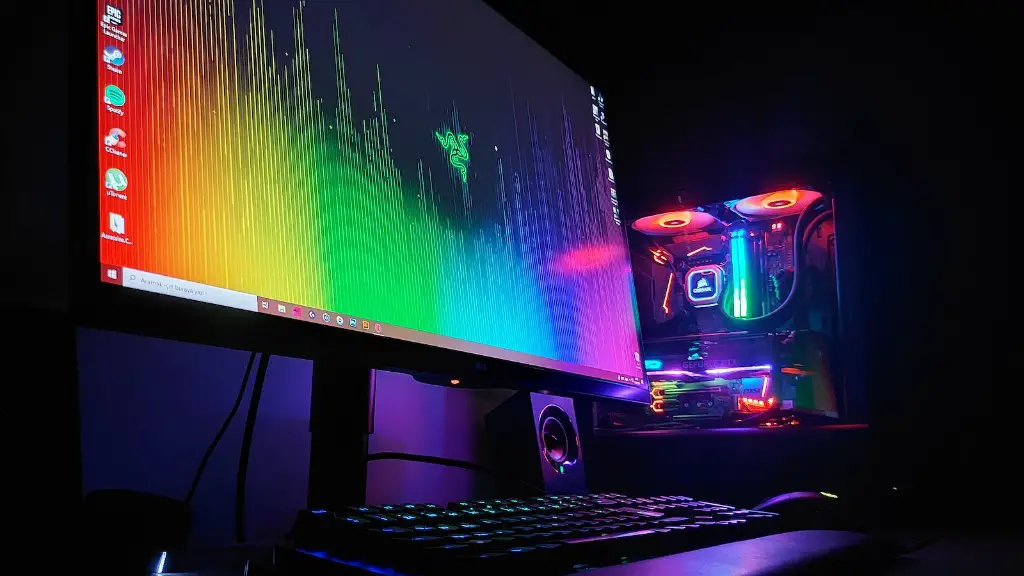
When deciding on two fans, air coolers tend to be more reliable as they can be installed faster and provide a steady flow of air throughout the system. In comparison, liquid coolers require greater maintenance and often require more hardware configuration, such as pumps and reservoirs.
No matter what type of fan is chosen, it’s important to take into account the size and power of the fans. Generally speaking, larger fans will provide more effective cooling than smaller fans. Additionally, fans typically come with different speeds, from low to high. Faster moving fans typically provide better cooling than slower fans, however, these may come with a greater noise level.
Ultimately when it comes to two fans being enough for a gaming PC, it’s an individual decision. Gamers must weigh the benefits of air coolers and liquid coolers, take into account the size and power of the fans, and ensure a well-balanced cooling layout. With the right configuration and setup, two fans may be enough for a gaming PC to perform effectively and safely.
Factors To Consider
When it comes to deciding if two fans are enough for a gaming PC, the potential performance needs to be taken into account. The type of games and other activities that are conducted on the PC should be considered when setting up a cooling system. For example, if one or multiple VR games are played regularly, or certain editing suites are used often, then a fan configuration with a higher airflow may be needed in order to accommodate temperature rises.
In comparison, if one prefers to use the PC for the odd game night or to type emails, then two fans may be more than enough for such normal tasks. It all comes down to preference, intended use for the PC, and the individual’s cooling demands.
Additionally, it’s also important to take into account the type of case being used. Some cases are more suited for additional fans than others, due to their size and design. For example, some cases may include vents on the side panel, whereas others may require more air flow out of the top panel. When in doubt, it’s always a good idea to review the specific case manufacturer’s guidelines to help determine the optimal cooling needs.
Furthermore, the cost of additional fans must also be considered. While the extra cost of installing fans is relatively low throughout the life of the PC, if it’s not in the budget then two fans can often be enough. Gamers should take into account the extra costs of having to upgrade the fans if the two provided are not up to the desired level.
In the end, when it comes to determining if two fans are enough for a gaming PC, there are many factors to consider. Gamers must weigh the pros and cons of the various cooling solutions and consider their individual needs, choosing the option that’s most suitable for their specific system.
Heat Sensors
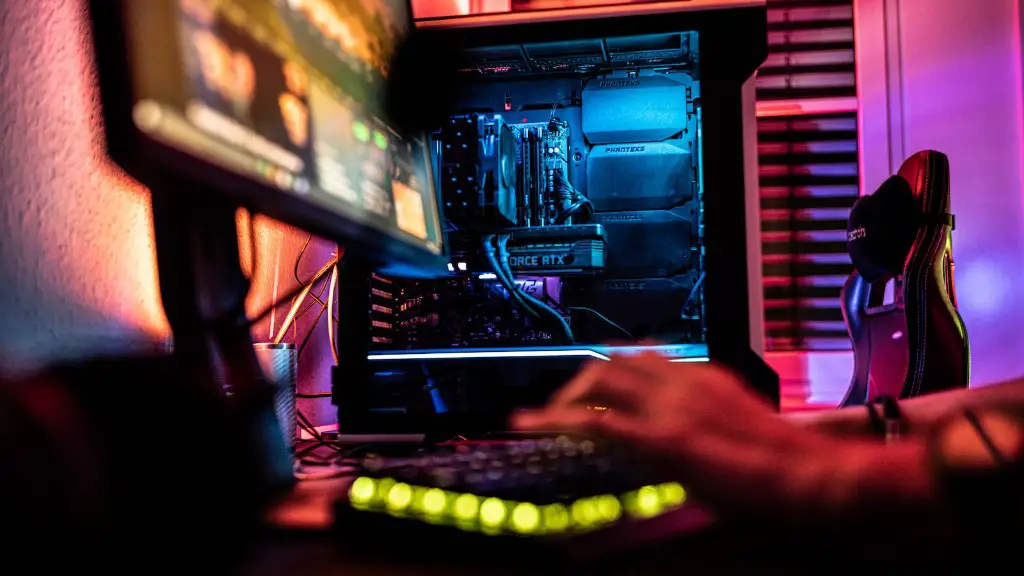
To ensure stability and balance for a gaming PC, some people opt for heat sensors. Heat sensors are small devices, similar in size and shape to USB connectors and are installed in the PC. These devices help monitor the temperature inside the case, and alert the user through an interface when too much heat is detected. This helps minimize the possibility of a hardware malfunction or damage and keeps the system running smoothly.
When deciding on the number of fans, heat sensors can act as an addition to the cooling system. A heat sensor setup can help a gamer determine the right number and size of fans to purchase, and can help track the temperature of the system and components. By having a heat sensor in place, heat-critical components can be kept at an optimal temperature, allowing the case to remain cool and the hardware to perform efficiently.
Heat sensors may provide better overall performance and stability for a system, especially for those gaming PCs that may require more than two fans. Heat sensors are a great addition to any PC, and should be taken into consideration when deciding how many fans are needed for the system.
Conclusion
When it comes to two fans being enough for a gaming PC, it’s not a simple answer. Gamers must evaluate the intended use for their gaming PC, the individual components, and the cooling configuration. With the right factors taken into account, two fans may be enough for a gaming PC. It’s important to carefully plan the cooling solution, considering factors such as the type of fan, number and size of fans, radiator size, and heat sensors. Thoughtfully considering all these components is essential for an efficient and long-lasting gaming PC.
