
Finding the best gaming PC is no easy task – there are numerous components to consider before purchasing the right one. With advances in technology, changes in graphics, and the many components available to pick from, the best gaming PCs are now more powerful and versatile than ever before. Having the best gaming PC means having the right combination of CPU, GPU, RAM, storage, monitor, cooling system, and other components to give you the ultimate gaming experience.
In this guide, we will offer insights on what specifications to look for when selecting a gaming PC to help you get started. Most importantly, you need to decide how powerful of a machine you need for your gaming.
CPU, or Central Processing Unit, is the brain of a computer, so it is essential for a gaming PC. The faster the processor, the more tasks it can perform, and the smoother the gaming experience. Intel and AMD processors are the most popular choices when it comes to laptops, while AMD Ryzen and Intel Core machines are the most preferred options for desktops.
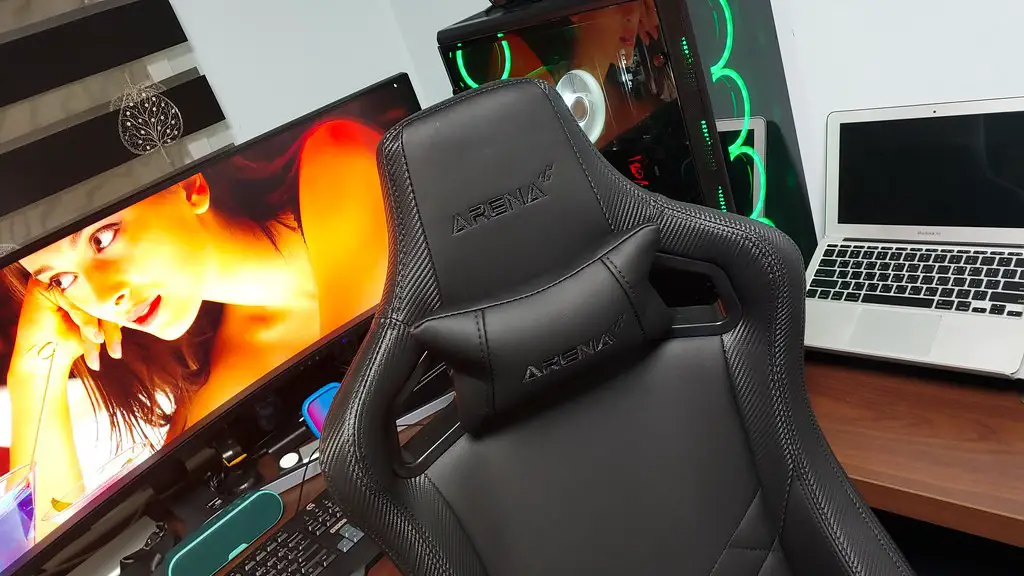
The GPU – or Graphics Processing Unit – is another essential component of a gaming PC. This is where all the graphical processing takes place, so having one with a decent amount of processing power is important for gaming. GPUs from Nvidia and AMD are the most popular. If you prefer high-end graphics, get one with a powerful GPU.
RAM, or Random Access Memory, is used to store data that is being processed by the processor. The more RAM there is, the more data can be held in the computer’s memory and the smoother the gaming experience will be. Opt for 8GB or more if you want to play modern games.
Finally, you must consider the type of storage you need. Hard Disk Drives are cheaper, but they are slower than Solid State Drives. This is why most gaming PCs now come with an SSD Boot Drive and a HDD Storage Drive. An SSD Boot Drive will make your PC more responsive, while the HDD will store more data.
Monitor
The monitor is the window to your gaming experience, and should be chosen carefully. If you plan to play high-end games, you should get the highest resolution possible. We recommend at least a Full HD display with a refresh rate of 144Hz, a response time of 1 ms or less, and G-Sync/FreeSync technology for smooth and tear-free gaming.
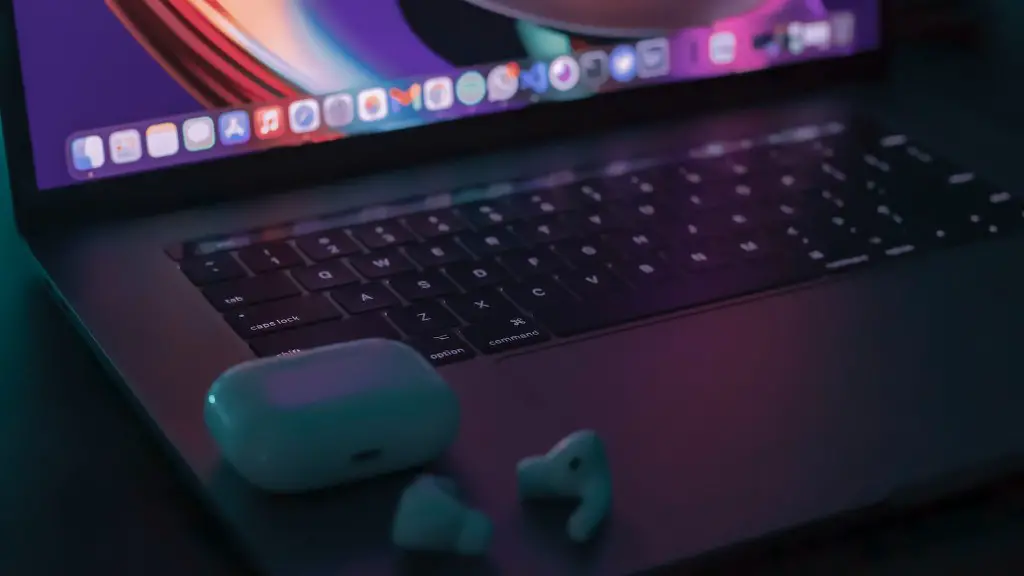
Input and output ports are also important for connecting to other components such as a mouse, keyboard, and headset. You should make sure the monitor has the ports you’ll need. HDMI ports, USB ports, and DisplayPort are most common. Some higher-end monitors may even have Thunderbolt connectivity.
Finally, don’t forget to factor in size. Monitors are available in a wide range of sizes, so you’ll have to take into account how much space you have and how far away you’ll be sitting. Choose one that is large enough to give you an immersive gaming experience.
Keyboard & Mouse
The keyboard and mouse you use can make or break your gaming experience. Gamers usually prefer mechanical keyboards due to the tactile feedback, but there are plenty of membrane keyboards that offer quiet operation and are great for gaming. You should also make sure the keyboard you choose has RGB backlighting for a more immersive gaming experience.
For the mouse, consider getting one with adjustable DPI settings. If you’re playing an RTS game, you’ll want more precise control. However, if you play first-person shooters, you will need a mouse with a high DPI setting. Look for one with programmable buttons if you want to customize your gaming experience.
Finally, don’t forget to pick up a good gaming mouse pad. It can really improve your gaming and make sure that your mouse glides smoothly across the surface.
Headset
A good headset is essential for a great gaming experience. It should be comfortable, have good sound quality, and be able to cancel out background noise. Although wireless gaming headsets are quite popular, wired headsets are still the preferred choice for gamers.
If you are playing a multiplayer online game, look for a headset with a mic. Make sure the microphone is clear and has noise-cancelling technology to ensure your teammates can hear you clearly. Additionally, you should look for headsets with passive noise cancellation, so you can play undisturbed by outside noise.
Finally, if you’re playing a virtual reality game, you’ll need a gaming headset with integrated 3D technology to provide a truly immersive gaming experience.
Cooling System
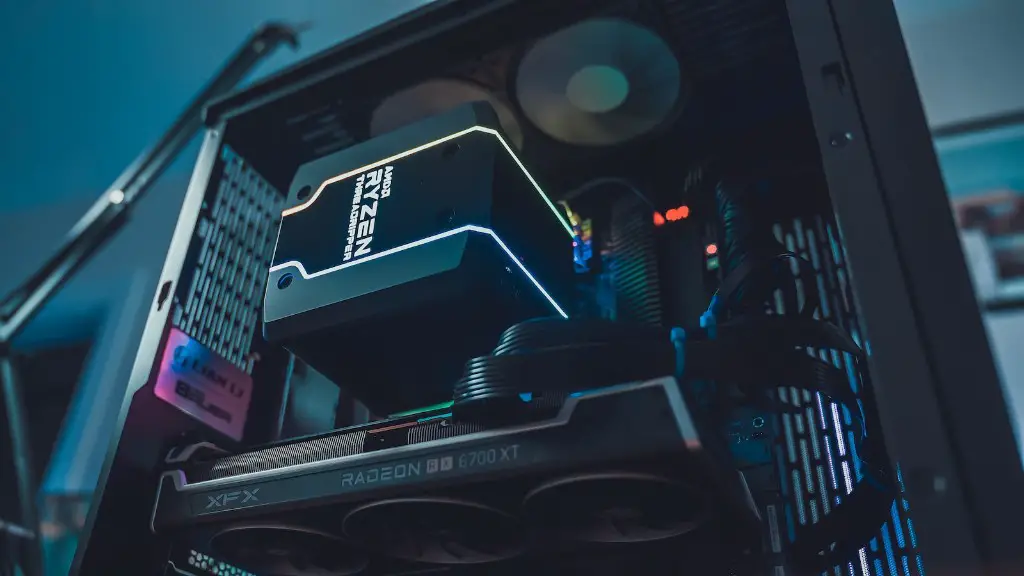
Having a good cooling system is essential for any gaming PC. This will ensure that the components stay cool and the system runs smoothly. A good cooling system should be able to manage both air flow and temperature efficiently.
The CPU should have its own dedicated cooling system, as it is often under the most stress. Make sure you get a CPU cooler that is compatible with your CPU. Water cooling is also an option if you want to keep things really cool.
Your GPU also needs a good cooling system, or you won’t be able to play games at high settings. Aftermarket GPU coolers can keep your GPU running at cooler temperatures than the stock cooler, so you’ll be able to push your GPU to the limits.
Finally, if you plan on overclocking your PC, you will need to invest in a quality liquid cooling system. This is because overclocking generates a lot of heat and a liquid cooling system is the best solution to keep your PC cooled down.
Conclusion

Finding the best gaming PC isn’t easy, but with the right combination of components and careful consideration, you can be sure to pick the right gaming PC for the ultimate gaming experience. Don’t forget to factor in the monitor, keyboard and mouse, headset, and cooling system when selecting the components for your gaming PC.
