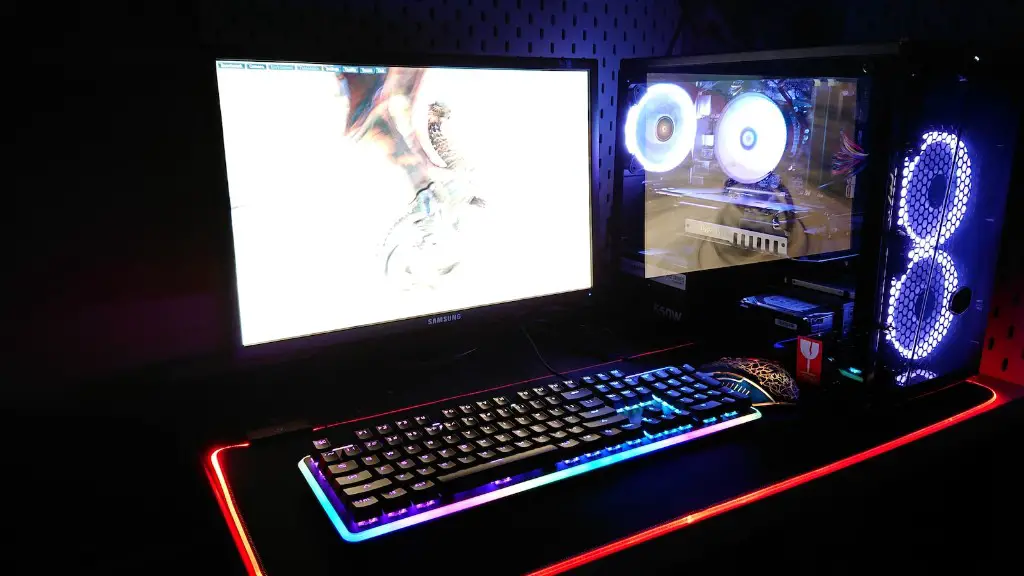
Building a gaming PC requires more than just assembling a few parts. There are several components that are necessary to ensure you’ll have a gaming rig that runs smoothly and efficiently. In this article, we’ll look at the basic parts of a gaming rig, so you can make sure your PC is up to the task.
Motherboard
The motherboard is the most important part for any gaming computer. It is the backbone of the system, connecting all of the components together. Without a motherboard, the processor, memory, video card, storage, and peripherals would not be able to communicate with each other. When selecting a motherboard, be sure to pay attention to the CPU socket type, memory type, and expansion slots available.
CPU
The CPU, or central processing unit, is the “brain” of the computer. It handles the calculations necessary to process data. The faster the processor, the more quickly the PC can process data, resulting in better performance. When selecting a processor, be sure to get one that is compatible with your motherboard.
Graphics Card
The graphics card is responsible for producing the images you see on the screen. A powerful graphics card will enable you to play the latest games at their highest settings. When selecting a graphics card, pay attention to the GPU, memory type, and cooling system.
Memory
The memory, also known as RAM, is what the PC uses to store data while it is executing a program. It is essential for gaming, as you will need enough RAM to handle all of the game’s data. When selecting memory, be sure to pay attention to the type and speed of the RAM, as well as the capacity.
Storage
Storage is the type of memory used to store programs and data after they have been used. While this isn’t necessary for every gaming rig, it is important if you are going to be storing large amounts of data. You can choose from traditional hard drives or take advantage of faster options like solid-state drives.
Power Supply
The power supply is the component that supplies electricity to all of the components of your computer. Make sure you select a power supply that is capable of supplying the necessary power for all of your components, as a lack of power can cause all sorts of problems.
Cooling
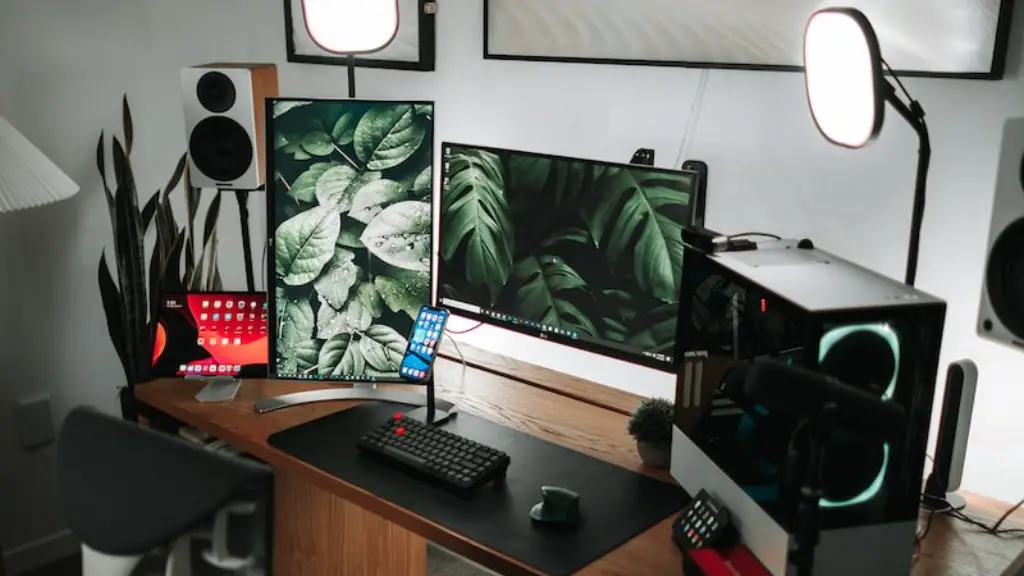
Cooling is often overlooked when building a gaming PC, but it is essential. The components in a gaming PC produce a lot of heat, which needs to be dissipated in order to ensure a stable, reliable system. You can choose from air or liquid cooling options, depending on your budget and needs.
Input Devices
The input devices, such as a keyboard and mouse, are essential for gaming. You want to make sure the keyboard you select has the right layout and the mouse has the right sensitivity for the type of games you play. Investing in a quality mouse and keyboard can be the difference between victory and defeat.
Summary
To build a gaming PC, you need the right components, such as a motherboard, CPU, graphics card, RAM, storage, power supply, cooling, and input devices. Each component is important and will affect the performance of your gaming rig. Be sure to do your research and select the components that are best for your needs.
Tips for Choosing Components
When selecting components for your gaming PC, it is important to do your research. Compare specs and prices, and read reviews to ensure the components you buy will provide the performance you need. It is also important to make sure the components are compatible with each other and will fit into the case in which you want to build your PC.
Overclocking
Overclocking is a way to get more performance out of your components. It involves increasing the core clock speed of the CPU or GPU, which results in increased performance. Overclocking can be a great way to get the most out of your components, but it also carries some risks, so it is important to do your research before attempting it.
Maintenance and Upgrades
It is important to keep your gaming PC up-to-date. Make sure to regularly check for updates for your drivers, system components, and gaming software. As games become more demanding, it is important to make sure your PC can handle them by upgrading components as necessary.
Peripherals
One of the most important aspects of PC gaming is the peripherals you use. A good headset, gaming mouse, and keyboard can make all the difference in your gaming experience. When selecting peripherals, make sure they are comfortable and perform well. Investing in quality peripherals will ensure a more enjoyable gaming experience.
