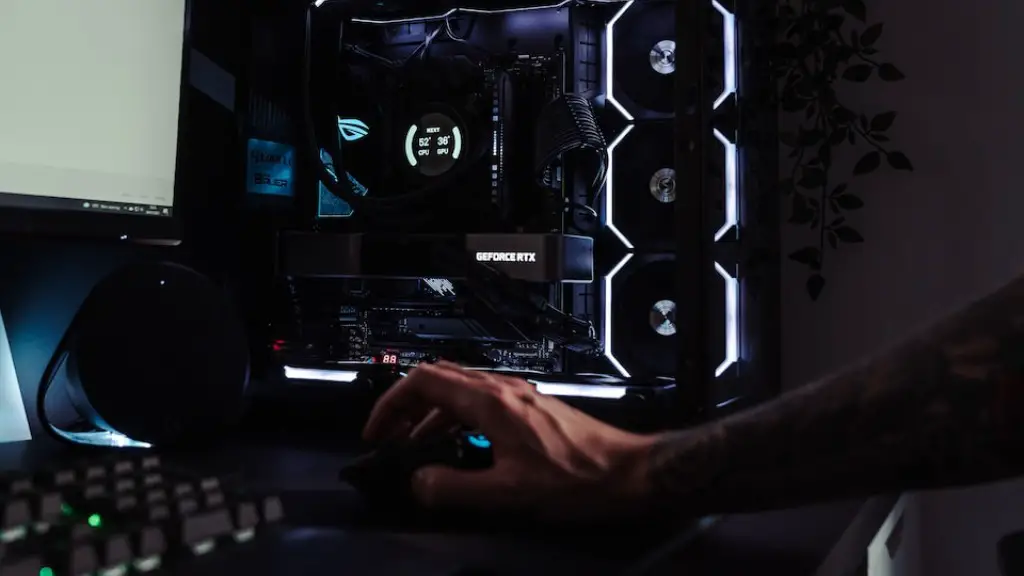
Building one’s own gaming PC is becoming increasingly popular as gamers look to craft a computer that’s tailored to their exact specifications and needs. There are many factors to consider when determining how much money you should spend to build your dream machine. These include the components, labor costs, and taxes. Additionally, research is essential in selecting the most appropriate components and avoiding any potential problems. In this article, we’ll discuss these factors and how they can impact the cost of your gaming PC.
The most essential factor when determining how much you should invest when building a gaming PC is the quality of components you choose to include. High-end components can be expensive, but will likely produce the best performance for your gaming needs. Popular items include Nvidia graphics cards, Intel processors, and solid state drives as well as motherboards, RAM, and power supplies. It’s important to research each component and determine which one is best for your budget and gaming requirements.
Another factor to consider is the cost of labour. If you’re not comfortable with building a PC from scratch, then you may need to hire someone who can do this for you. Depending on the shop, the person’s qualifications and expertise, and the difficulty of the build, the cost of labour can vary greatly. If you have the right experience, you can build your own gaming PC yourself, saving you money in the process.
Taxes should also be taken into account when planning the budget for your gaming PC. Different countries and regions all have different tax codes, so you need to make sure you check what taxes will apply to your purchase. Some places may even exempt certain tech products from taxes. Learning about these differences can help you save some money and make the best decisions for your purchase.
Finally, you need to make sure that the components you purchase will be compatible with each other. Some components require certain software or drivers in order to be properly configured. You may also need to look out for things like the power supply wattage, airflow, and even the case size. Consulting experienced gamers or PC builders can be helpful in making sure you have the right combination of components.
Powerful Components Cost More
Generally, the better the components, the more expensive they will be. These components should be able to run the latest games on the highest settings and still achieve a smooth, lag-free experience. In addition, high-end components will also be able to handle more demanding tasks such as 3D rendering, video editing and more. Some components such as processors and graphics cards can be more expensive than others, depending on the quality.
For example, graphics cards from NVIDIA generally cost more than AMD equivalents; however, they also tend to outperform them in terms of performance. Similarly, Intel processors tend to be more expensive than AMD models; however, Intel generally provides better performance in gaming and other tasks. Therefore, it’s important to keep in mind the difference in performance between competing brands and decide which one is right for your needs and budget.
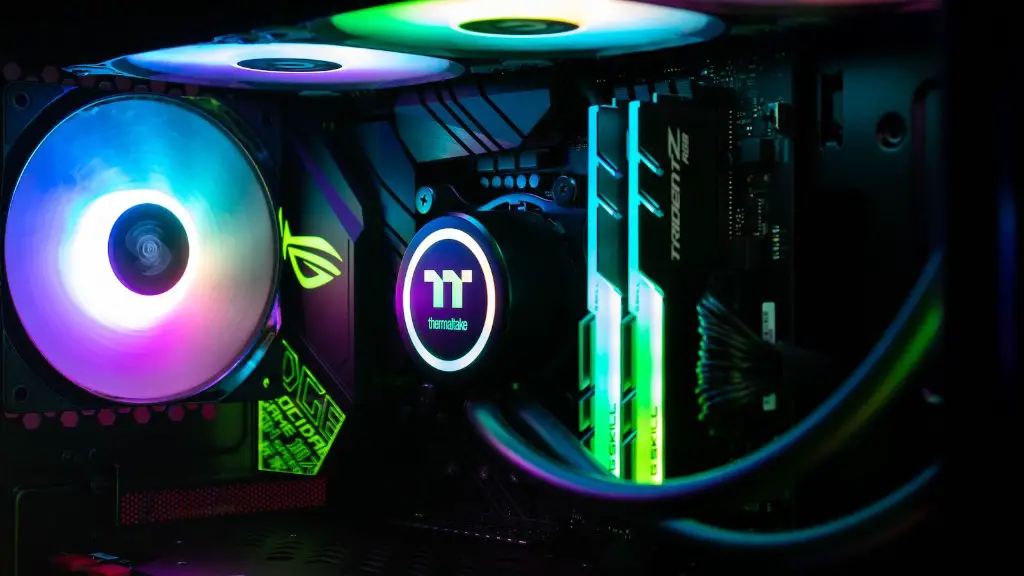
High-end components also generally include better cooling options such as liquid cooling or multiple fans. This is important if you intend to use the PC for intensive tasks such as gaming or when running multiple programs at the same time. Furthermore, these components can also be more reliable in the long-term, saving you potential repair costs down the line.
However, if you’re willing to sacrifice some of the performance and graphical power, there are also cheaper options available. You can look for mid-range components which provide decent performance at more budget-friendly prices. Just keep in mind that the more budget-oriented the components are, the more gain you’ll make on the performance front.
PC Maintenance
It is also important to factor in the cost of maintenance for your PC. As a gaming machine is used much more than the average computer, it needs to be kept in good condition in order to keep performance high. Regular cleaning and dust removal are essential in keeping temperatures down and allowing components to work optimally. Additionally, if any of the components needs to be replaced, such as fans or CPUs, then this will also add to the budget.
Upgrading components will also require more budget. Many gamers choose to regularly upgrade parts of their gaming PC with new components to ensure they are running the latest titles flawlessly. This means upgrading the GPU, memory, motherboard and other components as needed. Thus, you need to factor this in when considering the total cost of your gaming PC.
Another thing to remember is that PC gaming can get expensive. Buying the latest games can set you back hundreds of dollars and you also need to factor in payment for digital copies such as Steam or Origin. Similarly, subscriptions to services such as Xbox Live or PlayStation Plus need to be factored into the budget. Online gaming itself also needs to be paid for if you’re a competitive player.
Finally, if you need peripherals such as a gaming keyboard, monitor or controller, then this will also add to the cost. These components can be expensive, but they can improve your gaming experience by a huge margin. It is important to do your research when looking for peripherals and find ones that best fit your needs and budget.
Planning & Preparation
Once you’ve considered all these factors, you can begin to plan and prepare for your gaming PC build. Make sure you create a comprehensive list of components you intend to purchase and their respective prices. This will help you estimate how much you need to allocate for the build and not go over budget.
You should also research extensively about each component and identify compatibility issues between components. Many components such as motherboards and graphics cards need to be compatible in order to work properly. Moreover, the case size should be suitable for the components you intend to use. Make sure to take your time with this step as incompatibility issues can be expensive to solve after the purchase.
It’s also a good idea to talk to experienced gamers and PC builders. They can help you identify potential issues with components and provide tips to save money on building your gaming PC. Additionally, if you opt to hire someone to build your custom gaming PC, experts can help in finding and vetting reputable builders.
Finally, if you choose to build your gaming PC yourself, take your time and be patient. Building a gaming PC is a rewarding experience but it can also be quite challenging at times. Read the user manuals thoroughly before attempting to assemble the PC and make sure you know how to mount each component properly. Additionally, watch YouTube videos for help and tips about each component.
Pay attention to Overclocking
Overclocking is a process of pushing the components of your gaming PC beyond the specifications of the manufacturer. Many gamers choose to overclock their gaming PCs to obtain even higher performance from the same components. This can be a great way to eke out the best performance from your machine without the need to buy new components.
However, it’s important to be aware of the risks associated with overclocking. Excessive overclocking can lead to component damage, instability and even voiding warranties. Additionally, an overclocked gaming PC generates more heat, and thus stronger cooling systems are needed. It’s important to also consider potential damage to excessive heat and poor cooling. As such, it is advised to research extensively before overclocking your gaming PC.
Similarly, if you intend to overclock, then you should purchase components which are more suitable for overclocking. The Intel Core i5 or i7 processors are usually good for overclocking, whereas the more budget-oriented Intel Pentiums are not. Similarly, graphics cards from NVIDIA are usually better for overclocking as compared to AMD equivalents.
For these reasons, it’s important to learn as much as possible about overclocking and the components you intend to purchase before attempting to overclock the hardware. Otherwise, you may end up with a damaged PC and no working warranty. Moreover, make sure you never exceed the preset temperature limits for your components.
Saving on Cost
Finally, there are many ways to save money when it comes to building a gaming PC. One is to look at used options or buy components that have been recently discontinued. These items can provide the same performance at a significantly lower cost.
By doing your research and shopping around, you can compare prices from different retailers and identify good deals. Additionally, you can also look for special discounts and promotional offers. Many of these will provide significant savings, as well as bundle deals. Furthermore, learning about new technologies can also help in finding cheaper but more powerful components.
Building a gaming PC does require some financial investment, but with the right research, planning, and preparation, you can obtain a top-of-the-line machine at an amazing price. The key is knowing what you need and where to get it. With the right knowledge and resources, you can easily construct your own magnificent gaming PC just the way you had always wanted.
