When it comes to choosing the best gaming PC, there is no one-size-fits-all solution. Fortunately, there are several factors that you can consider before you make your purchase. Here’s how to choose the best gaming PC for you.
Start by deciding what type of games you will be playing. Different games require different hardware specifications, so having an idea of the types of games you will be playing can make a big difference in what type of gaming PC you need. If you are looking for a general-purpose gaming PC, look for a model with a high-end graphics card and a powerful processor.
Next, consider your budget. Gaming PCs can range from a few hundred to several thousand dollars, depending on the components you choose. If you are on a budget, opt for a pre-built system. It will likely cost less than building your own PC, and you can always upgrade later on.
Once you have decided on your budget, consider your gaming experience. If you are an experienced gamer, you may want to opt for a higher-end gaming PC. If you are new to gaming, you may want to start with a less expensive model with fewer features. This way, you can get familiar with gaming before you invest in a more powerful system.
Finally, consider the size of your gaming setup. Do you have a large desk or a more compact gaming area? Depending on the size of your setup, you may need a larger or a more compact gaming PC. Make sure to take measurements of your setup before you make your purchase.
Graphics Card
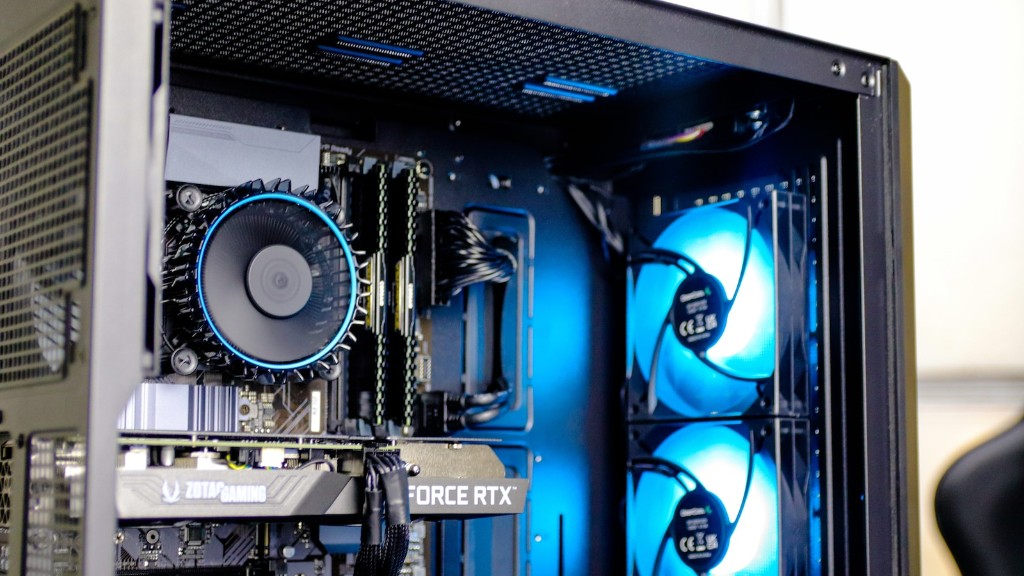
When choosing a gaming PC, a powerful graphics card is an essential component. The graphics card determines how smoothly your games run and how visually impressive they look. A higher-end graphics card will give you an advantage in many games, while a cheaper card may not be able to keep up with the latest titles. Make sure to do your research and compare the performance of different graphics cards to get the best bang for your buck.
If you are serious about gaming, you may want to invest in a graphics card with more than one GPU. Multi-GPU setups typically offer significantly better performance than single-GPU configurations, and they can give you an edge in many games.
Finally, make sure to choose a graphics card that is compatible with your other components. Some graphics cards may require a certain type of power supply, for example, or an additional cooling system. Do your research before you make a purchase, and make sure that all of your components are compatible.
Memory
Another important component in a gaming PC is the amount of RAM. RAM determines how much data your system can access at once, which affects how quickly and smoothly your games run. Higher-end games typically require more RAM, so you may want to invest in 8GB or 16GB of RAM. If you plan on playing older games, 4GB may be enough.
If you are serious about gaming, it is recommended that you opt for a system with two RAM slots. This will allow you to easily upgrade your system in the future if you need more RAM. Also, make sure to choose RAM that is compatible with your motherboard and processor.
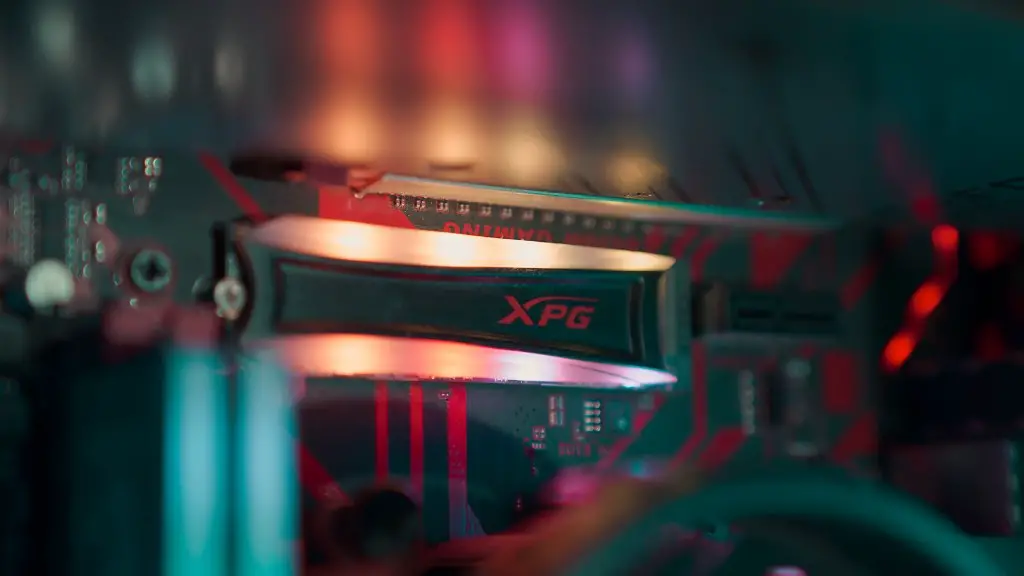
Finally, consider additional storage. A great gaming PC should have plenty of storage space for all of your games and other applications. If you have a large gaming library, an SSD (solid-state drive) can provide blazing-fast loading times. For more budget-friendly systems, a traditional hard drive may be all you need.
Processor

The processor is the brain of the gaming PC, and it has a big impact on performance. A higher-end processor will allow your PC to handle more complex games, while a cheaper processor may be unable to keep up. Do your research, compare the performance of different processors, and choose one that is compatible with your other components.
It is also important to consider the number of cores. A processor with more cores can handle more tasks at once, so it is recommended that you opt for a system with at least four cores. If you can afford it, a 6-core or 8-core processor may be even better.
Finally, consider the clock speed. This is the number of instructions your processor can handle each second, so a higher clock speed will give you an advantage in many games. Make sure to compare the clock speeds of different processors before you make a purchase.
Cooling System
When building a gaming PC, it is important to consider the cooling system. A powerful gaming PC will generate a lot of heat, so make sure to choose a system with adequate cooling. Liquid cooling is typically more efficient than air cooling, but it is also more expensive. If you are on a budget, an air-cooled system may be more suitable.
Also, keep in mind that the components in your system may have different cooling requirements. Some components may require additional cooling, such as additional fans or a dedicated liquid cooling system. Make sure to check the cooling requirements of each of your components before you make a purchase.
Finally, consider the noise level. Many enthusiasts opt for liquid cooling because it is typically quieter than air cooling. If noise levels are important to you, make sure to choose a system that does not produce too much noise.
Power Supply
Another important consideration when choosing a gaming PC is the power supply. Make sure to choose a power supply that can handle the power requirements of your components. It is recommended that you opt for a power supply with a higher wattage rating than you need; this will give you some extra headroom in case you want to upgrade your system in the future.
Also, make sure that the power supply you choose is compatible with the rest of your system. Some components may require special connectors, so make sure to check the connection types before you make a purchase.
Finally, make sure to consider the efficiency of the power supply. A more efficient power supply will use less electricity and generate less heat, so it is typically better for both your wallet and your system.
Warranty and Support
When buying a gaming PC, it is important to consider the warranty and support options. Many manufacturers offer extended warranties and support for their systems, which can give you peace of mind in case something goes wrong. Make sure to research the warranty and support options of different manufacturers before you make your decision.
It is also important to consider the type of support offered. Some manufacturers may offer phone support, while others may only offer online support. Make sure to choose a manufacturer that provides the type of support you need.
Finally, make sure to consider the repair or replacement policies of the manufacturer. It is important to know what happens in case your system needs a repair or a replacement. Make sure that the manufacturer has a reasonable repair or replacement policy in case something goes wrong.
