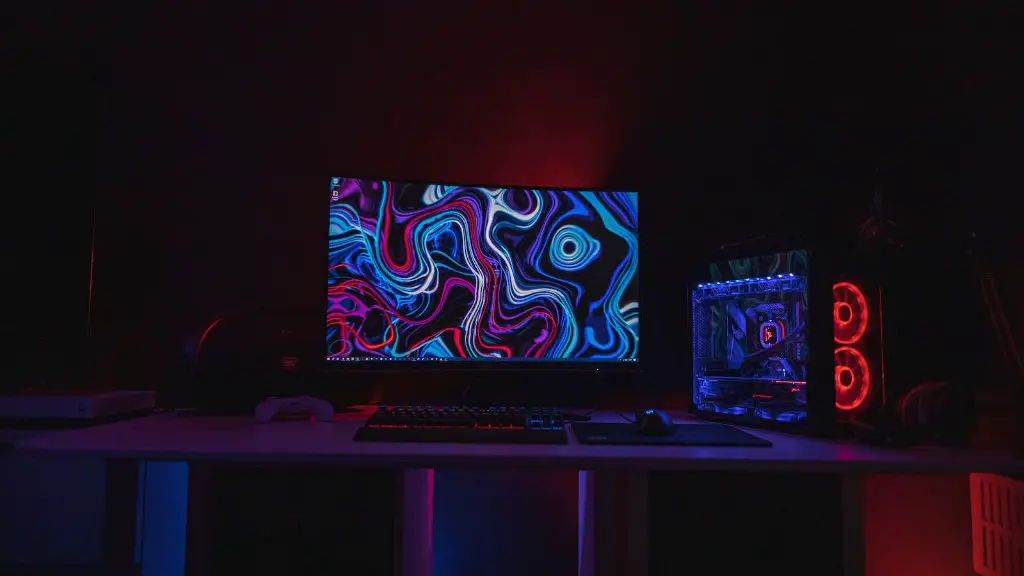
Gaming PCs are no longer a luxury, but a necessity for those who want to get the best gaming experience out of their favorite titles. To be sure you get the best out of your games and prevent stuttering and slow down, there are certain things that you need to look for when buying a gaming PC. In this article, we will go over what to look for when buying a gaming PC.
First and foremost, you want to make sure that your gaming PC has enough power to play the games you want. This means making sure you have enough RAM and a graphics card with enough video memory to support your favorite titles. A powerful processor is also important, as it allows the game to run smoother. Investing in an SSD will also provide faster loading times, which is a must for a gaming PC.
The other important component of a gaming PC is its cooling system. Heat can quickly build up when playing and having inadequate cooling setups can lead to malfunction and energy inefficiency. Investing in a quality cooling system is the key to getting the best out of your games without fear of damaging any components.
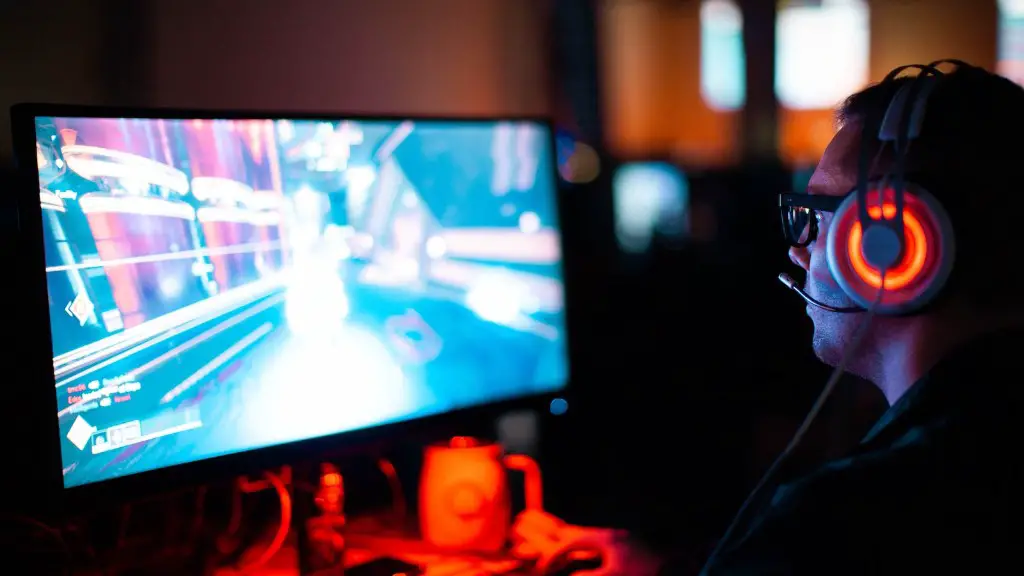
No gaming PC is complete without the right peripherals. This includes a high-resolution monitor, a gaming keyboard, and a quality gaming mouse. For even more control over your gaming experience, you should also look for a controller that is compatible with your PC. This ensures that all of your gameplay is as precise as possible.
You also want to make sure that your gaming PC has adequate storage. This means having large hard drives that can hold all the games you play, as well as having a solid-state drive to access your games quickly and give you the best speeds. You should also make sure that your gaming PC has plenty of ports for connecting to the internet, as well as USB ports for connecting peripheral devices.
To get the best out of your gaming experience, you want to make sure that your gaming PC has a quality sound card. Having the right sound card ensures that your games sound as good as possible and that you can hear all the subtle audio cues. Quality headphones are also recommended for enhancing your experience.
Finally, you need to make sure that your gaming PC has enough RAM to handle the games you play. While 8GB is the minimum requirement nowadays, 16GB is recommended for modern AAA titles. Increasing your RAM will also help your PC run faster and prevent stuttering.
Graphics Card Specification
For gamers, the graphics card is arguably the most important component of a gaming PC. This is because it determines how well your games will look and run on your PC. The minimum requirement today is a 4GB GPU, but for more advanced gaming you will need something with more power. If you are looking for 4K gaming, you may need at least 8GB of dedicated video RAM.
To make sure you get the most out of your gaming PC, you also want to make sure that you buy the right graphics card for your system. Not all graphics cards are created equal and some are better suited for certain games than others. If possible, make sure to research the games you plan to play and find out which graphics cards are recommended.
It’s also important to consider the features that different graphics cards offer. Some cards include extra features such as overclocking functions, advanced cooling systems, and more. Consider all the features and decide if any of them will be worth the added cost or not.
Finally, be sure to look at benchmarks of different graphics cards before making your purchase. This will allow you to compare cards and find out which ones truly offer the most performance for your money.
Power Supply and Extreme Cooling
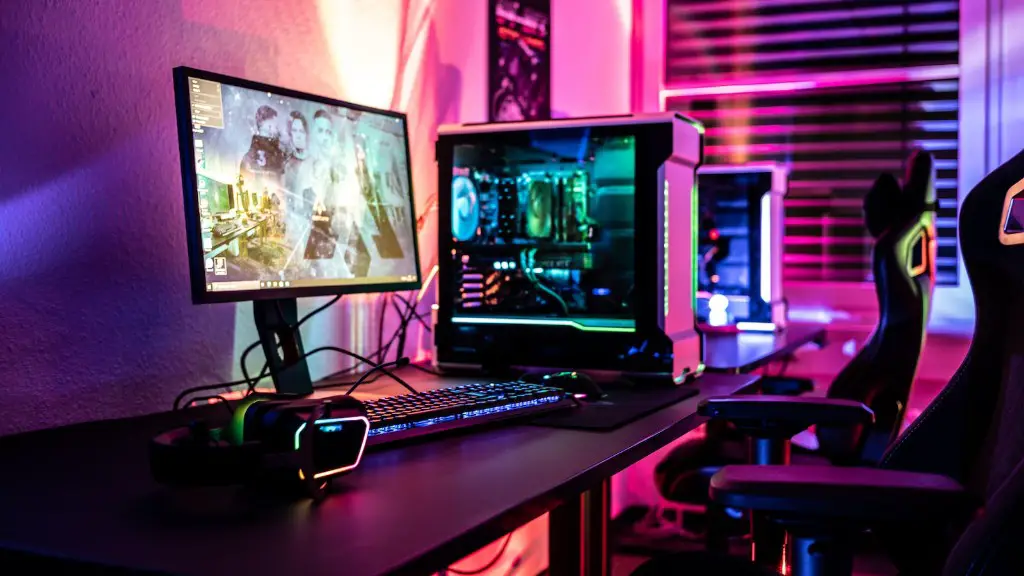
For a true gaming build, you will likely want to invest in a powerful power supply and extreme cooling solutions. Quality power supplies are essential for ensuring that your PC has enough power to handle the high-end components you’ll be using. It also helps to prevent any potential damage to other components in case of unexpected power surges.
As for extreme cooling, you’ll need to invest in a good liquid cooling system. This will ensure that heat is efficiently taken away from your components and that your PC runs smoothly and efficiently.}
Liquid cooling can also add an aesthetic aspect to your gaming PC if it is designed right. As a result, you can show off your gaming rig’s innards with intricate liquid cooling loops and even RGB lighting.
When shopping for liquid cooling options, make sure to look at the size of the radiator, the power of the pump, and the size of the fans. These three factors will help determine how effective the cooling actually is.
Storage for a Gaming PC
When it comes to storage for a gaming PC, many gamers opt for a combination of both HDD and SSD. This provides the best of both worlds — HDD for mass storage and SSD for faster access. Many gaming PCs will come with both types of storage, although you may want to upgrade your storage to get the best performance.
For HDD storage, look for larger drives with higher RPM speeds. These will ensure faster loading times and smoother gameplay. As for SSD storage, make sure it is large enough to store your entire library of games and can provide fast read and write speeds.
You may also want to consider using a hybrid storage solution, which combines both HDD and SSD for the best of both worlds. Hybrid storage solutions provide both larger storage capacities as well as faster loading times and smoother gameplay.
Finally, you may want to invest in an external hard drive for even more storage. External hard drives are great for players who need to store a large library of games or who want to transfer games between PCs.
System Monitoring Software
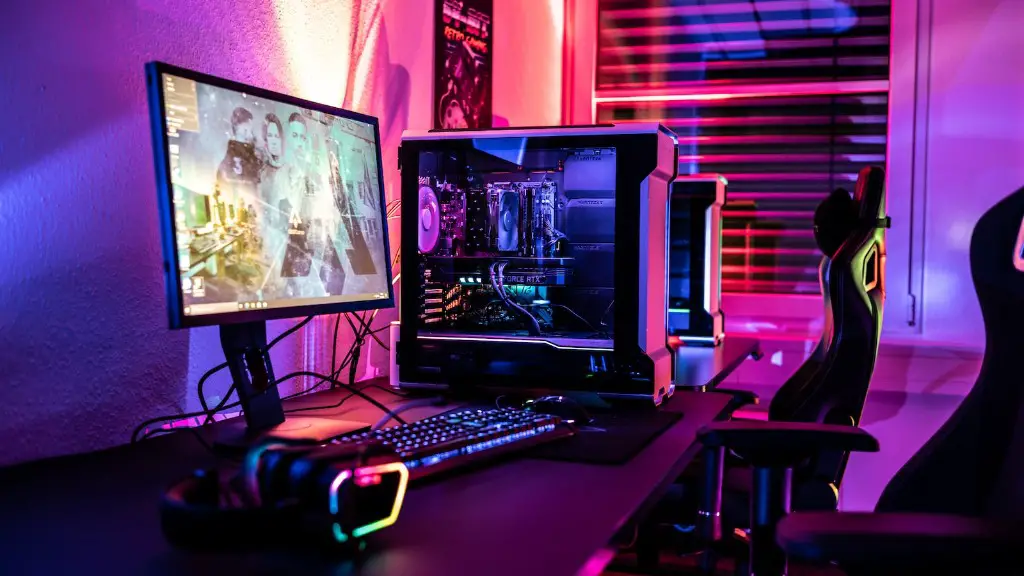
Having the right system monitoring software is essential for a gaming PC. With system monitoring software, you can easily keep track of your PC’s performance to ensure everything is running smoothly and efficiently.
This software allows you to monitor your CPU and GPU temperatures, usage, and clock speeds. It can also provide detailed information on your fan speed and power usage, giving you the ability to make any necessary adjustments to optimize your performance.
The best system monitoring software will allow you to customize what you view, letting you focus on specific details about your PC’s performance or set up alerts for when certain temperatures or usage levels are reached.
In addition, many monitoring software packages come with additional tools such as benchmarking utilities, overclocking tools, and frames per second recorders. These tools allow you to track and test your PC’s performance over time, letting you make adjustments for the best gaming experience.
Cost of A Gaming PC
The cost of a gaming PC depends on the components you choose and the type of gaming you plan to do. As a general rule, you should expect to pay at least $650 for the most basic setup, while prices can go up to thousands of dollars depending on the components you choose.
In general, you should invest as much as you can afford in a gaming PC. Having a powerful gaming PC ensures that you get the most out of your games as well as preventing potential slowdowns and stutters. However, it is important to make sure you don’t overspend on components; buy only what you need for the games you plan to play.
If you are on a tight budget, there are plenty of budget-friendly options that you can find, such as 2nd hand components. But before you buy, make sure to do your research to ensure that you are getting quality components.
Finally, if you want to get the most out of your gaming PC, be sure to keep up with the latest hardware. This will ensure that you can play the latest titles and get the best performance out of your games.
