Making a mini gaming PC is easier than you think. It requires research and patience to ensure you’ve got the right components, but if you follow the right steps, you’ll be gaming in no time. Here’s how to do it:
First, decide what kind of performance you’re after. Consider the games you’ll be playing, the frame rate you’ll need and the type of graphics card you’ll need. If you’re just looking for a basic machine for casual gaming, you could opt for an entry-level card such as one from AMD’s Radeon range. If you’re a serious gamer and want to get the most out of your machine, then you’ll need a higher-end card. Once you’ve decided on what sort of performance you require, you can then start looking for parts.
Next, you’ll need to decide what size case you want. Mini PC cases are very popular, as they are small and don’t take up much room, but they can also be expensive. If you’re looking to save some money, something like a mid-tower or full-tower is a good option. Make sure you check the measurements of the case to ensure it fits the components you’ve chosen.
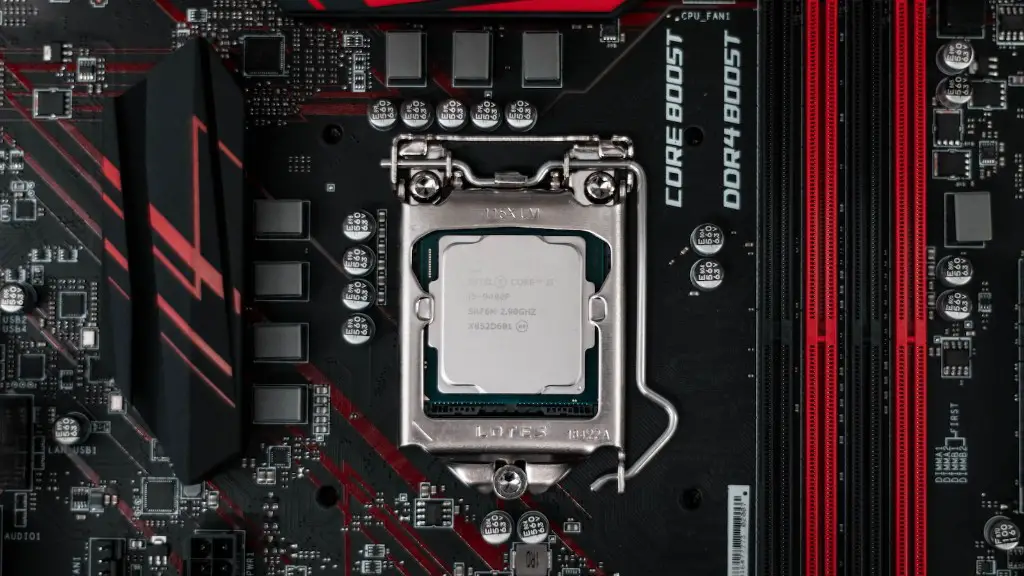
Third, think about the processor, RAM and graphics card. The processor should be powerful enough to run the latest games, while the RAM should be sufficient to ensure smooth gameplay. Invest in a good graphics card as this will determine how well the games run. Again, there are entry-level and mid-range cards available. Lastly, you’ll need to choose a motherboard that is compatible with your processor and graphics card.
Fourth, you’ll need to select a power supply. A reliable power supply is essential for any gaming PC, as it will keep the components running and prevent overheating. Invest in a reliable model and be sure to get the correct wattage for your components. If you’re unsure, consult an expert to make sure you get the right one.
Once you’ve gathered all the components, you can start building your mini gaming PC. Begin by plugging in all the components, such as the processor, RAM and graphics card. Then, attach the motherboard and start putting together the case. Use the manual which comes with the case to ensure everything is installed properly. Lastly, plug it all in and you’re ready to start gaming.
Parts and Accessories
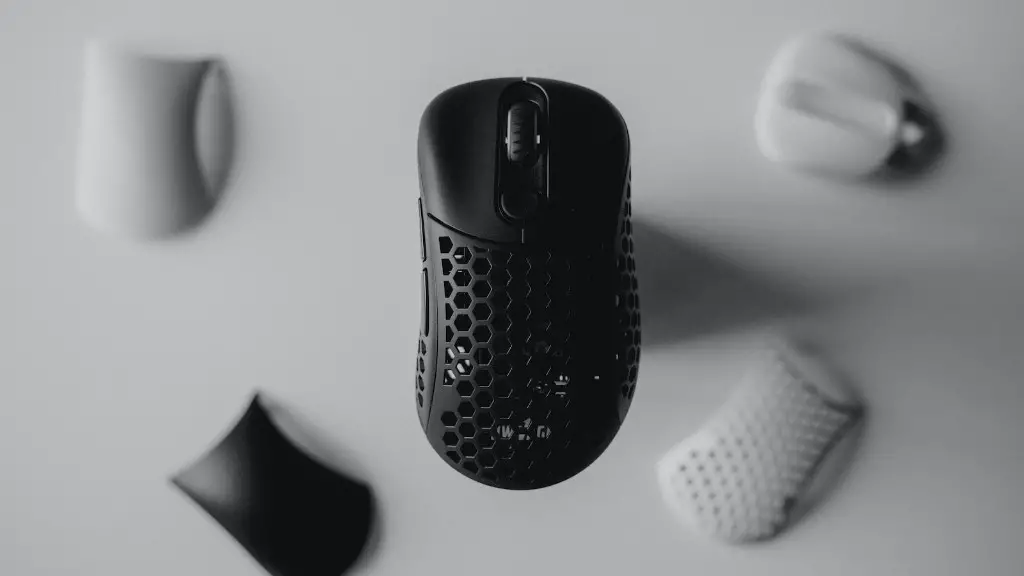
After you’ve built the mini gaming PC, there are some parts and accessories you may want to consider. A monitor is essential, as it allows you to see what’s happening on the screen. Look for one with a fast response time and high resolution for the best performance. A mouse and keyboard are also useful, as they will help you navigate the gaming environment. Consider investing in peripherals such as a headset or gaming controller for a more immersive experience.

It’s also worth looking for software that can optimize your gaming experience. Graphics cards usually come with software installed, but you may find it useful to invest in a more powerful software suite, such as Nvidia’s GeForce Experience. It can help you tweak your settings for maximum performance, as well as enabling you to record and capture your gaming sessions.
Finally, make sure your PC is secured. Ensure you have antivirus protection installed and that you keep your operating system and other software up-to-date. It’s also important to back up your data regularly to an external hard drive or cloud service, just in case something goes wrong.
Storage and Maintenance
Once your mini gaming PC is up and running, you’ll need to decide how much storage you’ll need. If you’re only playing casual games and won’t be downloading too many large files, then a smaller hard drive should do the job. If you’re playing modern, high-end games then you’ll need larger storage – like a solid-state drive (SSD). This type of storage is faster and more reliable than a traditional spinning hard drive.
When it comes to maintenance, it’s important to keep your system updated. This includes updating the operating system and verifying that all your drivers are up-to-date. Always keep your antivirus protection on and make sure to clean out dust and dirt regularly, as this can wreak havoc on your components. With regular maintenance and care, your mini gaming PC will serve you well for many years.
Cooling and Upgrading
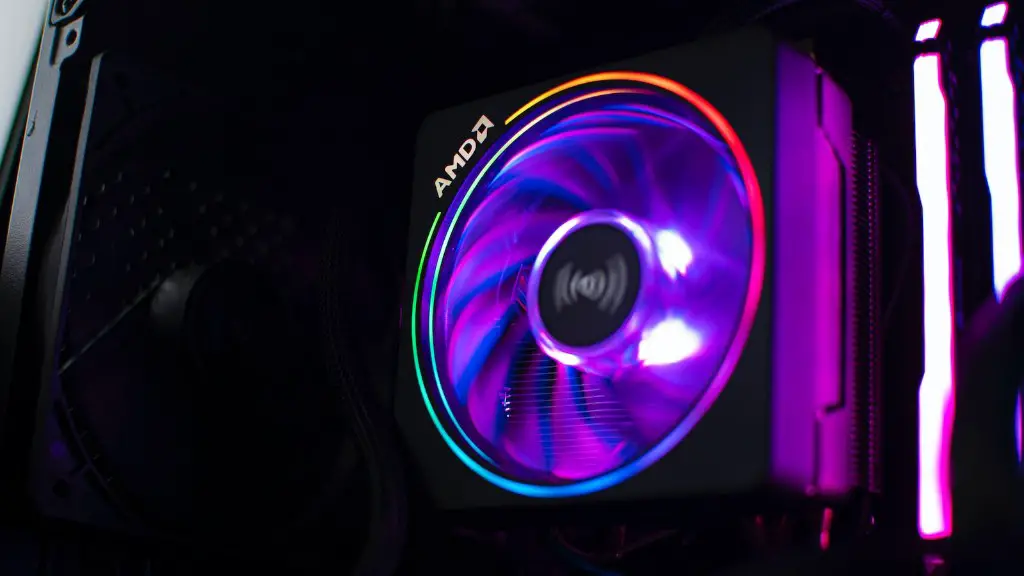
Keeping your mini gaming PC cool is important to ensure that it runs optimally. These types of PCs usually have built-in fans, but consider investing in additional cooling components. There are fans that can be attached directly to the motherboard and graphics cards, as well as liquid cooling systems that will dissipate the heat more quickly.
Upgrading components is a great way to keep your system running at its best. As technology advances, games will become more demanding and require more powerful hardware. You can easily switch out components such as the processor, graphics card or RAM, and make sure you keep an eye out for new models.
You may also want to consider experimenting with overclocking. This involves boosting the clock speed of your components beyond the manufacturer’s specification. This can be done by manually adjusting your settings or using software, but it’s important to make sure you don’t exceed the safe temperatures – otherwise you could end up with a damaged component.
Performance Tweaks
The last step to getting the best performance out of your mini gaming PC is to tweak your settings. Graphics cards usually come with their own set of customization options and you should adjust them to get the best visuals possible. You may also need to adjust the settings in the game itself, such as the resolution or texture quality. Generally speaking, a higher resolution and texture quality will provide a better experience, but it may also require more performance from your GPU.
If you’re finding that games are stuttering, then you may need to free up some resources. Close any applications or programs that are running in the background and disable any unnecessary programs from startup. You can also try lowering your graphics settings to improve performance.
These are just some of the ways to make your mini gaming PC the best it can be. With the right components, maintenance and tweaking, you should find that your machine is capable of running the latest games and providing a great gaming experience.
