
A gaming PC is essentially a personal computer that has been substantially upgraded in order to maximize gaming performance. For the core elements that make up a gaming PC, we need to look at the main components: the GPU, the CPU, and the RAM. After upgrading the system, you need to make sure that it’s properly optimized for gaming. Here are some tips and tricks on what to do with a gaming PC.
The first thing to do is to invest in high-end video cards. GPUs are a major factor in gaming performance, so it’s important to get a card that can handle the latest games at the highest possible settings. In general, a mid-range GPU will do the job just fine – but if you want to be able to run games at the highest settings, you’ll need to splurge on a high-end card.
The CPU is another essential component of any gaming PC. In general, Intel Core i7 processors are often considered the best for gaming, and they offer the best balance between price and performance. It’s also important to get enough RAM to ensure that your system runs smoothly – 8GB is generally considered the minimum, but 16GB is better if you plan on running more intensive games.
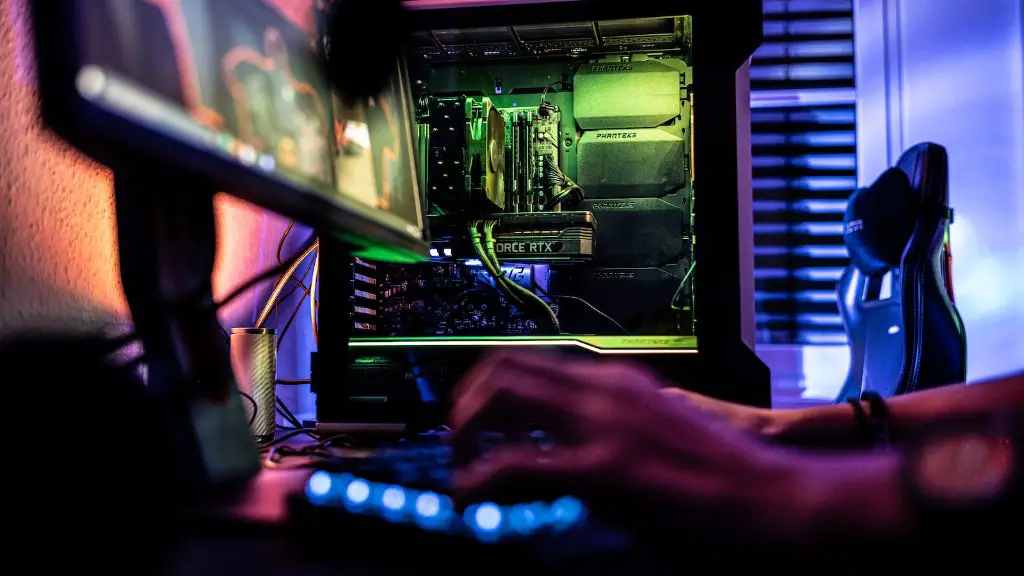
It’s also important to make sure that your system is optimized for gaming. Make sure that you install the latest drivers for your video card, and check for any performance tweaks that you can apply. This is especially important for Windows machines, as the OS can impact the performance of your system. You should also make sure that your computer is up to date with the latest updates.
Finally, if you’re looking to take your gaming experience to the next level, you might want to invest in a liquid cooling system. This will keep your PC running cool, reducing the chance of overheating or hardware damage. It can also give you a slight performance boost.
Choosing The Right Gaming Monitor
The gaming monitor you choose will largely be determined by the type of games you are playing. If you like to play eSports titles such as Counter Strike, you will likely benefit from a high refresh rate monitor such as a 144Hz screen. If you are more into single-player games, then you might want to opt for a monitor with a higher resolution such as 4K, as that will provide a much sharper image. It’s also important to consider the size of the monitor, as bigger screens provide a more immersive experience while smaller ones are much easier to fit into a small space.
It’s also important to consider the response time of the monitor, as this will impact how quickly your inputs will be displayed on the screen. Lower response times are better – as they allow your input to be processed and shown much faster. If the response time is too slow, you might experience input lag, which will make it harder to react quickly to events on the screen.

Finally, you should consider the features of the monitor. Things like G-Sync or Freesync are a must if you are a competitive gamer as they can reduce screen tearing and input lag. If you’re more of a casual gamer, then you’ll likely be fine with a monitor that just has basic features.
Optimizing Settings And Sound
Another important aspect of gaming on a PC is the settings; you need to make sure that your games are properly optimized in order to get the best performance. This can be done by tweaking the game’s settings, such as turning down the resolution, lowering the graphics settings, or adjusting things like anti-aliasing. It’s also important to make sure that you have the latest drivers installed for your video card, as these will improve performance and also fix any stability issues.
Once you’ve optimized your game settings, you might want to focus on the sound. Investing in a good headset, or even some desktop speakers, will greatly improve your gaming experience. This is especially true if you are playing competitively, as you will be able to hear footsteps and other subtle audio cues that can give you an edge.
Additionally, if your PC has surround sound capabilities, you will want to make sure that it’s properly calibrated to take full advantage of it. A well-calibrated surround sound system can greatly improve immersion and also make it easier to locate audio cues, such as footsteps or gun fire, in a 3D space.
Peripherals and Accessories
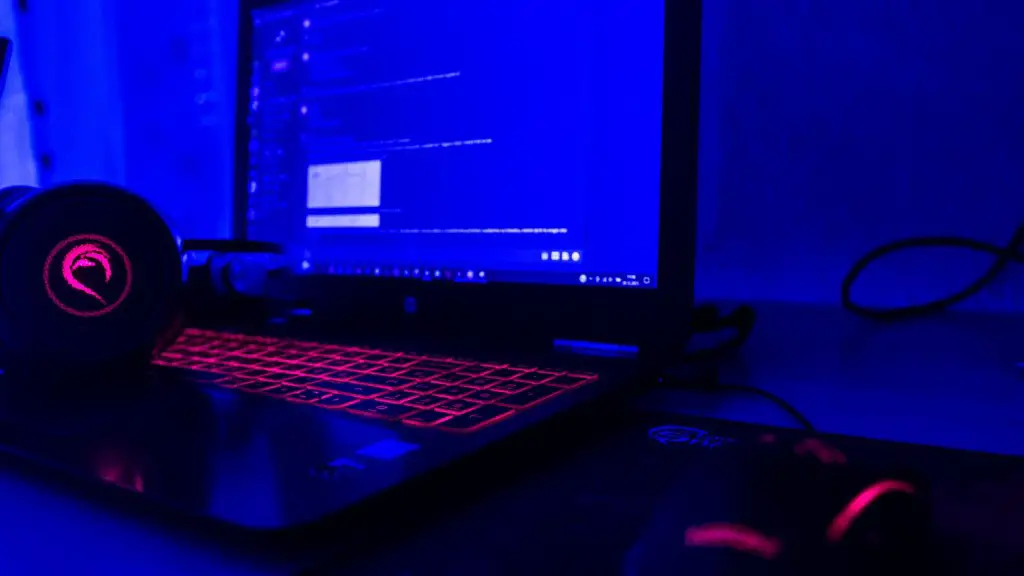
For a truly immersive gaming experience, you will want to invest in some gaming peripherals. Some of the more popular gaming accessories are things like gaming mice, keyboards, and headsets. A good gaming mouse will give you precision and accuracy, while a good gaming keyboard will allow you to type quickly and accurately. A good headset will allow you to hear every sound, giving you an advantage against your competition.
If you’re looking to get even more out of your gaming PC, you might want to consider investing in some virtual reality hardware. This will allow you to experience games in a whole new way, immersing you in the virtual world. However, these devices are still relatively expensive, so you’ll want to make sure that you’re getting the most bang for your buck before investing.
The last thing to consider when it comes to gaming PC accessories is the external storage. If you plan on downloading a lot of games or storing a large amount of data, you will want to get an external hard drive. External hard drives are also good for backing up your data, as they are much more resilient than regular hard drives.
Upgrading Your System
Ultimately, if your gaming PC isn’t performing as you’d like it to, you should consider upgrading your system. When upgrading, you should pay particular attention to the GPU and CPU, as these are the most important components for gaming performance. Other important upgrades include additional RAM and a better power supply. It’s also important to make sure that you are using the latest drivers and firmware.
If you’re looking to get serious about gaming, you should also consider crafting a custom PC. Building a custom PC allows you to choose exactly which components you want, so you can get the ultimate gaming machine. It’s also more affordable than buying a pre-built PC, and you will have the added satisfaction of being able to build something with your own hands.
Finally, it’s important to remember that PCs are constantly evolving and new technologies are being released all the time. To make sure your system is up to date, you should consider upgrading your PC whenever new components come out. This will ensure that your PC is running at its peak performance, allowing you to get the most out of the games you play.
Avoiding Common Issues
Finally, it’s important to ensure that you are taking the necessary steps to keep your PC running smoothly. This is especially important when it comes to gaming, as any performance issues can be extremely frustrating. Here are some tips to help you keep your PC running efficiently.
One of the most common issues is overheating, and this is usually caused by dust accumulating on components. Make sure that you are regularly cleaning out the case of your gaming PC, and check the temperature of your system to make sure it isn’t too hot. If it is, invest in a better cooling solution.
Another issue that can occur is driver related issues. Make sure that you have the latest drivers installed for your video card and other components. This will ensure that your system is up to date and running as smoothly as possible.
Lastly, make sure you keep your operating system up to date. Most operating systems can be set to automatically download and install the latest updates, so make use of this feature. This will ensure that your PC is secure and running with the latest features.
