
The right hardware is essential for a good gaming PC. It needs to be powerful enough to run the latest games on high settings, while still being affordable and reliable. To achieve this, there are certain components that you’ll need, such as a graphics card, CPU, memory, storage, and motherboard. You also need the right accessories, like a monitor, joystick, or other gaming peripherals. Let’s look at each of these components in detail.
Graphics card is probably the most important part for gaming. It allows you to run the latest games on high settings, without compromising on performance. You’ll need to make sure that your card is powerful enough for the games that you plan to play, but not so powerful that it will break your budget. You also need to be aware of your budget and stick to it. Low-end GPUs are usually enough for casual gaming, while high-end cards are better suited for more intense gaming.
CPU is the brain of your system and is responsible for the speed of your PC. You’ll need a strong processor to be able to run the latest games and multitask. Intel Core CPUs are a good option, ranging from the entry-level to the powerful i7s. AMD Ryzen CPUs are also popular, offering great performance for a lower price.
Memory ensures that your PC has enough RAM to handle the games you play. You’ll need at least 8GB of RAM, but 16GB is ideal if you play modern, graphics-intensive games. The higher the RAM, the better performance you’ll get in-game.
Storage is the next essential component. You need both an SSD for your OS and programs, and an HDD for additional storage. You’ll need at least 128GB of SSD storage, but larger drives are better if you plan to install many programs or games on your PC. HDDs typically range from 500GB to 2TB.
Finally, you’ll need a motherboard that supports all of your components. Make sure that your motherboard is compatible with your processor, graphics card and memory. MSI, Gigabyte and Asus are some of the most popular brands. You can also buy a pre-built, ready-made PC that has all of the components already installed, but these are usually more expensive.
These are the essential components that you need for a good gaming PC. You will also need the right accessories, like a monitor, joystick, or other gaming peripherals. Keep in mind that the cost of these components will vary depending on the specifications, so make sure that you do your research before buying anything.
Graphics Card
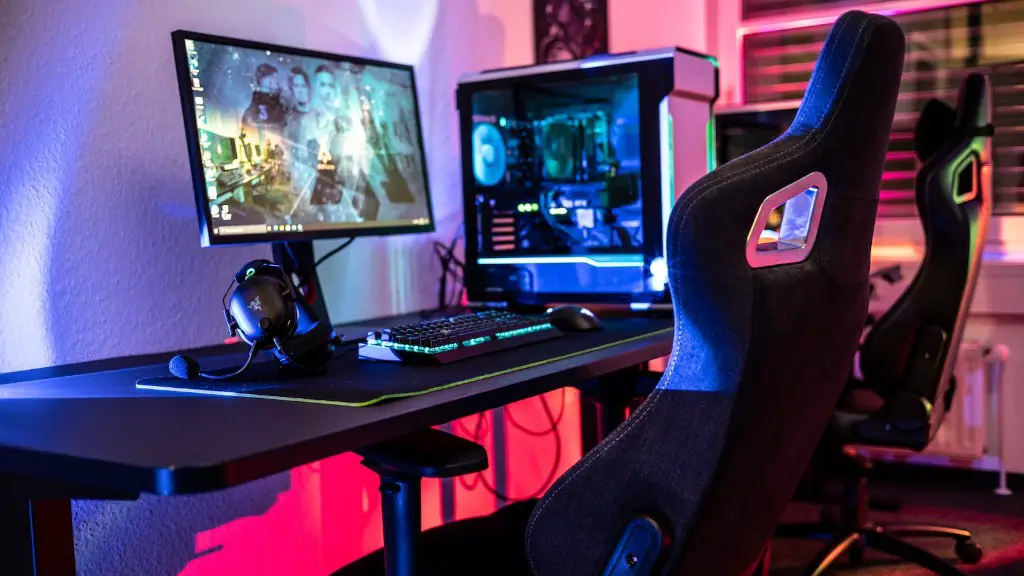
The graphics card, or GPU, is the heart and soul of any gaming PC. It is responsible for the graphics in all games, and an upgrade in this department will lead to a significantly better gaming experience. When looking for a good gaming GPU, you should opt for one with a large amount of VRAM and a powerful processor, but one that won’t break the bank. There are a few brands that offer top-of-the-line cards, such as Nvidia and AMD, but there are also more budget-friendly options available.
When looking for a gaming GPU, always make sure to look for benchmarks and tests online to get an idea of the card’s performance. Also, look out for GPUs with special features, such as ray tracing, which can significantly improve graphics. Finally, check the card’s power consumption, as buying a card with too much power consumption can lead to hefty electricity bills.
One important aspect to keep in mind when shopping for a gaming GPU is manufacturer drivers. Drivers are the software that is used to connect the GPU to the operating system, and a good driver can make a big difference in performance. You should check if your card has the latest drivers and if they are compatible with your system. Nvidia and AMD also regularly release driver updates which can add features or fix problems.
Finally, when looking for a gaming GPU, remember to research other aspect such as the size and cooling system of the card. Some models take up three slots in your PC, while others are a single slot, which will determine the size of the case you need to get. The cooling system is also crucial factor as this keeps the GPU cool while running the latest games.
CPU

The CPU or ‘Central Processing Unit’ is the brains of your system and is an integral part of your gaming PC build. You will need to choose a processor that is powerful enough to handle the latest games, but also not too expensive that it breaks your budget. Intel Core is the most popular choice when it comes to gaming CPUs, with the current range covering from the budget Core i3 all the way up to the high-end Core i9.
When shopping for a gaming CPU, you should consider the clock speed, number of cores and the cache size. Clock speed determines the speed at which your processor works and is measured in GHz. The higher the GHz, the faster the CPU is. The number of cores affects the parallel processing capabilities of the processor, which is important for gaming. Finally, cache size is the amount of memory that is built into the processor and directly affects its speed.
If you plan to overclock your processor to get more performance, then you should look for a CPU with unlocked multipliers, such as Intel Core i7 and i9s. Overclocking can be dangerous though, so make sure that you read up on how to properly overclock before doing so. AMD also offers Ryzen CPUs which offer excellent performance for a lower price, especially if you are on a budget.
Your choice of processor will also depend on the type of games you play. If you are a fan of strategy or MMOs, then a processor with higher clock speed is better, while for FPS and racing games, one with more cores is better. Finally, make sure that your processor is compatible with your other components, such as your motherboard and graphics card.
Memory

Memory, or RAM, is the storage for data and instructions currently used by your system. It is essential for any gaming PC, as it allows you to run games on high settings and do multitasking. The amount of RAM you will need will depend on the type of games you play, but as a general rule, 8GB is the minimum and 16GB is better.
When looking for RAM, make sure to buy modules with the same speed. This will ensure that they work in tandem and will improve the performance of your system. You should also look for DDR4 RAM, as this is the latest type, and can offer faster speeds. If you plan to do heavy multitasking, then you should opt for a dual-channel configuration, which will double the amount of RAM.
Another factor to consider when shopping for RAM is the cooling. Although RAM does not generate much heat, it is still important to have cooling for it as it will be constantly running while you are gaming. Look for a cooler that can easily fit onto your RAM modules and offers good cooling. Low-profile RAM can also be useful in this case, as it takes up less space and can be easily cooled with a small fan.
Finally, if you plan to do a lot of multitasking, then you might want to opt for more RAM. 32GB is usually enough for such tasks and for running programs like Photoshop, but 64GB is even better. For gaming, however, 16GB is usually enough and will allow you to play most of the latest games on high settings.
Storage
Storage is the one component that you need to pay special attention to, as it affects the performance of your PC. You’ll need both an SSD for your OS and programs, and an HDD for additional storage. When looking for an SSD, you will need at least 128GB of storage, but preferably more if you want to install a lot of games. Solid state drives are also known to be faster than HDDs, but they are more expensive, so keep that in mind when shopping.
When it comes to HDDs, these come in different capacities, ranging from 500GB to 2TB. If you plan on installing more than a few games, it is better to opt for a larger HDD. For bigger capacities, you can opt for an external HDD, which can be connected to your PC via USB, or a NAS system if you need to share the data with multiple users.
Another important factor to consider when buying storage is the speed. Many vendors offer different speeds, with 7200RPM being the most common. Solid state drives will offer much faster speeds that can improve gaming performance and reduce loading times. You should also look for a reliable drive that is not prone to failure as any data loss can be catastrophic.
Finally, if you plan to transfer large files, or if you have a lot of data, then it is best to buy an SSD with a large capacity. If you are on a budget, then an HDD with the same capacity is much cheaper, but it is slower. Also, keep in mind that your SSD may require you to get a larger power supply in order to power it, so factor that into your budget.
