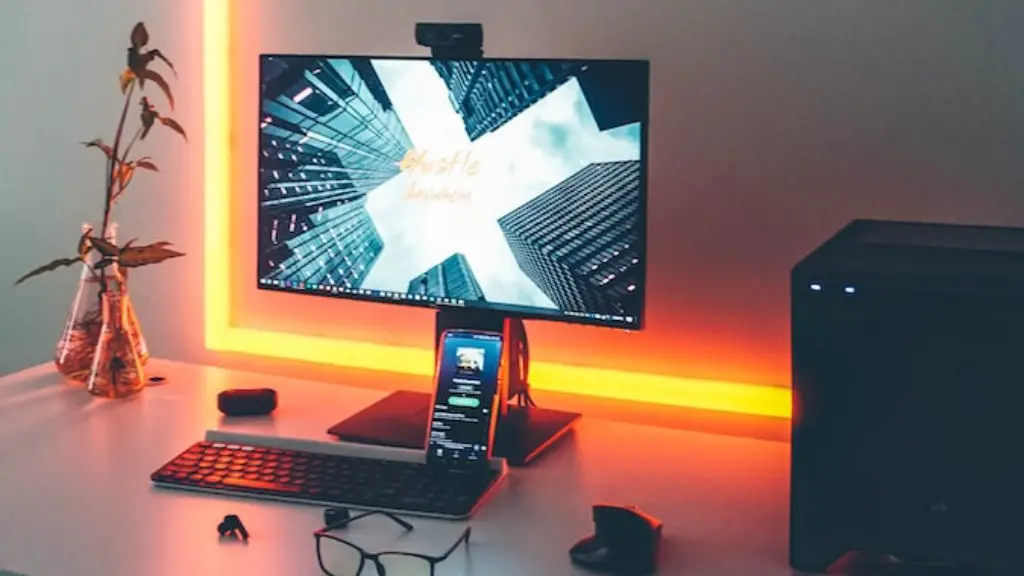
Building a gaming PC requires certain tradeoffs and should be approached with care. There are dozens of hardware and software specifications to consider when building a gaming computer, which all affect the performance, and ultimately, the overall gaming experience.
First, the processor. Intel Core i7 processors are currently recommended for gaming PCs, but many cheaper options are suitable, such as Intel Pentium and Intel Celeron processors. AMD Ryzen processors are also a good choice. As with CPU selection, the goal here is to balance performance and affordability.
Second, the RAM. 8GB of RAM is the minimum for a gaming PC, although 16GB is recommended if you plan on playing modern games. If possible, opt for 2x8GB RAM sticks, as this is more reliable and gives you the ability to upgrade your RAM easily in the future.
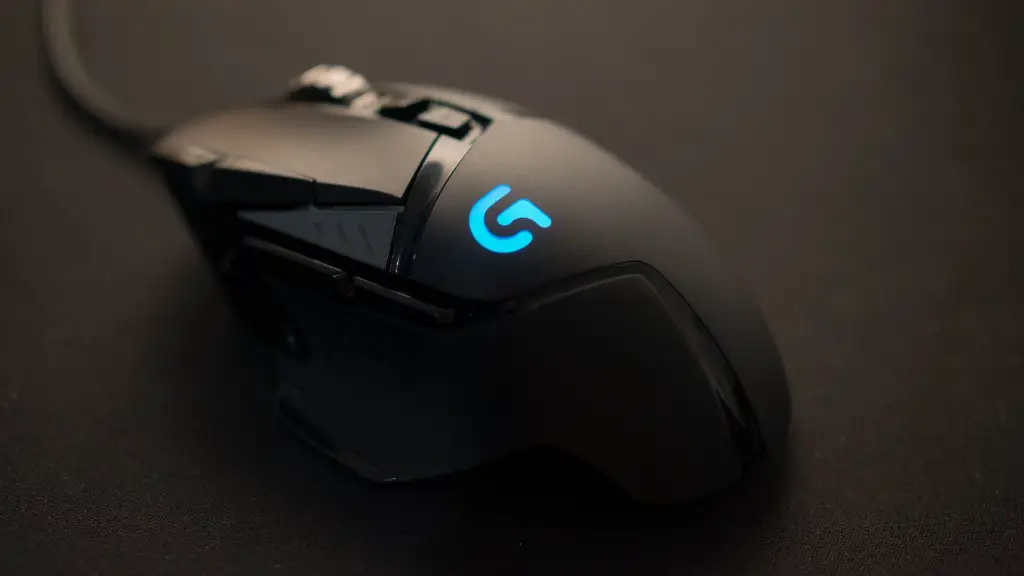
Next, the graphics card. A dedicated graphics card is the key to a smooth gaming experience. Nvidia GeForce RTX 30XX series cards are currently the most powerful on the market, but AMD Radeon 5700 series cards are also excellent for gaming. Budget-wise, a GTX 1650 or a Radeon 5600XT should do the trick.
The motherboard also matters. Look for motherboards with the latest Intel Z490 or AMD AM4 socket. The number of USB ports, Wi-Fi and Ethernet capabilities, as well as the number and type of slots and ports should be considered. It’s also important to check if the motherboard is compatible with the CPU and GPU.
Finally, the power supply. Look for power supplies with enough power to meet the requirements of the hardware you’ve chosen, as well as enough headroom to support upgrades in the future. For example, if you’ve chosen a GTX 1650, a 450-500 watt power supply should do the trick.
These are the main specifications to consider when constructing a gaming PC. Assembling a gaming PC can be challenging, but a good gaming computer will deliver an enjoyable gaming experience.
Types of Graphics Cards
Graphics cards come at different levels of power and price. Entry level cards like the Nvidia GTX 1050 or the AMD Radeon RX 560 are suitable for basic gaming. Mid-range cards like the GTX 1650 or the AMD Radeon RX 5700 are suitable for more demanding titles, but won’t break the bank. High-end cards like the Nvidia RTX 30XX series or the AMD Radeon VII are the most powerful on the market, but are quite expensive.
The choice of graphics card is largely dependent on the type of game that you’re looking to play. If you’re looking to play casual or non-demanding titles, then an entry-level or mid-range card should suffice. If you’re looking to get the most out of more demanding titles, then a high-end graphics card should be your goal.
It’s important to note that graphics cards often come with the latest drivers pre-installed, and these drivers must be updated regularly to ensure optimal performance. Nvidia and AMD both offer their own drivers, so be sure to check what drivers are available for the graphics card that you decide to purchase.
Keep in mind that the graphics card also requires a good amount of power. Look for power supplies and motherboards that are compatible with the graphics card that you’re looking to purchase.
Hard Disk Selection

The first thing to consider when selecting a hard drive is whether or not you want to install an SSD or a conventional hard disk. An SSD can provide faster loading times and better performance, but it tends to be more expensive than a conventional hard disk. A conventional hard disk is often the preferred choice for gamers as it provides plenty of storage space at a much lower price point.
It’s important to note that the size of the hard drive will depend on the type of games that you’re looking to play. If you’re looking to install larger titles, then it’s recommended to opt for a higher capacity hard drive. Alternatively, if you’re looking to play smaller, less demanding titles then a lower capacity hard drive should suffice.
It’s also important to consider the speed of the hard drive. Hard drives come in a variety of speeds, ranging from 5400RPM right up to 7200RPM. Faster drives tend to provide faster loading times, and are therefore preferred by gamers.
Finally, it’s important to consider the type of connection that the hard drive uses. Most gaming PCs use either SATA or M.2 connections, so it’s important to check which type of connection your motherboard supports before purchasing a hard drive.
Operating System Selection
When building a gaming PC, it’s important to choose the right operating system for your needs. Windows 10 is the operating system of choice for most PCs, and is fully compatible with modern games. It’s also possible to run macOS or Linux, although both OSes lack support for some games.
When installing an operating system, it’s important to consider the size of the installation. Windows 10 requires at least 20GB of disk space, while macOS requires at least 40GB. If you’re installing several games, then it’s recommended to have at least 250GB of disk space available.
It’s also important to bear in mind that operating systems require regular updates to patch security vulnerabilities and to ensure optimal performance. Windows 10 is well known for requiring large updates, while updates for macOS are typically smaller. Linux users can also expect regular updates.
Finally, it’s important to keep in mind that many games require specific hardware in order to run properly. Be sure to check the recommended system requirements for the games that you plan on playing before purchasing the required hardware.
Storage Selection
Choosing the right storage for your gaming PC is crucial. You’ll want storage that is fast and reliable, as this directly affects the loading times of games. If you’re looking for the fastest performance possible then an SSD is the way to go.
SSDs come in a variety of sizes and performance levels. Entry-level SSDs typically come with a capacity of 250GB or 500GB, which should suffice for most gamers. If you’re looking to install larger games then it’s recommended to opt for a higher capacity SSD. It’s also possible to purchase NVMe drives, which offer even faster performance, but they tend to be more expensive than regular SSDs.
HDDs are also a great choice for gaming PCs. They offer much more storage at lower prices, so they’re well suited for gamers who don’t mind sacrificing a bit of performance. It’s recommended to look for HDDs with at least 7200RPM, as this will help to improve loading times.
It’s also important to consider the type of connection that the storage device uses. Most gaming PCs use either SATA or M.2 connections. Be sure to check what your motherboard supports before purchasing a storage device.
Finally, if you’re looking to store large amounts of data, it’s recommended to opt for an external HDD. External HDDs are convenient and offer plenty of storage, but they tend to cost more than internal HDDs.
Cooling System Selection
Finally, it’s important to consider the cooling system. Most gaming systems will require some form of cooling, as the components generate a large amount of heat during operation. It’s important to choose a cooling system that will keep your components cool, without generating too much noise.
Closed loop cooling systems, such as AIO liquid cooling, are the most popular choice for gaming PCs. These types of coolers are powered by a pump and offer excellent cooling performance. Air coolers are also a good choice for gaming PCs and are typically cheaper than liquid coolers.
It’s important to note that some components may require additional cooling. GPUs in particular are known to run hot, so it’s recommended to purchase an additional fan, or an aftermarket GPU cooler, to keep your GPUs cool.
Finally, be sure to check the size of the cooler that you’re looking to purchase, as this may affect your choice of case. Be sure to check the clearance of the case and make sure that the cooler that you choose will fit properly.
