
There’s a fan base of PC gamers who are always looking for the perfect gaming PC under $500. Building a gaming PC that won’t break the bank isn’t easy, but it can be done. Here are some tips to help you build the best gaming PC you can on a budget.
The most important part of a gaming PC is its mother board. You’ll need a motherboard that can handle all your gaming components. You can find quality motherboards for as low as $60, so it’s worth investing in one. Be sure to check the specs and compatibility with your other components to make sure you get the right one for your needs.
The processor you get for your gaming PC will depend on how much gaming you intend to do. A good processor for gaming under $500 is the Intel Core i5-3470S. This is one of the best values for a processor that won’t break the bank. You can find a suitable one for around $100.
Next, you’ll need a good graphics card. A decent mid-range card should do just fine for a budget gaming PC. Look for something like the Nvidia GeForce GTX 1050, which can be had for around $100. This card is capable of playing most games on medium to high settings.
You’ll also need some RAM. 8GB is plenty for gaming, and you can find good RAM for around $50. As with everything else, make sure it’s compatible with your motherboard.
Storage is also important to consider. You’ll need both an internal drive and an external drive. An SSD would be ideal for the internal drive. You can get a 500GB SSD for around $90. For the external drive, look for something like a 2TB portable hard drive which will cost around $60.
Finally, you’ll need a case and power supply. A good mid-range case should cost no more than $50. Make sure to get a power supply that can handle all your components. A good 500 watt power supply should set you back about $50.
The Benefits of Building a Gaming PC
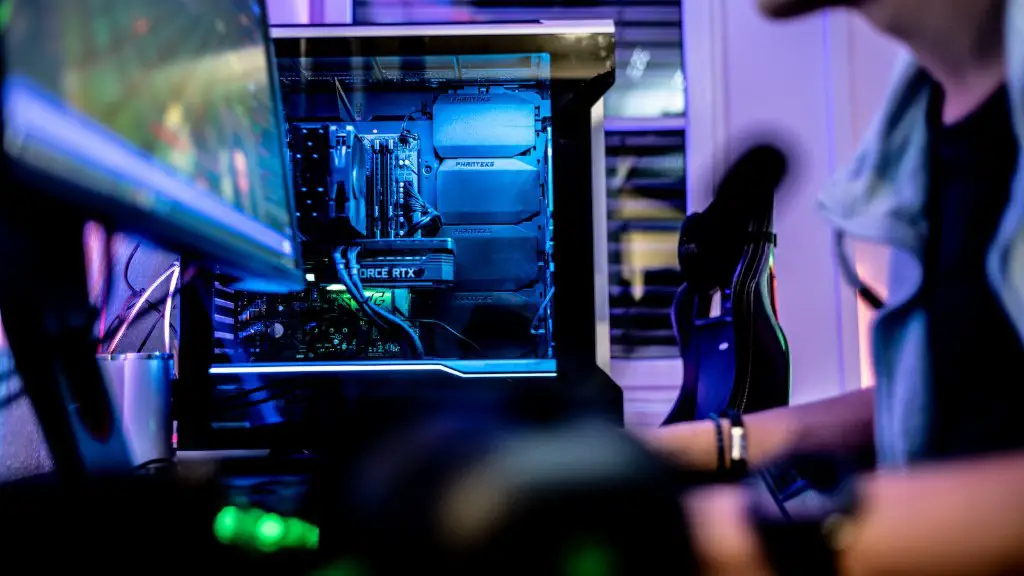
Building a gaming PC has many advantages over buying a pre-built system. The biggest benefit is that you’ll have a system tailored to your gaming needs. With a pre-built system, you may end up with components that are not up to the task of heavy gaming. When you build your system, you can choose components that will allow you to maximize your gaming experience.
Another benefit of building a gaming PC is that it allows you to choose the exact parts you want. You can get the best possible performance for the money you’re willing to spend. If you’re not sure what components to choose, there are many websites and gaming forums that can help you make an informed decision.
Finally, building your own gaming PC is a great way to learn about computers and gaming. You’ll gain a deeper understanding of how a gaming system works, and you’ll be able to upgrade or fix your system if something goes wrong.
The Drawbacks of Building a Gaming PC
Of course, building a gaming PC isn’t without its drawbacks. The most obvious one is that it can be time consuming. Building a PC can be a daunting task, and it can take several hours to assemble all the components and get everything up and running. If you’re not familiar with the process, you may find it difficult to troubleshoot any problems that arise.
Another issue is cost. Building a gaming PC can end up being more expensive than buying a pre-built system. This is because buying the components separately can add up quickly, and it can be difficult to find the best deals. It’s also important to make sure you’re buying compatible components, which can add to the cost.
Finally, you’ll need to be sure your parts are installed correctly. If you’re not careful, you can end up with components that don’t work together, or that can’t handle the demands of gaming. If you’re not confident in your technical abilities, it’s best to have a professional assemble your PC.
Where To Find Parts For Your PC Build
When building a gaming PC, you want to make sure you’re buying the best possible components for the money. To do this, you’ll need to do some research. Start by reading reviews of the components you’re considering, and then compare prices to get the best deals.
You can also check out gaming forums for advice on what components to buy. There are many experienced gamers who can give you tips on how to build the best gaming PC for your budget. Don’t be afraid to ask questions, as there are many knowledgeable people on these forums who are willing to help.
Finally, you can shop around both online and in local stores to find the best deals on components. If you’re lucky, you may even find some good deals on used components, which can greatly reduce your overall costs.
Getting The Most Out Of Your PC Build
Once you have all the components you need, it’s time to assemble your PC. Start by carefully reading all the instructions that come with your components, and make sure all your parts are compatible with each other before you start building. Make sure to leave sufficient space for cable management and proper air flow.
Once your PC is assembled, you’ll need to do some basic setup. Install any necessary drivers and software, and then run some benchmarks to make sure your system is running properly. It’s also a good idea to keep your system up to date with the latest patches and updates.
Finally, you need to make sure you tweak the settings of your games to get the most out of your system. You can often squeeze a bit more performance out of your gaming PC by adjusting the video settings and other game settings. This can make a big difference in your gaming experience, so it’s worth taking the time to tweak your settings.
Tips To Maintain Your PC Build
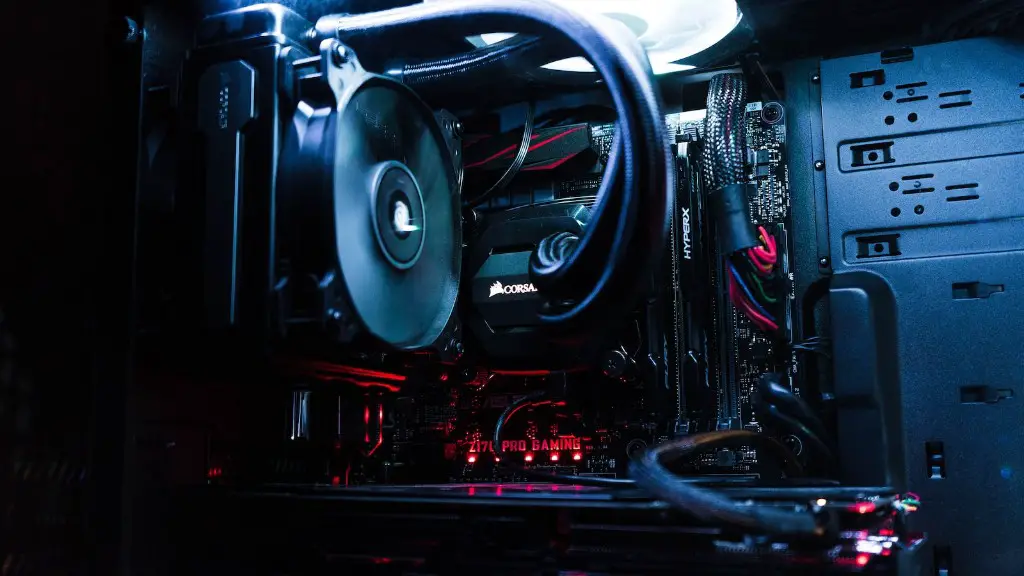
Once you’ve built your gaming PC, you’ll need to do some regular maintenance to keep it running well. Dust buildup is the enemy of your system, so make sure you take the time to clean the inside of your case regularly.
Another important step is to check for updates to your drivers and software. This can help ensure your system is running as efficiently as possible. You should also check your system’s temperatures and make sure they’re not getting too high.
Finally, it’s a good idea to periodically check your system for errors. Any hardware or software errors should be fixed as soon as possible to ensure your system is running at its peak performance.
By following these tips, you’ll be able to build a gaming PC under $500 that will keep you gaming for many years to come.
