
Aspiring gamers looking to build the ultimate custom gaming PC will want to get the hardware, peripherals and software that make up the most capable gaming machine. When it comes to assembling your gaming rig, it all starts with a solid foundation. Gathering the right component parts, building the system and tweaking your software choices for optimal performance can be a daunting prospect but with the right knowledge, it can be accomplished. Here’s a step-by-step overview of how to build the ultimate gaming PC.
1. Choose the right components. Selecting parts that are powerful enough to meet your gaming needs while not costing more than you’re willing to spend is essential. Think carefully about the processor and graphics card you’ll need, and be sure to get the right amount of memory and storage space. Buying quality components that you can use for a long time is often the most cost-effective solution in the long run.
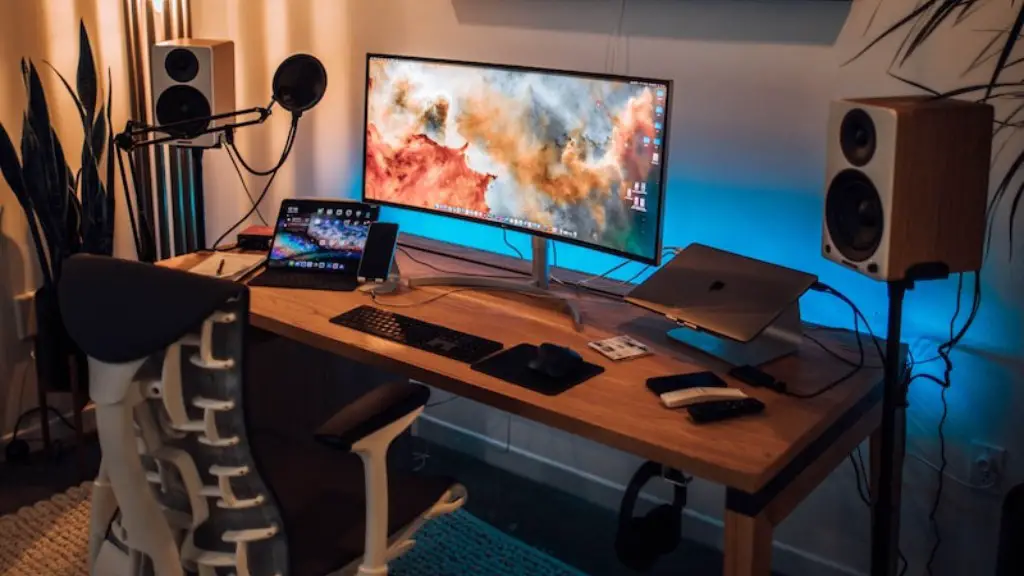
2. Grab the right peripherals. To finish your build, you’ll need the right peripherals like a gaming keyboard and mouse, a monitor with the right resolution, a gaming headset and any other additional items you’ll need to make the most out of your setup. Don’t forget to allow for a good quality surge protector and an ergonomic gaming chair if you’re looking for a comfortable gaming experience.
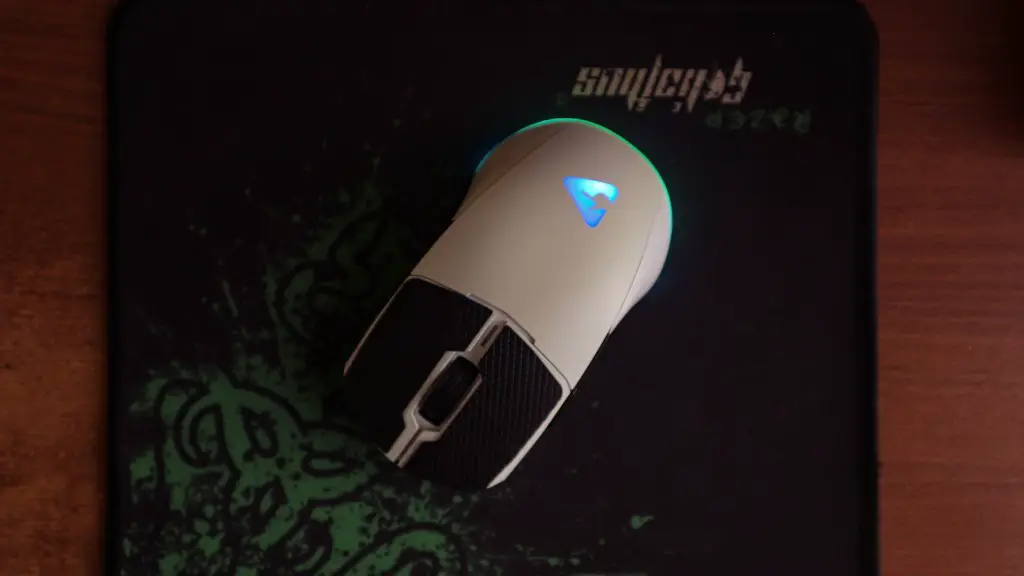
3. Get a suitable case. When it comes to cases, size, air flow and easy access to components all come into play. A good case should offer enough room and clear cable routing. Some cases also come with additional features, such as interior RGB lighting and fan controllers.
4. Install the OS. Once your components and peripherals are ready, it’s time to install the operating system. If you’re opting for the most popular choice, installing a Microsoft Windows based OS or the latest Linux distribution is probably your best bet. Make sure you get the right updates and software patches for optimization.
5. Get the software. Your gaming build isn’t complete without the software you’ll use for gaming. It’s important to get the latest version of the games you’ll be playing, along with any other software necessary for optimal performance. If you’re looking for extra protection, you may also want to get a good antivirus program.
6. Test your system. Before you start gaming, it’s important to test the system and make sure it runs smoothly. Check your system’s performance, explore your options in the BIOS and make sure your software and drivers are up to date. Run a few benchmark tests to ensure the system is running properly and then you’re ready to get gaming.

7. Find the perfect settings. Finding the right settings for each game is essential if you want to get the most out of your gaming experience. Play around with the in-game settings, tweak the graphical options and get acquainted with overclocking if you’re looking to push your hardware to the limits. Make sure to save your settings and enjoy the games.
Understand Your Components
To build the best gaming PC possible, it’s important to understand what components you’ll need. Look for the most recent and powerful components, as newer components tend to have better performance. The central processing unit (CPU) and graphics processing unit (GPU) are vital for good gaming performance. The CPU handles most of the instructions and does the bulk of the work, while the GPU controls the graphics for a smooth gaming experience. Many gaming PCs come with multiple GPUs to ensure more power.
Additionally, you’ll need to consider the motherboard and RAM, both of which play an important role in gaming. The motherboard determines the type of CPU socket, RAM and other components you can have. While RAM is an important contender, the amount of RAM depends largely on the type of games you play as some require more RAM than others.
Nowadays, most gaming PCs require a reliable power supply unit (PSU). Look for a unit that can deliver enough power to cover the wattage usage of your components. Moreover, you should consider how much storage you’ll need. A primary solid-state drive (SSD) is recommended for gaming as the boot time is much quicker, but for storing more games, you may need an additional hard disk drive.
Using Cooling Systems
Although many aspects of your system need to be optimized for gaming, cooling is especially important. Without sufficient cooling, your system might overheat, creating an unpleasant experience or even damaging your hardware. Luckily, there are a multitude of cooling options available. You can choose from air, liquid or hybrid cooling systems.
Air cooling is the most affordable option, where fans are used to circulate air over the system. Some air cooling systems come with multiple fans that help to provide better cooling and more quiet operation. However, air cooling only works if you have a sufficient number of fans and regularly keep track of the temperature.
Liquid cooling is another option and generally provides better performance. It uses water to absorb heat and dissipate it more effectively. While more complicated, it’s still easy to install and can be more efficient than air cooling. However, it might be too expensive for some.
The hybrid cooling system is a combination of air and liquid cooling. It allows for the best of both worlds, but it might be too expensive for most gamers. You should also consider having a good cooling pad for your laptop if you’re planning to game on one.
Overclocking and Cable Management
Overclocking is the practice of configuring your hardware and software for greater performance than intended. Overclocking can be beneficial for gaming as it can increase frames per second, but you should be familiar with the risks involved, such as potential damage to your system. Thus, you should consider overclocking in moderation.
Finally, cable management should be a priority. A good cable management system will make your work easier and your gaming PC look better. Invest in the right chassis, such as a mid or full-tower if you want your cable configuration to be a breeze.
Software Tweaks and Evaluating Your Setup
If you want to get the most out of your gaming PC, some software tweaking is necessary. Make sure to turn off any unnecessary services, use an SSD as your primary drive, shut down programs running in the background and defragment your HDD. Furthermore, use a dedicated game booster to optimize game performance.
It could also be beneficial to consider installing an inverter or a gaming router. An inverter can provide additional power to your components and a gaming router allows better control of your game traffic, which can come in handy while gaming over the Internet.

After you complete the performance tweaks, consider evaluating your entire setup. Check if the processor and GPU run stably along with the temperature readings. Review your in-game performance, along with the overall noise level. This should provide you with an indication of how performant your custom gaming PC really is.
Repairs and Upgrading
If you ever find yourself in a situation where repairs or upgrades are necessary, it’s important to get the necessary help. Contact qualified technicians to diagnose and repair your gaming PC if needed. Don’t try to repair or upgrade your system if you don’t know what you’re doing because this could lead to more damage.
When it comes to upgrading, make sure to do your research. Find out which component would be best for your setup and what it would cost. Bear in mind that component prices vary so consider getting the most recent version of the component, as it tends to have less problems.
If you’re looking to cut costs, consider buying refurbished parts. However, not all refurbished components are created equal so make sure to compare prices and warranties before making a purchase.
Finally, if you’re planning to buy second-hand parts, make sure to check if the component is still supported. You should also examine the parts for any possible damage before deciding to buy them.
