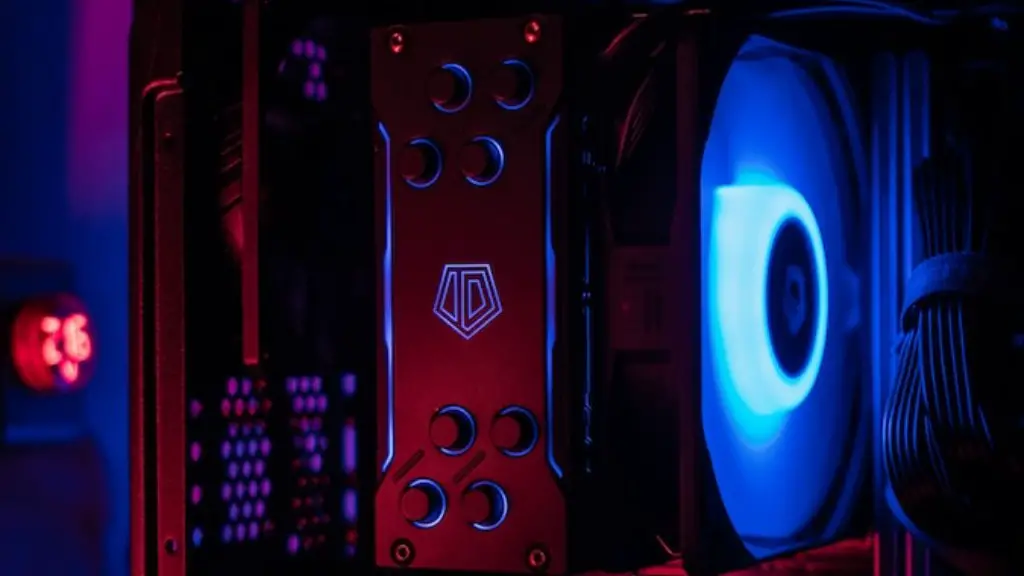
Making your gaming PC look cooler doesn’t have to be expensive or difficult – there are plenty of easy, affordable tips you can use to upgrade your set-up and make it more visually appealing. Let’s take a closer look at how to make your gaming PC look cooler!
Tidy up your cables
Clean, organized cables are essential for achieving a cool, clean gaming PC look. Be sure to use zip ties, Velcro straps, adhesive clips and cable organizers to hide and tidy up any excess cable mess. Not only will this make your set-up look much more aesthetically pleasing, but it’ll also keep your cables organised and make troubleshooting much easier.
Choose your case carefully
You want to make sure your case not only looks good but also has some features that make it easier to install fans, lights and other components. Many cases come with advanced cable management, dust filter and other features that’ll help make your PC look cooler. Check reviews and find the best case for your needs.
Add RGB fans or lights

RGB lights are a great way to give your gaming PC a unique and vibrant look. You can get RGB LED fans, or strips of RGB LED lights that can be stuck to the interior of your case to give it an extra bit of flair. You can even get LED-lit keyboards and mousepads for an ultimate PC gaming setup. Check out the options available and find one that fits your budget and tastes.
Choose high-quality components
High-quality graphics cards, processors and other components are a must-have for any serious gamer. Make sure to invest in good quality parts so that your PC runs as smoothly and efficiently as possible, making your gaming experience much more enjoyable. Don’t be afraid to splurge on items you really need.
Install a water cooling system
Having a water cooling system installed in your gaming PC will not only keep it cool, but it also adds a good visual effect and makes your case look great. It’s a bit of a pricey investment, so keep in mind that you don’t need to install a water-cooling system to get the same effect – air coolers do the job just as well.
Change up the color scheme
If you want your PC to look cool, you should pay attention to the color scheme of your components. There are all sorts of combinations you can try, from black and red to purple, orange and blue. Experiment with different colors to create an eye-catching look.
Choose themed decorations

If you want to take your gaming setup to the next level, why not add themed decorations to make it look more unique? You can find gaming-themed wallpapers, figurines, posters and other items that will make your gaming PC look even cooler. These decorations are sure to draw the attention of everyone who visits you and will make your PC stand out from the rest.
Upgrade your monitor
A good quality monitor is essential when it comes to getting the most out of your gaming PC. Invest in a higher-quality display that offers superior colors, better viewing angles and more features. Not only will this make it easier for you to game, but it’ll also make your gaming setup look more impressive.
Add decals
Adding decals to the exterior of your gaming PC can give it an extra touch of flair. You can find decals and stickers in various colors and shapes, so you can find something that fits your gaming style. You can even get custom-made decals with your favorite game characters, or create your own designs to make your PC look truly unique.
Get a custom case
If you want to get something truly eye-catching, why not opt for a custom-made case? You can have one made to your exact specifications, with intricate designs and colors that match your gaming setup. Just make sure you get your case from a professional so that you get a quality product that looks great.
Add desktop wallpapers
Desktop wallpapers are a great way to give your gaming setup a unique look without having to make any physical changes. There are lots of HD gaming wallpapers out there, so you can find something that fits your gaming style and helps make your PC look more vibrant.
Conclusion
Making your gaming PC look cooler doesn’t have to be expensive or difficult. There are plenty of affordable tips and tricks you can use to upgrade your set-up and make it more visually appealing, without breaking the bank. So, take the time to tidy up your cables, choose your case wisely, install RGB fans or lights, invest in quality components, install a water cooling system, change up the color scheme, add themed decorations, upgrade your monitor, add decals, get a custom case and add desktop wallpapers to make your gaming PC look cooler than ever before!
