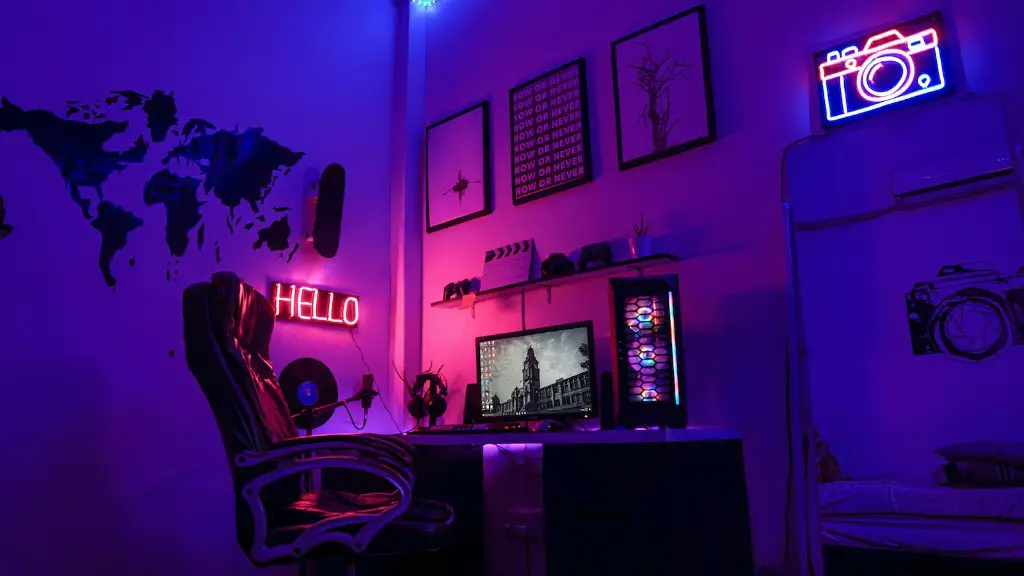
Maintaining optimal cool temperatures in your gaming PC is essential to ensure it runs reliably and performs at its best. Here are some tips to help you keep your gaming PC cool:
Firstly, ensure you are using adequate airflow. Keeping all of your case fans and the heatsink fan running at their rated speeds will ensure that cool air is entering the case and hot air is being removed. Keeping dust out of the case is also important because dust is an excellent thermally insulating material that can cause components like the CPU and GPU to run hotter.
Secondly, use high quality coolers for your components. GPU coolers are one of the most important as the GPU is a high-powered component that can generate a lot of heat. If you are using a stock cooler, consider upgrading to a better quality aftermarket cooler for a significant improvement in heat dissipation. Allowing adequate space around the cooler can help improve performance exponentially.
Thirdly, make sure that the cooler is properly attached to the component. Take your time to do it correctly, as applying too much pressure can cause damage. Also, consider opting for a thermal paste that fits your needs and make sure it is evenly spread to ensure an even heat distribution.
Fourthly, ensure your case is properly ventilated. It is important to make sure there is adequate space around the rear and front of the case to ensure that cool air enters and heats is able to leave. A lack of airflow can cause certain components to get warmer than they should.
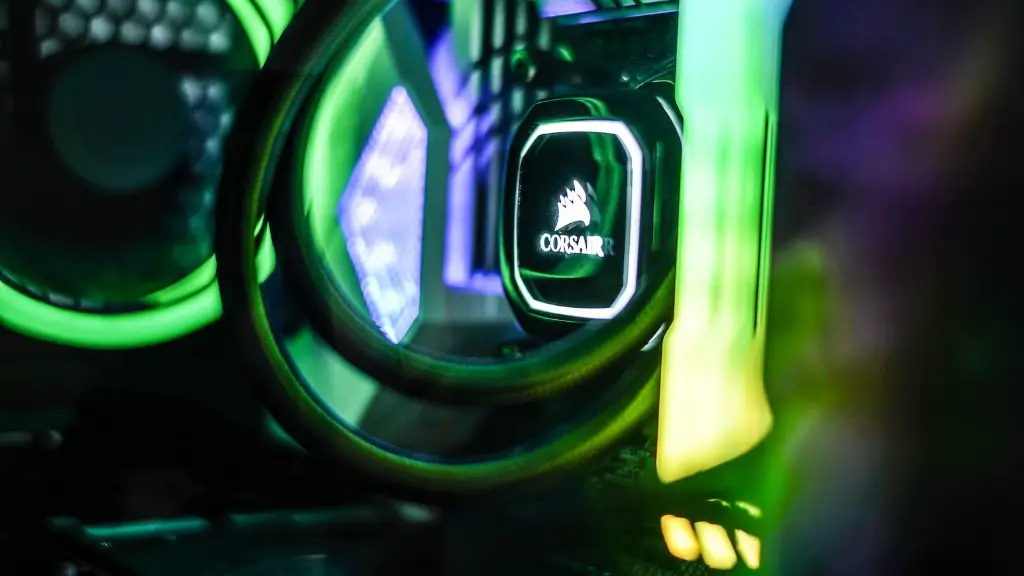
Fifthly, take advantage of the natural cooling properties of water. Investing in a watercooled system will provide an excellent way to keep your components cooler. A properly configured watercooling system can provide even better cooling than a regular custom cooling solution.
Finally, keep your room temperature low as it can have a significant effect on your PC’s performance. The cooler your room temperature is, the better your computer will run.
Managing Heat Output
It is also important to manage the heat output of components in your gaming PC. You can do this by either underclocking or overclocking the components. Underclocking reduces the performance slightly, while overclocking increases the performance slightly, but increases the heat output. Using proper cooling hardware is essential when overclocking, as the added heat can cause components to quickly overheat and become damaged.
The overall power draw of your system also affects its heat output. If you are running a powerful graphics card, consider investing in additional power supply to keep the temperatures down. Also make sure your components are not drawing more power than they should.
Finally, always monitor the heat output of your components. It is important to ensure that your components are running at the optimal temperatures for their current configuration.
Using Third-Party Tools
Third-party tools like fan controllers, temperature monitoring software and overclocking utilities are invaluable when it comes to keeping a gaming PC cool. Fan controllers allow you to control the speed of your fans, allowing you to set them to run at their optimal speeds. Temperature monitoring software will allow you to monitor the temperature of your components in real-time to ensure nothing is running too hot. Overclocking utilities will allow you to increase the performance of your components, but again, proper cooling is essential.

It is important to make sure that all of the components in your system are compatible with the third-party tools you are using. Make sure you read the documentation that comes with the tools to ensure you understand how to use them.
Using the right tools can significantly reduce the amount of time it takes to keep your gaming PC cool. It takes a bit of time to get the tools set up and running, but the long term benefits are well worth the effort.
Using the Right Case
A proper case is essential for keeping the heat generated by your components under control. The size of the case plays a huge role in how much heat can escape, so make sure you choose a case that is big enough to accommodate all of the components you plan to install. Consider investing in a full-tower case if you are looking to build a powerful gaming PC.
A case with adequate airflow also helps in cooling. A properly designed case will allow cool air to flow freely through the system, while preventing hot air from collecting. Look for a case that has plenty of vents, fans, and dust filters to keep the temperatures low inside the case.
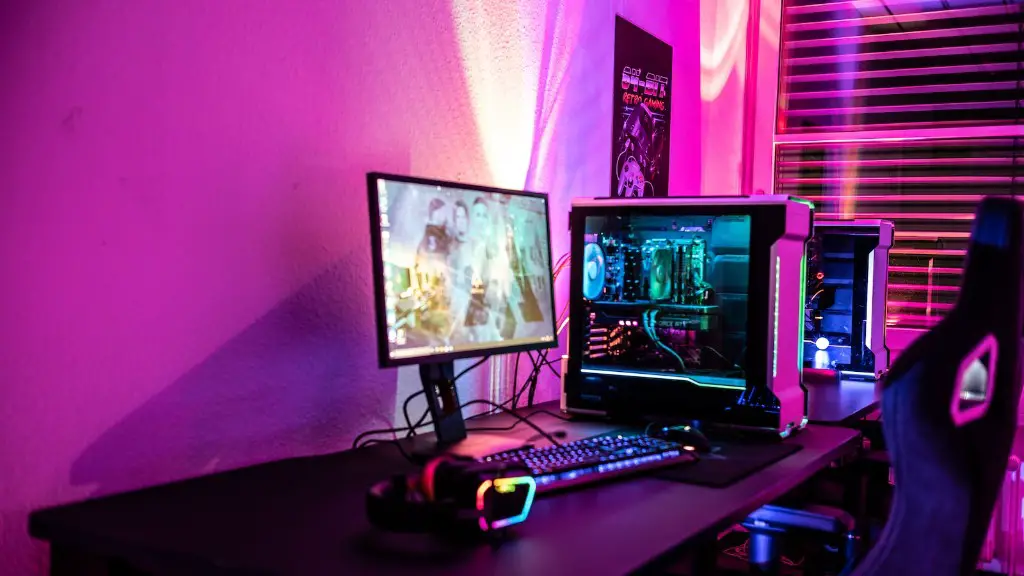
Finally, consider investing in additional fans for your case. Cases come with the minimal amount of fans needed to cool the components, but investing in additional fans can help to keep the temperatures even lower.
Maintaining the Cooling Setup
Once you have chosen the right case and installed all of the components, it is important to maintain it properly. Cleaning the components regularly is essential to keeping the system running at its best. Dust build-up can cause components to overheat, so cleaning the components will help ensure they are running at the optimal temperatures.
It is also important to check the fans and heat sinks regularly. Make sure the fans are running at their rated speeds, and the heatsinks are properly attached to the components. If the fans are running too slowly, the components will run hotter, and perform less reliably.
Finally, make sure you are using the right thermal paste. Thermal paste helps to ensure an even heat distribution across the components and helps prevent spots that are hotter than others. Using the wrong type of thermal paste can reduce the overall efficiency of your cooling setup.
Analyzing the System Performance
It is important to analyze the system performance to ensure that it is running within the optimal temperature range. Many of the system monitoring tools such as HWMonitor and AIDA64 come with temperature monitoring features that allow you to track the temperature of each component. This data can then be used to tweak the cooling setup further and ensure that all the components are running cool.
Finally, it is important to keep an eye on the overall load of your system. If the system load is too high, the temperatures of the components will increase and the system will become unstable. Reducing the overclocks or shutting down unneeded applications can help reduce the system load and keep the temperatures under control.
