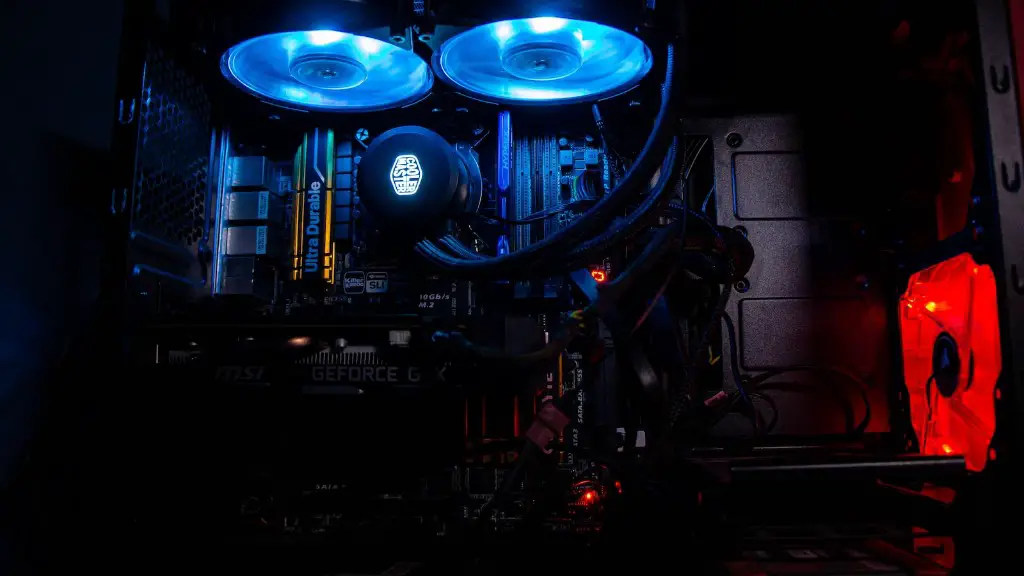
Assembling your own gaming PC can be a daunting task, but using liquid cooling on your setup can improve performance, reduce noise, and make it easier to overclock. Choosing the right components and setting up liquid cooling is crucial to creating the perfect system. In this post, I’ll walk you through the steps on how to build a gaming pc with liquid cooling.
Choosing Components
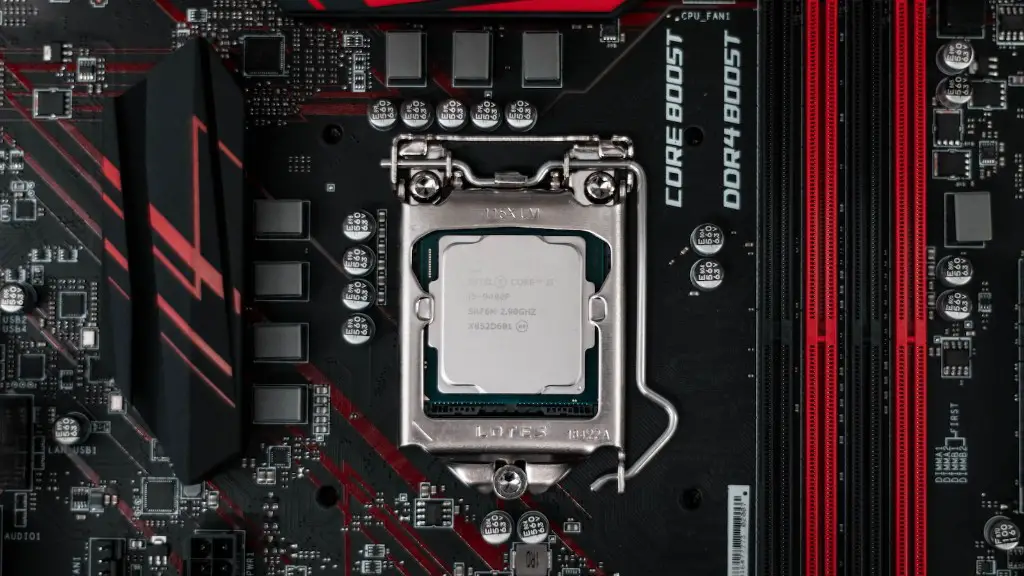
First off, you need to pick out the components for your gaming PC. The most important components are your CPU, graphics cards, and motherboard. When selecting these components, keep in mind that liquid cooling systems require larger cases for proper setup, so make sure to pay attention to the size of your components. Additionally, purchasing higher quality components will ensure you get the best performance out of your liquid cooled system.
Setting Up the Case
Next, you’ll need to set up the case. A good liquid cooling system requires a large case to house the components and provide space for the necessary cooling parts. The size of the case you choose should be determined by the size and number of components, as well as the size of the radiator and other liquid cooling components.
Choosing a Radiator
Now that you have the case, you need to choose a radiator for your liquid cooling system. Radiators come in all shapes and sizes, and the size of the radiator should depend on the size of the components being cooled and the specific cooling requirements of your system. When selecting a radiator, make sure it’s large enough to configure correctly and provide enough cooling power.
Selecting the Pump
Another crucial component of your liquid cooling system is the pump. The pump is responsible for pushing the liquid through the system, and it needs to be powerful enough to move the liquid quickly and efficiently. Make sure to research different pumps and read reviews to find the one that best fits your needs.
Choose the Coolant
Once you have the pump and radiator set up, you need to choose a coolant to fill up your system. There are a variety of coolants available, and the one you choose will depend on your specific needs. Be sure to research each type of coolant and read reviews before making your purchase.
Assembling the Cooling System
Now that you have all the components and coolant ready, you can begin assembling the cooling system. Start by attaching the radiator to the case, followed by the pump and fluid reservoir. Once these components are installed, connect the tubing and fittings, and fill the system with coolant. Finally, install the fans and any other components you may need.
Testing and Troubleshooting

Once your cooling system is assembled, it’s time to test and make sure everything is working properly. Make sure all the components are connected properly, then turn on the system and allow it to run. If everything is working, your liquid cooling system should be up and running. If you encounter any problems, make sure to troubleshoot and adjust accordingly.
Optimizing Performance
Once you’ve tested your system and it’s running properly, you can start optimizing your liquid cooled gaming PC for maximum performance. Start by tweaking the settings of the motherboard and components, such as overclocking the CPU, adjusting the RAM timings, and boosting the graphics cards for heavier workloads. Additionally, if you’re running multiple graphics cards, consider configuring a custom fan curve for the radiator fans to keep them cool and quiet.
Cable Management
Finally, once your system is running at its peak performance, you can move on to the final step: cable management. To achieve a clean and efficient setup, neatly organize your cables and keep them out of the way of any moving parts. Additionally, you may want to invest in some cable extenders or cable routing to make the most of your case’s space.
Overclocking the CPU
If you’re feeling adventurous, liquid cooling can also enable you to overclock your CPU. Overclocking your CPU can give you a significant performance boost and make your gaming PC run even faster. However, it’s important to remember that overclocking can be a difficult and time consuming process, and it can also potentially damage your CPU if not done correctly.
Upgrading the Radiator
If you find that your cooling system is struggling to keep up with the demands of your gaming PC, you may want to consider upgrading the radiator. Investing in a larger, more powerful radiator can help you keep your system running cool, and you’ll have more flexibility to overclock and push your system to the limits.
Preventing Corrosion
Finally, when using a liquid cooling system, it’s important to be proactive about controlling corrosion. Corrosion can occur due to mineral build up, and it can cause irreversible damage to your system. To prevent corrosion, use non-conductive coolants and make sure to flush your cooling system regularly to remove any mineral deposits.
