
Congratulations on getting your first gaming PC! You now have the power to take your gaming to the next level with better graphics and faster gameplay. You may have some questions about what to do next, so we’ve created a guide to help. Here are the top seven steps to get started on your journey with your new gaming PC.
1. Install the necessary gaming updates. The first thing you should do is to make sure your drivers and other important updates are installed. This will allow your PC to run smoother, faster, and more efficiently. You can find your system’s updates on the manufacturer’s website.
2. Get familiar with the settings. Now that you’ve installed the updates, it’s time to start tinkering with the settings. This will help you get the most out of your hardware and maximize your gaming experience. Spend some time exploring the software and tweaking the settings until you’re satisfied with the performance.
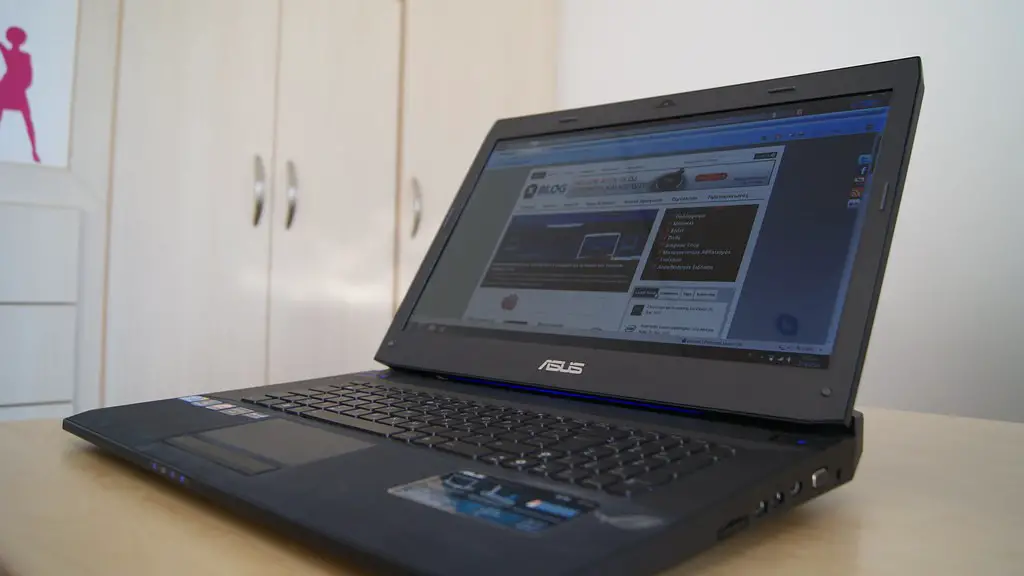
3. Install some games. Now that your PC is all ready to go, it’s time to find some games to play. Many gaming PCs come with pre-installed games, but you’ll have to purchase any other games you wish to play. Luckily, there are many stores that sell digital and physical copies of new and old titles.
4. Get the right peripherals. Having the best hardware is essential for achieving the most immersive gaming experience. Invest in quality peripherals such as a mouse, keyboard, and headset to enhance your gaming sessions.
5. Familiarize yourself with common gaming terms. If you don’t already know some of the gaming terminology, it’s a good idea to get acquainted with popular terms. This will make it easier to talk to other gamers and help you better understand their conversations.
6. Join some online gaming communities. One of the greatest aspects of gaming is the ability to connect with people all around the world. Consider joining some gaming forums or Discord servers to meet new people and share your gaming experiences.
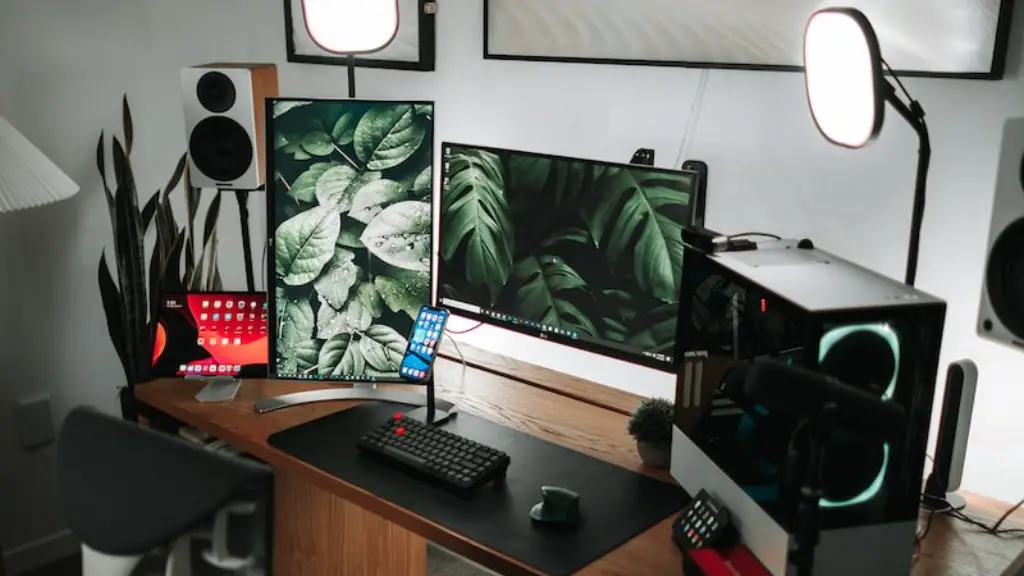
7. Try streaming. Live streaming your gaming experiences can be a great way to meet other gamers and make some money at the same time. You can also use streaming services to watch some of the best players in the world.
What Hardware Should You Add?
Once you have the basics down, it’s time to consider upgrading or adding more hardware to your gaming PC. Depending on your budget, you may want to upgrade your CPU or graphics card for improved performance. You might also consider adding a second monitor for a bigger, better gaming experience.
If you’re interested in streaming your gaming experiences, you also need to think about getting a capture device and microphone. A capture card will allow you to capture high-quality videos and streaming over the internet. Microphones are also important if you plan on doing any voiceover work or creating podcasts.
If you’re serious about gaming and want to take it to the next level, it’s also worth investing in RGB lights and other gaming accessories. These can help you create a more immersive gaming environment and show off your own gaming style.
Should You Overclocking?
Overclocking is a method of increasing the speed of certain parts of your gaming PC for better performance. However, it’s not for everyone, and the process requires careful monitoring. If you’re new to overclocking, it’s best to research before attempting anything.
It’s important to keep in mind that overclocking can result in various problems, including hardware damage. Overheating is another potential issue, so you need to make sure that your PC is well-ventilated at all times. If you are not confident in your abilities, it’s best to leave the overclocking to the experts.
What Are Some Accessories To Consider?
In addition to hardware upgrades and peripherals, there are a variety of gaming accessories on the market that can improve your gaming experience. These include gaming chairs, power banks, cooling pads, and more. Investing in these products can help you remain comfortable and maximize your gaming time.
You may also wish to consider investing in a gaming desk, particularly if you plan on streaming or playing for extended periods. Gaming desks are specifically designed with comfort and convenience in mind, allowing you to customize your gaming setup for maximum ergonomics.
Tips For Keeping Your PC In Good Condition

Lastly, it’s important to know how to care for your gaming PC. Make sure to keep the hardware clean and dust-free. Avoid adding too many programs and processes, as this can slow down your PC’s performance. Additionally, make sure to update your system regularly, as this can help keep it running smoothly.
If your PC starts running into problems, try running diagnostics and troubleshooting the issue first before calling a technician. This can help you save time and money in the long run. Moreover, make sure to back up your important data in multiple locations so that it won’t be lost if something goes wrong.
Consider Extra Security
Finally, don’t forget about security. Gaming PCs are exposed to a high risk of malware and cyberattacks, so make sure to install an antivirus program and use secure Wi-Fi networks. You should also password-protect your accounts, use two-factor authentication, and avoid suspicious links and downloads.
While online threats may seem daunting, taking the necessary precautions and following basic security protocols can protect your PC, gaming accounts, and data from malicious actors. Follow all the steps above and enjoy your gaming PC experience with peace of mind.
