The most powerful gaming PC is the one that can run the latest and most graphically intensive games with ease. Building a PC with that capability requires certain considerations and steps to be taken. Here’s how to go about building a powerful gaming PC:
First and foremost, you need to decide what kind of games you want to play and at what settings. Knowing which components you need for your gaming rig will depend on the games you plan to play, their system requirements, and the budget you have available. Choosing the correct processor and graphics card are essential. Selecting a powerful CPU will ensure your games run smoothly and quickly. The more powerful the GPU, the better your gaming experience.
When it comes to choosing the best components, you want to go with the highest-quality products available within your budget. Doing research to find the best components for your build is essential. Compare the price and performance specs of the components you’re considering before making a purchase. Reference vendors like Amazon or Newegg to read customer reviews and learn from other customers’ experiences.
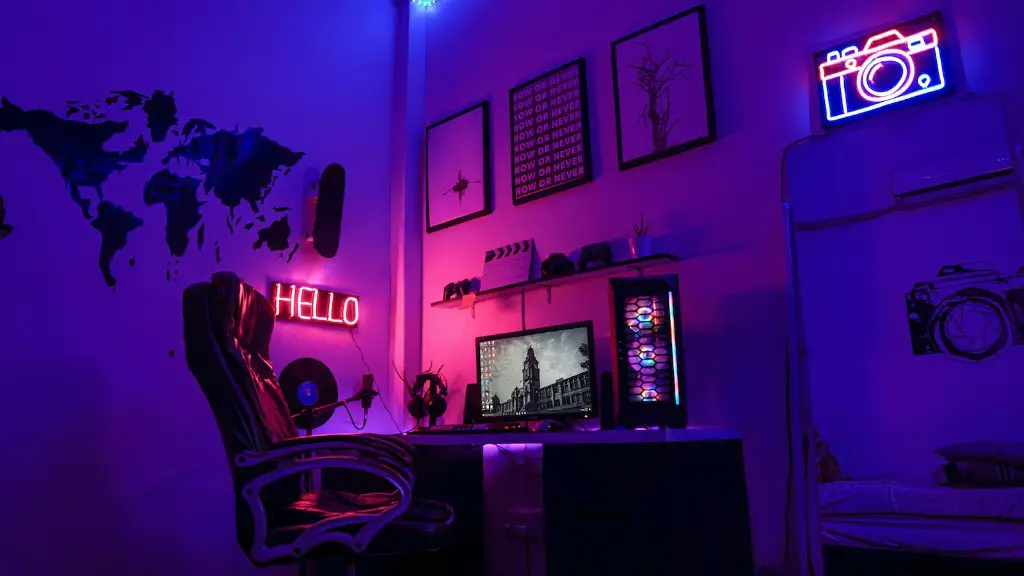
The next step is to choose the correct case for your build. It doesn’t just have to look good; it also needs to fit whatever components you’ve chosen. The size of the case should match the size of the motherboard you’ve chosen. Generally speaking, larger motherboards require larger cases.
You’ll also need to select the right kind of RAM for your build. RAM is essential for ensuring smooth multitasking capabilities and gaming performance. As far as RAM speed, faster memory is generally better as it allows processes to execute faster. However, the RAM speed needs to be compatible with the CPU you’ve chosen.
Next, you need an efficient cooling system. Excessive heat can cause components to malfunction or even be irreparably damaged. You need a system that keeps temperatures in check and ensures that each component is properly cooled.
Last but not least, select the right power supply. This is especially important because if the specs of your parts exceed the power your PSU can provide, it can all be shut down or, worse yet, destroyed. You also want to make sure you go for a unit that is efficient and of the highest quality.
Installation and Software
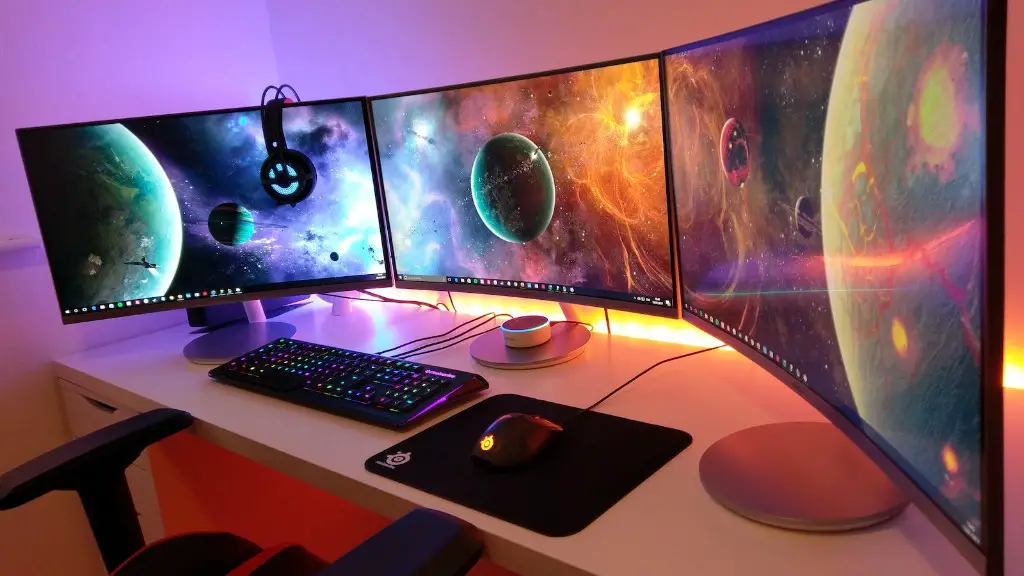
After all the parts are selected, it’s time to assemble the PC and install the software. There are many ways you can put your rig together. Most people choose to begin with the motherboard as it is the backbone of any build. After that, you can install a processor, RAM, graphics card, and storage. Also, it’s important to check the connectors of each component as they vary from one motherboard to another.
When it comes to software, you’ll want to make sure your operating system is up to date, as well as any other utilities you plan to use. Installing the latest updates is important when it comes to security and performance. Additionally, you may need to install drivers (software programs that allow components to run), depending on the components you’ve chosen. Once your software is up to date and all of your drivers are in place, your PC is almost ready.
Finally, you will have to tweak the settings of your components and other system settings. These settings are required in order to give you the best performance. This step can involve some trial and error, but overall it should be relatively straightforward.
Testing Your Build
Once your build is complete, you’ll want to make sure everything is working properly and that your PC is able to meet the demands of the games you plan to run. To begin, you can run a benchmark to test the performance of your components. Doing this will allow you to ensure that your PC is performing as it should.
It’s also important to test the temperatures of your components. The results of the temperature tests should fall within the acceptable range. If the temperatures are too high, you may need to adjust the fan speed or even invest in a better cooling system.
Finally, you’ll want to make sure that your software is up to date with the latest updates and that your drivers are installed properly. Once you’ve done these steps, your gaming PC should be ready to go.
Picking the Right Games
Another important thing to consider is the games you plan to play on your machine. As mentioned earlier, the games you plan to run will determine what components you need. It’s also worth checking out the system requirements of the games as some games are more hardware-intensive than others.
Also, be sure to check the ratings of the games you’re interested in to help you decide if it’s worth buying. Comparing different games and the hardware requirements for each can help you prioritize your purchases.
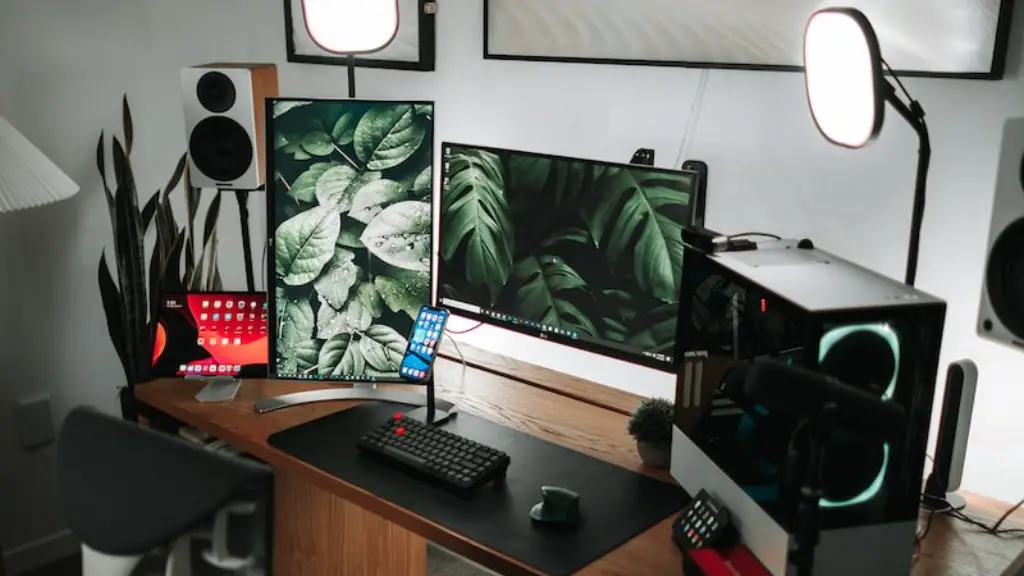
Finally, you can always turn to the gaming community of websites like Steam to learn more. This can be a great source of information when considering different titles and different hardware options.
Troubleshooting and Maintenance
Despite building your PC to the best of your ability, you may still encounter issues or errors at some point. That’s why it’s important to familiarize yourself with troubleshooting and maintenance basics. Knowing how to properly diagnose and resolve problems as quickly as possible is important for any gaming PC.
It’s also important to remember that the better the maintenance of your PC, the better performance you can expect. That’s why cleaning the fans and other parts of the PC regularly is essential. Cleaning the dust out of the memory and the other components of your build can help to ensure they remain protected and the PC runs as efficiently as possible.
Lastly, always check to make sure there are no broken parts.If you notice something broken, contact an expert to fix it as soon as possible.
Conclusion

Building a powerful gaming PC is a big endeavor and requires careful planning. Selecting the right components for your build is the key to getting the most out of your gaming experience. Additionally, remember to maintain the PC and keep it clean, as well as troubleshoot any problems you may encounter.
