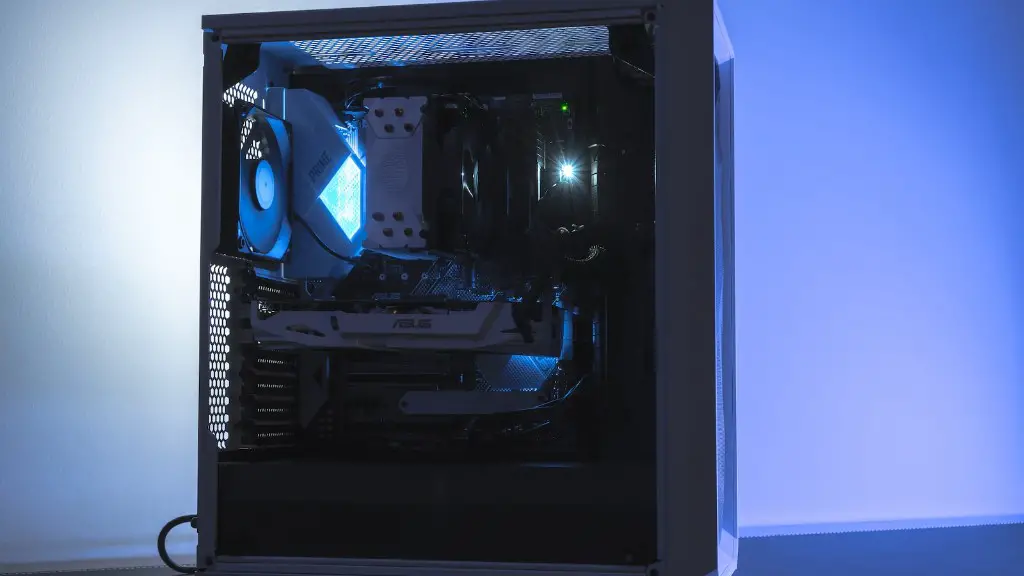
The main focus of having a gaming PC is to get the best performance, reliability, and overall enjoyment from your gaming. With a powerful gaming PC, you get all the bells and whistles that come with hardware and software. Here’s what comes with a gaming PC:
1. Video Card – For gamers, the most important component in a gaming PC is the video card. This piece of hardware is what feeds your PC its graphics; whether it’s a 4K resolution or a smooth 60FPS gameplay, a good video card is key.
2. Processor – A good gaming PC doesn’t always need the latest, greatest processor, but it’s still important. The processor carries the brunt of your task’s computational energy, so having a good CPU with either four, six, or more cores will be essential for high-performance gaming.
3. Hard Drive – Another important part of a gaming computer is the hard drive. A good hard drive with plenty of space and good read/write speeds is imperative for smooth game-play and loading times.
4. RAM – Gaming PCs have a lot of RAM to keep everything running smoothly. Ideal RAM sizes range from 8GB- 32GB for optimal performance, depending on what kind of gaming you’re doing.
5. Cooling System – A gaming PC needs an effective cooling system to keep itself from over-heating. This can be a combination of water-cooling, heatsinks, fans, and other hardware to keep components from melting down.
6. Operating System – Not all gaming PCs come with one pre-installed, so you may need to install one yourself. A specific copy of windows such as Windows 10 is recommended for gaming, although Linux is a good alternative as well.
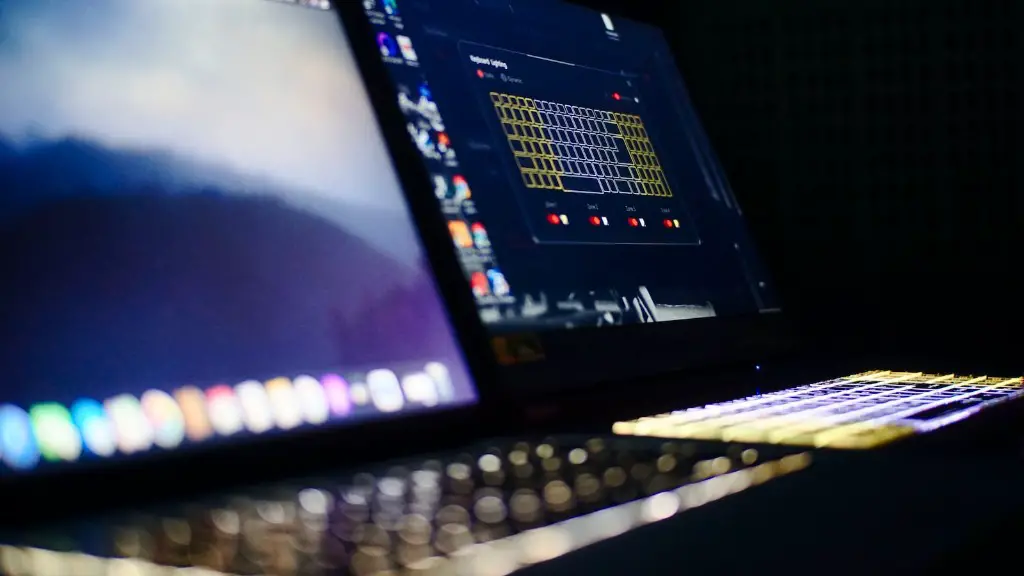
7. Peripherals – Lastly, you need the right peripherals to really get the most out of your gaming experiences. This includes a good gaming mouse, keyboard, headset, and controller.
Gaming Display Monitors
When it comes to displays, gamers want the most crisp, clear picture with low input latency and plenty of colors. Responsive monitors are key for gaming. This can range from a basic but responsive 60 Hertz monitor to an ultra-high resolution 4K monitor boasting 144 Hertz with a 1ms response time. These monitors can cost anywhere from a few hundred dollars to thousands depending on your budget.
For gamers who want a more immersive experience, virtual reality headsets are becoming increasingly popular. This specialized hardware pieces allows gamers to take their gaming off the traditional display and instead experience their games in a 3-dimensional environment. But be aware that this peripheral is not cheap, with VR headsets start at several hundred dollars and go up to thousands.
Finally, for gamers who stream themselves, there’s the added cost of a high-quality microphone and camera. Streamers need microphones that provide clear sound and lower latency, as well as updated cameras with autofocus and image stabilization to keep the visuals looking great and the stream running smoothly. This can cost a few hundred dollars depending on the brand and features, but is an important cost to consider if you stream your gaming.
Gaming Software and Accessories
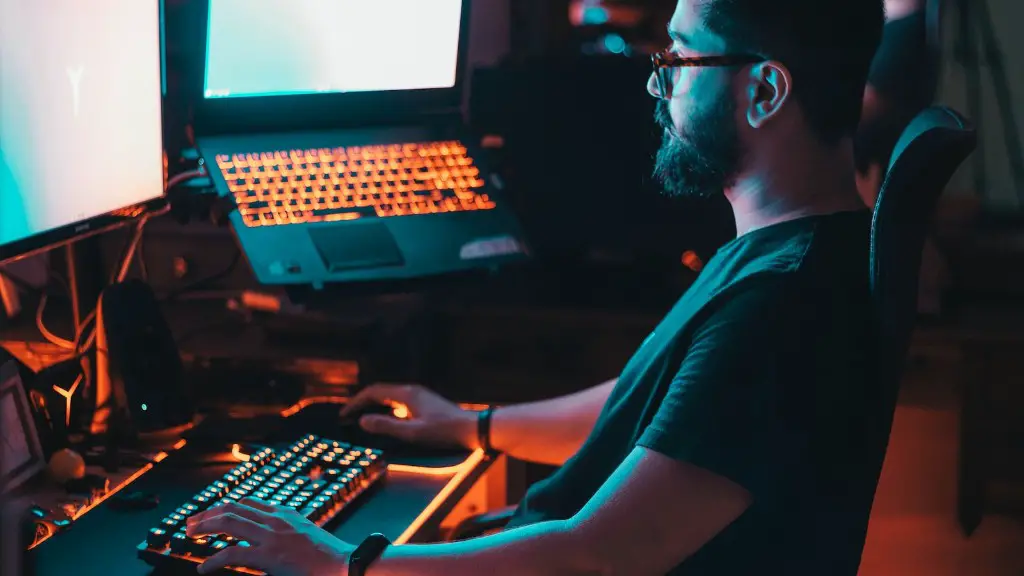
For aspiring streamers, there are also specialized software packages available to keep the show running. Streaming software such as OBS and SLOBS are popular tools for broadcasters, as well as audio tools such as VoiceMeeter Banana to remove background noise and the like. For gamers who want to record their gaming sessions, quality video recording and editing software such as ShareX, Fraps, and Bandicam should also be considered.
Lastly, there are a few accessories one must consider when setting up their gaming PC. This includes a surge protector to protect expensive electronics, an ergonomic chair to keep gamers comfortable while they game, and a separate headset stand or USB extension cable if needed.
Cost of Building a Gaming PC
The cost of building a gaming PC varies greatly depending on the parts chosen and needs of the gamer. A basic 1080p gaming PC can be put together for a few hundred dollars, but for a more powerful 4K gaming rig it can cost well into the thousands.
To get an estimate of your PC’s potential cost, it’s recommended to use building guides and builder calculators, either online or from specialized PC building websites. This will give you a baseline to start from and provide an estimate of the parts and their associated costs.
Tips When Buying Gaming PCs

When trying to buy a gaming PC, there are a few tips one should keep in mind. First, never settle for “off the shelf” gaming PCs, unless it’s from a reputable company such as Alienware or a PC vendor like CyberPowerPC. These PCs may have limited options for updates or don’t have components tailored to your needs.
Second, parts purchased online should always come with warranties, just in case something goes wrong. Additionally, some parts won’t be compatible with each other, such as certain RAM sticks and motherboards, so double check that your parts are compatible when building your PC.
Third, know what you’re looking for when it comes to parts and components. Do some research on each part to make sure it suits your needs, like the size of the video card and its memory.
Fourth, consider the overall cost of building a gaming PC. Here, you’ll want to factor in shipping and taxes when buying parts, as well as the cost of everything put together.
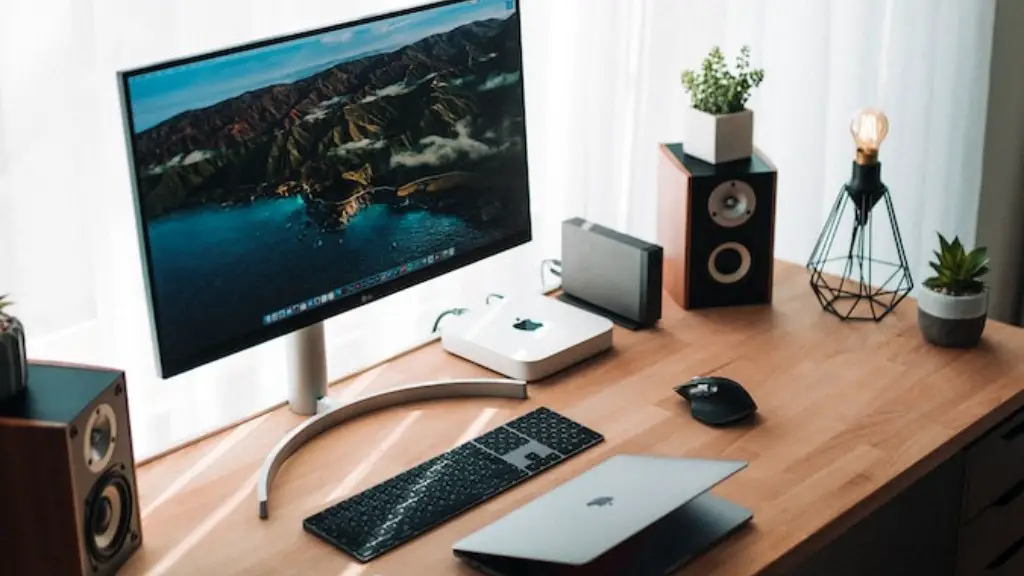
And lastly, never be afraid to ask for help or look for adequate guides when building your gaming PC. There’s plenty of resources available from forums and tutorials on the internet one can use to ensure a secure, stress-free build.
