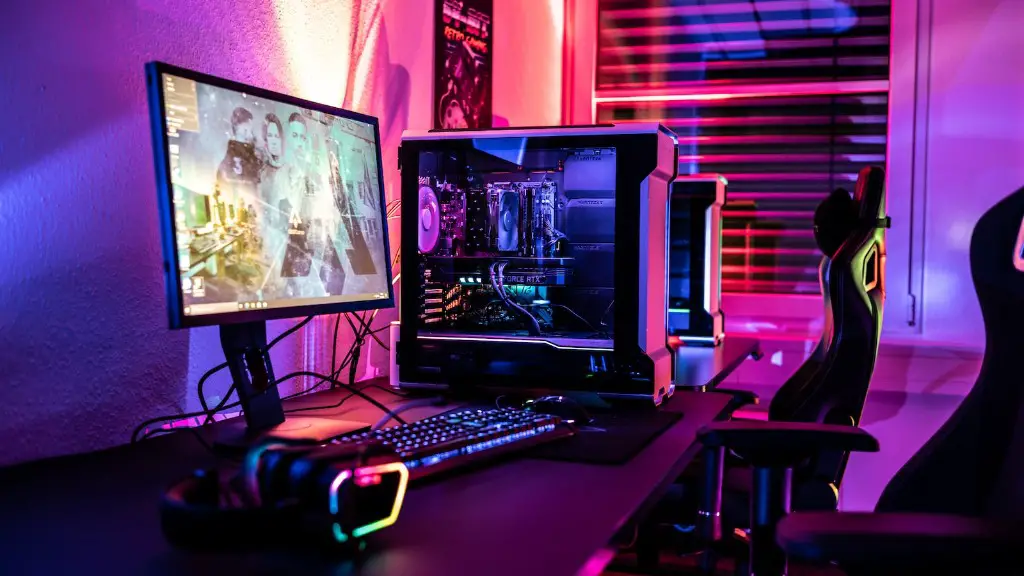
A gaming PC is a high-powered computer designed to deliver superior performance for gaming. The components that make up a gaming PC differ depending on the type and style of gaming, but the basic hardware components involved are all the same. In this article, we’ll look at the primary components that make up a gaming PC and what they do.
The core of any gaming PC is the processor, or CPU. The processor is responsible for processing the instructions the computer uses to run the software and games. CPUs range in power and performance, with the latest processors delivering processing power in the thousands of gigahertz. The amount of processing power your gaming PC needs depends on the games and applications it will be running.
In order to run games, a gaming PC needs strong graphics capabilities. The graphics card, or GPU, is responsible for powering the 3D graphics for gaming, as well as handling video streaming. High-end gaming PCs require powerful GPUs to be able to play the latest games at high resolution and frame rates. GPUs come in a wide range of sizes, from the small and budget-friendly to the large, ultra-powerful.
Another core component in any gaming PC is the motherboard. The motherboard houses most of the computer’s components, including the CPU, RAM, and graphics card. The motherboard is responsible for connecting all of the components and allowing them to interact with each other. Motherboards come in varying sizes, power, and features, so be sure to pick one that will suit your gaming needs.
The gaming PC also requires random-access memory, or RAM, to run games and applications. RAM is responsible for storing temporary data while the computer is running, and it needs to be fast enough to keep up with the data streaming in and out of the PC. The amount of RAM your gaming PC needs will depend on the applications and games it will be running.
In order to store all of your games, applications, and data, a gaming PC also needs a storage drive. Modern gaming PCs use either an SSD, which stores data on a solid-state drive, or an HDD, which stores data on a traditional hard drive. SSDs are faster than HDDs but usually more expensive, so pick the one that best suits your needs.
Last but not least, any gaming PC needs a strong power supply to run its components. The power supply is responsible for delivering power to all the components in your gaming PC. Power supplies vary in power, efficiency, and size, so pick one that best suits your computer setup.
Graphicsability of Gaming Computers
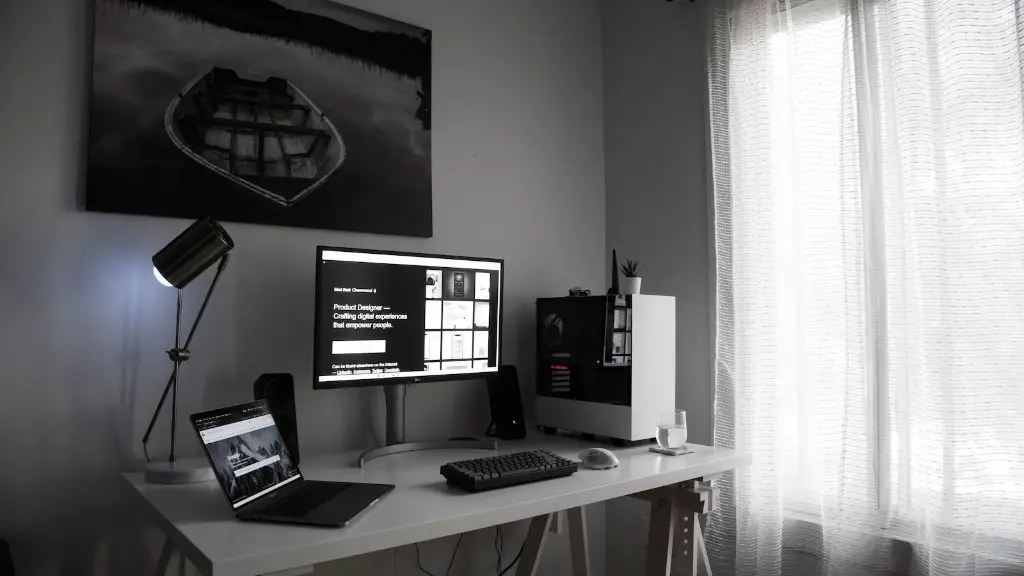
The graphics capabilities of a gaming PC are paramount, as they are essential for running the latest games and applications. A powerful GPU is a must-have for any serious gaming PC, as it is responsible for rendering the 3D graphics in games and applications. A gaming PC also needs enough RAM to keep up with the data streaming in and out of the computer, as well as a fast storage drive to store the games, applications, and data.
When it comes to graphics and gaming, more isn’t always better. For the ultimate gaming experience, you’ll want to pair your powerful GPU with a great monitor. A good gaming monitor should have a high refresh rate and response time, as well as full HD resolution.
You also want to make sure your gaming PC has enough video ports on it to connect your monitor. Look for a GPU with at least one DisplayPort, one HDMI port, and one DVI port. If your monitor supports adaptive sync technologies like FreeSync or G-Sync, make sure the GPU does too.
Finally, it’s important to make sure your gaming PC has the right graphics drivers installed. Graphics drivers are essential for keeping your GPU running at peak performance. You’ll want to regularly check for graphics driver updates to make sure you’re running the latest version.
Audio Quality of Gaming Computers

The audio quality of a gaming PC is just as important as its graphics capability. A good gaming headset can make a huge difference in both gaming and entertainment experiences, allowing you to experience the worlds of games and movies as if you were actually there. A good headset should have a comfortable fit, good sound quality, and noise-canceling capabilities.
When it comes to gaming PC audio, the sound card is an essential component. A sound card is responsible for processing audio signals and outputting them to speakers or headphones. Some sound cards come with advanced features, such as effects processors and virtual surround sound, while others are simpler and just do the basics.
A gaming PC also needs speakers or headphones to produce sound. Speakers can either be connected directly to the sound card or through an audio amplifier. Headphones come in a variety of styles and sizes and can be wired or wireless. Look for headphones with good sound quality and noise-cancelling capabilities for the best gaming experience.
Finally, you’ll want to make sure your gaming PC is connected to the internet for streaming audio. Most gaming PCs come with an Ethernet port, but for wireless connections you’ll need a wireless adapter. Make sure your gaming PC has the right connection type for your network.
Peripherals of Gaming Computers
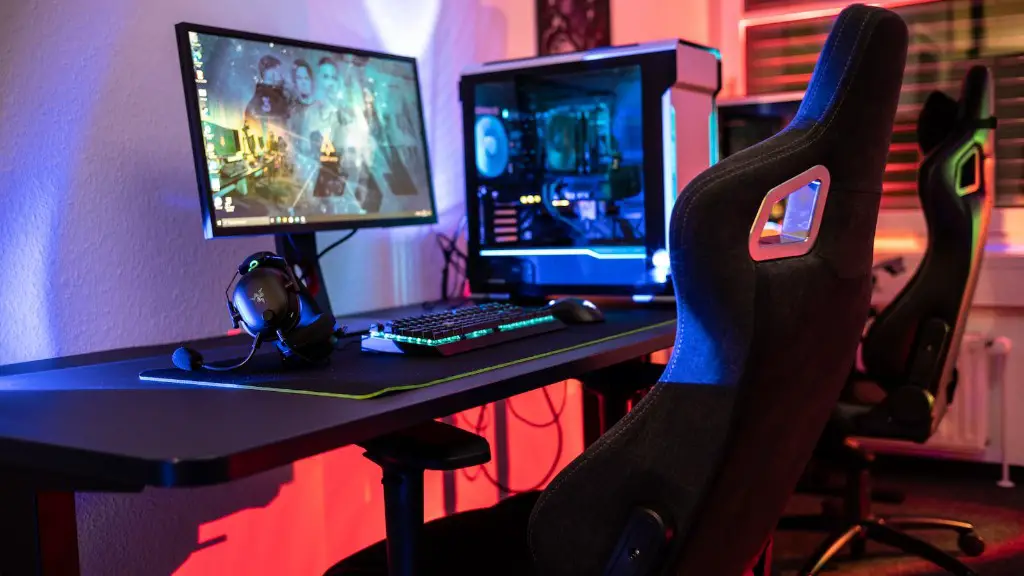
Peripherals are optional components that can add to the overall gaming experience. Common gaming peripherals include game controllers, keyboards, mice, and headsets. Many peripherals are specifically designed for gaming, such as gaming keyboards that are optimized for gaming and offer backlighting and macro keys.
Game controllers are essential for console-style gaming and can be connected to a gaming PC via USB or Bluetooth. PCs typically require drivers to be installed in order to work with game controllers, so make sure to install the drivers before using the controller with your gaming PC. Some PC games even support motion controls, making them more accessible and fun to play.
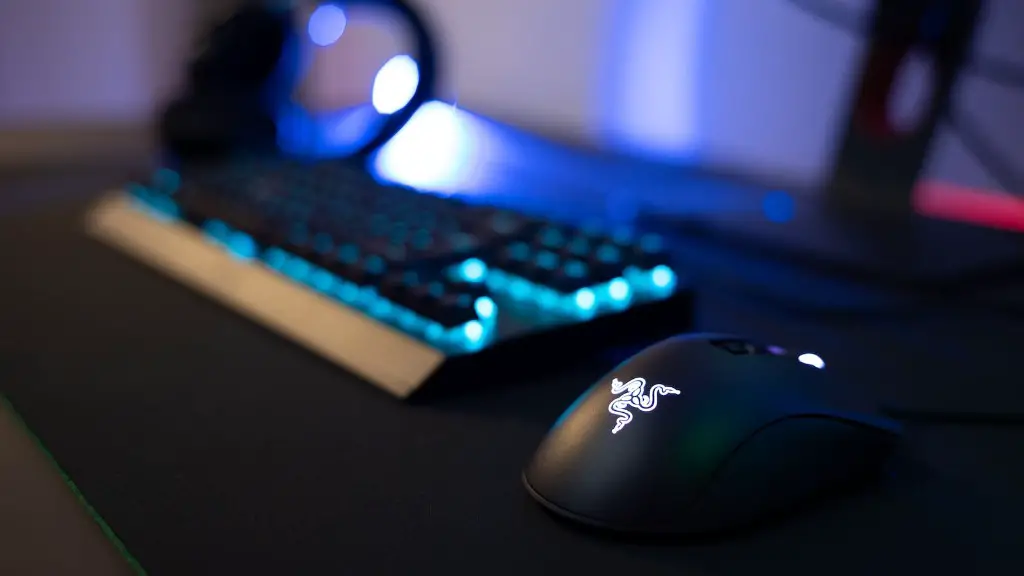
Mice are the most common way to control a gaming PC, and there are plenty of options available. The type of mouse you choose will depend on your preferences and what type of games you’re playing. Look for a mouse that offers adjustable DPI and response time for the best performance.
Headsets are a must-have accessory for any gaming PC, and there are plenty to choose from. Look for a headset with good sound quality, noise-canceling capabilities, and a comfortable fit in order to get the most out of your gaming experience.
Cooling of Gaming Computers
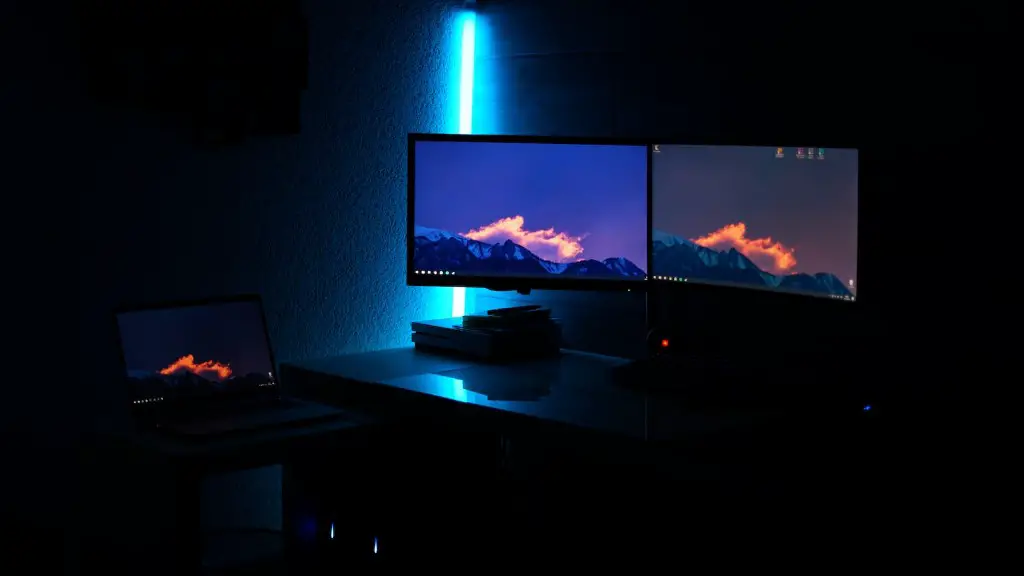
A gaming PC generates a lot of heat due to the powerful components involved. Keeping your gaming PC cool is essential, as high temperatures can cause damage to components and reduce performance. There are several ways to keep your gaming PC cool, such as using case fans and liquid cooling.
Case fans are an inexpensive and easy way to keep your gaming PC cool. Case fans can be added to your gaming PC to draw hot air away and help keep the components cool. Look for fans with high airflow and good static pressure to ensure optimum cooling performance.
If you’re looking for a more advanced cooling solution for your gaming PC, liquid cooling may be the answer. Liquid cooling systems use a liquid to transfer heat away from components, allowing the computer to run cooler and quieter. Liquid cooling systems are more expensive than air cooling, but can be well worth the investment for a powerful gaming PC.
If you’re going to be gaming for long periods of time, it’s also a good idea to invest in a good laptop cooler. Laptop coolers are designed to draw hot air away from your laptop, allowing it to run cooler and quieter. Many gaming laptops come with built-in laptop coolers, but external coolers can be a good investment if you’re looking for better cooling performance.
Monitor of Gaming Computers
A good gaming monitor is essential for any serious gaming PC. Look for a monitor with a high refresh rate and response time, as well as a full HD resolution. When it comes to connecting your monitor to your gaming PC, you’ll want to make sure your PC has enough video ports. Look for a GPU with at least one DisplayPort, one HDMI port, and one DVI port.
If your monitor supports adaptive sync technologies like FreeSync or G-Sync, make sure the GPU does too. Adaptive sync technologies help minimize screen tearing and stuttering for a more fluid gaming experience. It’s also worth considering curved monitors for a more immersive gaming experience.
Finally, it’s important to consider the size of the monitor. If you’re looking for an immersive gaming experience, a larger monitor is the best option. Look for a monitor with a 21:9 or 32:9 aspect ratio for the most immersive gaming experience.
When it comes to gaming PCs, investing in the right components is essential for the best performance. Components such as the GPU, RAM, and storage drive can make or break your gaming experience, so make sure to do your research and pick components that best fit your needs.
