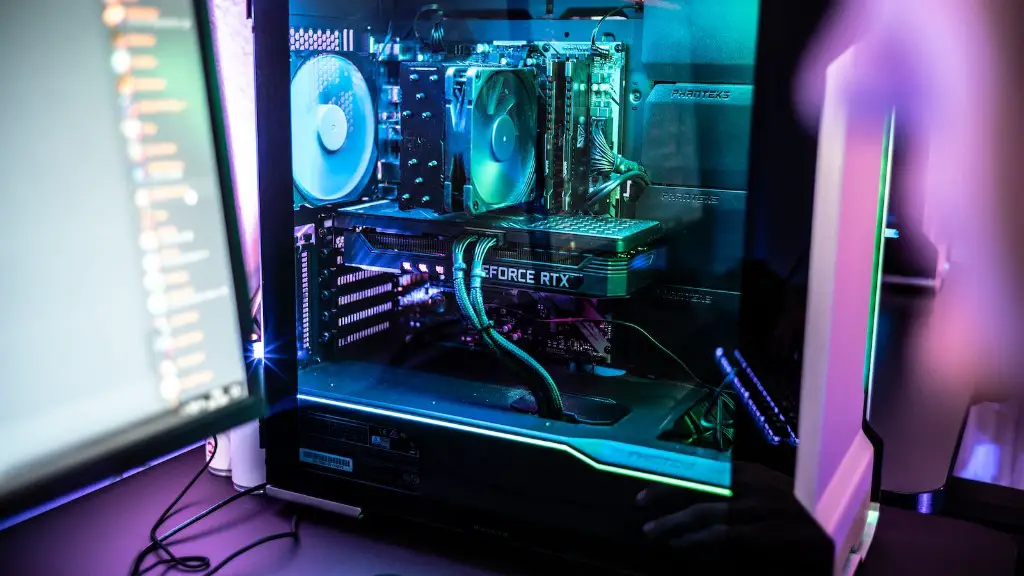
If you want to take your gaming experience to the next level, updating your gaming PC is an essential tool. It can be intimidating to make changes to your gaming PC, as it can have a significant impact on the system’s performance, but with the right information it isn’t too hard. The key is to know what to focus on first and which upgrades will give you the best value for your money.
The first thing you should consider if you are looking to upgrade a gaming PC is upgrading your video card. The video card is the key component of any gaming PC, as it is responsible for rendering game textures and images. An upgraded video card can drastically improve your gaming experience, as it will enable you to run games with a higher frame rate, resolution, and improved graphics. You should also check to see if your PC’s power supply can handle the load of the upgraded video card.
Another important component of a gaming PC that you may want to upgrade is the processor. A better processor will allow your PC to run faster and more efficiently. If you want to get the best performance out of your gaming PC, you should consider getting the latest Intel or AMD processor.
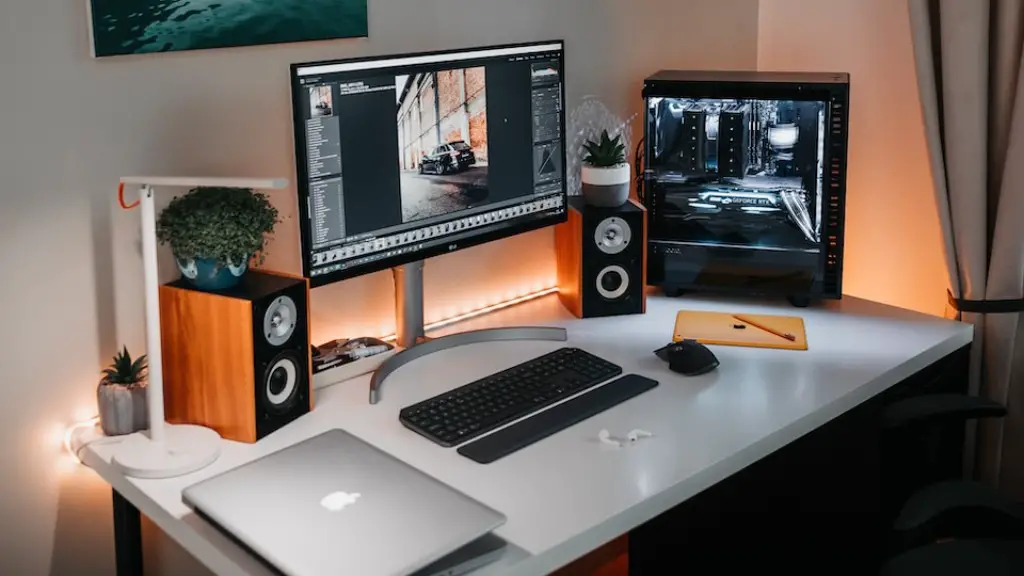
RAM is another important factor when it comes to gaming PCs, and it is essential for running any game. If you have a low amount of RAM, it will affect the speed and overall performance of your PC. upgrading your RAM can significantly improve your gaming experience, as it will allow you to play more demanding games without any lag. However, it is important to check whether your motherboard supports the RAM you are looking to install.
One of the most popular upgrades for gaming PCs is a high-end cooling system. This can be a great way to keep your system running smoothly and efficiently, as it will reduce the amount of heat generated by the PC. Some cooling systems come with colorful LED lighting, so you can customize the look of your system.
Finally, you may want to consider investing in a new monitor as well. Having a better monitor will allow you to experience the beautiful graphics and sound of newer games, and it will also give you a wider view of the game. However, you should make sure that your video card is powerful enough to handle the upgraded monitor.
The Benefits of Upgrading Your Gaming PC
Upgrading your gaming PC can have a number of benefits. If you get the right components, you can significantly improve the performance of your PC, allowing you to enjoy newer and more demanding games. Additionally, you can customize the look of your machine, giving it a unique and attractive look. Upgrading your PC can also help you save money in the long run, as you will be able to upgrade components as they become outdated or obsolete. Finally, upgrading your PC can be a great way to stay ahead of the curve and keep up with the latest trends.
Choosing the Right Parts for Your Gaming PC Upgrade

When it comes to upgrading your gaming PC, it is important to choose the right components to get the best performance out of your machine. You should research the components you need, looking for the best possible deal. You should also be sure to check the compatibility of the components with your motherboard before buying. Additionally, if you are considering a major upgrade, such as upgrading to a new processor or video card, you should consult with a professional to get the best performance out of your upgrade.
Upgrading the OS of Your Gaming PC
In addition to upgrading the components of your gaming PC, you should also consider upgrading the operating system as well. An upgraded OS can drastically improve your gaming experience, as it will allow you to run new games with greater performance and stability. Additionally, having a newer OS can help you stay secure, as it will have all the latest security patches installed. Be sure to research which OS is best for your PC before upgrading.
Budgeting for Your Gaming PC Upgrade
When it comes to upgrading your gaming PC, it is important to budget accordingly. Before you start the upgrade process, figure out exactly what components you need, and use that to form a budget. It is important to remember that upgrades do not have to be expensive, as there are many great deals and bundles available. Additionally, you should always research for the best prices, as this can help you stay within your budget.
DIY or Professionals
Finally, it is important to decide whether you should upgrade your gaming PC yourself or consult a professional. If you are comfortable with making changes to your PC, then you may be able to upgrade it yourself. However, if you are not confident in your skills, then you should consider consulting a professional. Professional technicians can help you make the best upgrades for your budget and maximize the performance of your gaming PC.
