Building a gaming PC desk requires some technical know-how and good organizational skills. To get started, you will need the following materials: a plywood desktop, wooden legs, screws, clamps, hammer, saw, drill, Philips-head screwdriver and various miscellaneous tools like a port hole for the cable ports. You’ll also want to gather any extra decorations or tools you may want to include with your new gaming desk.
Once you have all your materials gathered, begin by cutting the plywood to the desired dimensions for the desktop. Make sure the pieces all fit together and measure twice to be sure of your sizes. The two middle pieces should be the same size and support the frame. Then, using a drill, create the holes for the screws and the hole for the cable ports.
Once the holes are made, you can begin constructing the frame. First, take the legs and measure out the distances between them. Once you have your measurements, use the drill and screws to secure the legs to the frame. Make sure they are tightly secured or your desk could slump at the sides.
Once the legs are secure, use the clamps to secure the desktop onto the frame. If you need extra support, use the hammer to nail in screws between the desktop and the sides. Be sure the clamps are lined properly so that the desktop sits straight on the frame.
Now that your frame is complete, install any additional features you want to add. If you purchased a cable port, use your hammer and saw to create a hole for the port hole. Then proceed to attach the port hole to the frame.
Once everything is secure and in place, you can begin to decorate. Place any pieces of wood, fabric or wallpaper onto the frame and the desktop to complete the look of your gaming desk.
Finishing the Desk
The next step is to finish your desk. Start by sanding down any rough edges or splinters. To ensure maximum protection, give your desk a fresh coat of protective sealer. There are many options available in most home improvement stores.
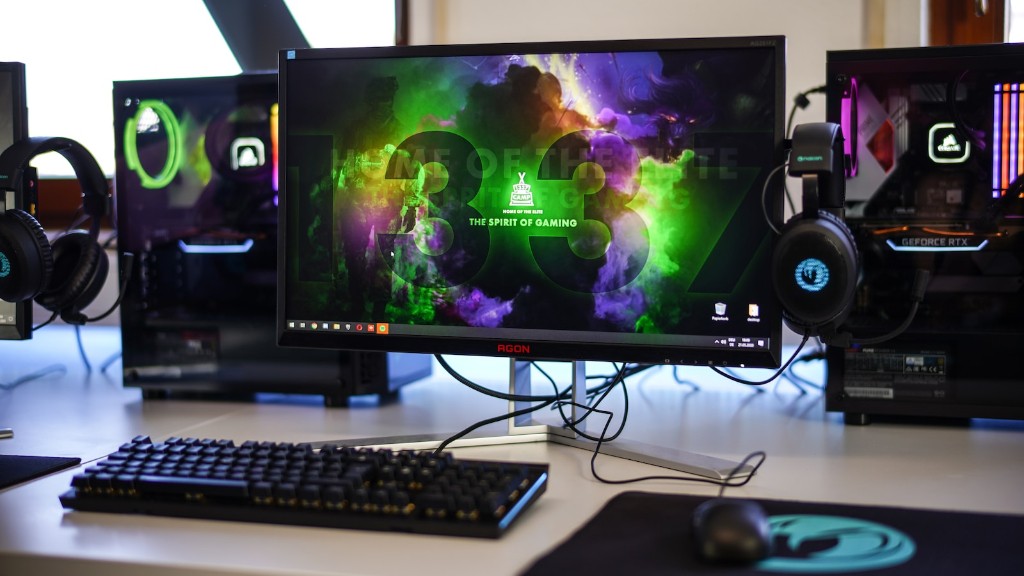
After you have applied the finishing coat, wait for it to dry before you begin to put your desk together. Start attaching the desktop to the frame and make sure the clamps are secure. Then attach the legs to the frame and use the screws and screwdriver to tighten everything into place.
Now test your hard work by ensuring all your cables can fit through the ports and all your gaming accessories fit comfortably onto the desk. The last step is to plug in any non-pressure mounted electrical components, like your monitor or CPU.
Organizing Your Desk
Desk organization is essential for gaming. Start by examining the wiring; make sure all cables are labeled and connected in the right places.Take the time to secure the cables with the clamps so that they don’t stick out or snag.
You’ll also want to consider other organizational methods like using cable organizers, drawers or shelfs. Once your desk is outfitted with the necessary compartments, neatly organize each item to ensure they stay in place while you game.
In addition to the physical organization, consider setting up some rules and routines for yourself. For example, when you are done gaming make sure to unplug any electrical components and secure the cables. This will help keep your desk organized and increase its longevity.
Customizations
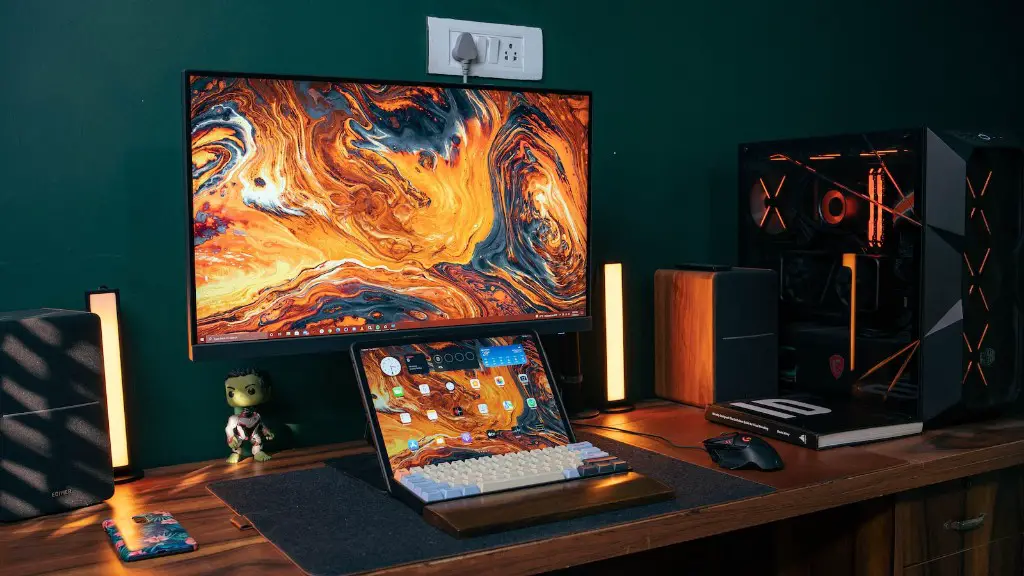
Finally, take the opportunity to customize your desk and make it stand out. Consider things like a custom chair and wrist pad. You can also add colored lighting and unique wallpaper for extra style.
To add further personalizations, print out some of your favorite gaming graphics and frame them. Hang them around your desk to add some extra personality to your workspace.
These are just a few ways to make your desk stand out from the rest. Don’t forget to show off your work in the gaming community and feel proud of your accomplishments.
Putting it Together
Now that you have all the pieces, you can start to put everything together. Start by connecting all the wires through the ports and connecting the CPU, monitor and other electrical components. Make sure everything is properly connected to ensure your gaming PC runs smoothly.
Now all you have to do is put your desk together. Start by attaching the plywood to the frame. Make sure everything is securely fastened together. Then install the supports for the cables and the extra decorations you may have.
Finally, use any extra screws and tools to tighten everything in place. Once all your tools and wires are in place, you will be ready to start gaming. Don’t forget to take a few pictures and show off your new gaming PC desk, you won’t be disappointed.
Maintenance and Cleaning
Finally, a key factor to keep your gaming PC desk lasting longer is to make sure it is regularly maintained and cleaned. Dust and dirt can accumulate around your desk and cause damage over time. Make sure to use compressed air or a microfiber cloth to clean your desk periodically.
Additionally, regularly check the frames and screws to ensure they are still securely in place. All it takes is a quick glance and a few minutes to tighten any loose screws. Doing this regularly will help keep your desk more durable and will reduce the chances of any incidents when you are gaming.
Cord Management
It is important to regularly check your cords and cables as well. Make sure all the connectors are securely in place and that no cords are visible on the surface of your desk. A great way to do this is to utilize cord management systems like zip-ties and Velcro wraps.
These systems are great to keep your cords neat and tidy. Not to mention, they help make sure no wires come loose while you are gaming. Additionally, make sure to replace any worn or damaged cables with higher quality ones.
Safety
One final note: practice caution when wiring and assembling your desk. Make sure everything is properly secured and up to code. Any lack of attention can cause serious injury. If there are any doubts on how to correctly wire or assemble a piece of your desk, please consult with a professional instead of trying to do it yourself.
By taking the extra caution, you can be sure your desk is completely safe and ready for all your gaming needs. Now you are ready to enjoy your gaming PC desk and the new possibilities it brings.
