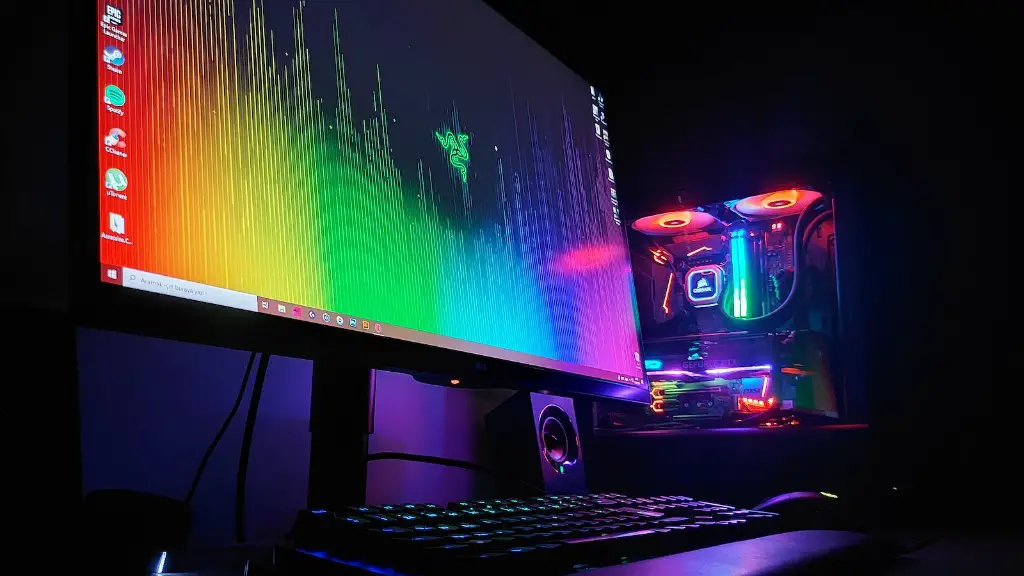
Spending your hard-earned money wisely can be tricky, especially when it comes to allocating funds for big, expensive purchases such as gaming computers. However, it’s possible to save money while still achieving your gaming goals with the right information, planning, and research. Here are some tips to help you save money when purchasing a gaming PC:
1. Set Your Budget and Stick to It – Before you even start shopping, make sure that you know your limit and stick to it. It can be tempting to add a few upgraded features here and there, but don’t let yourself get carried away. Setting a budget and shopping around for the best prices can help keep you on track.
2. Research Different Models -Take the time to research the different gaming PC models and components available. You can often combine lower-level graphics cards with a more powerful processor to save money. Consider what your gaming needs are and research the models that best meet your criteria.
3. Shop Around For Deals – Once you know what you’re looking for, start shopping around for the best deals. Many online stores offer discounts or sales on gaming PCs, so make sure you check every option before buying to get the best price possible. It may also help to sign up for newsletters or join reward programs to save even more.
4. Look For Coupons and Promotions – Take the time to look around for coupons or other promotions that you can use when purchasing a gaming PC. You may find discounts on certain components or games when shopping in-store or online. Be sure to always check the fine print and make sure it’s still applicable before you commit to any purchase.
5. Buy in Bulk – Buying components in bulk, such as RAM sticks or additional cooling fans, can save money and help you build a better gaming PC. Make sure to research the component compatibility before buying in bulk since some components may not be compatible with one another.
6. Upgrade Components Over Time – Buying a pre-built gaming PC may be more expensive upfront, but it allows you to upgrade components over time. This can help you save money in the long run, since you won’t have to replace your entire system in order to get the most out of your gaming experience.
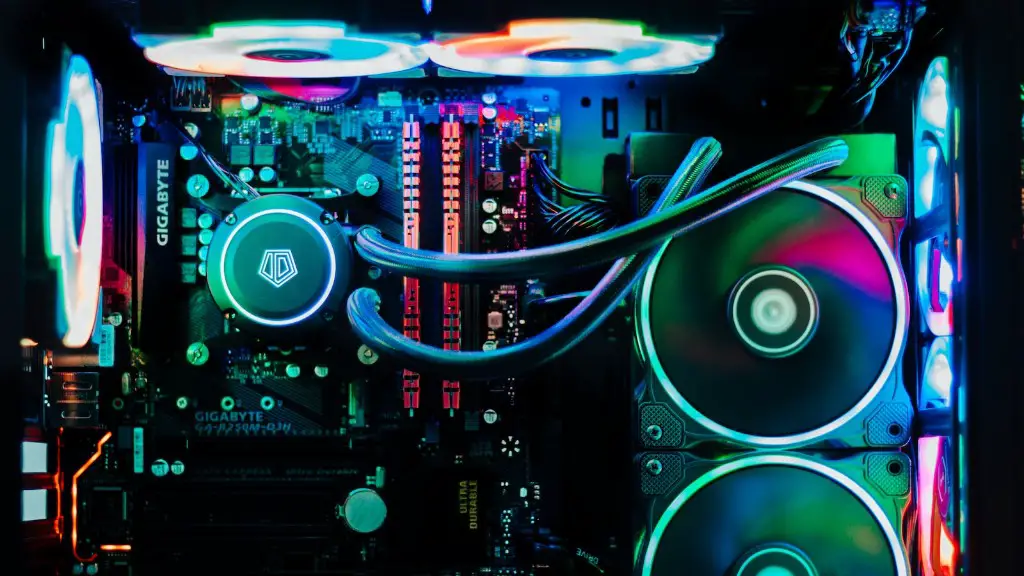
7. Consider Used Components – Purchasing used components can help you save money when building a gaming PC. However, it’s important to properly research each component and make sure you’re getting good quality parts that won’t damage your system in the long run.
Where to Buy the Best Components
Where you purchase your components can have an impact on your budget for a gaming PC. While most stores such as Best Buy, Amazon and Walmart will sell the necessary components, you should also check out specialty sites such as Newegg and BH Photo Video, as they often have deals available that you won’t find elsewhere. Additionally, eBay and CTX Components are both good options for buying used components.
Assembling Your PC
After you’ve purchased all of the necessary components, it’s time to assemble your gaming PC. Start by organizing all of the components and reading any instructions that come with them.You can watch tutorials on how to install each component, and if you’re still unsure, you can ask a friend or a professional. Next, assemble the hardware inside the case, connect all of the components as needed, and power it up to check everything is working.
Software and Drivers
Once your gaming PC is assembled, you’ll need to install the recommended software and drivers for each component. Remember to check for updates on the manufacturer’s website if needed. Once the software and drivers are up to date, install any games you have and test to make sure everything is running properly.
Best Practices for Keeping Your PC Running

Keeping your gaming PC running in top shape is important in order to get the most out of your purchase. To ensure that your PC doesn’t slow down, always keep the software and drivers up to date and uninstall any unwanted programs. Additionally, make sure to clear out the dust from the ventilation slots and other hardware every few months to ensure everything is running smoothly.
Improving Performance and Saving Money
In addition to keeping your PC in top shape, there are some simple steps that you can take to make sure you get the most out of your gaming experience. To improve performance and save money, limit the number of background programs running, monitor your network activity and adjust graphics settings as needed. Answering these simple questions can help you save time and money while ensuring that your gaming experience is top notch.
