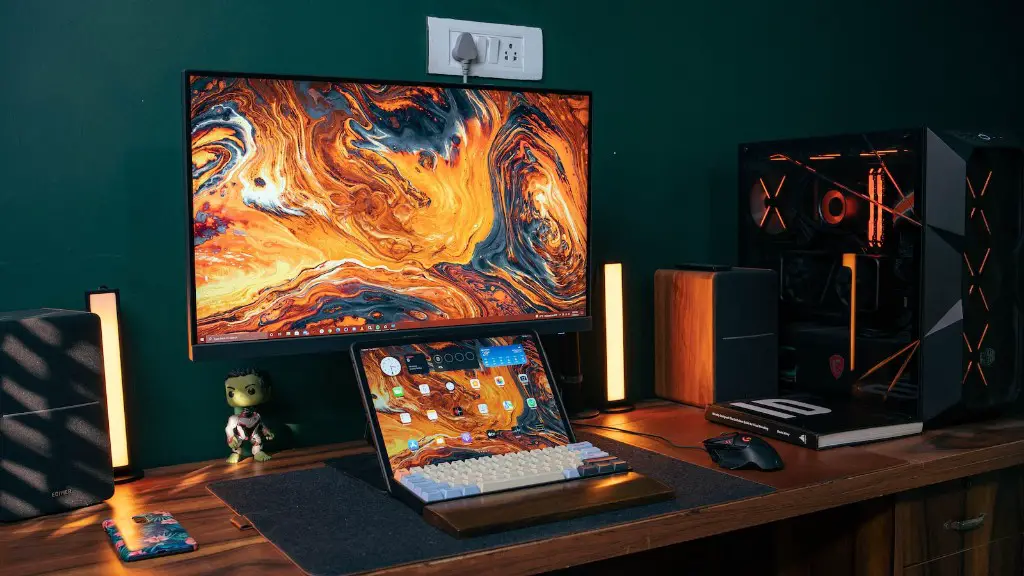
When it comes to building a gaming PC, there’s no one-size-fits-all solution—what you need depends on the type of games you want to play and the performance you’re looking for. But there are some basics that every gaming PC needs, whatever the games being played. To get the best gaming experience, you’ll need a quality CPU, RAM, graphics card, storage, and power supply.
The first and most important component for any gaming PC is the CPU. It’s the brains of the system and serves as the processor for all computing operations. You’ll want to get a high-end processor that can keep up with the demands of modern gaming, such as an Intel Core i7 or AMD Ryzen 7. The more cores the better, since this will allow the system to process more data at the same time.
The next essential component is RAM. This is the short-term memory used by the system, and you’ll need a generous amount of it for smooth gaming. 8GB is a safe minimum, but 16GB and 32GB will provide a better experience. The higher the RAM, the better the performance, so it’s worth investing in the best RAM you can afford.
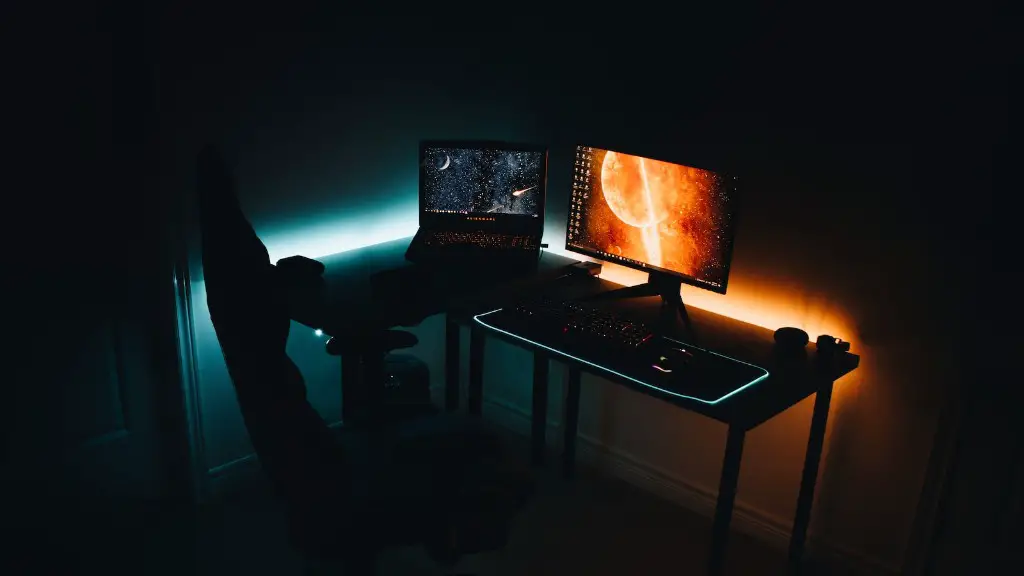
A good graphics card is also an essential part of any gaming PC. This is responsible for generating the images on the screen and can make a huge difference in the overall gaming experience. When choosing a card, consider the type of games you plan to play; a more powerful card will be needed for games with high graphics requirements. NVIDIA and AMD are both good brands that offer reliable cards.
Besides the CPU, RAM, and GPU, storage is a must-have for a gaming PC. Hard drives are the most common type of storage device, but solid state drives (SSDs) are becoming more popular due to their superior performance. SSDs also require less power and don’t generate as much noise, making them more suitable for gaming. A terabyte of storage should be enough for most gamers.
Finally, a good quality power supply is needed to ensure everything runs smoothly. Choose one with the correct wattage for the components you’re using, as an undersized power supply can cause system instability. Look for a reliable brand with a minimum 80+ rating for best performance.
Gaming Peripherals
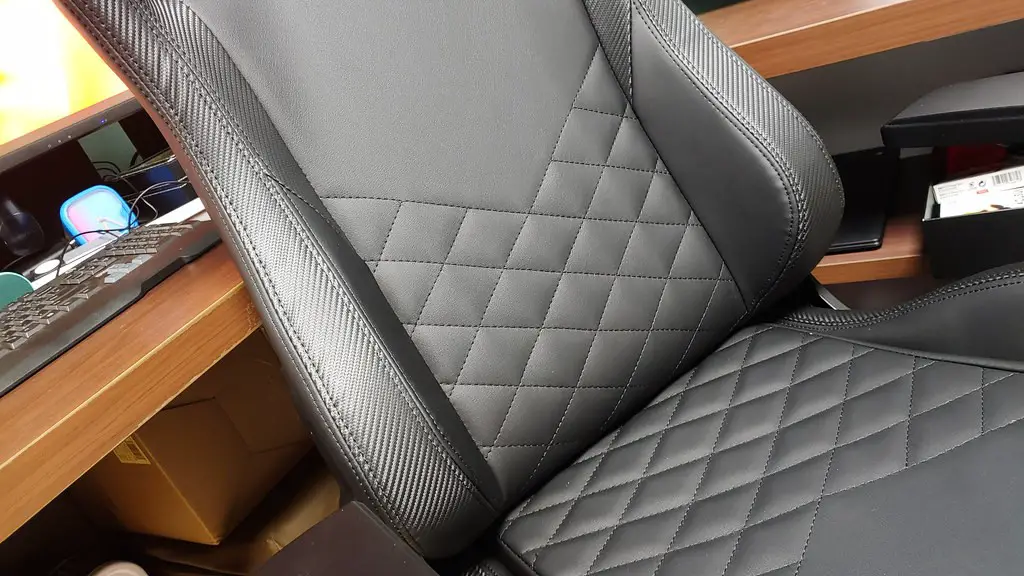
In addition to the hardware components, there are some peripherals that will enhance your gaming experience. A high-quality gaming mouse is a must; it provides smoother control and greater accuracy for faster response times. A gaming keyboard with dedicated macro keys is also useful for those who play complex games that require complex inputs. A quality headset can make a huge difference to audio quality, while a gaming chair can help reduce fatigue.

Monitors are also important for gaming. If you’re going to be playing intense games, you’ll need a high-resolution monitor with fast refresh rates. Look for an IPS panel with at least 144Hz refresh rate for the best gaming performance. High-end gaming monitors also come with G-Sync technology, which helps minimize screen tearing.
Finally, don’t forget about input and output devices. Gaming consoles usually come with the necessary controllers and adapters, but for a PC, you may need to buy a USB hub, controller adapter, and other peripherals. Make sure you have all the necessary devices to connect the PC to your TV or monitor for the best gaming experience.
Software and Accessories
Before you start playing, you need to make sure you have the necessary software installed. At minimum, you’ll need an operating system, and for gaming, Windows 10 is the best choice. You may need additional software depending on the games you play and the features you need. Popular gaming software includes Steam, Origin, and Uplay.
Game streaming services can also be a great addition to your gaming setup. Services such as Shadow, GeForce Now, and Google Stadia allow you to play games that require more power than your PC can handle on the cloud, and then stream them to your PC. This can help save on hardware costs while still providing great gaming performance.
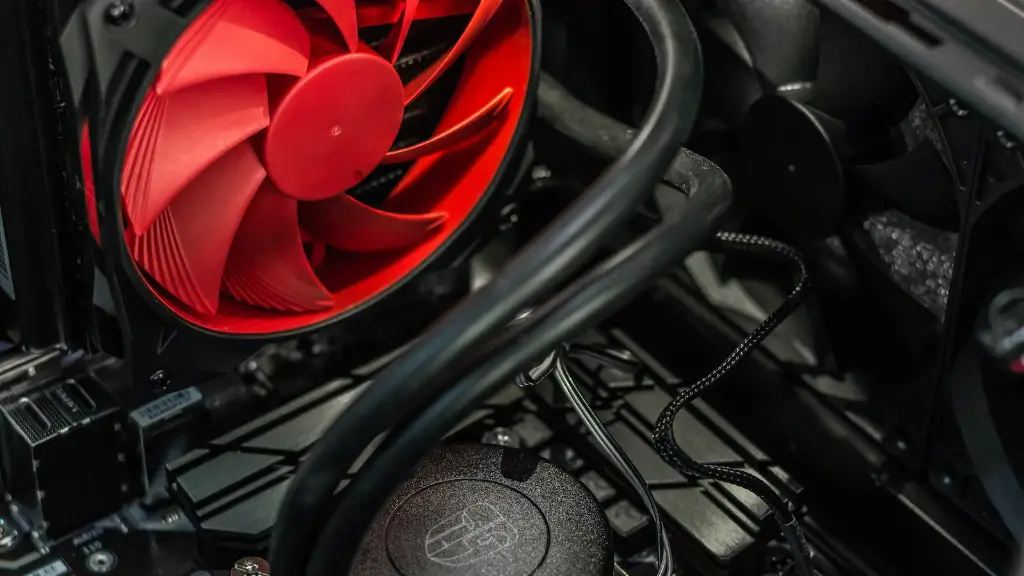
Finally, don’t forget to invest in cooling and accessories. A good cooling system is essential for keeping the components of your PC from overheating. Options such as air, liquid, or hybrid cooling are all available. You’ll also want to invest in cables, fan filters, and cable ties to keep your system neat and tidy.
Maintenance and Upgrades
A good gaming PC requires regular maintenance and upgrades to keep it running smoothly. You should check for software updates regularly by using the Windows Update service or by downloading the latest version of the software installed. You should also check for hardware updates, such as BIOS updates, to ensure the system is running at optimum performance.
As technology advances, you may find that your PC isn’t able to keep up with the newest games. In this case, you may need to upgrade certain components, such as the GPU or CPU. If your budget allows, you can upgrade your system regularly to ensure it always has the latest components.
Finally, don’t forget to clean the inside of your PC regularly. Dust can build up over time and reduce the performance of your system. Use a can of compressed air to carefully remove dust from the internal components. This will help improve airflow and reduce noise.
Conclusion
Building a gaming PC can be a daunting task, but with the right components and a bit of research, you can get the performance you want. Make sure you have a quality CPU, RAM, graphics card, storage, and power supply to start with, and consider upgrading your components over time to keep up with the latest games. Regular maintenance and cleaning will help keep the system running optimally.
