
Having a gaming PC is a big lifetime achievement and there are a few things you should immediately do after getting your gaming PC to maximize its potential.
First off, make sure you have a strong internet connection as it is essential for gaming. With a strong internet connection, your gaming experience will be smooth and fast. You should also check to ensure that your PC has the necessary specs for the games you plan to play. This includes everything from the graphics card and processor to the RAM and your hard drive.
It’s also important that you get the necessary software and hardware installed on your gaming PC. This includes hardware such as controllers, headsets, and camera. For software, you’ll need to update drivers for your graphics card, sound card, and any other components. You should also make sure that your OS is up to date as well.
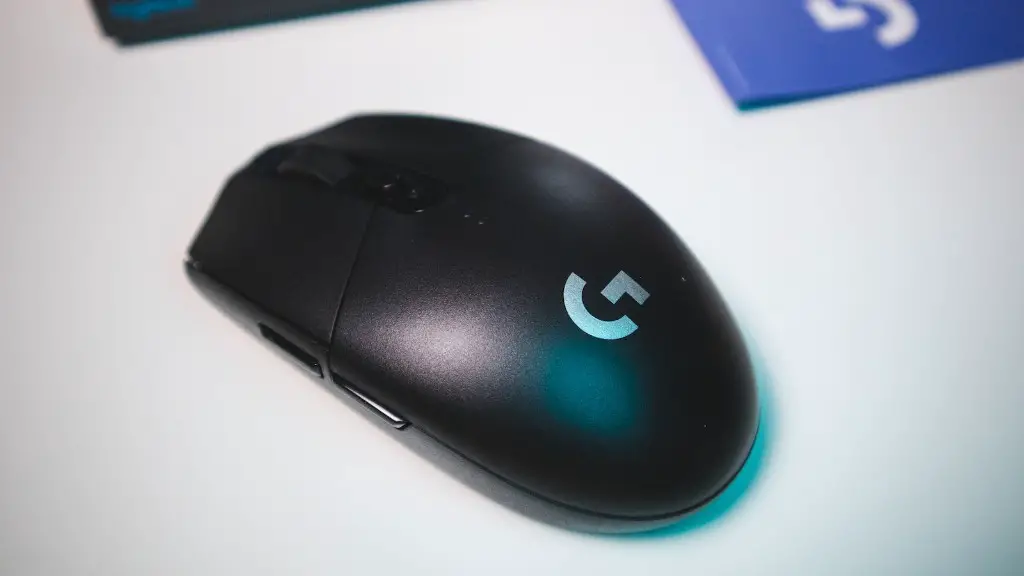
It’s also important that you configure your gaming PC so that you get the most out of it. This includes setting up display settings, setting up game profiles, and adding any additional programs or software that you may need. You should also ensure that your internet connection is secure by making use of a strong password and other security measures.
Finally, there are times when you need to troubleshoot your gaming PC. This could include checking your PC’s fan settings, assessing your hard drive and memory settings, and checking your graphics card. Taking the time to check these settings and making sure that your gaming PC is properly set up can save you from many problems in the future.
Additional Resources
It is important to get additional resources for your gaming PC. This includes gaming specific websites, reviews, and forums that offer advice on gaming setups. These additional resources may be able to provide more detailed information about the games you are looking to play and the best hardware and settings to get the maximum performance.
Maintenance
Maintaining your gaming PC is also important to get the most out of it. You’ll need to clean your PC regularly using compressed air and make sure that all components are properly updated. Additionally, you should also make sure that you have an up-to-date anti-virus program installed on your PC to keep it secure from various threats.
Invest On Components
Investing in components for your gaming PC is also something that you should consider. This includes buying more RAM or a better graphics card, as well as getting better sound systems or a faster processor. Investing in better components will help boost your gaming performance and allow you to enjoy the games at their fullest.
Customization
You can also customize your gaming PC based on your needs. This includes changing the color of the casing, adding extra fans, or changing the type of mouse or keyboard you use. Making the right choices when customizing your PC can improve its performance significantly.
Choose The Best Games
Finally, you should also take some time to choose the best games for your gaming PC. By doing research on the particular games you want to play and the system requirements, you will be able to maximize your gaming performance. Doing the research beforehand will allow you to select the games that you enjoy the most and that can get the most out of your gaming PC.
