Building a PC for gaming is an exciting endeavor. After finally constructing what could possibly be your best piece of technology yet, you may find yourself wondering what to do next. In this post, I’ll lay out some helpful steps to guide you in the right direction after building your gaming PC.
It’s a great idea to start by researching any available software updates. Updating drivers and other important software may help with performance and sometimes fixes any bugs. This is especially important if you opted to skip any operating system installation. Be sure to check manufacturer websites for updated driver software, as well as any other software related to your PC components.
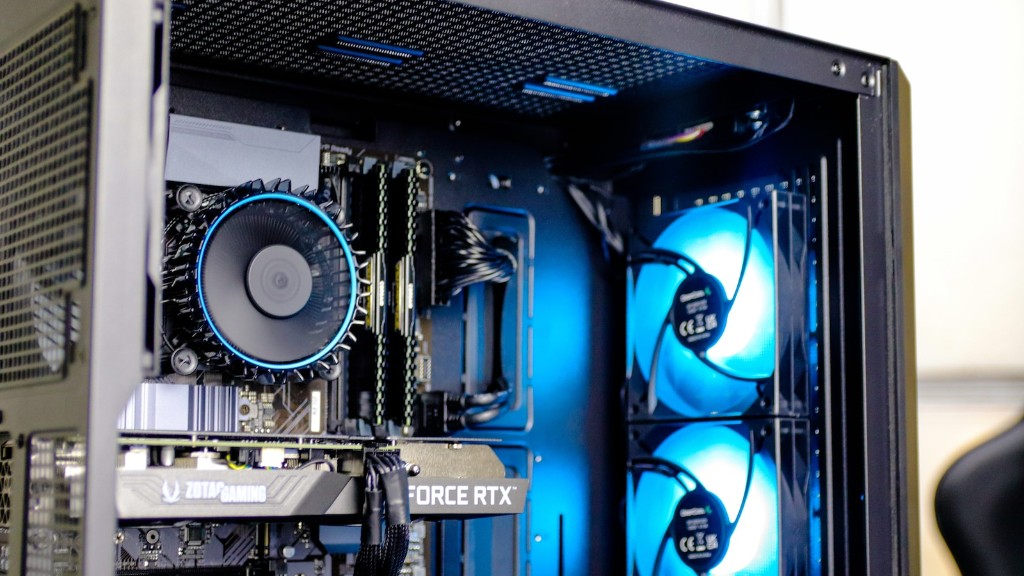
Next, you’ll want to check your PC for any potential overheating issues. Make sure any fans and other cooling components are running and that there’s adequate air flow in the case. In addition, ensure that there’s adequate cooling to the processor, GPU, and other components. You can use software to monitor temperatures or download any necessary PC monitoring apps.
It’s critical to backup important data and software. If you’ve installed an operating system, use the built-in system utility to backup the contents of your hard drive. This could save the trouble of having to reinstall an operating system (as well as all your software) in the event of any catastrophes like a power outage or system crashing. Even if you don’t have an operating system, opting to backup important data to an external hard drive may be worthwhile.
It’s also a good idea to begin to install the games and other software you plan to use, as well as configuring the system for optimum performance. If you prefer to play your games in the highest possible quality settings, be sure to adjust your PC’s settings. This includes setting the resolution and finding the optimal balance between visual quality and performance.
Maintenance is an important step to consider when dealing with your PC. Be sure to clean out any dust and other contaminants every few months. This should include the case, components and fans, as well as cables and other connectors. Additionally, check for any potential defects in the power supply, as this could undermine the functionality and performance of the entire system.
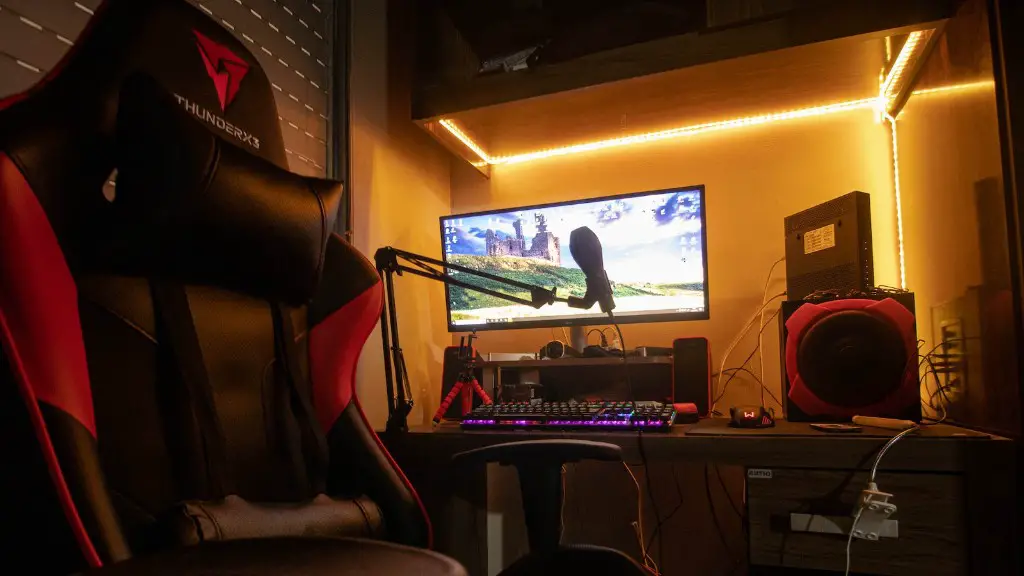
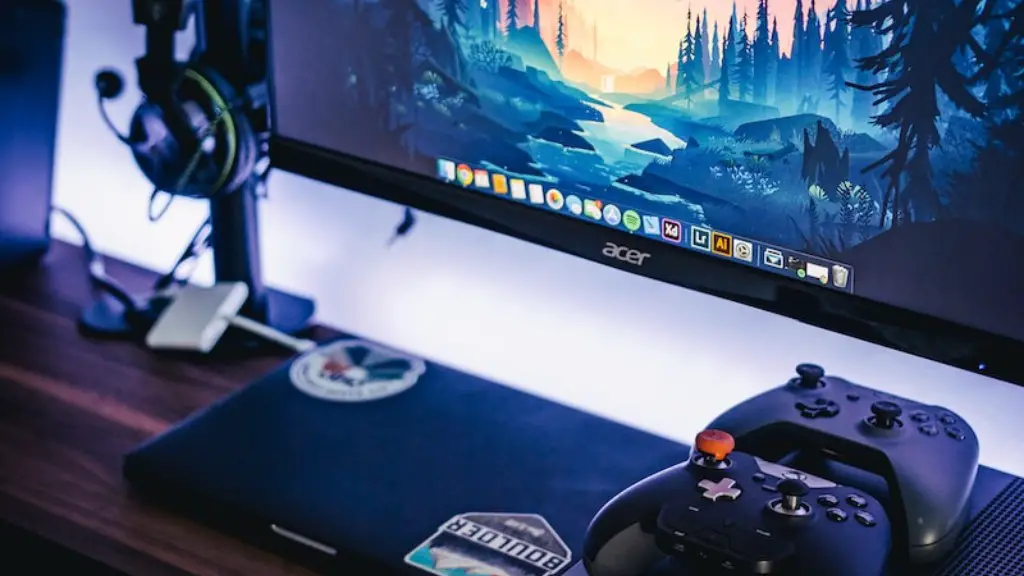
Finally, consider investing in some of the best gaming peripherals. This could include everything from headsets, auxiliary gaming controllers, and other gaming hardware. Some gaming hardware offers benefits such as additional programmable buttons or improved designs to enhance comfort.
Optimizing Your Gaming PC
After building your new gaming PC, you’ll want to optimize it for optimal gaming performance. This could include shipping any necessary software updates, such as graphics card drivers and other important programs. If you’re not familiar with graphics settings, you may want to check out some helpful tutorials. This could provide you with the information and recommendations you need to maximize the gaming experiences your new PC can provide.
Your gaming PC comes with considerable hardware components and it’s important to make sure each component is in working order, especially if you’ve determined now is the optimal time to upgrade. Performing basic maintenance can ensure your gaming PC continues to perform optimally. Check for potential overheating issues and do your best to monitor temperatures and find the appropriate balance.
If you’re looking for an additional edge, consider buying some of the best gaming peripherals available. That could include things like gaming keyboards, mice, and other gaming hardware. Look to popular hardware review websites and forums to find the best gaming hardware for your budget. This could be immensely helpful if you’re looking to get into more competitive gaming, as quality hardware can often increase any advantage.
Make sure you also invest in a quality gaming headset. A great headset can dramatically improve your gaming experience. You’ll be able to play in full surround sound and enjoy superior audio quality, as well as communication via voice chat when playing in a group. Look for a headset that connects directly to your PC’s audio jacks, as this will allow for maximum sound clarity.
Another fun way to improve your gaming experience is to invest in an auxiliary gaming controller. This can provide a great way to interact with and play games. Fortunately, there are lots of gaming controllers which can be purchased from dedicated gaming websites or from popular retail sites. Look for a gaming controller that’s outfitted with enough buttons and high quality construction.
Adding More Memory Components
Once you’ve fully optimized your gaming PC and bought some gaming peripherals, you may want to consider adding memory components. These could include RAM and traditional hard disks, or even the newer Fusion drives and solid state drives. All these components can improve the gaming performance by increasing your PC’s storage capacity and RAM availability.
When replacing any existing memory components, consider seeking out higher quality components with faster performance. Search around for the best deals and think about how your gaming software might benefit from a more substantial storage capacity. Additionally, consider the system requirements of the games you play and that could influence any purchasing decisions.
There are plenty of great online tools to help you look for compatible components. Using these tools can help you to make sure you’re buying the right components, as well as looking for the best deals. This is especially important when dealing with memory components, as compatibility and hardware design can be critical.
If you’re looking for additional help, consider browsing helpful forums or even consulting with local PC professionals. You may be able to solicit advice on where to look for memory components, what to purchase, and other tips for optimizing gaming performance. This could save you a lot of trouble, especially if something goes wrong or if you’re having difficulty finding compatible components.
Finally, don’t forget to keep the noise down. Despite the fact that your new gaming PC offers competitive performance, it doesn’t necessarily mean you’ll be able to play your favorite games at all hours. Consider purchasing a gaming headset that reduces background noise, as well as audible exhaust fan noise. This could provide an added bonus in terms of improved gaming comfort and ease-of-use.
Avoiding Potential Problems
Avoiding any potential problems means always have an emergency backup plan. That could include an external hard drive with a mirrored image of your system and any important data files. This could be immensely helpful if something suddenly goes wrong and you need to recover data or reinstall the operating system on your PC.
Always pay close attention to any potential problems like system crashes or power surges. Powering down your PC and unplugging your devices can be a great way to prevent any potential disasters. Additionally, making sure you have a good backup and emergency plan could save a lot of trouble should something happen to your gaming machine.
Finally, consider practicing good PC hygiene. This could include everything from basic cleanliness to backing up your files and software. Be sure to streamline your PC and free up disk space, as well as develop an effective organization system. Additionally, always make sure critical components are up-to-date. Checking manufacturer websites for any available updates is a great way to keep on top of your system and protect it against any online security threats.
These are some of the best actions to take after building your new gaming PC. From first purchasing the components to finally optimizing system performance, there are many actions you can take. Following these tips will help ensure you have the best gaming experience possible.
Upgrading Your PC Components
Upgrading PC components could be a great way to improve your overall gaming experience. This could include anything from replacing components to boosting your gaming peripherals. Component upgrades could provide an extra edge to your performance and ensure you’re playing your favorite games at peak performance.
When upgrading components, always double-check to make sure everything is compatible with your existing setup. Researching each component or asking for recommendations from affiliated websites or forums is a great way to ensure compatibility. Additionally, make sure to check for any available discounts or discounts available online.
It’s also a good idea to spend a moment familiarizing yourself with any new components. This could mean reading through the manual or researching product reviews. This could help you to determine what the best components are, as well as any new features you could utilize to improve your experience.
Additionally, think of what components have the most weight in increasing overall performance. This could include any graphics components, as well as any newer chips and processors. Improving your graphics performance could be a great idea, especially if you’re looking to play games in native 4K resolution or higher.
Finally, don’t forget about any gaming peripherals. A good gaming mouse, keyboard, and headset could offer some great bonuses to your overall gaming performance. Look to popular review sites and forums for the latest technology updates, or even suggestions on where to purchase the best gaming accessories.
Conclusion
Now that you’ve built your new gaming PC, there are many things you can do to ensure it’s performing at its best. From researching software updates and looking for compatible components, to optimizing the system for optimal performance and gaming peripherals, there are many things you should consider. Be sure to check for any potential overheating issues and to update any software from manufacturer websites.
Additionally, consider investing in some components to upgrade your PC. Upgrading PC components, such as graphics cards, processors, and RAM, can help to improve your gaming experience. Finally, investing in gaming peripherals is always a great idea, especially if you’re just getting started with competitive gaming. Put these tips into practice to ensure you’re getting the best out of your gaming PC.
