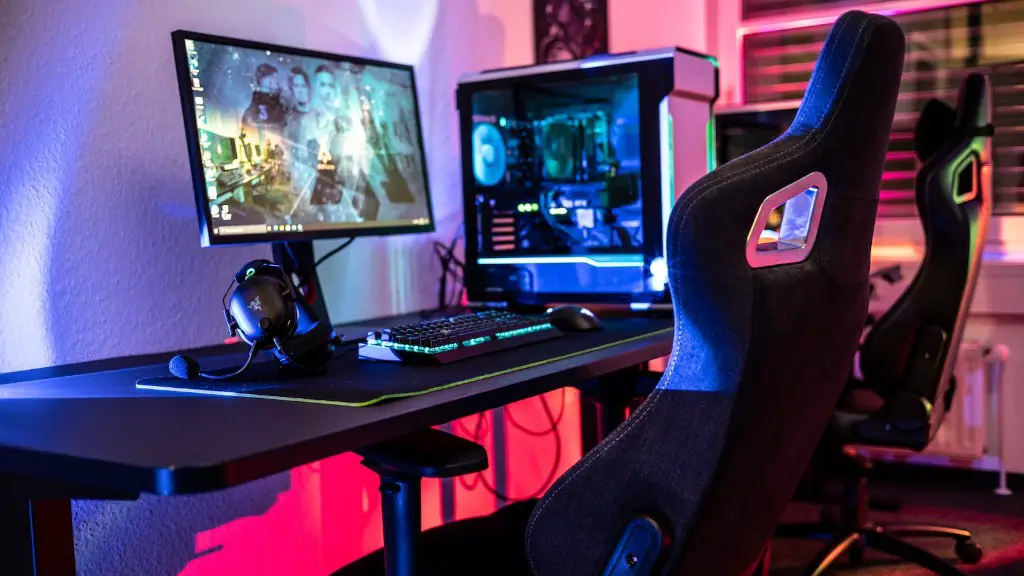
The best way to improve gaming performance on a PC is to upgrade it with the right components. The main components to upgrade are the processor, graphics card, RAM and storage. A faster processor can help improve gaming performance; a good choice would be an Intel Core i5 or i7 processor or one from AMD or AMD’s Ryzen-range. A new graphics card can unlock higher frame rates and resolutions, as well as a blazing pace in gaming sessions. To get the most out of your graphics card, choose one from NVIDIA’s RTX-range or AMD’s Radeon-range. More RAM can help your PC run smoother, too; opt for between 8-16GB of DDR4 RAM. Lastly, faster storage can help reduce load times and add stability; consider a PCIe NVMe SSD or two.
Graphics Card Upgrade
A graphics card is a vital component to any gaming rig. It determines how fast games will load and how quickly frames will render in-game. To get the most performance out of your gaming PC, opt for a card from NVIDIA’s RTX 30-series or AMD’s 5000-series of graphics cards. Both offer impressive performance and competitive prices. This can result in high frame rates and immersive gaming experiences.
Also consider a multi-GPU configuration if you’re aiming for 4K resolutions. However, for most 1080P gaming, one well-performing card should suffice. Those on a tighter budget may opt for models from NVIDIA’s GTX 16-series or AMD’s RX 500-series.
CPU Upgrade

The processor, or CPU, is the brains behind your machine. Upgrading your CPU to one with more cores and threads can help your gaming experience by decreasing loading times, reducing latency and providing more options for better AI and physics resolution when gaming.
If you’re on a budget, AMD’s Ryzen 5-series CPUs are great value when it comes to gaming performance. If you want to push the boundaries, opt for Intel’s Core i9-10900K or Ryzen 9-series CPUs. Also consider opting for a cooler that’s capable of keeping your CPU cool under load.
RAM Upgrade
It’s important to have enough RAM for your gaming rig; it directly affects the performance and speed of your system. A good starting point would be 8GB of DDR4 RAM and this should cover most gaming needs. However, those who need more power and memory should upgrade to 16GB or 32GB of DDR4 RAM. Ensure that your motherboard is compatible with the RAM you buy.
When buying RAM, stick to brands such as G.Skill, Corsair or Kingston as these are tried and tested for gaming performance.
Storage Upgrade

When it comes to storage, try to opt for fast and reliable components. Solid-state drives (SSDs) in the PCIe NVMe form-factor provide excellent speed and stability, and games will load faster with these compared to traditional hard drives. A 256GB or 512GB SSD should be more than enough for most games.
SSDs may be more expensive, but they are more reliable and quicker than traditional hard drives. They will load your games quickly and generally stay cooler during intense gaming sessions; consider opting for two smaller, faster drives in RAID 0 if you have the budget.
Power Supply Unit Upgrade
The power supply unit (PSU) is the backbone of any gaming rig. It provides the necessary wattage to power all the components of your system, from your processor and graphics card to your storage and RAM. An inadequate PSU can cause all sorts of issues, such as random shutdowns and stuttering performance.
Opt for a PSU with at least 80-Plus rating and from a reputable brand like Corsair, EVGA or Seasonic. Also, consider a power supply with a higher wattage than you need; it may cost more, but it will provide a safety net against any surges in power.
Other Upgrades
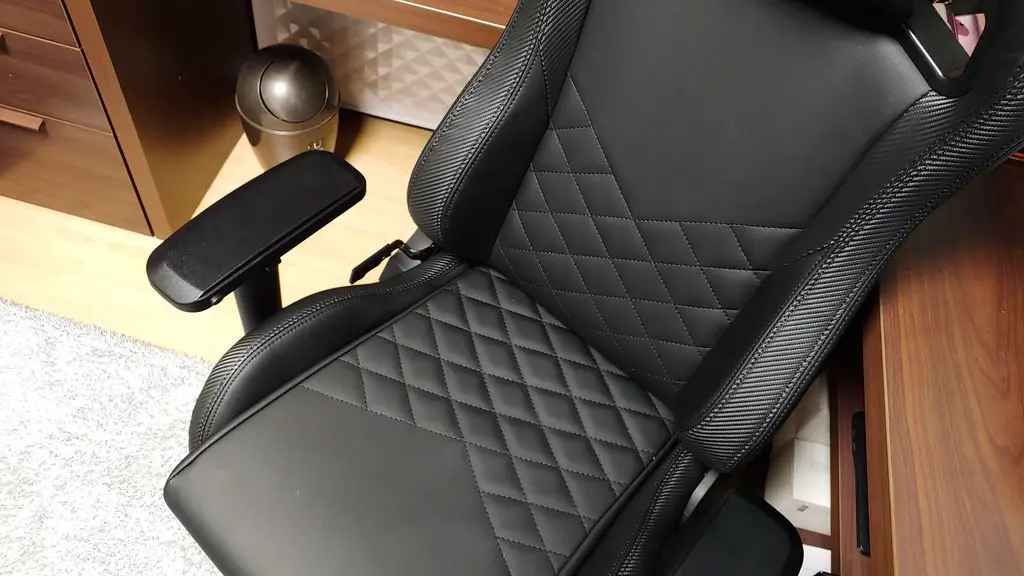
Some other components to consider include a replacement case; pick one that can fit your components with room to spare. Also consider a CPU/GPU water-cooling solution to help keep everything running cool under load. Finally, new peripherals such as a gaming mouse, keyboard, headset and even a gaming monitor should be considered to take your gaming experience to the next level.
Connectivity Upgrade
Modern gamers know that a good internet connection is the key to an enjoyable gaming experience. Investing in fast and stable broadband or Wi-Fi can help reduce your latency and provide a consistent connection for gaming. Consider a reliable Wi-Fi booster or powerline adapters for your home network.
Ensure that the network devices you buy are suitable for gaming and can handle the workload that both you and your games put onto the connection. Also consider investing in a good quality router or modem; these can provide more stable connections and protect your PC from malware and cyber attacks.
Operating System Upgrade
Upgrading to a modern gaming operating system can help speed up your PC and improve its performance. Windows 10 is the biggest and most feature-packed version of Microsoft’s operating system; it’s constantly being updated with the latest features and security fixes. If you’re looking for a gaming-focused experience, SteamOS or macOS can provide a dedicated gaming platform.
It may be worth considering Linux for your gaming rig; the open-source operating system is known for its stability and performance. Ubuntu and Linux Mint tend to be the most popular with gaming enthusiasts as they offer easy installation and many resources online to help with setup and maintenance.
