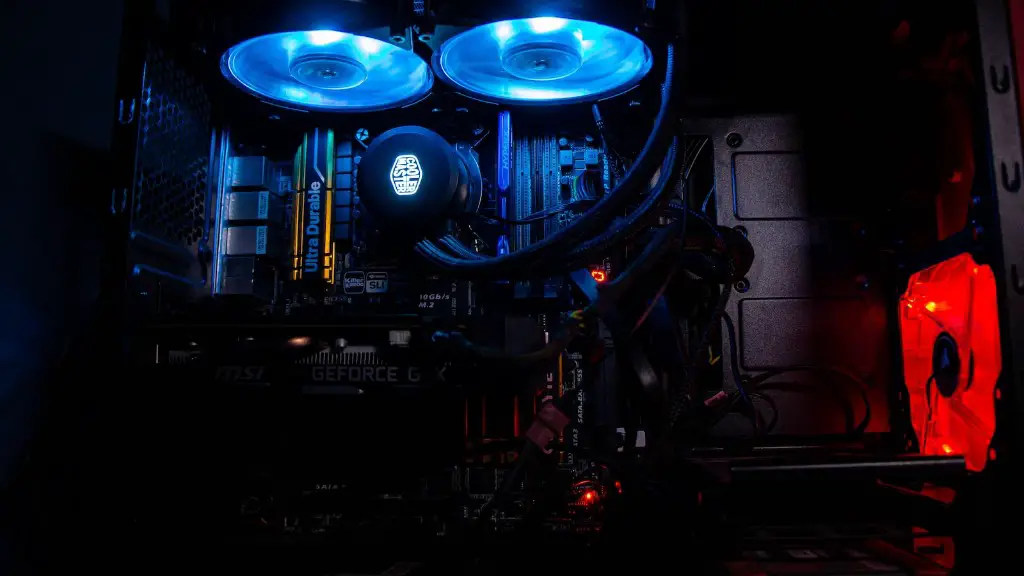
What Is The Cheapest Best Gaming Pc? A gaming PC is a must-have for any serious gamer, providing a powerful and immersive experience. But with so many options, from components to peripherals, it can be hard to know where to start when shopping for the cheap best gaming PC for your budget. In this article, we’ll go over some of the key features that you should look for, as well as some of the best gaming PC manufacturers that specialize in gaming PCs.
The most important factor when shopping for a gaming PC is the graphics card. It’s responsible for driving the most visually intensive games, so it pays to invest in something on the higher end of the spectrum. Companies like Nvidia and AMD make powerful graphics card solutions that are perfect for gaming with their advanced rendering technology. Plus, they come in varying sizes, ranging from budget-friendly entry-level cards to higher-end cards with more power.
Also consider the CPU, the brains behind the PC. AMD’s Ryzen 5000 series processors offer fantastic performance for the price and make for good gaming processors. For something a bit more fancy, Intel’s 11th Gen Core processors provide a powerful boost for budget-oriented gaming PCs. The key to making sure you get the best gaming performance out of your PC is to buy a CPU and GPU combination that works well together.
Keep an eye on the amount of RAM your gaming PC has. The basic rule of thumb is that you should have at least 8GB of RAM to ensure smooth performance. Some games, such as open-world RPGs, may require more. Thankfully, most PC manufacturers offer RAM upgrades for a small fee. Another thing to watch out for is the type of RAM you buy. DDR4 is the most popular, but some new games require once very specific types of RAM, so be sure to double-check the specs.
The last major factor in a gaming PC is the storage. Make sure to get a solid-state drive to store your games and software, as this offers faster loading speeds than a traditional hard drive. Ideally, you want to at least get a 500GB SSD so that you can store most of your games. If you require more storage, consider purchasing an extra hard drive.
When it comes to finding the cheapest, best gaming PC available, you have plenty of options. PC manufacturers like Alienware, CyberPowerPC, and MSI make affordable gaming PCs loaded with powerful components. You can often find great deals with these companies and they offer warranties on their PCs. Additionally, websites like Newegg or Amazon often have discounts on gaming PCs as well, so be sure to shop around before settling on one.
The OS Administration and Manager
The OS administration and manager are second important if you are looking for the cheapest, best gaming PC. The OS is the powerful base that controls the different operations and applications that run your system. Different OS has advantages and benefits. Windows 10 is a popular choice for gaming PCs, but other Linux-based operating systems such as Ubuntu and Fedora are popular among gamers. Although Linux distributions are as compatible for gaming as Windows 10 ones, there are only a few specialized hardware components that are only compatible with Windows 10, so you may want to opt for Windows 10 anyway.
Gaming Accessories and Upgrades
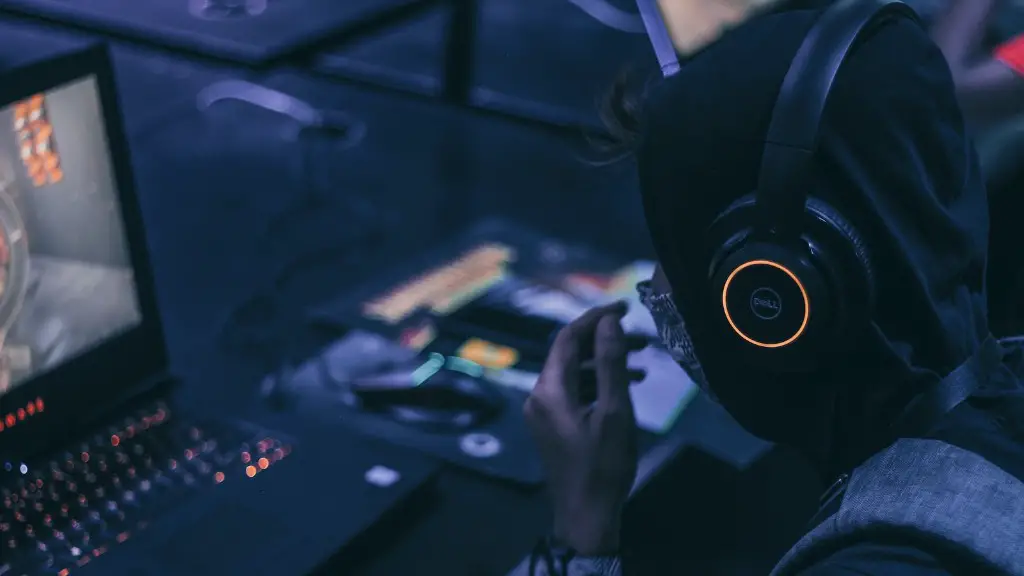
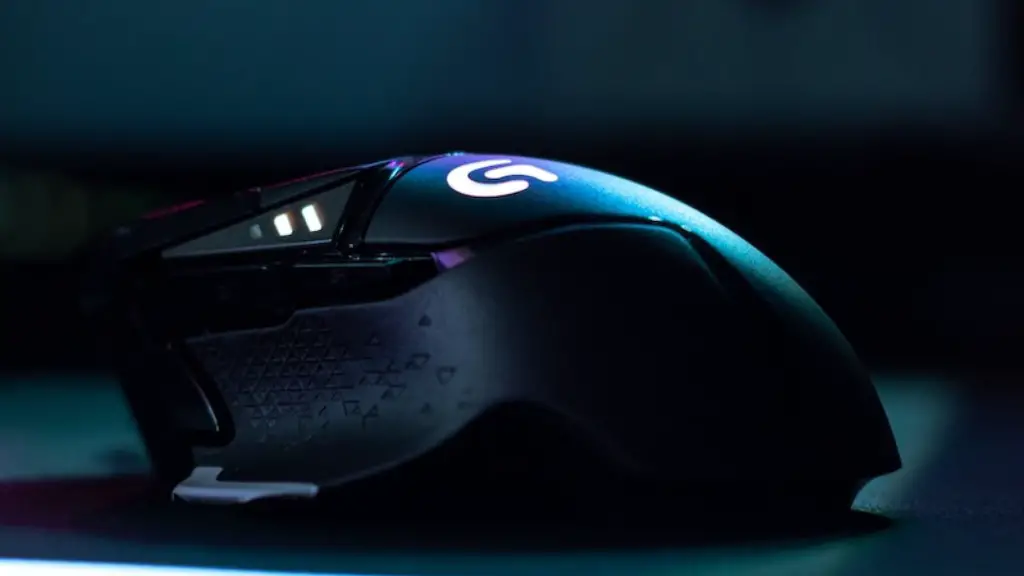
If you plan to use your gaming PC for more than just gaming, it might be worth investing in some additional gaming accessories and upgrades. The most popular items include gaming keyboards, mice, headsets and gaming chairs. Gaming headsets are essential for competitive gaming and will help you communicate with other players, whereas a gaming chair will provide all-day comfort when you’re marathon gaming. Also, consider upgrading your gaming PC’s gaming components, such as the graphics card or CPU, if you plan on playing the latest and greatest games.
Network Connectivity
Network connectivity is an essential part of any gaming PC. You’ll need fast internet speeds to stream content, download and install games and communicate with your teammates. If you’re looking for a gaming PC for multiplayer gaming, make sure to invest in a good router, a modem and even more Ethernet cables if the gaming PC is further from the router. Wi-Fi speeds can cause noticeable ping increases in online gaming, so always opt for an Ethernet cable connection if possible.
Gaming Software: Gaming Monitors and VR Headsets
Finally, you’ll need one of two important accessories for your gaming PC: a gaming monitor or a VR headset. Gaming monitors come in all shapes and sizes, with different resolutions and refresh rates. If you’re serious about getting into PC gaming, you should look for one that supports a higher resolution and refresh rate. As for VR headsets, the Oculus Rift and the HTC Vive are great picks to get the best immersive gaming experience. They have some of the best motion tracking available and will give you an experience like no other.
Cooling Systems
Cooling your gaming PC is essential, especially if you plan on overclocking your gaming machine. Overclocking a CPU can drastically increase its performance, however it also increases the amount of heat that the computer needs to dissipate. Invest in a good CPU cooler to ensure that your gaming PC isn’t running too hot. Additionally, there are separate fans for graphics cards which can help avoid thermal throttling. And for an optimal gaming setup, consider adding liquid cooling, although this is quite an expensive option.
Maintenance and Upkeep

Maintaining your gaming PC is also very important to keep it running optimally. If you’re serious about gaming, you should download a system diagnostics program that will alert you if something is going wrong with your PC. Also, make sure to keep your drivers up to date and clean your equipment regularly. This involves dusting out any dust that might have accumulated in hard to reach places. Lastly, remember to keep your operating system up to date with the latest security patches, otherwise your PC might be vulnerable to malware.
