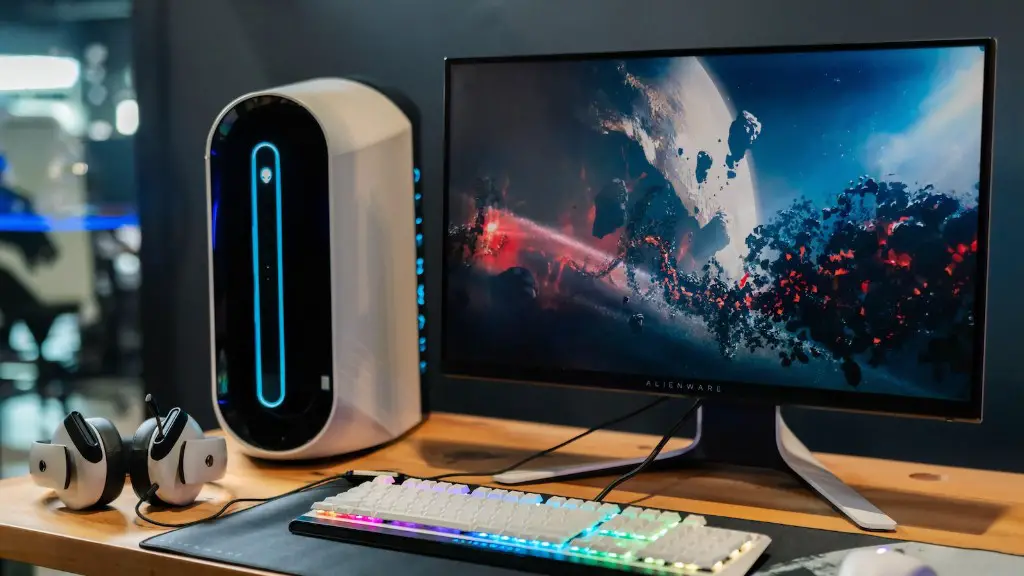
Are you an avid PC gamer looking to make your gaming PC stand out? Improving the look of your gaming PC is a great way to showcase your setup and get more out of your gaming experience. Here’s how to make your gaming PC look better.
One easy way to spruce up your gaming PC is to invest in a custom case. When choosing a new case, you should consider overall size, airflow, and personal preferences such as color, finishes, and lighting. You can find cases in a range of sizes and shapes depending on your needs, and selecting one with good airflow will ensure that your gaming rig performs at its peak.
Cable management is essential to making your gaming PC look better. Neatly organizing cables, using custom sleeving and braided extensions, and adding power covers will all help to give your gaming PC a tidier, more professional appearance. You should also take into account any RGB or illuminated components and ensure the cables for them are properly routed so your lighting effects look their best.
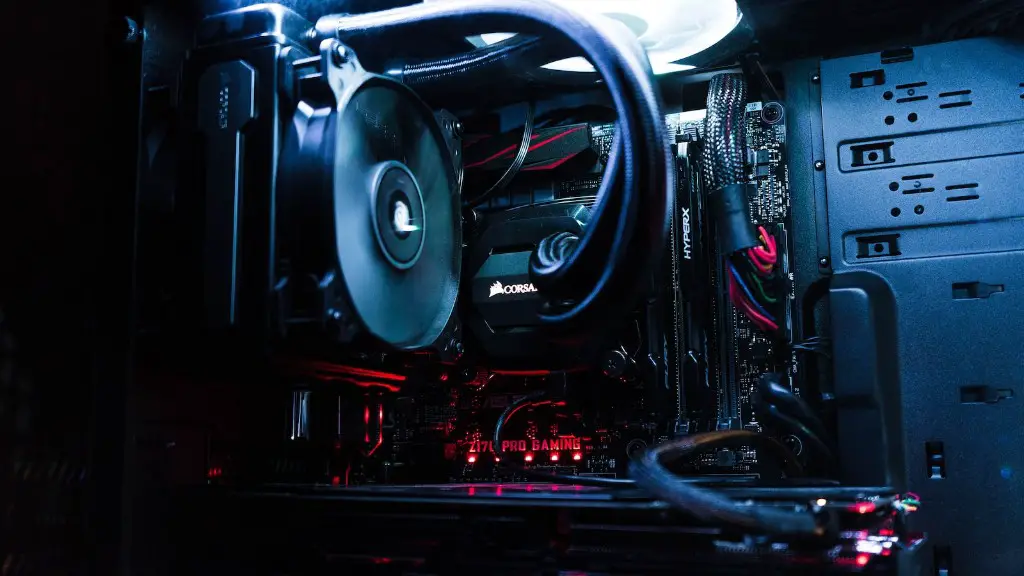
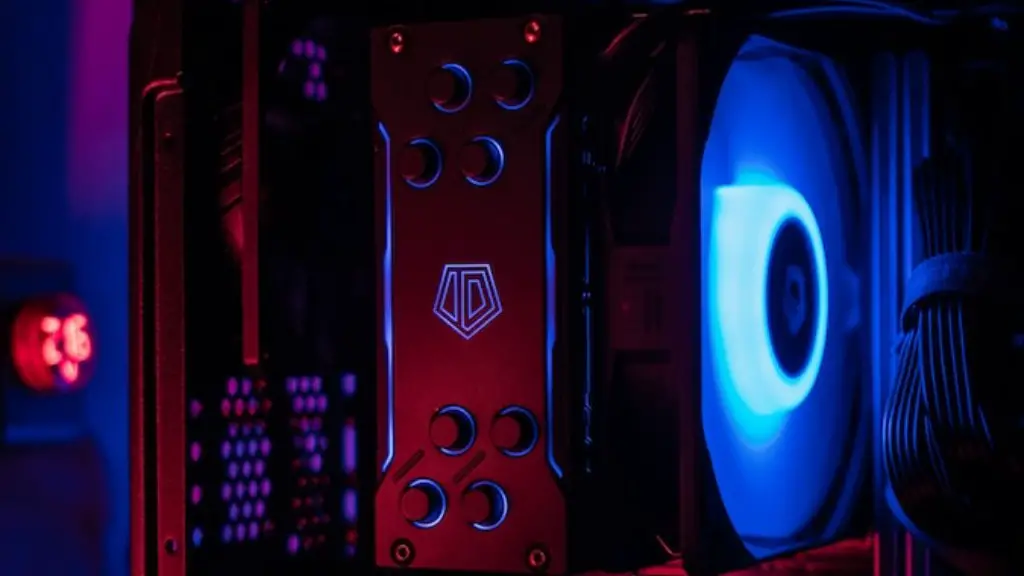
Adding custom cooling components, such as liquid coolers and fans, is another way to make your gaming PC look great. Custom liquid coolers, in particular, are a great way to add vibrant color to your system and make it pop. Plus, they’re great for keeping your CPU, GPUs, and other components cool and running smoothly.
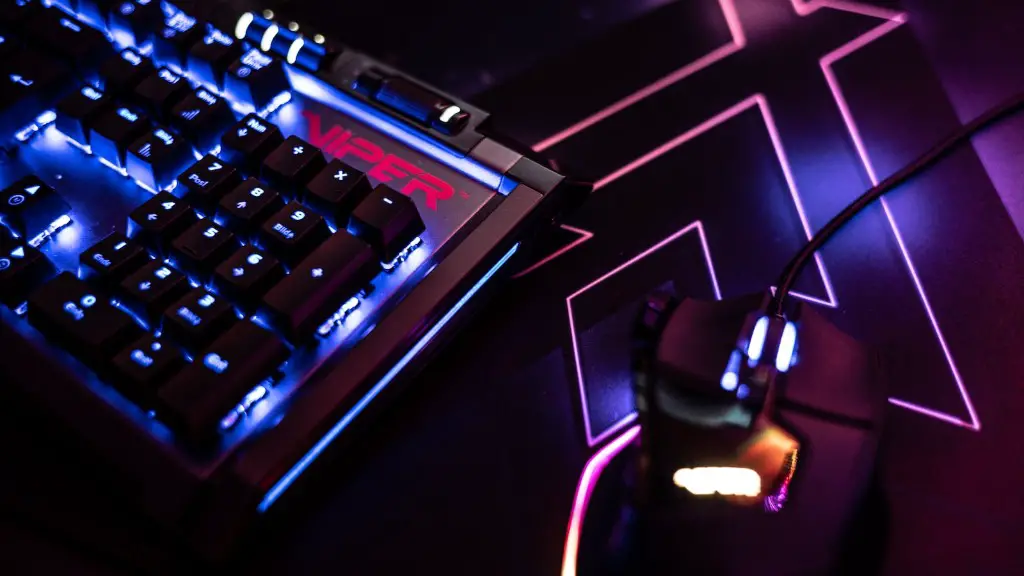
Installing custom lighting to your gaming setup is also a great way to get the most out of your gaming experience. RGB strips, fans and strips with addressable LEDs give you the ability to create custom lighting patterns, animate your rig and enhance your gaming experience.
Finally, customizing your PC with personal touches such as custom vinyl wraps, stickers or decals can really make your gaming PC stand out from the crowd. You can find a wide range of decal and wrap designs at specialized stores, or create your own using a vinyl cutting machine. Applying your custom decal or wrap involves some skill, but it’s a great way to customize your gaming PC and make it look great.
Cables
Cables lurk around every nook and cranny of your gaming rig and make it look untidy. Keeping them neat, organized and out of sight can be a real challenge, especially in smaller cases. There are, however, several ways of making sure your cables stay out of sight and not detract from your setup. First of all, you can invest in custom aftermarket cable combs, which help make all your cables look neat and tidy behind the motherboard tray. They are not the most aesthetically pleasing solution, but they are effective. On the other hand, if you don’t mind investing in some extra time and effort, custom cable sleeving and braided extensions can really make your cables look professional and appealing.
Using Velcro straps is another tried and tested way of tidying up your cables. They are cheap and easy to use, and are particularly effective for hiding larger cables such as 8-pin CPU power connectors or bulky SATA power cables. Finally, cable management boxes and cable covers are another great way of hiding the mess of cables and making your gaming PC look sleek and professional.
Wall Mounts
Putting your gaming rig on the wall is a great way to make it look better while saving space in your setup. Wall mount brackets are available in a range of different sizes, so it’s easy to find one that fits your rig. Once you’ve decided on the right size and style, all you have to do is attach it to your case. You’ll have to make sure you attach it securely, as you don’t want your gaming PC falling off the wall. Finally, it’s also a good idea to make sure you have access to the back of your case, as wall mounted PCs are not as easy to access when you need to perform maintenance or upgrades.
Once the mount is in place, you’ll be able to hang your gaming PC on the wall in the exact position you want. This makes it easy to show off your light effects and makes your setup look professional and neat. Wall mounting can also be a way to keep your gaming PC out of the way and make more space in your gaming setup, which is great if you don’t have a ton of room.
Desk and Table Organization
Keeping your gaming desk or table organized is another way to make your gaming PC look better. Investing in a few organizational items, like cable holders, tie downs, and risers, can help to tame the mess of cables and make sure all your components are kept in place. You can also make use of trays, shelves, and drawers to help keep your gaming setup neat and tidy. And if you really want to show off, you can even invest in wall-mounted shelves or shelves with RGB lighting.
Cable clamps are also helpful for making sure your cables stay in place and don’t move around or fall off your desk. Additionally, you can look into monitor risers, vertical GPU mounts and other mounting accessories to increase your desk’s overall aesthetic appeal. Finally, adding a deskside mat is a great way to show off your casing and make it the focal point of your setup.
Lighting
Adding custom RGB lighting to your gaming PC can really give it a unique and eye-catching look. There are hundreds of different ways to implement RGB lighting, ranging from simple LED strips to complex addressable LED systems. In either case, making sure that your lighting is properly and securely attached to your rig is essential for the best performance. Attaching your lighting to your PC’s housing or mobo will ensure it’s secure and won’t move or become detached.
To ensure a consistent look, you should also make sure all the colors and patterns are synchronized. Additionally, it’s important to use adequate spacers to make sure all the lights are the same distance apart. For best results, control your lights with a controller or a motherboard header so you can easily change colors and effects. Lastly, you should also run your RGB cables in order to make them as discreet as possible.
Custom Paint
If you really want to make your gaming PC stand out, you can also customize it with a custom paint job. Not only does painting your PC give it an individualized look, you can also use custom paints for craft projects, like PC modding and PC building. Before you start, however, you should make sure you have the right equipment and materials, such as a high-quality paint, masking tape and a sanding block. You should also make sure the environment you’re working in is clean and free of dust.
When you begin painting, you should make sure you use light coats and layer the color up slowly. The less paint you use, the better, as too much paint can cause runs and dry patches. Additionally, you should make sure you allow the paint to dry completely before continuing. Finally, it’s a good idea to use a clear coat of lacquer to protect the paint job and make it last longer.
Cleanups
Finally, cleaning your gaming rig is a great way to make it look better. You can use a good quality PC cleaner to get rid of dust and debris in fans, heatsinks, and other parts of your PC. You should also be sure to pay special attention to areas such as your keyboard, mouse and other peripherals that can collect dust and grime over time. A regular cleaning routine will ensure that your gaming PC stays looking its best and performs optimally.
