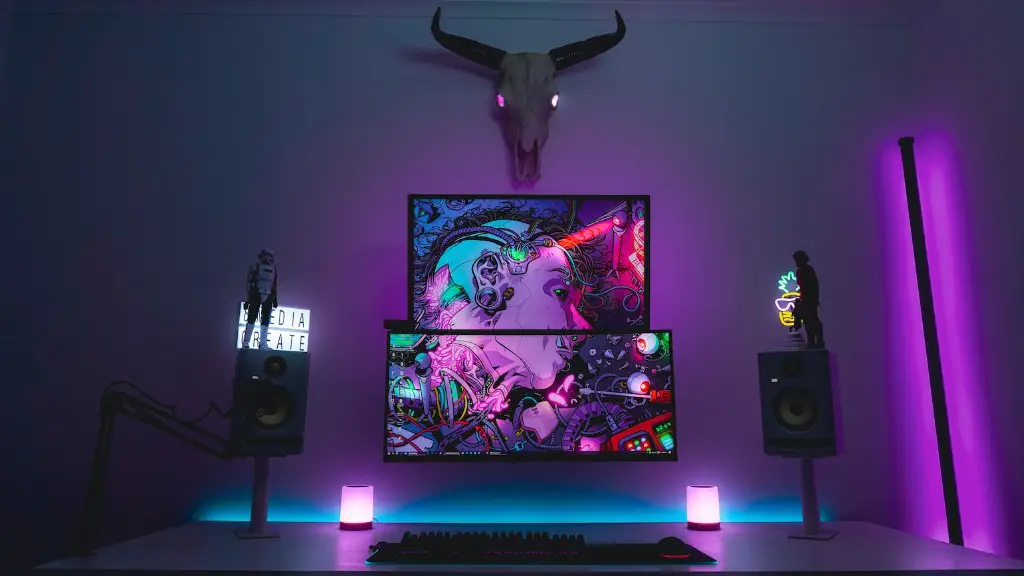
In the modern age of gaming, having the right equipment is paramount to having a great gaming experience. Building a good gaming PC requires more than just buying the right components; it also requires the right knowledge and skills to ensure your machine is up to the task. Understanding what elements make up a successful gaming PC is the first step in either upgrading your current machine or constructing one from scratch. So, what parts do you need for a good gaming PC?
Central Processing Unit (CPU) is the powerhouse of any gaming PC. You will want to purchase a CPU that is powerful enough to keep your games running smoothly and with enough headroom to process visual effects. Fast processors such as Intel’s i9 have become quite popular, but make sure to check your budget before hitting the checkout. High-end graphics cards, such as an Nvidia RTX 2080, are a must-have when it comes to playing the latest gaming titles with all of the bells and whistles. Make sure the graphics card you choose is compatible with your monitor’s resolution before purchasing.
Memory (RAM) should be your second priority after the CPU. More RAM allows your PC to access more information faster, ensuring your gaming experience is lag-free. Consider buying 8GB of RAM, which is the minimum suggested for most gaming PCs. If you have the budget for it, 16GB is recommended as the current standard.
A Motherboard is essential; it is the foundation on which all other components of a gaming PC will be mounted. Consider buying a motherboard that allows for upgrades to a higher tier processor and utilizes the latest technology such as PCI Express or SATA. Your monitor will also play an important role in your gaming experience, with screen size and resolution being the most important factors to consider. If you want to immerse yourself in the game, look for a monitor with high refresh rates (usually above 60Hz) and support for HDR.
Finally, every gaming PC needs a good case. A larger case will allow for better airflow, while also providing plenty of room to mount additional components. With a good gaming case, you can easily add cooling fans, water cooling systems, and even more memory. Don’t forget to include other vital components such as a power supply unit, a hard drive, and an appropriate cooling system.
CPU Features of a Good Gaming PC
When it comes to gaming, having a powerful CPU is essential to achieving the best performance. A good gaming PC must have a processor from one of the top manufacturers such as Intel or AMD, with higher clock speeds being desirable for the most demanding games. Depending on your budget, a processor from the Core i5 or Ryzen 5 series should offer plenty of power for most gaming tasks. For 4K gaming, a processor from the Core i7 or Ryzen 7 series is recommended.
Choosing a socket type is also important when looking for a good gaming CPU. Intel’s 300 series chipsets are compatible with the LGA 1151 socket, while the AMD Ryzen series utilizes the AM4 socket. This is important to know, since specific motherboard models may only accept a certain socket type. It is also worth noting that some CPUs may come pre-installed with a CPU cooler, while others will require the purchase of an additional one.
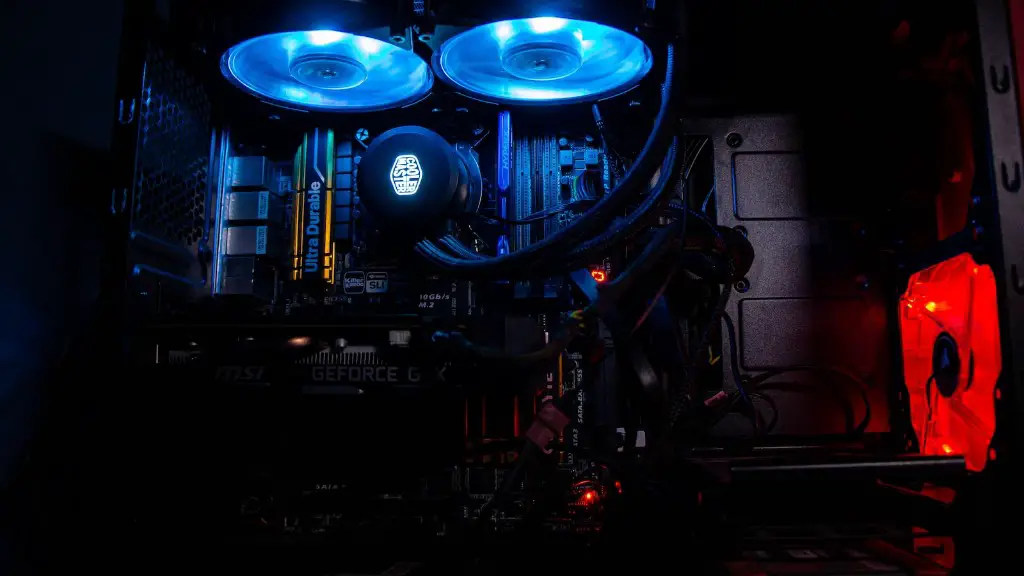
Multi-core processors can even further improve performance, allowing games to make use of parallel computing and making them more responsive. Multi-threaded games, such as video editing and streaming, also benefit from this type of processor as it can split tasks across multiple cores for better performance. Hyper-threading is a technology offered by Intel which allows each core to be divided into multiple virtual cores, thereby providing even more processing power.
Having high clock speeds can also help performance, ensuring faster processing speeds and reducing in-game stuttering. As such, a good gaming PC should have a CPU from one of the top brands and have a higher clock speed than most everyday PCs. It is also important to check for compatibility between the processor and the motherboard before buying.
Graphics Card of a Good Gaming PC
A good graphics card is a must-have when it comes to gaming PCs. With more powerful graphics cards, you can enjoy high frame rates and detailed visuals, allowing you to immerse yourself in the game. The most popular graphics cards currently on the market are the Nvidia RTX series, known for their Ray Tracing capabilities, as well as AMDs Radeon RX series.
Graphics cards are designed differently depending on their use. Some cards may focus more on power, allowing users to play the latest games at maximum graphical settings, while others may be more suited for gaming at higher resolutions such as 4k. Additionally, some cards are designed for different purposes such as VR gaming or video editing.
When choosing a graphics card for your gaming PC, its important to consider the type of games you will be playing and their minimum requirements. Higher end cards such as the Nvidia RTX 2080 Ti or the AMD Radeon VII will offer the best in gaming performance, but these can be quite expensive. On the other hand, budget-oriented cards such as the Nvidia GTX 1660 Ti or the AMD RX 5700 are more affordable and still offer great performance.
In addition to compatibility with the motherboard and processor, it is also important to consider how much power your graphics card will draw. This is especially true when wanting to incorporate SLI, or multiple graphics cards into your build. Its important to check the wattage of your power supply unit to make sure it can handle the extra load.
Overall, choosing a good graphics card for your gaming PC will depend on your budget and the type of games or tasks you want to do. Ultimately, its important to compare the cards specifications to their corresponding game requirement to ensure you are getting the most out of your purchase.
Storage and Memory of a Good Gaming PC
The storage and memory of a gaming PC will also play an important role in determining overall performance. A good gaming rig should have at least 8GB of RAM, with 16GB being the recommended standard. Multiple sticks of RAM may be needed, depending on the make and model of your motherboard. When it comes to storage, make sure to buy an SSD with enough capacity to store your games as they can load quicker and allow games to run smoother.

In addition to buying an SSD, its worth considering an M.2 drive. An M.2 drive is a small, compact solid-state drive which utilizes the PCI Express interface to ensure faster loading times. While more expensive than traditional SSDs, these drives offer a great boost in performance.
It is also important to consider the type of storage you are using. HDDs are cheaper but slower than SSDs, while hybrid drives combine the benefits of both. HDDs are ideal for mass storage, as they can hold larger amounts of data for a lower price, while SSDs are best for storing frequently used files and applications.
It is also important to consider how your storage device connects to the rest of your PC. This will depend on the types of storage devices you choose, as there are several connection types such as SATA, M.2, and NVMe. Some motherboards also support RAID configurations which allow users to combine multiple hard drives for added performance.
Choosing the right storage and memory can be an important factor when looking to build a good gaming PC. Different games and applications may require different levels of storage and RAM, so its important to research the requirements for the games you are looking to play before making a purchase.
Cooling System of a Good Gaming PC
A good gaming PC should also have a proper cooling system to ensure components are not overheating. Without proper airflow, components such as CPUs, GPUs and RAM can become too hot and may cause stability issues. For example, a GPU running too hot can cause visual artifacts or corruptions as it is pushed beyond its limits.
The most common type of cooling system for gaming PCs is a combination of fans and a heatsink. Fans can help expel hot air from the system while the heatsink can provide better thermal dissipation. For more intensive gaming rigs, water cooling can also be employed. Water cooling uses liquid to move heat away from components and can provide a better cooling solution than traditional air cooling.
Some cases may come with pre-installed fans, but it may be beneficial to install additional ones to ensure your system is receiving adequate airflow. When considering fans, make sure they are compatible with your case and also consider their noise levels as they can be quite loud.
It is also important to consider a PC’s temperature when gaming. Most components should be kept around 40 to 50 degrees Celsius, with GPUs and CPUs typically running hotter than other components. If the temperature of any component gets too high, the system can throttle itself to reduce performance or shut down completely. Software such as SpeedFan, CoreTemp and NZXT’s CAM can all help monitor temperatures and provide users with fan control.
Overall, a good cooling system is essential for any gaming PC as it can ensure components are running at optimal temperatures. Fans, heatsinks and water cooling systems are the most common type of cooling solutions, but its important to choose the right ones for your system.
