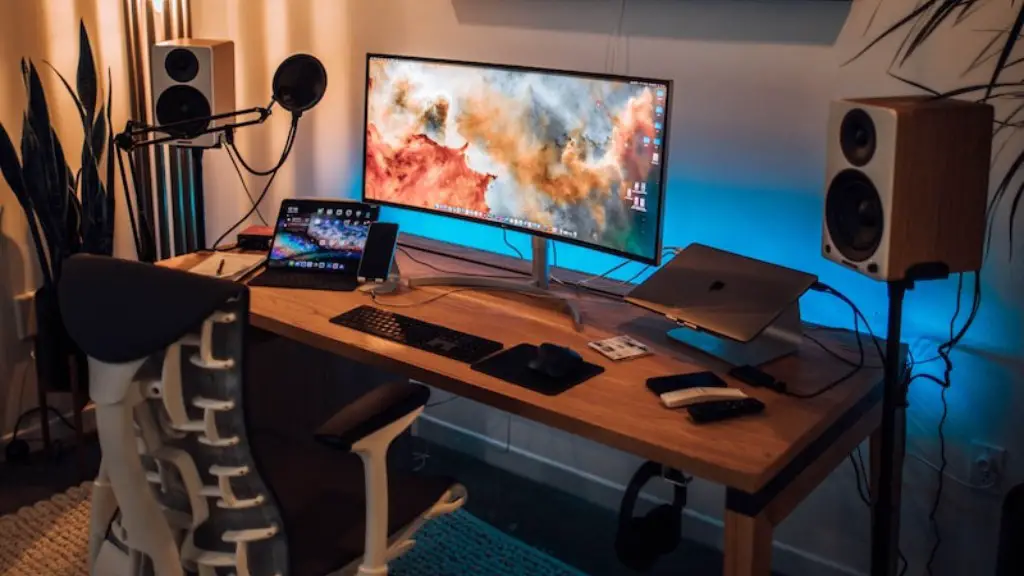
When it comes to building a gaming PC, the most essential part is to choose the right components. An optimal gaming PC consists of different parts that are compatible with each other and are powerful enough to run the latest games. In this post, we’ll discuss the key criteria to consider while selecting the parts for your gaming PC in 2019.
Motherboard
The motherboard is the foundation of your gaming PC. It holds all the components together and provides the interface for communication between them. Therefore, when choosing a motherboard, be sure to pick one that is compatible with all the parts you have selected. Also, check the expansion slots for additional components like the graphics card and the processor.
Processor
Your gaming PC must have a powerful processor to handle the demanding graphics and computing requirements of modern games. Look for an Intel i5 or higher processor if your budget and power requirements allow. Also, make sure that your motherboard is able to support the processor you’re planning to buy.
Graphics Card

The graphics card is what makes the visuals of modern games a reality. Therefore, it is essential to choose a graphics card that can handle the latest games. Look for something in the NVIDIA GeForce range, such as the GTX 1060 or higher. If you’re on a budget, look for a GTX 1050 or lower.
RAM
RAM is the memory of your gaming PC. The more RAM you have, the smoother your gaming experience will be. Look for at least 8GB of DDR4 RAM, although 16GB should be more than enough for most games. Make sure to buy RAM that is compatible with your motherboard as well.
Storage
Hard drives are becoming obsolete in gaming PCs. Instead, look for solid-state drives (SSDs) which are much faster, offer large amounts of storage space and are more reliable. A good starting point is a 500GB SSD, although larger ones like a 1TB SSD may also be required.
Cooling
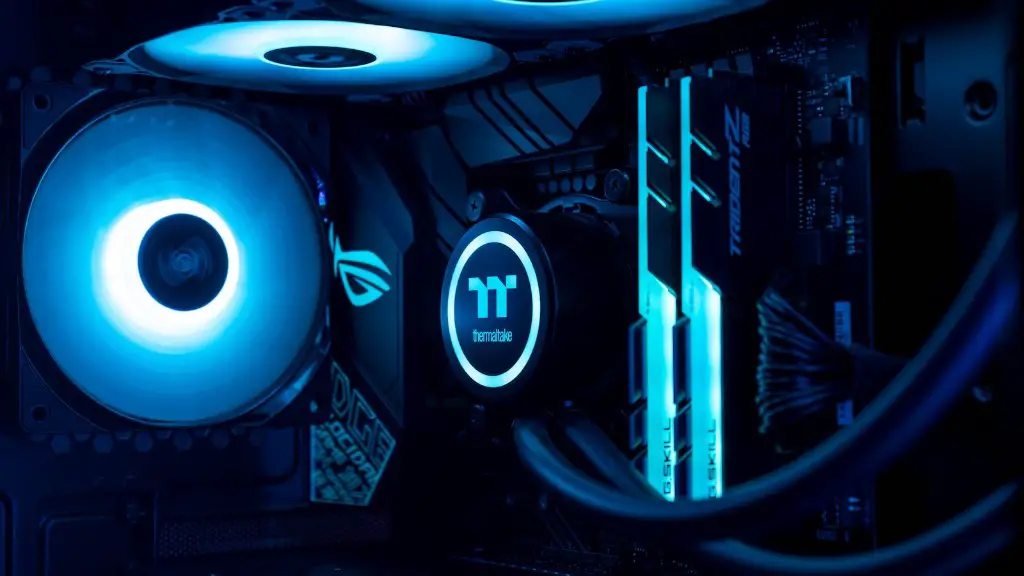
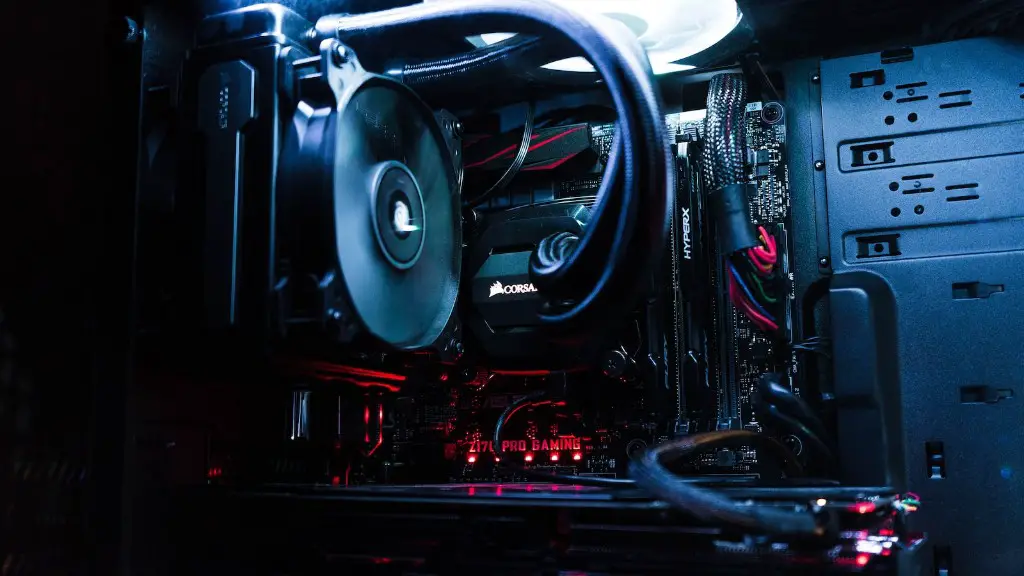
Gaming PCs generate a lot of heat, so it is essential to pick a cooling system that can keep the components at a safe temperature. Look for water cooling systems if budget and space is not an issue, as they are more efficient than traditional air cooling systems.
Power Supply
You’ll need a power supply that can supply enough power for all the components in your gaming PC. Most gaming PCs need at least a 500W power supply, although a higher wattage may be necessary depending on the graphics card and other components you’ve chosen. Make sure to get one with enough connectors for all the components.
Graphics Settings
Some games require specific graphics settings in order to run properly. Be sure to check the recommended settings of the game you are playing so that your PC is powerful enough to run it. Most modern games require at least medium graphics settings to run smoothly.
Optimization and Upgrades
Once you have selected all the parts for your gaming PC, it’s important to optimize it for the best gaming performance. Install the latest drivers for your components and look for ways to improve your gaming experience with overclocking and better cooling solutions. Also, keep an eye out for upgrades to your hardware at regular intervals.
Network and Operating System
A stable network connection will help in providing a lag-free gaming experience. Make sure to choose a router that can handle the number of devices you have connected to it. Also, consider the operating system you are using – Windows 10 is the best choice for gaming PCs due to its excellent driver and game compatibility.
Cost Considerations
Cost is an important factor to consider when building a gaming PC, so be sure to research the market and compare prices to get the best value for money. Try to get components that offer good performance but also fit into your budget, so that you don’t have to sacrifice performance for cost.
Type of Games
The type of games you want to play will also influence the type of parts you should choose. If you want to play high-end games, you’ll need better components than if you’re only playing basic games. Also, consider the resolution of the game – higher resolutions require more powerful components to run smoothly.
Maintenance
It is important to perform regular maintenance on your gaming PC to keep it running and performing at its peak. Make sure to keep the drivers and operating system up to date, and keep your components clean to avoid over heating. Also, consider getting a good anti-virus software to protect against malicious software.
