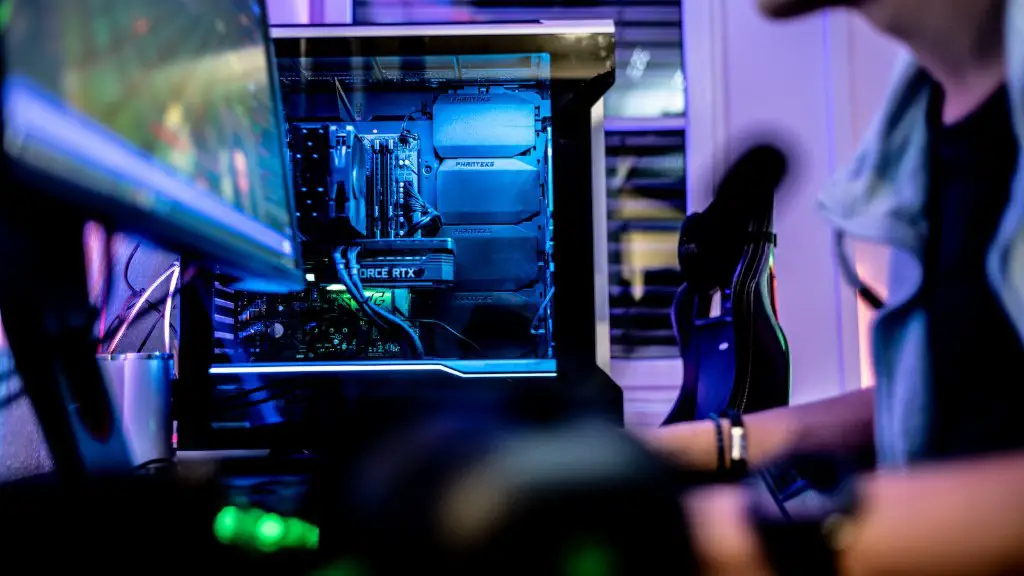
Buying a gaming PC is a major investment, so it pays to get it right the first time. Knowing how to select the right components, shop around for the best prices, and build the gaming PC you want is essential. Here is a guide on how to buy the best gaming pc.
Firstly, research the type of gaming PC that could best suit your needs. You can choose from a pre-built gaming PC, or build your own custom gaming pc with individual components. Both have their advantages, so consider what is most important to you, such as portability or components.
After deciding on your budget, narrow it down to specific components that offer the best value for money. Pay attention to the processor, graphics card, and memory, as these are the most crucial components for gaming. Compare reviews of each component, and make sure they are compatible with each other.
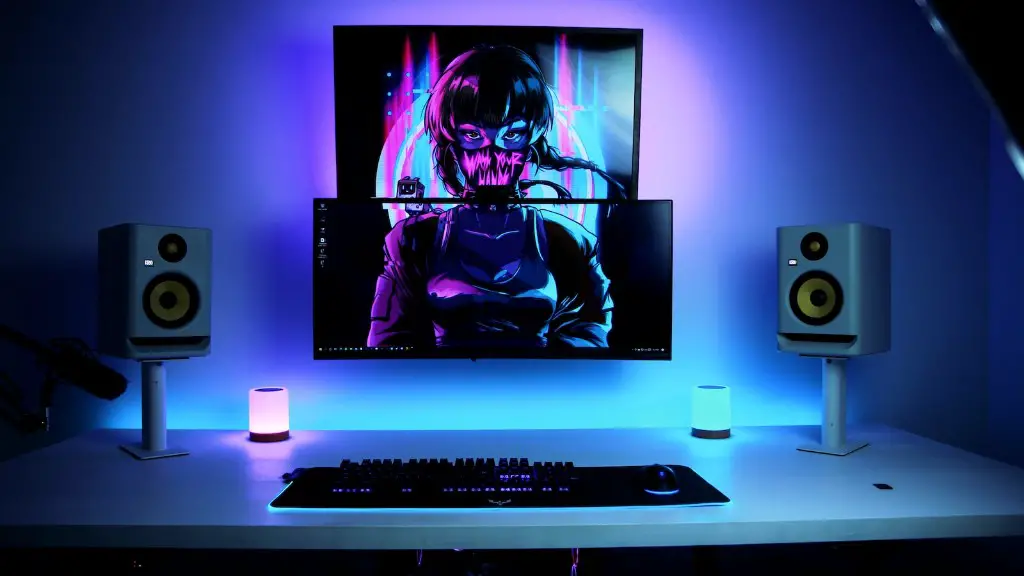
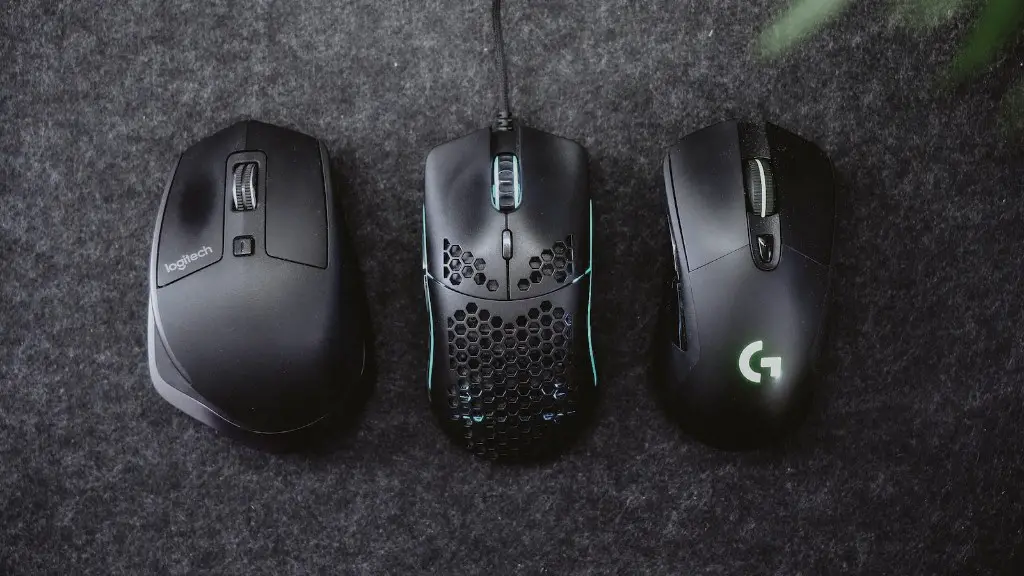
Don’t forget to consider the peripherals you will need to complete the setup of your gaming PC. Consider the keyboard, mouse, monitor, and headphones that you want to use. Find ones with the highest ratings and most fit with your needs.
Once you have an idea of what you want, find the best places to buy your gaming PC. Use price comparison websites and check reviews for the sellers before buying. You can even shop for individual components separately to get the best price.
Another option is to buy a pre-built gaming PC direct from the manufacturer. They may not offer the same price or flexibility but the convenience and support may be worth it.
Finally, don’t forget to take a step back and think if a gaming PC is really a good fit. Consider your budget and how much time it would take to build. Play your favourite games first on a different system to get a feel of the experience before committing.
Upgrade Options
Once you have chosen and purchased your gaming PC, you should consider upgrading in the future. You may want to increase memory, upgrade the processor, or install better graphics. But before you upgrade, pause and decide if you really need to. Sometimes cheaper and more efficient solutions are available.
Budgeting your upgrades is a great way to ensure that your gaming pc works for the long haul. Consider the difficulty of the upgrade and the worth of the money you spend. Regularly researching the latest components may help you save money and stay ahead of the curve.
If you’re still unsure about what to get, try asking experienced gamers or PC builders. They can often provide insight on parts they have used in the past and give you a better idea of what to get.
Finally, always consider the lifespan of your current gaming PC. Though having an upgradeable system is great, sometimes it is better to replace the whole unit when it becomes outdated.
Maintenance & Troubleshooting
Preventative maintenance is just as important as hardware upgrades. Regularly clean your gaming PC’s interior and exterior using compressed air to remove dust build up. You can also upgrade the operating system depending on your specific needs.
Prepare for the unexpected by backing up your data. External hard drives and cloud based services like Google’s Drive are great for this purpose. You can also invest in a surge protector and an uninterruptible power supply to protect your components when power outages occur.
Finally, always be aware of potential problems and learn how to troubleshoot. Pay attention to temperatures and voltages, check for any computer errors, and make sure your drivers are up to date. If the problem persists, contacting customer support is the best way to go.
Component Performance
Once your PC is up and running, you should take some time to optimize the performance of its components. Exploring the options offered in your PC’s BIOS is a great way to augment performance. Some optimization options include overclocking your processor, controlling fans and fan speeds, and changing system voltages.
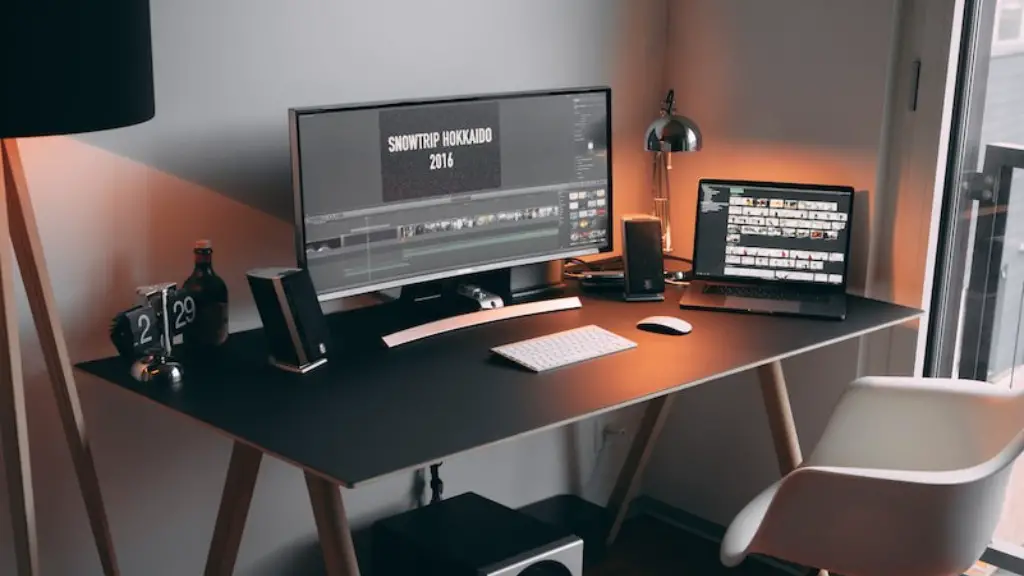
You can also increase system performance by installing a newer, faster SSD. Make sure to benchmark your system before and after the upgrade to compare results and measure the success of your upgrades.
Overclocking can also be a great way to squeeze extra performance out of your components. Careful research and testing is necessary prior to overclocking, and make sure to do it in small increments. If done correctly, this may help you achieve better performance than a new system.
Game Settings
Once your gaming PC is running as optimally as possible, you should check the in-game settings. Some games’ graphics settings have a greater impact on performance than other games. Generally, lowering the graphical settings while closely monitoring changes in fps would yield the highest performance.
Alternative solutions like reducing resolution, lowering shader quality, and turning off anti-aliasing can mean the difference between smooth performance and lag. However, tweaking in-game settings the wrong way can hinder the game instead of improving it. It is advisable to research what game settings work best for your hardware.
Finally, you may want to consider using game launchers to make launching your games more convenient. Steam, Epic, and other game launchers can also be a great way to organize your games and enable you to quickly access them.
