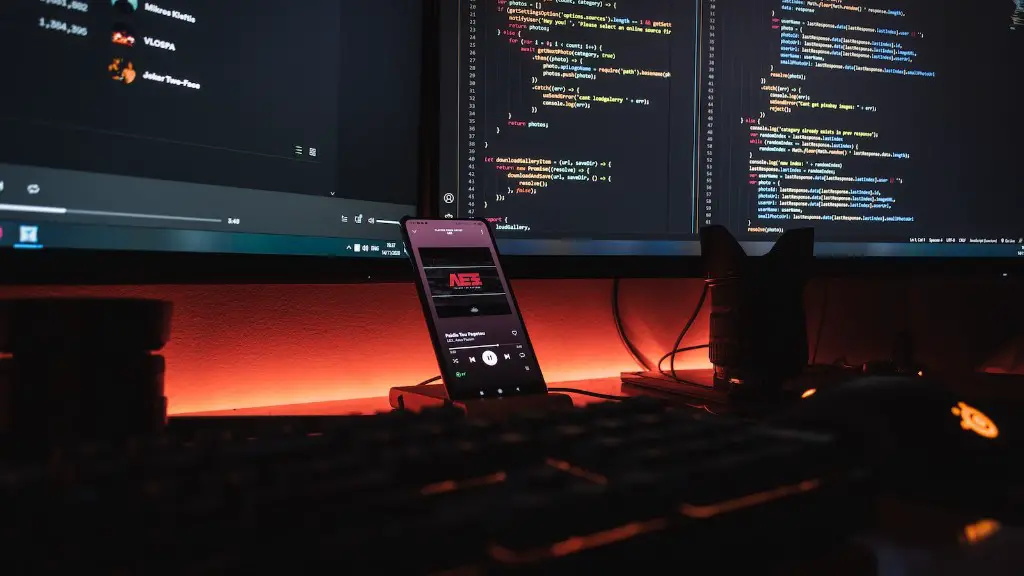
A gaming PC is a powerful machine that allows users to enjoy an immersive gaming experience. When choosing the right gaming PC, it is important to consider the type of games you plan to play and the graphics settings you require for optimal frame rate and resolution. In addition, it is important to consider the processor, RAM and memory you need in order to achieve smooth, lag-free gaming. Here are a few things to do on a gaming PC.
Upgrade Components
If you want to upgrade your gaming PC to maximize performance, you can purchase and install new components, such as GPUs, CPUs, and RAM. Even if you are not an experienced PC enthusiast, you can find helpful tutorials online and find out how to upgrade the parts relatively quickly. Before you buy any new parts, ensure that they are compatible with the existing components in your system.
Use Streaming Services
Streaming services like Twitch and YouTube Gaming make it possible to stream your PC gaming sessions with friends. Not only do streaming services offer the perfect way to socialize with fellow gamers, but they can also be used to bolster your gaming skills, or even make money if you become a successful Twitch streamer.
Overclock
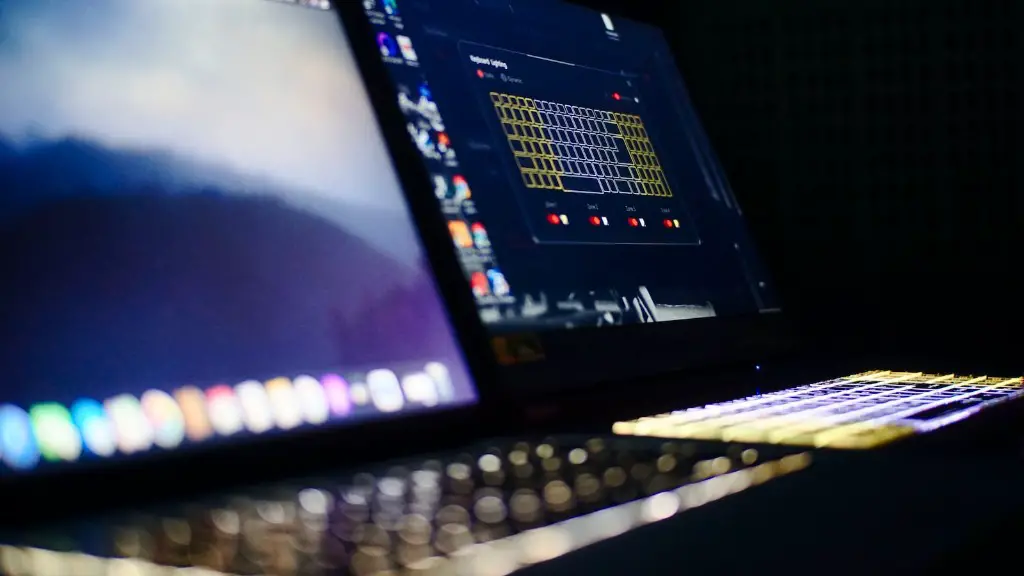
If you have a high-end gaming PC, you may choose to overclock your hardware components. Overclocking involves manually increasing the clock speed of various components within your system, resulting in higher performance. Overclocking can be tricky, so it is important to research how to properly overclock your hardware before you attempt it.
Play With Mods
Mods are user-created modifications for computer games, allowing gamers to customize their experience and add new content or features. Some games may have their own modding tools or versions of the game that integrate mods. Mods can be a great way to extend the life of a game, or even alter the core experience. Generally, mods can be found from official websites or fan communities.
Optimize Graphics Settings
Graphics settings play an important role in giving you the best gaming experience. It is important to understand the visual details you are looking for and find the balance between performance and visuals. Your graphics settings can also vary depending on the game you are playing, so make sure to test and adjust the settings according to the game. Also, make sure you prioritize the more important visuals, such as anti-aliasing, shadow quality, and texture resolution.
Take Advantage of SLI/Crossfire
Multi-GPU solutions, such as SLI or Crossfire, allow gamers to combine two or more GPUs to gain better performance. It is important to note that not all games take advantage of dual-GPUs, so make sure to check whether adding multiple GPUs will result in better performance. For most users, getting the most out of SLI or Crossfire requires the use of specialized software.
Optimize Windows Settings
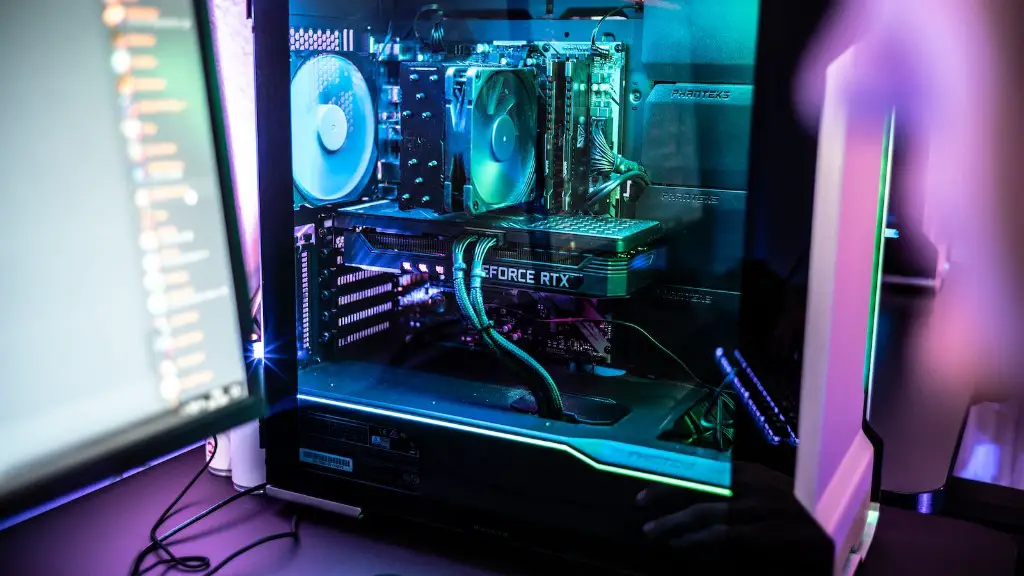
Windows is an important platform for gaming and there are many ways to optimize it for best performance. Make sure to update Windows regularly and disable any unnecessary applications or services that are running in the background. It is also advisable to disable Windows visual effects, as this can significantly improve performance. Additionally, if you have an SSD, make sure to enable write caching and defragment it regularly to maintain performance.
Clean Out Dust
This is a simple but essential step when taking care of your gaming PC. Dust can clog up powerful components, resulting in higher temperatures and decreased performance. So make sure to clean out the dust at least once every few months, using compressed air or a vacuum cleaner. You should also check for any loose cables or wiring and make sure they are securely mounted.
Install Custom Overclocking Software
Using custom overclocking software is the best way to make sure you are getting the most out of your hardware. Popular software products include MSI Afterburner, ASUS GPU Tweak II, and EVGA Precision X. These products are relatively easy to use and offer a wide range of features, including fan speed control, voltage adjustment, and temperature monitoring.
Enable VSync
VSync is a feature that synchronizes the frames per second in the game to the refresh rate of your monitor. This means that if your monitoring has a refresh rate of 60 Hz, the game will no longer go above 60 FPS and reduce the input lag. Although this can result in a small drop in performance, it is still an effective way of reducing screen tearing and tear-free gaming.
Apply Thermal Paste
Thermal paste is an important component for any gaming PC, as it helps your components run cooler. Applying the thermal paste is relatively simple, but make sure to check with the instructions of your CPU, as different types of CPU require different types of paste. You should also make sure to apply the paste in the correct order, which means it should be applied to the CPU or the CPU cooler first.
Monitor Temperature
Monitoring system temperature is important for maintaining your gaming PC. Most components, such as CPUs and GPUs, come equipped with individual temperature sensors, so keep an eye on your system to make sure that the temps do not get too high, as this can damage the components and shorten their lifespans. Additionally, a temperature monitoring app is a great way to ensure that all components are running at optimal temperatures.
Upgrade Your PSU
Power supply units (PSUs) are an important component of any gaming PC and must be up to date. A good PSU will provide enough power for your entire system and also allow for efficient operation. An outdated PSU may not be able to power your gaming PC to its full potential, so it is important to have a PSU that can handle all the current components as well as any future upgrades.
