
Building a gaming PC can be an expensive endeavor sometimes. Fortunately, there are many ways to build a cheap but good gaming computer without breaking the bank. Here are some tips on how to make a cheap but good gaming PC.
Firstly, shop around for the best deals and prices. Some parts can be bought for very cheap and still provide great performance for gaming. Researching on the internet and checking item reviews are great ways to find the best deals.
Secondly, look for second-hand and refurbished parts. Many retailers offer outlet deals and sometimes, they may have parts that people have returned. These can be cheaper than buying new, while still providing good performance.
Thirdly, purchase pre-built components. Although it’s not recommended to buy a pre-built system, some systems come with decent parts and can still provide good performance for gaming.
Fourthly, buy generic parts. Buying generic parts instead of brand name parts can save a lot of money. Many generic parts are still reliable and perform well.
Lastly, use free software. There are several free software programs available that can provide a decent gaming experience, such as Steam and GOG.com.
Selecting Components
Once you’ve chosen the parts for your gaming PC, it’s time to select the components. Before buying any components, choose the best ones that suit your needs and budget. Make sure to research each component and read reviews on them before making a purchase. Some of the most important components for a gaming PC include the processor, motherboard, GPU, memory, and storage.
When picking a CPU, it’s important to choose one with enough power to support your gaming needs. A good CPU should be able to support at least a mid-range GPU and still provide decent gaming performance. Additionally, the motherboard should be compatible with the processor you choose.
When it comes to the graphics card, it’s important to select one with enough power to support the games you want to play. A mid-range GPU should be able to provide decent gaming performance. Furthermore, it’s important to make sure the GPU is compatible with the motherboard.
In addition to the CPU, GPU and motherboard, you also need RAM and storage. For RAM, 8GB is usually enough for gaming and should provide enough performance. For storage, an SSD is recommended for the best performance, but a hard drive can also provide decent performance.
Once you’ve selected all the components, it’s time to put them together and build your gaming PC.
Installing Components
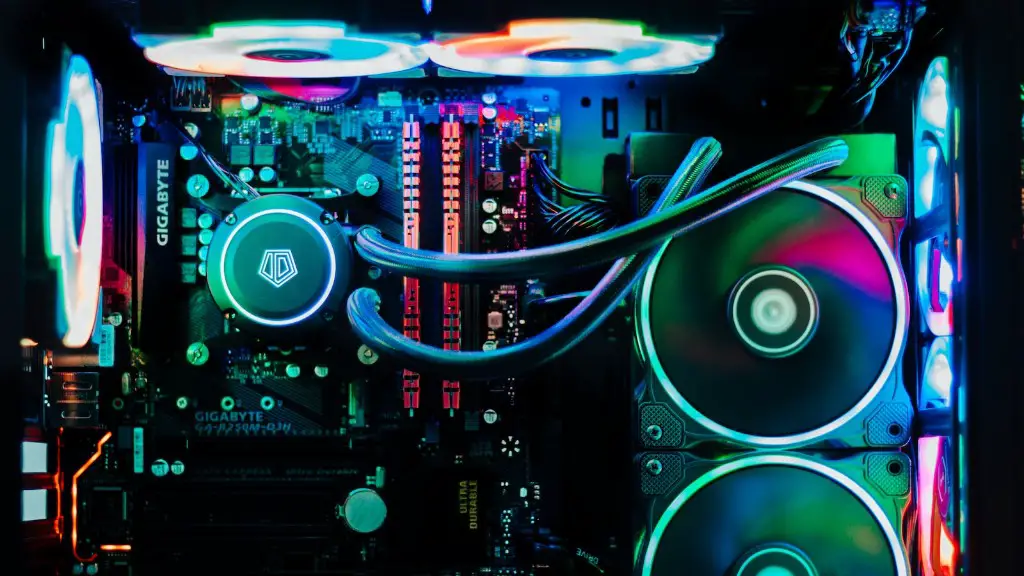
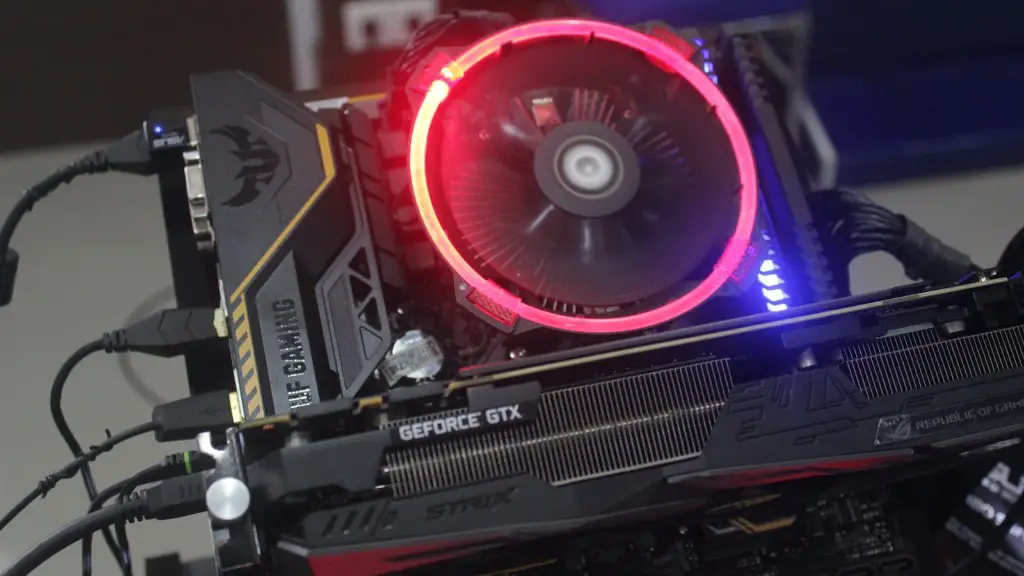
Once you have all the components, it’s time to start installing them in your PC. The first step is to install the CPU in the motherboard. Make sure to check the instruction manual for the correct installation instructions for the CPU. After that, install the RAM and storage in their relevant slots. Then install the video card and make sure to apply the proper amount of thermal paste before installing the cooler. Lastly, install the motherboard in the PC case.
The next step is to connect all the power and data cables. The power cables will be attached to the motherboard, GPU, and storage drives. Additionally, connect the case fans and audio/video cables. Lastly, connect the monitor, keyboard and mouse.
In order to install the operating system and other programs, it’s necessary to boot the computer. To do this, insert the operating system installation disc and follow the on-screen instructions. Make sure to install any drivers and programs that the system requires before finishing the installation process.
After the installation is finished, your gaming PC should be ready to use. You can now start playing games and enjoy the performance of your gaming PC.
Upgrading Your PC
If you want to improve the performance of your gaming PC, it is important to upgrade certain components. One of the best upgrades for a gaming PC is upgrading the graphics card. GPU technology is constantly improving, so upgrading the graphics card can significantly improve gaming performance. Additionally, upgrading the RAM is also a good idea if you plan on playing more demanding games.
Furthermore, upgrading the storage drive is also a good idea. An SSD will significantly improve loading times and overall performance. Lastly, upgrading the CPU can also help if you are running more demanding games. Be sure to research and find the best CPU for your budget.
If you plan on overclocking the CPU and GPU, be sure to do your research and get a good CPU cooler. Additionally, make sure the motherboard you are using supports overclocking. Overclocking can significantly improve gaming performance, so it’s definitely worth looking into if you are willing to spend the time and effort to learn.
Finally, upgrading the power supply can also be beneficial. A higher wattage power supply will provide more stability, as well as provide more power for upgrading components in future.
Testing Your PC
After all the components are installed and upgraded, it’s time to test the gaming PC. Start with some basic benchmark tests to make sure everything is working properly. Additionally, run some gaming tests to make sure the gaming performance is up to par. If you find any issues, make sure to troubleshoot them before playing any games.
Finally, after everything is working properly, you can start playing games and enjoying your gaming experience. Be sure to check for any performance issues and adjust the settings accordingly.
Maintenance
Taking care of your gaming PC is essential if you want to keep it running well. Dust buildup is one of the main causes of computer problems, so regular cleaning is essential. Use an anti-static brush or compressed air can to remove any dust from the components.
Furthermore, be sure to keep your components and software up to date. Keeping your system and drivers updated will ensure the best performance. Lastly, be sure to back up your data regularly. This will ensure your data is safe and secure in the event of a hardware failure.
Other Considerations
When building a gaming PC, it’s important to consider other factors as well. Make sure to select the right case for your system. A good case should provide good airflow, as well as looking good. Additionally, consider adding extra components such as a gaming mouse or headset. These can provide a better gaming experience and make playing games more enjoyable.
If you are considering streaming or recording your gaming sessions, it’s important to include extra hardware in your build. For streaming, a capture card is necessary and for recording, a good microphone is essential. Finally, consider investing in a good gaming chair. Sitting for long periods of time in front of a computer can be uncomfortable, so investing in a good gaming chair can be beneficial.
