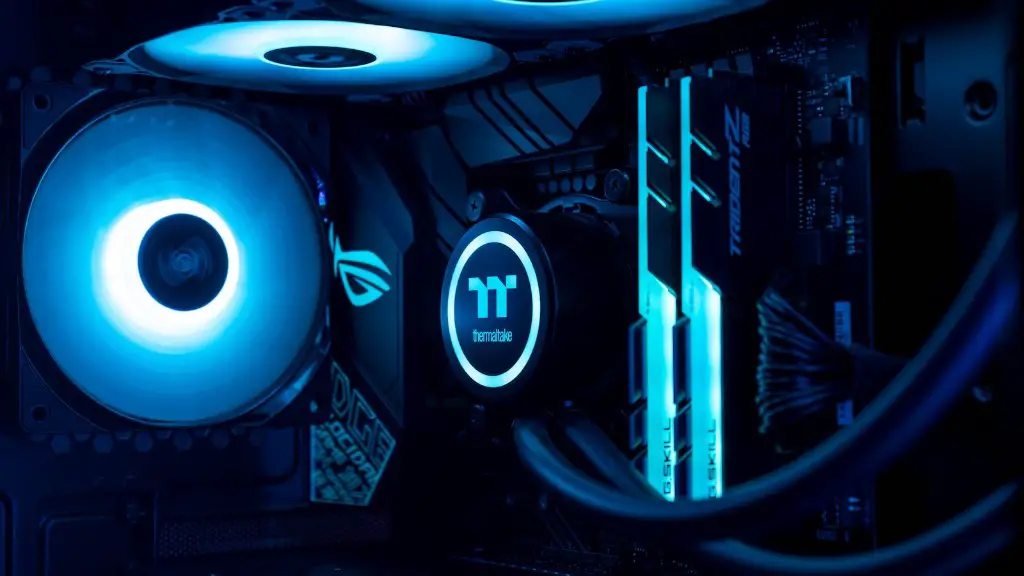
Aspiring PC gamers understand that building their own gaming PC is the key to getting the most out of their gaming experience. The cost savings, power and design of the computer are all in the hands of the user. But building a gaming computer requires more than a few PCs and some assembling – it entails acquiring certain tools, parts and supplies and putting them together in the right way. Here’s a general guide to the tools you’ll need to build a gaming PC.
At the core of any gaming PC is the motherboard. The motherboard has all the ports necessary for all the components to be able to connect to one another, including USB ports, ports for RAM, SATA ports, etc. To choose the best motherboard, gamers must first decide what type of CPU they’re using. The motherboard must have the same socket type as the processor and must match the memory type you intend to use.
A CPU is the primary component of any gaming PC. You’ll need to choose a processor that can handle the type of games you plan on playing. As processors are the most expensive part of a gaming PC, finances may become a factor in this selection. CPUs with multiple cores and high clock speeds are generally better at handling the ever-increasing demands of modern gaming.

Next, a good quality graphics card is essential if you’re looking to play the latest games in the highest settings. The graphics card provides the enhanced visuals that make games more immersive and entertaining. Gamers should ensure their graphics card has sufficient memory and is compatible with the type of motherboard they’ve chosen.
It’s also important to get enough RAM for gaming. RAM plays an important role in how quickly games run, as the more RAM installed, the faster your PC can process requests from the software. With more RAM, your PC will be able to run larger application and game files, resulting in smoother gaming performance.
Lastly, gamers should consider their storage requirements when building a gaming PC. Solid state drives (SSDs) provide the quickest storage speeds, so if you’re looking for high-speed storage, an SSD is the way to go. It’s also easier to install games on an SSD than a hard drive, as the data is simply stored in a flash memory instead of a spinning disk.
In the end, building your own gaming PC is a rewarding and affordable way to craft a powerful gaming machine that’s unique and tailored to your needs. With the right tools and components, anyone can assemble their own gaming PC and get ready to take their gaming experience to the next level.
Essential Components
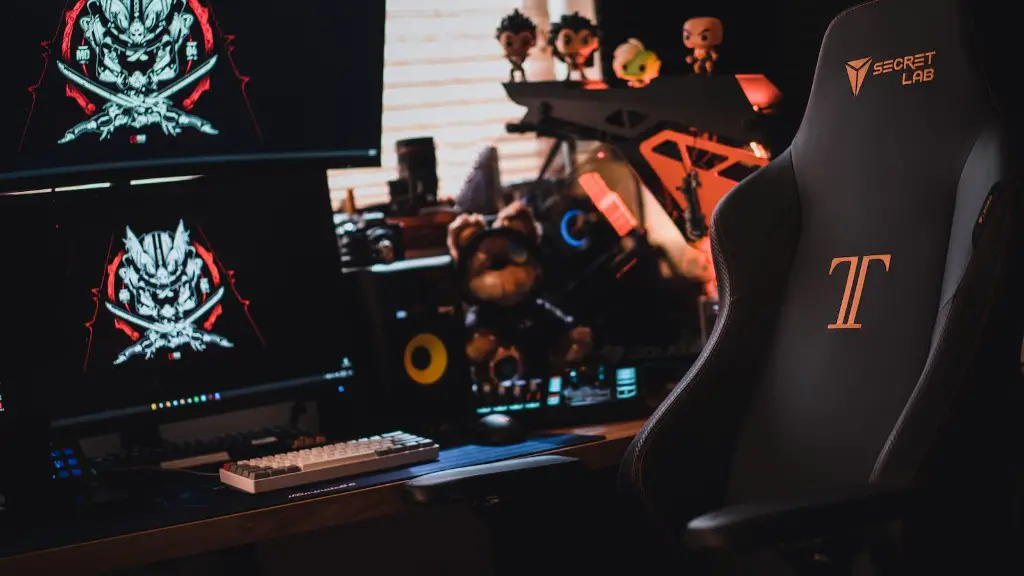
The core components of a gaming PC include the motherboard, CPU, graphics card, RAM and storage. The motherboard provides the essential ports to which all other components must connect. A quality CPU will provide the processing power that can drive the latest games. The graphics card provides the enhanced visuals of modern titles, with more RAM ensuing smooth gaming performance. Storage needs depend on both the size of your games library and the speed of your PC.
Installation and Configuration
Installing and configuring your gaming PC is not as daunting as it may seem – it simply requires a reliable and comprehensive guide. Start by identifying each component, inspecting them, and then begin the physical assembly. Depending on the case, some components may need to be secured with screws, while other parts are simply functioned into the back of the case or their slot. Once your components are securely installed, you’ll move on to the configuration phase. This involves attaching, validating, and setting up your hardware via BIOS and Windows.
Testing and Optimization
Once you’ve completed the build, you’ll want to test your gaming PC to ensure each component is in working order. This can include testing your RAM for compatibility and performance, testing your GPU’s performance, as well as testing the temperature of your CPU to make sure it’s not running too hot. Once the testing phase is complete, you can begin the optimization process by ensuring each component is set to the optimal settings for your particular machine.
Peripherals
It’s easy to forget the importance of peripherals when building a gaming PC. Many gamers overlook the importance of having a quality monitor, keyboard and mouse. Having the right tools to play your games can make all the difference, so make sure you invest in peripherals that’re compatible with your machine. The same goes for networking tools, such as routers and modems, which will be necessary to enable online gaming.
Software Installation
Once you’ve got a fully assembled and tested gaming PC, you’ll need to install an operating system and any adaptable software. This can include an anti-virus, internet browser, graphics application, and any other software you deem necessary for optimal gaming performance. Once your chosen gaming platform is installed, you’re ready to begin downloading and playing your favorite games.
