Finding a reliable and affordable gaming PC can be a tough task, especially with the wide array of models out there. Buying a cheap gaming PC with good quality is entirely possible. Here are some tips to help you purchase a high-quality gaming PC without breaking your budget.
Firstly, consider the type of games you want to play. Different types of genres require different specs and features. This will help determine the type and quality of the gaming PC you need. Certain gaming PCs come pre-built with configurations specifically designed for gaming, while others will require more customization.
Next, research the latest gaming PC models. Look into the specs and features of each model to ensure that the PC is capable of playing the games you want. Research both the pros and cons of each PC, as well as its price range. It’s essential that you find a PC with the most cost-efficient price for the specs and features you need.
Additionally, don’t forget to factor in potential upgrades if you plan on upgrading your PC. Most gaming PCs require some form of upgrade or modification in order to handle the new, more advanced gaming titles. Make sure that the PC you choose is compatible with your planned upgrades.
Also, check the reviews of the gaming PC you’re interested in. Go to forums and ask gamers who have used the gaming PC. Most reputable forums have review sections and feedback sections so that you can see other people’s experiences with the model. This will help you narrow down your search and find a reliable, affordable gaming PC.
Finally, look for online deals and discounts. Many online retailers offer discounts and deals on gaming PCs. Look for coupon codes, special offers, seasonal sales, and additional optional add-ons. Do your research so you can find the best deal for your budget.
Performance
Performance is one of the primary considerations when choosing a gaming PC. Most game developers publish the recommended hardware requirements for their games. When looking for a gaming PC, make sure to check these requirements to ensure that the PC can handle the game optimally. Additionally, look into the graphics card and processor specs to determine if they can handle the graphics-intensive games you want to play.
Connectivity

Look into the connectivity options available on the gaming PC. You should consider the type and number of ports available on the PC to see if it supports all your gaming needs. USB ports, HDMI ports, and SD card slots are some of the most common ports found on gaming PCs today. Make sure that the gaming PC you choose has all the ports you need.
Technology
The gaming industry is constantly evolving and technology is advancing quickly. Whenever possible, look for gaming PCs that use the latest technology. This includes high-end processors, multi-core processors, 3D accelerator video cards, and data storage devices like SSDs. All of these components should work in unison for optimal gaming performance.
Gaming Accessories
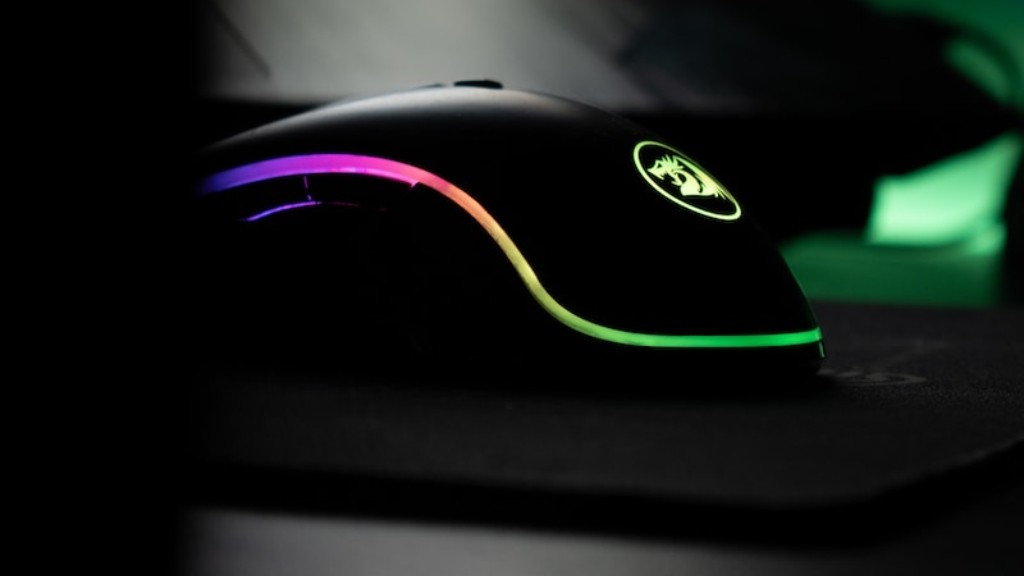
Look into the various gaming accessories available for your gaming PC. Keyboards, mice, headsets, and joysticks are all essential gaming accessories that can greatly improve your gaming experience. Make sure to factor in the cost of these accessories when choosing your gaming PC.
