As avid gamers, we all know the importance of having the right internal hardware components to maximize our gaming experience. But, what exactly do you need to invest in what specs if you’re building a gaming PC? We’ll break down the main hardware specifications that are needed for a gaming PC.
The most crucial element of a gaming PC is the graphics card. This is the part that handles the rendering of 3D images, textures and video without straining the CPU. So, it’s important to invest money in one of the best possible graphics cards available. More than likely, you’ll want to invest in an Nvidia GeForce or an AMD Radeon. Of course, the exact model of the card is up to you, as there are many different ones with varying specs and prices.
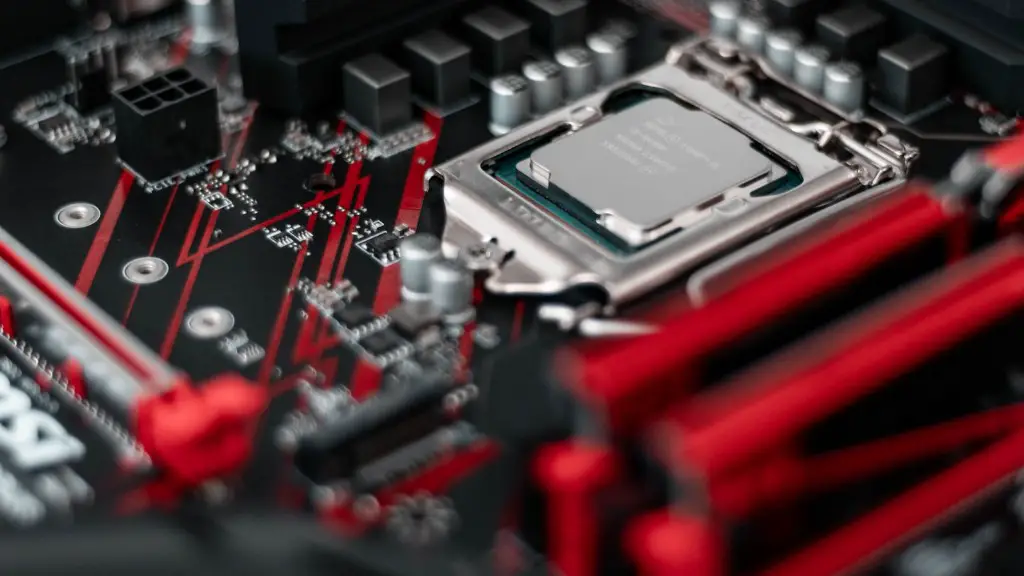
The processor is another important component for gamers alike. Powerful processors are required for intensive gaming sessions, as this takes a lot of processing power Which processor you get is based on your budget and the games you’re playing. AMD Ryzen and Intel core i processors are both reliable options with great price points.
When it comes to RAM, the higher the better. This is because it will increase your system’s multitasking capabilities, as well as its speed when launching or playing games. Typically, 8GB or 16GB of RAM should be enough for gaming. You also need to consider the type of RAM you use. DDR4 RAM is the best for gaming and can make all the difference in terms of processing speed and game performance.
Finally, the case, motherboard and power supply are all essential components for any gaming PC. The case is what you’ll use to house all of these components, while the motherboard is what connects the entire setup together The power supply is what provides power to the entire system. Ideally, your power supply should be at least 500W to make sure all the components have enough power.
Storage For Your Gaming PC
Once you’ve taken care of the main hardware components, it’s time to think about the storage. This is an area where gamers tend to get a bit lost, as they’re often tempted to go with the biggest possible storage. But, this isn’t always the best option. Instead, you should customize your storage to meet your needs. If you mostly play single-player games, a larger hard drive or high-capacity solid state drive will help you store more games simultaneously. However, if you’re more into competitive multiplayer titles, you should consider investing in an M.2 NVMe drive for speed.
Having said that, size is still an important factor. For most users, a dual drive setup with a 1TB hard drive and a 500GB M.2 NVMe drive should provide enough space for most games. With dual storage, you get the best of both worlds: both speed and capacity. Lastly, if budget isn’t an issue, you can even go for a 4TB hard drive plus two 500GB NVMe drives in a RAID array.
Gaming Monitor & Peripherals
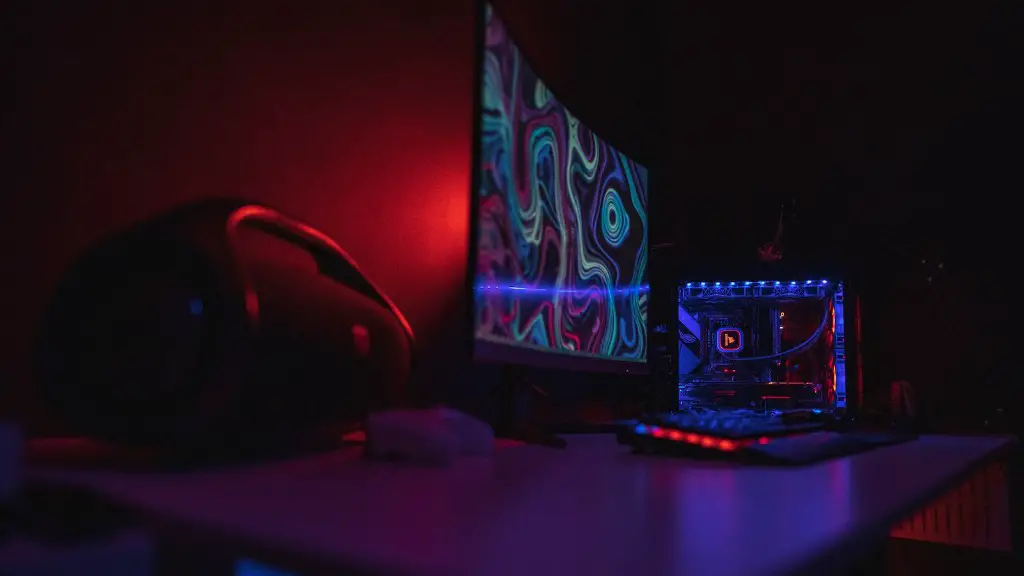
Alongside the main hardware components, it’s important to invest in a good gaming monitor and peripherals. For the monitor, size is often the most important factor. If you’re looking to maximize immersion and play games on the highest resolution possible, you should opt for an ultra-wide monitor with a 34in curved display.
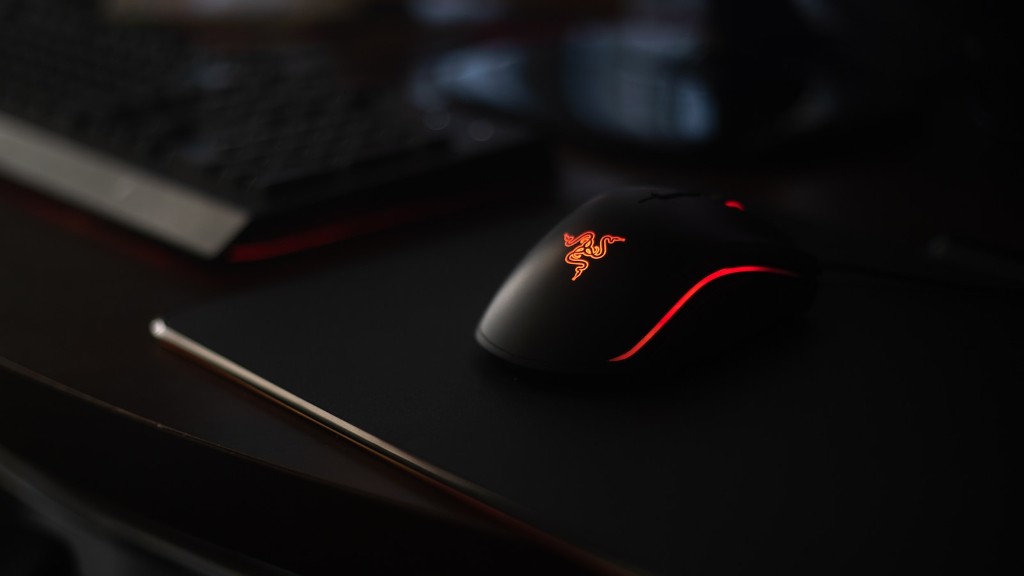
In terms of peripherals, you’ll need a mouse, keyboard and headset at the minimum. However, if you’re serious about gaming, you should look into investing in a more high-end setup. A mechanical keyboard with dedicated macro keys, a gaming mouse with additional buttons and a 7.1 surround sound headset can all make a huge difference in your gaming performance.
Cooling System
Cooling is vital for any gaming PC as it helps keep temperatures within an optimal range and improves the overall lifespan of your components. The most popular cooling solutions are air coolers and water cooling systems. Air coolers are typically the most cost effective and simple solution, while water cooling systems are often the more expensive but significantly more efficient option.
When it comes to air coolers, you should look out for models with high quality fans and an exceptionally large heat sink. Ideally, you should also opt for one that has multiple fans and a fan speed control feature. Meanwhile, for water cooling systems, look out for an all-in-one solution that includes a reservoir, pump, radiator and a set of fans.
Software For Your Gaming PC
Apart from hardware components, you also need to consider the type of software and operating system that you need for your gaming PC. Windows 10 remains the most popular choice for gamers, as it supports the majority of games on the market. However, if you’re looking for a free alternative, Linux is also an option. Some streaming programs and media players like OBS and VLC can also come in handy.
External Items For Your Gaming PC
Finally, it’s worth considering what external items you need to get the full gaming experience. A gaming headset or a five-speaker surround sound system can really take your gaming experience to the next level. If you’re a console gamer, you may also want to invest in a controller of some kind. It is also worth investing in a TV or display adaptor to connect your gaming device to a larger screen.
