
Gaming PCs are becoming much more powerful and sophisticated, and with that comes the need to monitor temperatures closely – game performance and even components’ longevity can suffer from high temperatures. What temp should a gaming PC run at? That’s a difficult question to answer as every PC is different and every game has its own requirements. However, there are some general guidelines to ensure your gaming PC remains regularly within a safe temperature range.
One of the most important things to consider is the cooling system. Many gaming PCs come with liquid cooling systems, which allows for optimal control and prevention of overheating. If your PC isn’t equipped with liquid cooling, you need to pick the right fans carefully and monitor their performance. Both liquid cooling and fans should keep the case temperatures below 40°C, and your CPU and GPU should stay within their limits – 70°C for the processor and 80°C for the GPU.
It’s also important to keep track of ambient temperature. If the room temperature is around 30°C, your PC is more likely to overheat faster than in a cooler room. Opening the case to let air circulate may help, but a significant improvement would have to include a better cooling system, whether built-in or aftermarket.
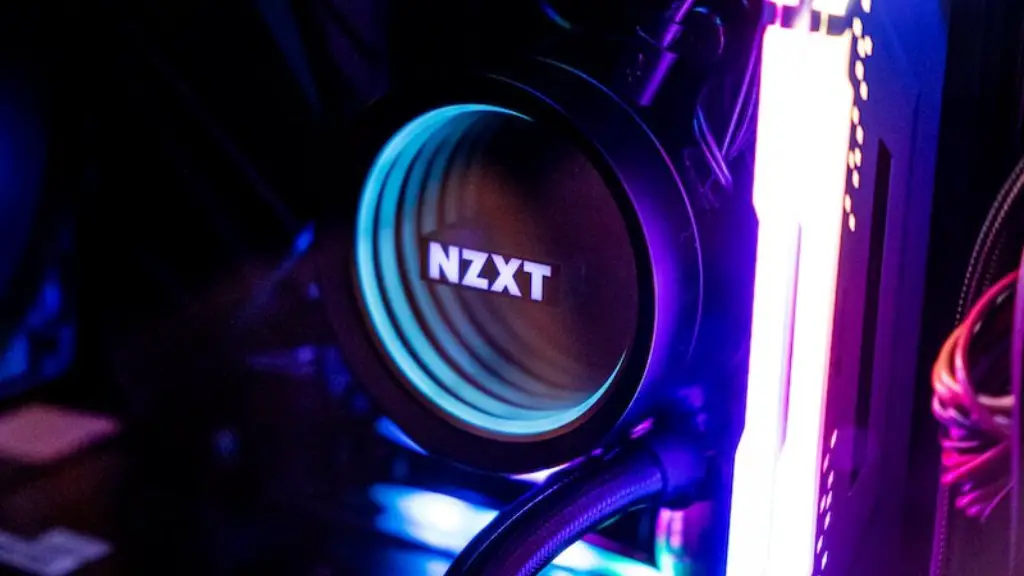
Keeping an eye on your gaming PC’s temperature is essential for its performance and longevity, but that does not mean it has to run at the coldest possible temperature at all times. Too low temperatures can also damage components, usually due to condensation. Ideally, you want your PC to maintain below 40°C at room temperature, and anything below 60°C should be pretty safe as long as it’s not constantly running at these levels.
For optimal gaming performance, you should also consider the type of game you’re playing. More GPU and CPU demanding titles will put your PC under more stress, and you need to ensure your cooling system is setup to handle those temperatures. If not, it’s best to lower the graphics settings a bit to reduce the strain.
Finally, monitoring your PC’s temperature is more important than ever, particularly if you plan on overclocking your components – it may push your gaming PC to the limits and make it even more vulnerable to underperforming and crashing. Overclocking fans are a great way to maximize performance without risking thermal damage, but you still need to keep temperatures in check.
Overall, if you are looking to get the most out of your gaming PC and ensure its longevity, then you should constantly monitor its temperature and ensure that it stays within safe limits at all times. While temperatures that are too hot and too cold can both be damaging, finding a balance that works for your system can give serious performance gains for gaming.
Liquid Cooling

Liquid cooling is often touted as the best solution for preventing your gaming PC from running too hot. This is because liquid cooling systems provide much better coverage and cooling efficiency compared to traditional air cooling. Not only do liquid cooling systems dissipate heat much more quickly and evenly, but they also last longer and require less maintenance.
One of the most attractive features of liquid cooling systems is their customizability. Most kits are highly configurable and come with various individual components that allow you to tailor the system to your PC’s needs. This means that whether you’re looking to push your PC to the absolute limit, or just want an all-in-one solution that provides reliable cooling efficiency, liquid cooling is capable of satisfying both scenarios.
Liquid cooling systems generally consist of a radiator, pump, reservoir, tubing and fans, which work together to dissipate heat effectively. The radiator usually resides at the back of the case, while the pump and reservoir are placed somewhere out of sight, in order to ensure the system looks aesthetically pleasing. The tubing is then connected to the CPU and GPU (or other components), where the heat is removed and later on expelled via the radiator.
Most gaming PCs nowadays come with a built-in liquid cooling system, but for those who don’t have access to such systems, aftermarket liquid cooling kits are available. These kits provide a great way to upgrade your cooling system and push your PC further without having to worry about temperatures.
Overall, due to its superior cooling efficiency and customizability, liquid cooling is often the preferred choice for gaming PCs, helping to keep the components from running too hot and ensuring optimal performance. Although it may cost a bit more than other cooling systems, if you are looking for the best way to keep your PC running cool, then liquid cooling is definitely the way to go.
Room Temperature
The temperature of the room your gaming PC is in has a big impact on its performance. When the ambient temperature is too high, it can cause your PC to overheat and struggle to maintain its desired temperature due to thermal limitations. This can lead to poor performance and, in some cases, damage to components from prolonged exposure to high temperatures.
To ensure your gaming PC stays cool and performs optimally, you should try to keep the ambient temperature at a comfortable level. This doesn’t necessarily mean you have to keep the air conditioning running 24/7, but keeping the room’s temperature at a comfortable point (preferably below 30°C) will ensure your PC remains in a safe temperature range at all times.
Opening up the case and letting air circulate can also help in reducing the temperature. If you’re looking for other options, then getting a larger fan or installing an aftermarket cooling system may be your best bet. Large fans are great for improving the airflow and ensuring your gaming PC remains well ventilated, while aftermarket cooling systems allow you to customize the system to your specific needs.
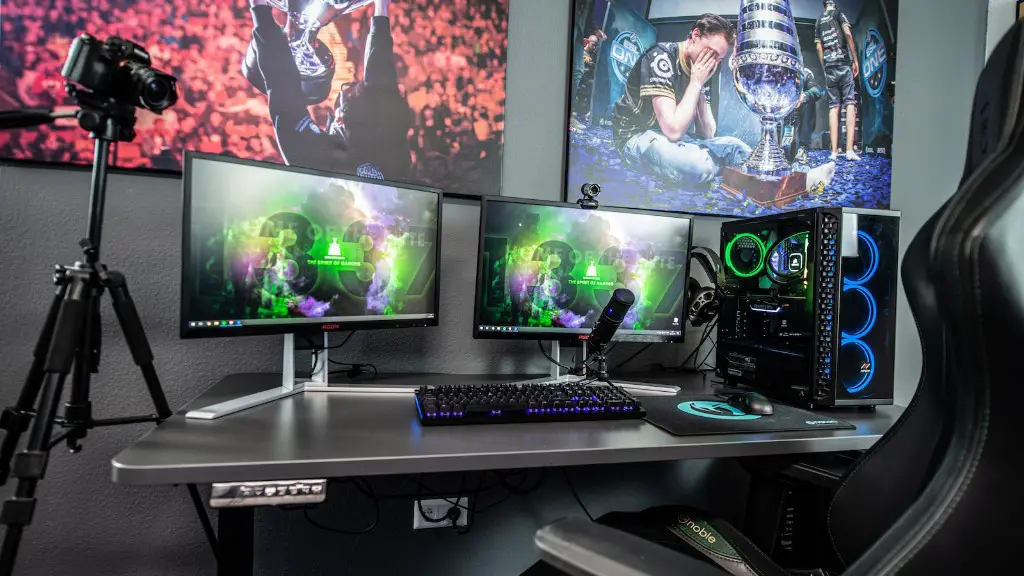
It’s also important to note that keeping the temperature down isn’t the only factor to consider when looking to optimize your gaming PC’s performance. You should also consider the type of game you’re playing, your hardware’s specifications, as well as the settings you have enabled.
Overall, the room temperature your gaming PC is in has a big impact on its performance. Keeping it at a comfortable level is essential for ensuring optimal performance and preventing any kind of thermal damage. If the temperature is too high, then improving the airflow and the cooling system may be necessary.
GPU
A gaming PC’s Graphics Processing Unit (GPU) is often the one component that gets the most heat under load, due to the intense amount of processing it has to do in order to render graphics. The GPU’s temperature is also just as important as the CPU’s when it comes to determining optimal and safe performance, and it needs to remain within a certain range in order to ensure your PC runs well.
GPU temperatures can go up to 80°C, although the ideal temperature for one is usually much lower. This is because high temperatures can lead to reduced performance and could even cause the GPU to fail. Therefore, it’s always important to keep an eye on the temperature and make sure it remains close to the ideal range.
To keep your GPU from running too hot, it’s important to make sure your cooling system is working properly. This includes having the right kind of fans in place, as well as ensuring that the airflow is good enough for the GPU. Aftermarket cooling systems, such as liquid cooling, are often a great way to keep your GPU temperature down and increase performance.
Other factors that can influence your GPU’s performance and temperature include the type of game you’re playing, the GPU settings, as well as ambient temperature. Therefore, it’s important to make sure all these components are taken into account before overclocking your GPU or pushing it to its limits.
Overall, GPU temperatures are just as important as CPU temperatures when it comes to a gaming PC’s performance. Keeping the GPU temperature down is essential for optimal performance and longevity, so it’s important to make sure your cooling system is adequate and regularly monitor the temperature.
Overclocking
Overclocking is a popular choice among gaming enthusiasts who are looking to get the most out of their PCs. It involves tweaking your hardware’s settings, such as the Processor (CPU) and Graphics Processing Unit (GPU), to boost their performance and squeeze out more power.
However, it’s important to consider that overclocking your components can put your gaming PC at risk of running too hot. Overclocking can cause strain on the components and push them beyond their recommended temperatures, reducing their life span and even causing them to fail.
Therefore, it’s important to make sure your cooling system can handle the added stress. Overclocking fans are a great way to boost the performance of your gaming PC while keeping temperatures in check. These fans are designed to work with overclocking settings and can greatly reduce the strain on your components, ensuring optimal performance and longevity.
It’s also important to ensure that other components, such as the GPU, RAM and Motherboard, are cooled adequately. These components often operate at higher temperatures when overclocked, so you need to make sure your cooling system is up to standard before even attempting to overclock your gaming PC.
Overall, overclocking can provide a major performance boost, but you need to make sure your components are cooled properly in order to avoid thermal damage. Fan upgrades may be necessary, as well as other cooling systems such as liquid cooling. It’s also important to keep an eye on the temperature at all times to ensure it remains within safe limits.
RAM and Motherboard
The RAM and the Motherboard are two of the most important components of a gaming PC. Not only do they provide the architecture for your system, but they also dictate the performance of your entire build. However, not many people realize that these components can also be affected by thermal damage.
RAM works in sync with your Processor (CPU) to help process data, but it’s also sensitive to heat. High RAM temperatures can cause reduced performance and damage to the memory itself, reducing its life span. The same goes for Motherboard components, as the chipset area in particular can be affected by heat.
To keep your RAM and Motherboard running cool at all times, it’s important to ensure your cooling system is up to date. Good airflow is essential for cooling down these components, and additional fans in the right places can help a lot with this. An aftermarket cooling system, such as liquid cooling, can also provide an even better cooling solution than most stock ones.
While overclocking can put extra strain on your system and cause the RAM and Motherboard temperatures to go up, proper cooling can help prevent that. Additionally, it’s important to keep an eye on your PC’s temperature and make sure it remains at a safe level – anything above 80°C can cause serious damage to the components.
Overall, the RAM and Motherboard are essential components for gaming PCs and need to be taken into account when considering your cooling system. Keeping the temperatures at a safe and comfortable level is essential for ensuring optimal performance, and additional fans and aftermarket cooling systems may be necessary.
