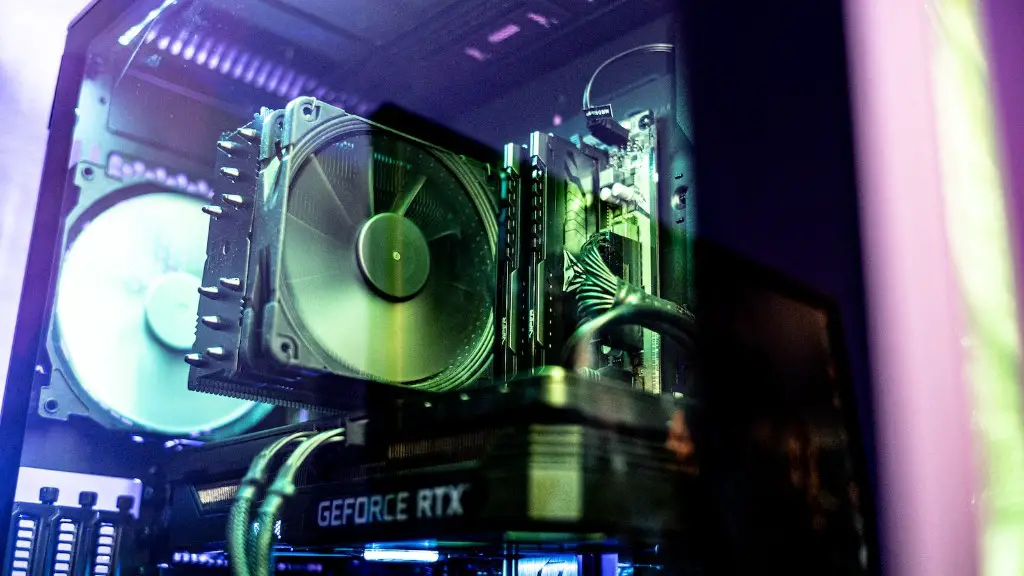
Building a gaming PC in 2017 requires more than just a few components. It involves the right components, a deep understanding of current gaming trends, and in some cases, money. In this article, we’ll explore what is needed to build a gaming PC in 2017.
At the heart of any gaming PC is a capable gaming processor. You’ll need an Intel Core i7-7700K processor, which is the top of the line processor currently available. With a core speed of 3.6GHz and four cores combined with 8 threads, you’ll have plenty of options.
A powerful graphics card is a must. The AMD Radeon RX 580 is currently one of the most powerful graphics cards available. This card offers 4GB of GDDR5 memory and a 1280 CUDA core engine. It is a great choice for those looking for high-end gaming performance and eye catching visuals.
You’ll also need a capable motherboard, which will vary depending on the processor you choose. For the Intel i7-7700K, you’ll need an Intel Z270 motherboard. It has four DDR4 DIMM, two PCIe 3.0 x16 slots, and six SATA connectors. This will give you plenty of space for your components.
For memory, you’ll want to choose at least 16GB of RAM. This will ensure that your PC can handle any game or application that you throw at it. A fast, low latency RAM will be ideal, with speeds of 2133MHz or higher.
Storage is also important. You’ll need enough storage for your games and applications, and you’ll probably want some form of SSD storage for fast loading times. You can choose a drives size of 500GB to 1TB for all your games, files and applications.
Finally, you’ll need a good power supply. A minimum of 450W will be required, but you may want to go with a higher wattage if you plan on overclocking or adding more components in the future. Plus, you’ll need to get a good case to keep it all together. A mid-tower ATX case is the most preferred choice.
Motherboards
Finding the right motherboard is an important part of building the perfect gaming PC. The motherboard will determine the processor and memory you will use, as well as the graphics card. For 2017, you’ll want to go for an Intel Z270-E or an Intel Z170-E, which offer a great level of performance. For memory, look for DDR4 DIMM slots, as this will provide you with more capacity and faster speeds.
The Z270-E and Z170-E offer four DDR4 DIMM slots and an impressive layout for additional components. You’ll have plenty of PCI ports and PCIe slots for your graphics card, as well as an M.2 slot for storage. There are also additional USB ports to allow for more flexibility in terms of peripherals.
It’s important to note that the Z270-E and Z170-E motherboards will require a compatible Intel Coffee Lake processor. These processors are faster than their predecessors and offer hyperthreading, which will help with multitasking and gaming.
The design of the motherboard is also very important. You’ll want to choose a motherboard that has a good cooling system, as this will ensure that your components are running optimally. Additionally, look for a board that offers good audio, as this will help to create a better gaming experience.
Finally, look for a board with a great warranty. While you may not need it, having a good warranty will give you peace of mind should something go wrong. It’s also a good idea to opt for a motherboard with good customer support, which can help to answer questions and solve any problems you may have.
Graphics cards
Choosing a good graphics card is essential for those looking for a great gaming experience. AMD’s RX 580 and Nvidia’s RTX 2080 Ti are currently the two most popular graphics cards on the market. The RX 580 is the better choice for those on a budget, as it offers 4GB of GDDR5 memory and a 1280 CUDA core engine at an affordable price.
The RTX 2080 Ti, on the other hand, is the most powerful graphics card on the market right now. It provides 11GB of GDDR6 memory and a whopping 4352 CUDA cores. This is ideal for those who want the absolute best gaming experience. It is, however, the most expensive option.
The graphics card you choose should also be compatible with the motherboard and processor that you choose. Make sure that they all share the same socket type and that the card has the necessary connection ports for your display.

Finally, you should also look for a card that has good cooling systems. This will ensure that your card does not overheat, which will greatly extend its lifespan. A good cooling system is especially important for those looking to overclock their card.
Cooling system
Having a good cooling system is essential for any gaming PC. Without one, your components will be at risk of burning out. A good cooling system will ensure that your components are running at optimal temperatures, extending their lifespans.
A good cooling system doesn’t have to be expensive. A good air cooling setup will usually suffice. If you plan on overclocking, however, you may want to invest in a liquid cooling system. This will provide better performance, as well as better cooling and noise levels.
For the CPU, you’ll want to invest in a good CPU cooler. This will help keep your components cool and the best models will be able to handle even the most demanding overclocks. The design of the cooler is also important, as it needs to fit in your case without taking up too much room.
You will also need fans for your case. These will keep air circulating inside your case, ensuring that all your components stay cool. The number of fans you’ll need will vary depending on your components, but you should aim for at least two 120mm fans.
When choosing fans, look for those with good airflow ratings. A fan with good airflow will ensure that air is reaching all parts of your PC. Additionally, look for fans that are relatively quiet and that are also aesthetically pleasing.
Accessories
Once you have all the essential components of your gaming PC, you’ll need to choose a few accessories. These will vary depending on your budget, but the most important accessories will be a good gaming mouse, keyboard and headset.
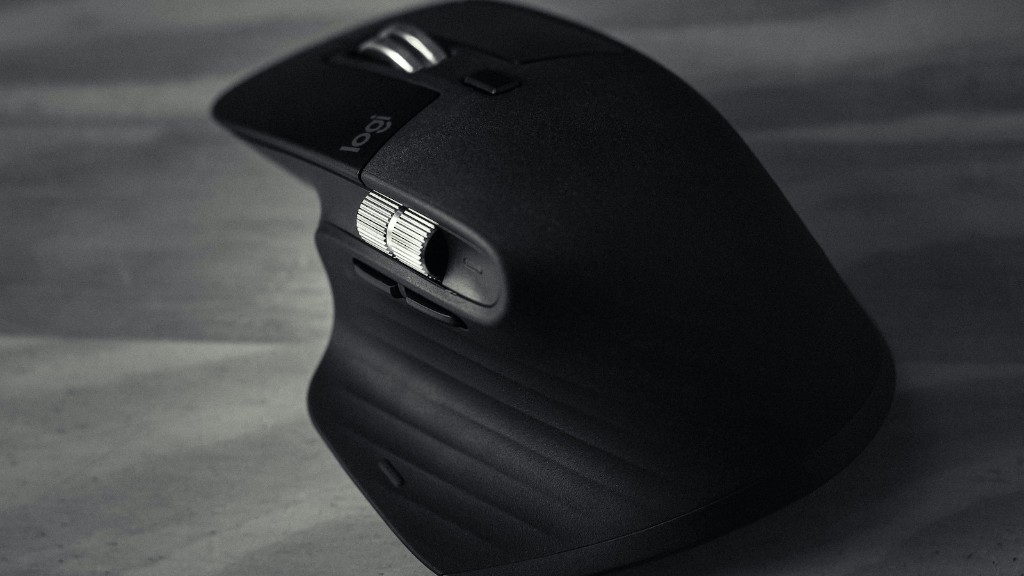
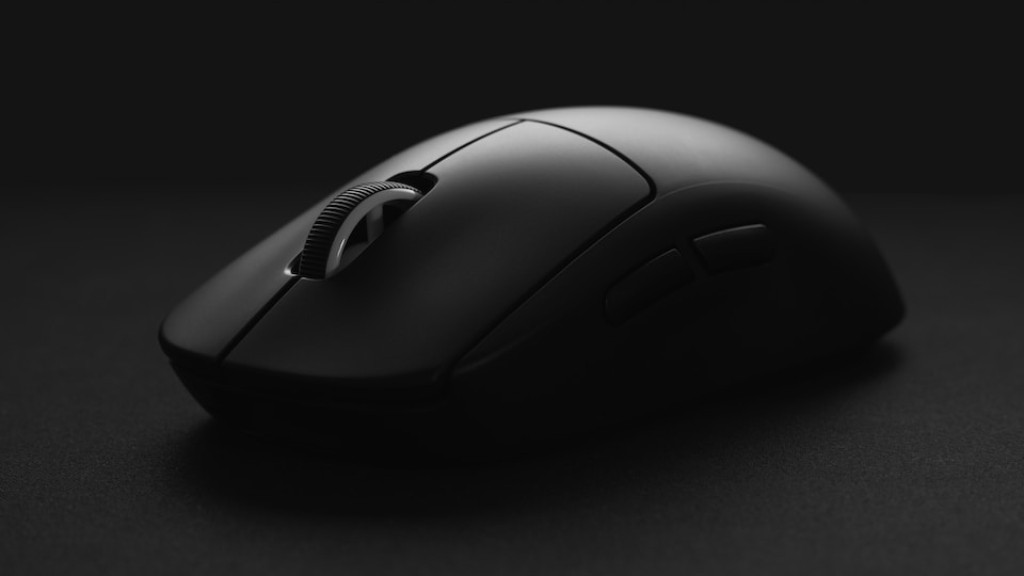
For gaming mice, you’ll want to opt for one with good response times and accurate sensors. This will ensure that your mouse movements are precise and that your in-game reactions are lightning fast. Additionally, you’ll want to look for a mouse with ergonomic design and large amounts of customization.
As for keyboards, you’ll want to opt for one that is comfortable to use and that is also durable. A mechanical keyboard is usually the best option here, as they offer the best response times and are generally quieter than other keyboards. Additionally, look for a keyboard with backlighting and plenty of customization options.
Lastly, you’ll want to invest in a good gaming headset. Look for one with good surround sound, as this will enable you to hear every noise in-game. Additionally, look for a headset with a comfortable fit, as this will ensure that you won’t get tired while gaming.
Software
When it comes to software, you’ll need the basics such as an operating system. For gaming PCs, Windows 10 is the preferred choice. It offers the best performance and compatibility with the latest games and applications.
You’ll also need anti-virus software to help keep your system secure. AVG and Avast are two of the most popular anti-virus programs available, both of which offer great protection from viruses and other threats.
For more basic applications, you can’t go wrong with the free versions of Microsoft Office. These offer a great range of programs such as Word, Excel and Powerpoint, which will provide you with the basics of document creation and editing.
If you plan on streaming or recording your gaming sessions, then you’ll need a good streaming/recording program. OBS Studio is the best option available, offering a great level of customization and features for streamers and content creators.
Of course, you’ll also need a good gaming client. Steam is the most popular choice, as it offers a wide range of games at great prices. It also allows you to easily manage your games and keeps them all organized in one place.
