Building a gaming PC can be both exciting and challenging. It is important to ensure you have all the necessary parts before getting started. The following guide will outline which components you should have, and the order in which to install them.
Motherboard: This provides the backbone of your computer, allowing the various components to pair with each other. It should be chosen with regard to other components you plan to build your system with, such as the processor, graphics card and RAM.
CPU (Processor): This is the brains of the system. The processor you choose should fit the type of games you plan to play and the results you want to obtain. It should also be compatible with the motherboard you have chosen.
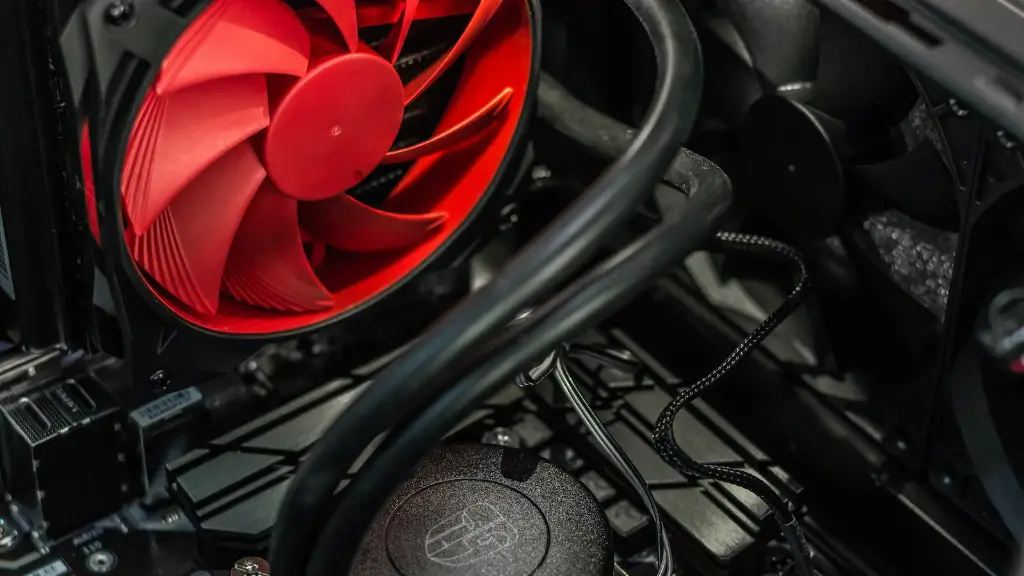
Cooling: This is necessary to prevent your components from overheating. Your choice of cooling system will depend on the kind of setup you have, and how intense your gaming sessions are.
RAM (Memory): RAM allows your computer to access information quickly while gaming. The amount of RAM that is suitable for your system can vary depending on the type of game you’re playing and the level of graphics detail you prefer.
Graphics Card: This component is responsible for generating images for the display, so it is important to make sure it is suitable for your gaming purpose. The better the graphics card, the better the visuals you will get from your games.
Power Supply: To ensure your gaming experience is uninterrupted, make sure you get an appropriate power supply for your set up. Many gaming PCs will require quite a large wattage to power the components.
Storage: For storing large amounts of data associated with games and applications, storage is necessary. This can include hard disks, solid state drives or even both. You should get a type of storage that can keep up with the data that your system will need to process.
Different Types of Motherboards
In order to build a gaming PC, the first component that should be chosen is the motherboard. Motherboards come in different shapes and sizes, and also have different chipsets. The most popular are the Intel and AMD chipsets. Intel chipsets are typically more expensive, but they offer better performance. AMD chipsets tend to be more affordable and provide more features. Depending on your budget and needs, you should choose the one that best suits your requirements.
A crucial factor to consider when choosing a motherboard is the form factor. This refers to the shape and size of the motherboard. Common form factors include ATX, Micro-ATX and Mini-ITX. ATX motherboards typically have more slots and ports, making them great for high-end gaming PCs. Micro-ATX motherboards are ideal for mid-range gaming PCs, while Mini-ITX motherboards are the smallest option and are suitable for entry-level gaming PCs.

Another important aspect to look out for is the Socket Type. This is the connection type between the processor and the motherboard. Intel processors generally require an LGA socket, whereas AMD processors require an AM4 socket. If you have already chosen a processor for your system, make sure the motherboard you select is compatible with the processor’s socket.
In addition, it is important to check the motherboard’s expansion slots. These slots allow you to add additional components to your system, such as graphics cards and sound cards. Double check that the expansion slots are compatible with the components you plan to add to your PC.
Finally, make sure the motherboard is capable of handling the power requirements of all the components you plan to install. Look for motherboards with good component cooling to ensure your system will not overheat.
Different Types of CPUs
The CPU (Processor) is one of the most important components of a gaming PC, as it is the brains behind all operations. There are two main types of processors; Intel and AMD. Intel processors are usually more expensive but offer better performance, while AMD processors are typically more affordable but have more features.
When choosing a processor for your gaming PC, it is important to consider the type of games you will be playing. If you are playing games that require a lot of multitasking and High FPS, then a higher-end processor such as the Intel i9 or AMD Ryzen 9 is ideal. On the other hand, if you are playing less intensive games, then a lower-end processor such as the Intel i3 or AMD Ryzen 3 should suffice.
The socket type is another factor to consider when selecting a processor. Intel processors require an LGA socket, while AMD processors generally require an AM4 socket. Ensure the socket type of the processor is compatible with the socket type of the motherboard.
The processor also has a number of cores, which is an important factor to consider when making your choice. The more cores a processor has, the faster it is able to process information. If you’re playing graphically intense games, then the more cores the better to ensure smooth gameplay.
Finally, make sure the processor you select is within your budget. High-end processors are generally quite expensive, and you will also need to consider the cost of a compatible cooling system.
Different Types of RAM
RAM (Random Access Memory) is necessary for your gaming PC to access information quickly. The more RAM you have, the faster your system will be able to process information. The amount of RAM that is suitable for your system may vary depending on the type of games you’re playing and the level of detail you prefer.
The most popular type of RAM is DDR4, which offers the best performance. However, DDR3 is also suitable for gaming and is cheaper than DDR4. If you are building a budget gaming PC, then DDR3 is a good option. On the other hand, if you are looking for higher performance, then DDR4 will be the better choice.
The amount of RAM that you need will also depend on the type of games you’re playing, as well as the resolution you are playing at. For most games, 8GB of RAM should be sufficient, but if you are playing more graphically intense games, then 16GB of RAM may be more suitable.
When selecting RAM for your system, it is important to note that the speed of the RAM is directly proportional to the performance of your system. Faster RAM will offer better performance, but also be more expensive. If you’re building a budget gaming PC, then selecting slower RAM with a lower price point should suffice.
In addition, the memory slots on your motherboard must also be compatible with the type of RAM you have selected. Make sure to double check the memory slots on your motherboard before buying RAM.
Different Types of Graphics Cards
The graphics card is responsible for generating images for the display, so it is essential to make sure it is suitable for your gaming purpose. The better the graphics card, the better visuals you will get from your games.
Graphics cards also come in different shapes and sizes. The most popular cards are NVIDIA and AMD cards. NVIDIA cards generally offer better performance but are more expensive. On the other hand, AMD cards tend to be more affordable and have more features. Many people opt for a combination of both, as this can provide the best bang for your buck.
The main thing to consider when choosing a graphics card is the type of games you will be playing. If you are playing games that require a lot of graphical processing power, then a higher-end card with more VRAM will be needed. On the other hand, if you are playing less graphically intensive games, then a mid-range card should suffice.

The interface of the graphics card is also important, as it must be compatible with the interface of your motherboard. The two main interface types are PCI-Express and AGP. Ensure that the interface of the graphics card you select is compatible with the type of motherboard you have.
The power requirements of graphics cards can also vary. If you are installing a high-end card, then you may need to upgrade your power supply to ensure your system has enough power. Make sure to check the power requirements of the card you have chosen before making your purchase.
Different Types of Storage
Storage is necessary for storing a large amount of data associated with games and applications.hard disks, solid state drives or even both. When selecting storage for your gaming PC, the main thing to consider is the type of games you will be playing.
For games that are not very graphically intensive, you may be able to get away with using a hard disk drive (HDD). HDDs can provide a large amount of storage at an affordable price. However, they are much slower than solid state drives (SSDs) and may not be suitable for intensive gaming.
On the other hand, if you are looking for faster speeds, then an SSD will be a better choice. SSDs are much faster than HDDs and will allow you to load up games quickly. However, they are generally more expensive.
Another factor to consider is the amount of storage you will need. For less intensive games, 250GB to 500GB of storage should be sufficient. But for more graphically intense games, you may need 1TB or more.
If you are unsure about the type of storage you require, you can opt for a combination of both HDDs and SSDs. This will allow you to store large files on the HDD and use the SSD for quick game loading times.
