Building your own gaming pc can be an overwhelming process, especially for those who have never done it before. But with the right resources, it doesn’t have to be. Linus from Linus Tech Tips is an expert in this domain and has some priceless tips to share in order to help you assemble a powerful gaming PC. With these instructions, you’ll be able to build your own gaming setup that’s both reliable and efficient.
The first step in the process is to get the right parts. You’ll need a compatible case, motherboard, CPU, RAM, GPU, power supply, storage, and a cooler. To make sure you get the right parts, it’s best to do your research (and budget allowed) and get components that will work together. You can read PC gaming reviews, check out PC parts lists, and watch building tutorials to learn more about the hardware.
Once you have your parts, it’s time to start assembling them. Linus recommends following the manual that comes with the case when putting the components in. It’s important to be careful when attaching the CPU to the motherboard so the pins do not break. Insert the RAM, GPU, storage, and other components into the motherboard and case slots. To make sure the parts are connected properly, use the zip-ties and screws provided with the case.
Next, install the operating system. You can use Windows 10, Linux, or another operating system. Once the OS is up and running, you can set up the software and make sure the PC is running properly. You should also adjust the settings to optimize your gaming experience. Finally, connect your peripherals, such as a monitor, keyboard, mouse, and headset.
Once you’ve completed all the steps, your gaming PC is ready to play. It’s important to keep your PC clean and regularly check the hardware to make sure it’s running properly. If you encounter any issues, troubleshoot the problem and make sure you update your drivers often.
Building a gaming PC with Linus as your guide has many advantages. It’s an affordable way to enjoy the latest games, as well as being a fun way to spend your free time. Just remember to stay patient, not rush the process, and take your time with the installation. Doing so will make sure your gaming laptop is a machine you can rely on for years to come.
Researching and Budgeting
Before you start building a gaming PC, it’s important to research and create a budget so you’ll know just how much you can spend on each part. This will help you make an informed decision when choosing components and ensure you stay within your budget. You can also look into ways to get discounts on parts and get more value for your money.
The next step is to determine the parts you need. A powerful gaming PC should have a good CPU, GPU, RAM, and storage. The motherboard and case will depend on the size of the parts, and the power supply should be determined by the wattage of the components. It’s also important to get the right cooler to keep your parts from overheating.
There are a lot of options on the market, with varying prices for each, so it’s important to set a budget and determine the best components for your gaming PC. Don’t go overboard with the specs and try to stick to the components that you need, while still making sure they are powerful enough to deliver a great gaming experience.
When researching parts, it’s best to read reviews, compare prices, and talk to experienced PC builders. Doing so will give you a better idea of what you should be looking for and what parts will deliver the best performance for the price.
Once you’ve determined your budget and researched the parts, you can start shopping for the components. Look for discounts, sales, and deals to get the best deal possible and stick to those parts that will help you reach your goal.
Researching and budgeting is the foundation of assembling a gaming PC. With the right resources and advice from experts, setting a budget and finding the right components for your build is a straightforward process.
Assembling Parts
Now that you have all the parts, you can start assembling the PC. It’s important to check the manual provided with the case, as it will be helpful in guiding you through the process. Start by putting the motherboard inside the case and inserting the CPU into the socket.
The next step is to attach the RAM. Insert the sticks into their slots and make sure they are secured by tightening the clips. Insert the GPU into the slot in the motherboard and attach it with the screws provided.
The next step is to install the storage. Your SSD and/or hard drive should fit into the slots located inside the case. Make sure to attach them securely with the correct screws.
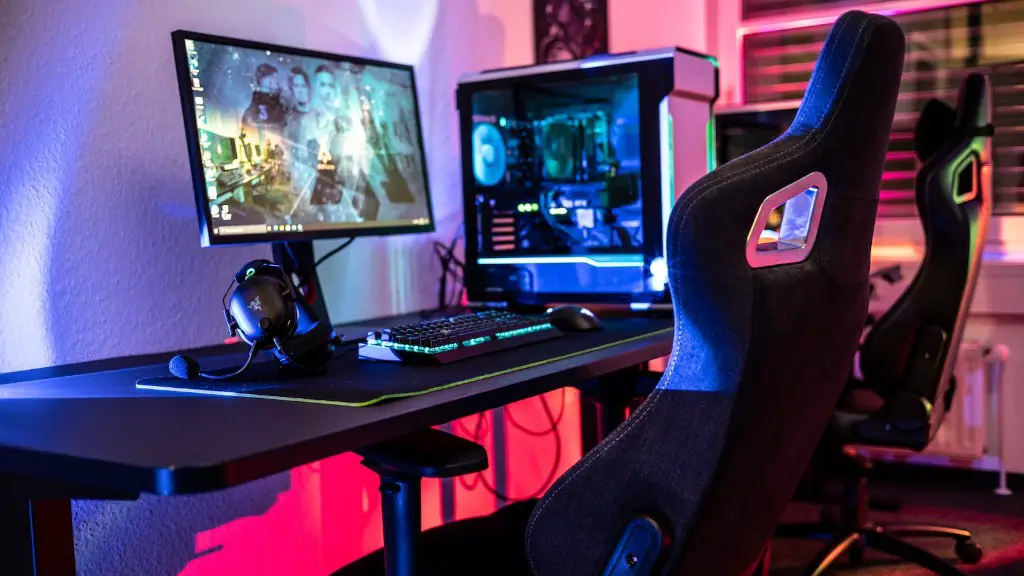
You should now attach the power supply and cooler. Make sure the power supply is properly installed and the cooler is securely attached. You should also attach the cables and make sure all the components are properly connected.
Finally, you should make sure everything is properly connected, including the video card power supply and the power button. After this, the setup process is complete and you can connect your peripherals.
Assembling a gaming PC can be daunting if you don’t have the right resources, but with the right instructions, it doesn’t have to be. Following the manual and using the right tools will ensure that your PC is securely assembled and running optimally.
Installing and Updating Software
Once the PC is all assembled, it’s time to install an operating system and make sure all the software is updated. This can be done by using an installation disc, USB drive, or via an ISO file. You should also make sure that your drivers are up to date, as this will ensure your gaming PC runs smoothly.
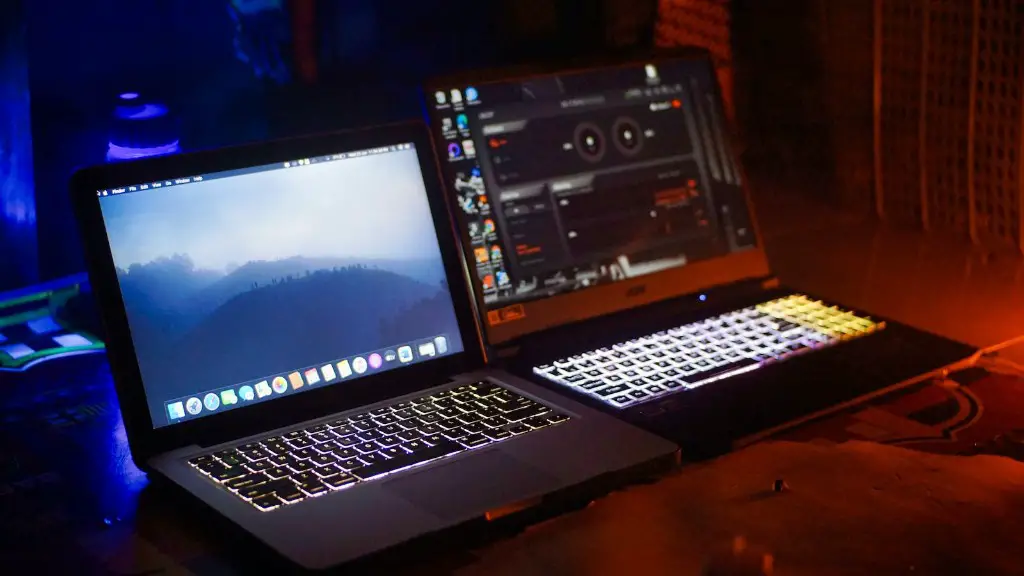
This is also a good time to install the latest game updates. This can be done by manually downloading them from the developer’s website, or by using Steam or another digital distribution platform. Make sure to turn on automatic updates and patch the game as soon as possible.
You should also consider installing hardware monitoring software. This will help you keep track of your components’ temperatures, performance, and other vital metrics. It’s also a good idea to install a malware removal program, such as Malwarebytes, in order to protect your computer from malicious programs.
Finally, don’t forget to set up the BIOS and make sure all the settings are optimal for your PC. This includes setting the RAM speed, clock speed, and voltages.
Installing and updating the software can be a daunting task, but with the right tools and software, you’ll be able to make sure everything is running properly. Taking the time to do this will ensure that your gaming PC runs smooth and without any problems.
Optimizing the Setup
Now that you have your gaming PC assembled and the software is installed, it’s time to optimize your setup. This includes adjusting the settings for the graphics card, RAM, and CPU. You should also look into overclocking your components for improved performance. Be sure to read the manual for your components to make sure you don’t damage them.
Another way to optimize your gaming PC is to install the latest drivers. These will help you get the most out of your hardware and make sure that the games you play run smoothly. Nvidia and AMD both offer drivers that can be downloaded from their sites.
It’s also important to keep the PC clean. Dust can build up over time and reduce performance, so you should make sure to clean the inside of your PC regularly. You should also be on the lookout for dust accumulation inside the case and make sure the fan is working properly.
Finally, it’s important to check for system updates. This will ensure your PC is running the latest version of Windows and all your games and software are up to date.
Optimizing your gaming PC is essential for maximum performance and longevity. Taking the time to adjust the settings, install the proper drivers, and keep the system clean will ensure your gaming PC will be ready to tackle any task thrown its way.
