Building an amazing gaming PC is every gamer’s dream. The process of building a gaming PC is quite complex, so it is important to have an idea of what you need to get before starting. Here is what you need to know before building a gaming PC:
First, you need to understand your components and their compatibility. You need to be aware of what hardware will be best for your type of game. This includes researching and comparing the best hardware components and their compatibility with each other. Knowing what will or will not work together is a big part of the build process.
Second, you need to decide what operating system you’re going to use. If you want to do serious gaming, Windows is your best choice as it is the most widely used operating system in PCs today. However, there are other options, such as Linux or Mac OSX. The operating system you choose will directly affect the type of gaming experience you get.

Third, you need to consider the power requirements of your setup. This includes things like the amount of RAM and type of processor you need, as well as your graphics card. Not knowing your power requirements could result in a gaming experience that’s less than optimal.
Fourth, you need to think about cooling. Heat generated from a gaming PC can easily reach levels that are damaging to the hardware. So, make sure you have a cooling system in place that is up to the task of keeping your gaming PC running at optimal temperatures.
Fifth, you need to make sure your components are up to date. Make sure you don’t buy outdated components that are not compatible with the latest games. Not doing so can result in a gaming experience that is sub-par.
Finally, you need to be prepared for the set up. Before you start building your PC, make sure you have all the necessary tools and the basic knowledge of how to put your components together. This will make the process much more straightforward and ultimately more enjoyable.
Network Performance
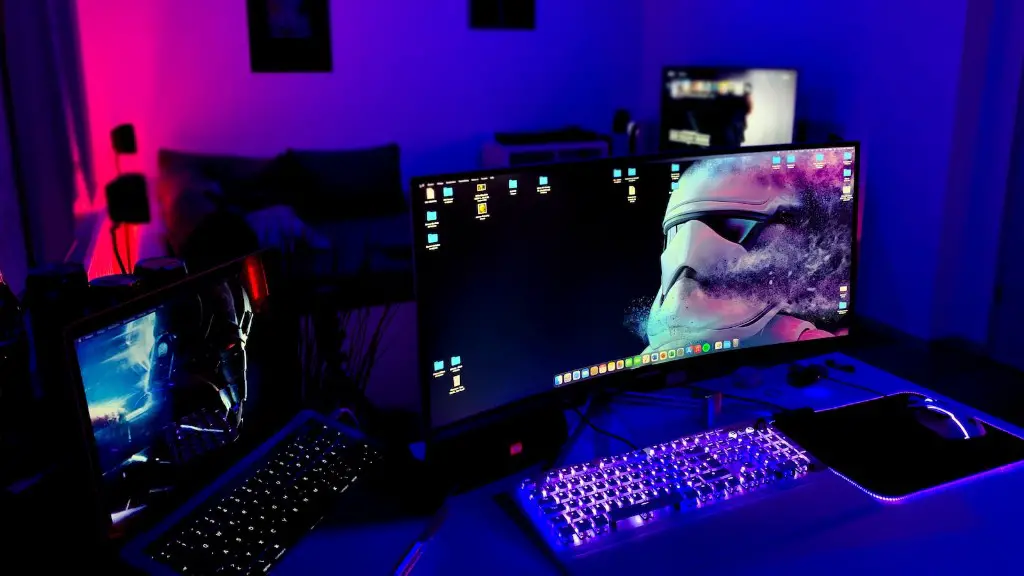
When building a gaming PC, network performance is also a key factor. It is important to have good speeds and a stable connection to ensure the best online gaming experience. Depending on your budget and geographical location, you may require either a wired or a wireless connection. Make sure that you have all the necessary hardware, such as an appropriate router, and it should be set up to handle high bandwidth loads, which modern games require.
In addition to having a good connection, you should also consider a good quality gaming headset in order to communicate with friends or other players while playing. Investing in a quality headset will ensure that your gaming experience is a pleasant one.
Also, make sure that you have the right accessories to enhance your gaming experience. This includes having an extra mouse, keyboard, and a gaming chair for better comfort when gaming for longer periods.
Finally, make sure that you have an efficient way to store and backup your game data. This can be done with external hard drives or cloud storage, both of which have their own advantages and limitations.
Green Settings
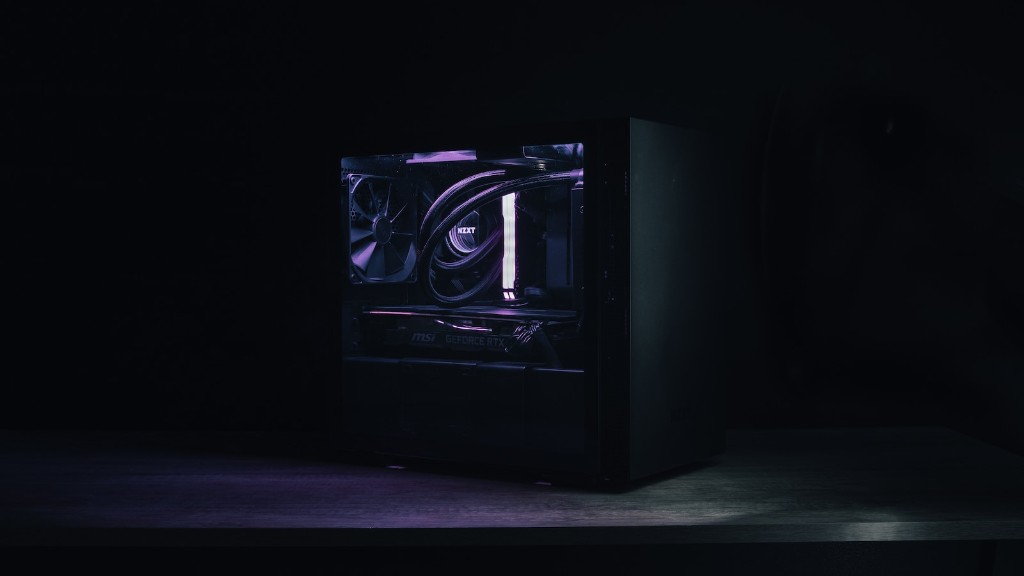
Modern games have been designed to reduce the power consumption during gaming. This means that you should be able to change the settings on your PC to reduce its power consumption and heat output. Look for settings such as “Energy Saving” and “Power Efficiency” and make sure to turn them on. This will not only save you money on power bills but will also ensure that your gaming experience is not hindered by excessive heat.
In addition to reducing the power consumption, you should also think about investing in some high quality components to ensure smooth gaming. This includes having a good quality power supply, an efficient CPU cooler, and a graphics card that is not too powerful for your PC.
Finally, you should also consider investing in a good PC monitor that has a good response time and is capable of producing good visuals for gaming. Having a good monitor can make a huge difference in your gaming experience.
Peripherals
One of the most important things to consider when building a gaming PC is the peripherals you will use. Choosing the right peripherals can make a huge difference in your gaming experience. Invest in a good quality keyboard, mouse, and gaming pad. All of these should be designed for gaming for a better and more comfortable gaming experience.
You should also consider investing in some good quality speakers or headphones. This will ensure that you get the most out of a game’s sound design and heighten your overall gaming experience. Also, don’t forget to buy a good quality webcam if you want to livestream your gaming sessions or interact with your friends while gaming.
Finally, make sure you buy the right accessories for your games. Think of joysticks, steering wheels, and other gaming controllers that you can use to make gaming even more immersive.
Final Considerations
Building a gaming PC can be a daunting task. Fortunately, there are many resources online to help you out. Do research and read reviews before investing in any parts or peripherals. This will ensure that you don’t get stuck with subpar hardware or peripherals that don’t work well with your setup.
Finally, it is important to be aware of the latest gaming trends. This will allow you to stay ahead of the curve when it comes to hardware and peripherals and make sure you are playing the latest games at optimal settings.
Maintenance
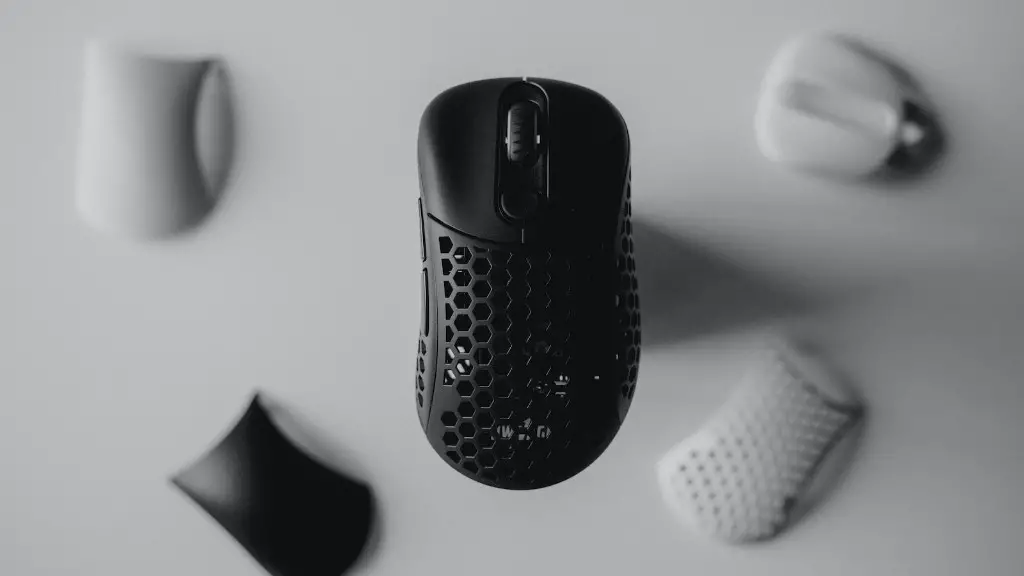
The last step in building a gaming PC is to ensure that it is properly maintained. Make sure to keep track of any updates or drivers that your gaming PC needs. Make sure to keep your hardware clean, check your fans, and if possible, use software to keep track of temperatures and performance.
In order to maintain high performance, your gaming PC will require regular maintenance. Make sure to clean out any dust that accumulates over time. Also, make sure to apply thermal paste on any components that require it in order to have optimal cooling and performance.
Finally, it is important to backup all of your games and data to ensure that all your data is safe in case anything happens to your gaming PC.
