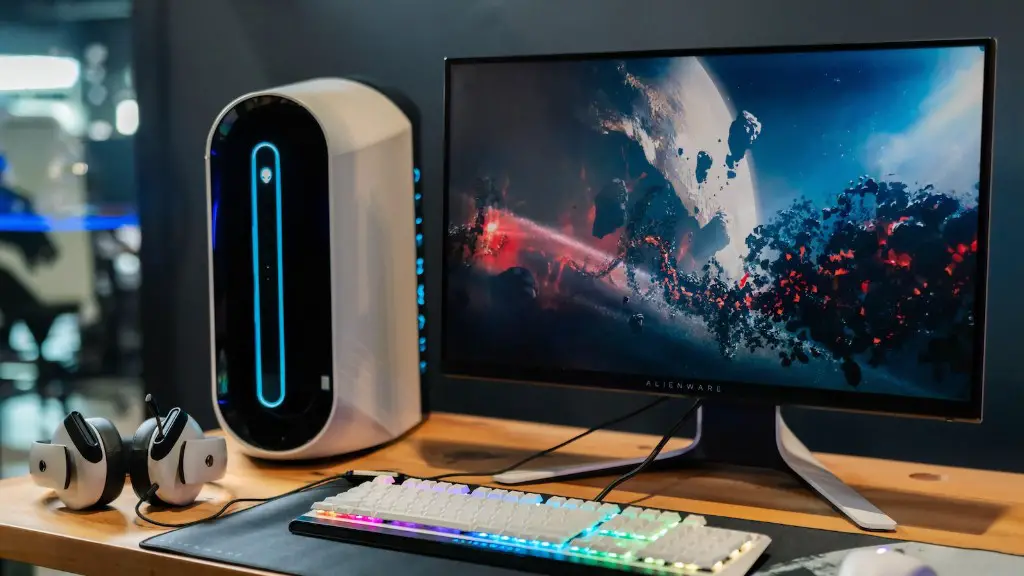
Assembling a gaming PC with a budget of $700 is an ambitious endeavor. It requires knowledge, research, and planning. With a tight budget and the higher prices of newer hardware, the components need to be carefully selected in order to make the most of the resources. This article will outline the overall process of building a gaming PC under $700, from choosing the right parts to assembling the entire system.
Choosing the Right Components
The first step in building a gaming PC is selecting the right components to meet your needs. For $700, your budget should be split between the CPU, GPU, motherboard, RAM, and SSD. When shopping for the best parts, it is important to research what is available and compare prices. It is usually better to select a handful of components that perform better than one expensive one.
CPU
The CPU is one of the most important components of a PC and its performance will greatly influence the overall gaming performance. For a budget of $700, it is best to choose an Intel Core i7-8700 or AMD Ryzen 5 3600 processor. These processors offer excellent performance for their price and are the best choice for a gaming PC.
GPU
The graphics card or GPU is essential for gaming and should be chosen carefully. At this budget, it is best to select an Nvidia GeForce RTX 2060, as it provides excellent performance for the price. It is also worth considering the newer AMD Radeon RX 5600 XT which has similar performance to the RTX 2060 but is a little cheaper.
Motherboard
The motherboard is an essential component of any PC and it is important to select one with the right features and the correct socket type for the CPU. For the budget of $700, an Intel Z390 or an AMD B450 motherboard should be chosen. These boards will provide enough features and will be compatible with the selected processor.
RAM
When it comes to RAM, 8GB is the minimum required for gaming. At this budget, it is best to select 16GB of RAM as it will provide better performance in future games and offer future-proofing. DDR4 is the best type of RAM to choose and prices are usually quite reasonable.
SSD
An SSD is a recommended component as it provides a significant boost in loading times. For a gaming PC, an SSD with a capacity of at least 250GB should be chosen. This will be enough for the operating system and a few games, although larger options are available if desired.
Assembling the PC
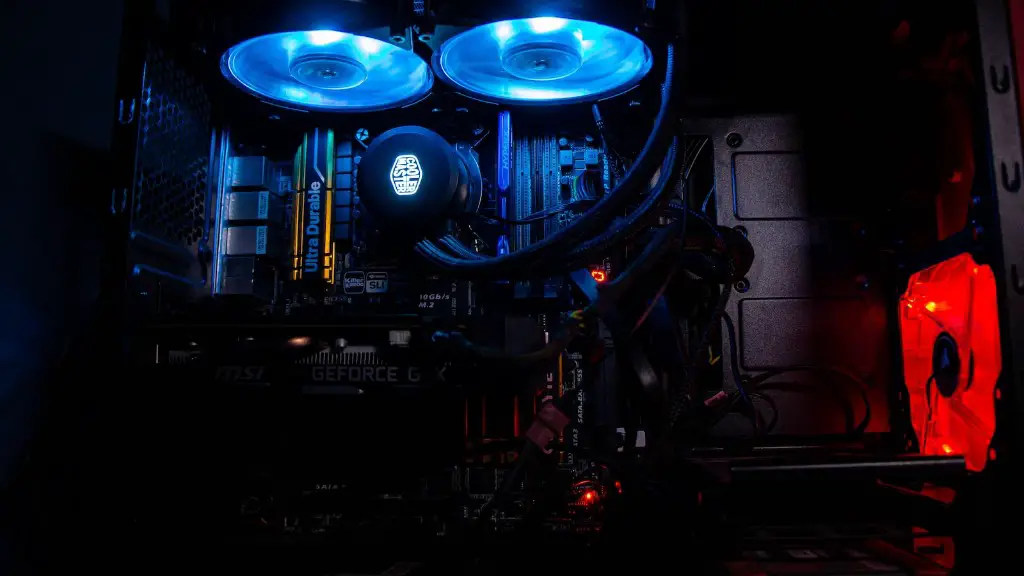
Assembling the PC is the next step in building a gaming PC under $700. It is important to read the manuals and watch tutorials beforehand and to make sure to keep the components away from static electricity. This includes using an anti-static wrist strap and using a grounded power supply when assembling the PC.
Installing the Operating System
Once the PC is assembled, the next step is to install the operating system. Windows 10 is recommended for gaming and can be downloaded directly from Microsoft. It is also important to install the latest drivers and BIOS updates once the OS is installed.
Stress Testing and Diagnosis
After everything is set up, the final step is to stress test the PC and run a diagnostic tool to ensure that all the components are working properly. This can be done with a free tool such as Prime95 or Furmark. It is also important to run a memory test such as Memtest86+ to check for any compatibility issues.
Optimizing Performance and Overclocking
Once the PC is assembled and tested, it is time to optimize its performance. This can be done with various tweaks such as overclocking the CPU, undervolting the GPU, or adding computer cooling fans. Overclocking the CPU or GPU should only be done by experienced users as it can lead to system instability or hardware damage.
Cable Management and Aesthetics
After the performance has been optimized, it’s time to give the PC room to breathe. This can be done by organizing cables properly, adding cable extensions, and adding case fans to increase airflow. It is also a good idea to add LEDs to give the PC an appealing aesthetic.
Post-Installation Setup and Maintenance
Finally, it is important to set up post-installation tasks such as creating a backup image, updating drivers, and setting up backups. It is also recommended to install an antivirus and to perform regular maintenance, such as cleaning the case and components.
