
Building an AMD gaming PC can seem like a difficult task but with the right information, it can be done quickly and easily. Before you start, make sure you have a proper understanding of all the components necessary for the build. Here are some steps you need to take in order to build an AMD gaming PC.
Choose Your Components
The first step in building an AMD gaming PC is to choose your components. You’ll need to make sure you have a processor, motherboard, RAM, storage, and a graphics card. Research different components to find out which combination is the best for your desired gaming performance. Once you’ve selected all the necessary parts, you’re ready to start assembling your computer.
Install the Processor
The second step is to install the processor. Carefully remove the socket cover and insert the processor. Make sure it is correctly and firmly seated in the socket. You should also use a sufficient amount of thermal paste to ensure proper cooling. Secure the processor with the appropriate mounting screws and clamp.
Connect the Motherboard
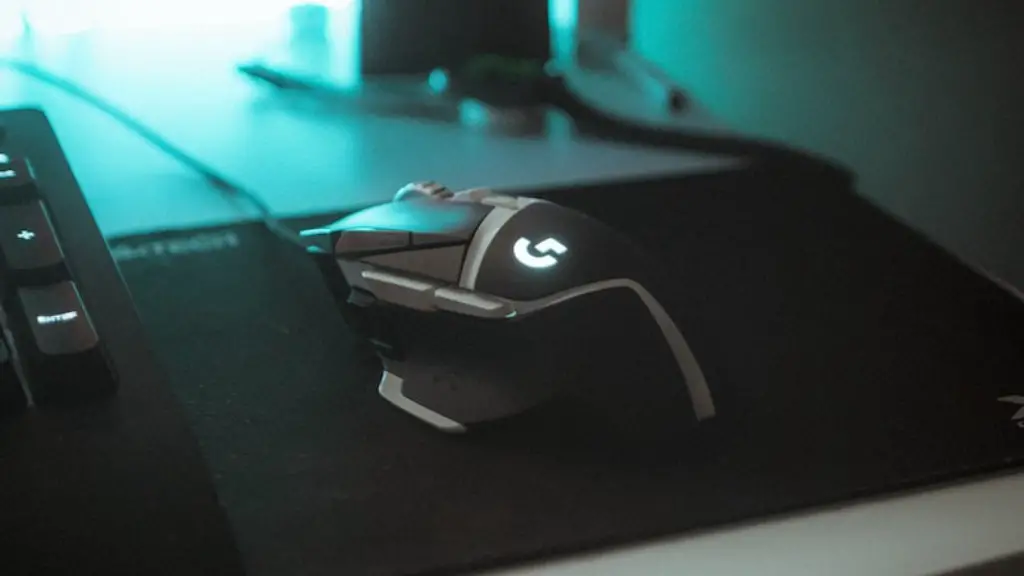
Once the processor is installed, the next step is to connect the motherboard. Insert the motherboard into the appropriate IO shield, then attach the mounting screws. Next, connect the power and data cables. Finally, add the necessary fan headers and preferably an extra fan for cooling.
Install the RAM
After the motherboard is securely connected to the PC, the next step is to install the RAM. Place the RAM modules into their corresponding slots and then secure the clips. Make sure the RAM modules are firmly seated in their slots and not loose.
Install the Storage and Graphics Card
After the RAM is installed, the next step is to install the storage and graphics card. Make sure that the graphics card is firmly seated into its designated slot. Then, secure the card with the necessary screws. Finally, insert the storage drives and secure them with necessary screws.
Install the Operating System
Once all the components are installed, you’ll need to install the operating system. Start by configuring the BIOS settings to ensure your computer runs smoothly. Then insert the operating system installation disc and begin the setup process. Follow the on-screen instructions to complete the installation.
Test the Setup
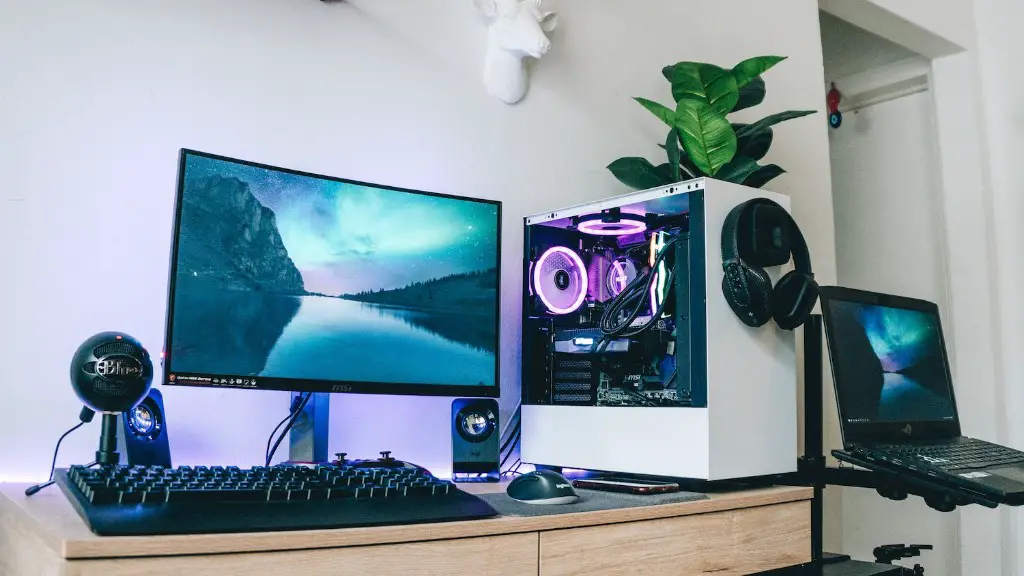
Once you’ve completed all the steps, it’s time to test the setup. Connect the PC to a monitor and power source, then turn on the computer. If all components are correctly installed, the operating system should boot-up without any issues. After the OS is loaded, you can begin testing games and applications.
Parts Cooling & Cable Management
Once your gaming PC is running properly, it’s time to consider cable management and parts cooling. Cable management keeps your components clean and organized, resulting in better airflow and cooling. You can use cable ties, sleeves, and adapters to keep your cables tidy. Parts cooling is also important. Invest in an adequate cooler or fan to ensure that your components stay cool and functional.
Overclocking & Performance Tuning
Lastly, to maximize your gaming performance, you can consider overclocking and performance tuning. Overclocking refers to pushing your hardware beyond its intended clock speeds. Performance tuning involves the process of tweaking system settings in order to gain improved gaming performance. If you’re uncomfortable overclocking and tuning yourself, you can hire a professional to take care of it for you.
