Building a gaming PC from scratch can be a daunting task, particularly for those with limited technical knowledge of hardware components and computer systems. But with the right components, assembling an effective gaming PC from scratch isn’t as complicated as it may seem. Here is a guide to selecting components for your gaming PC, as well as some additional helpful tips.
The first component to determine is the system’s processor. Choose a processor that is well-suited to gaming. A mid-range processor should work well, such Intel’s Core i5 processor, while a high-end processor such as Intel’s Core i7 will provide better performance if you have the budget for it. It is also important to ensure the processor is compatible with your motherboard.
The next item to consider is the motherboard. Make sure you pick a board that is compatible with your processor and the features you require. If you plan to upgrade your system frequently, it is also important to purchase a board with good expandability options. For example, if you need three or more graphics card slots, make sure the board you select has them.
The next component to consider is the RAM. The RAM will determine how quickly your system can process data, so a higher capacity RAM is ideal. 8GB is considered the standard RAM size, but 16GB or more will enable your gaming system to run at peak efficiency. It is also important to consider RAM latency and speed.
Next, decide on the type of graphics card you want to install in your PC. Graphics cards are an important component of any gaming machine, as they determine the quality of the visual experience. High-end graphics cards like Nvidia’s RTX 3080 will provide the best gaming performance, but if you have a more modest budget then you should consider cards from AMD’s Radeon RX range.
The next component to consider is the hard disk drive (HDD) or solid-state drive (SSD). Heads come in various sizes, so make sure you pick the correct size for the amount of storage space you need. SSDs provide faster performance and are all the rage, but they are more expensive, so an HDD can be a good option if you are on a tight budget.
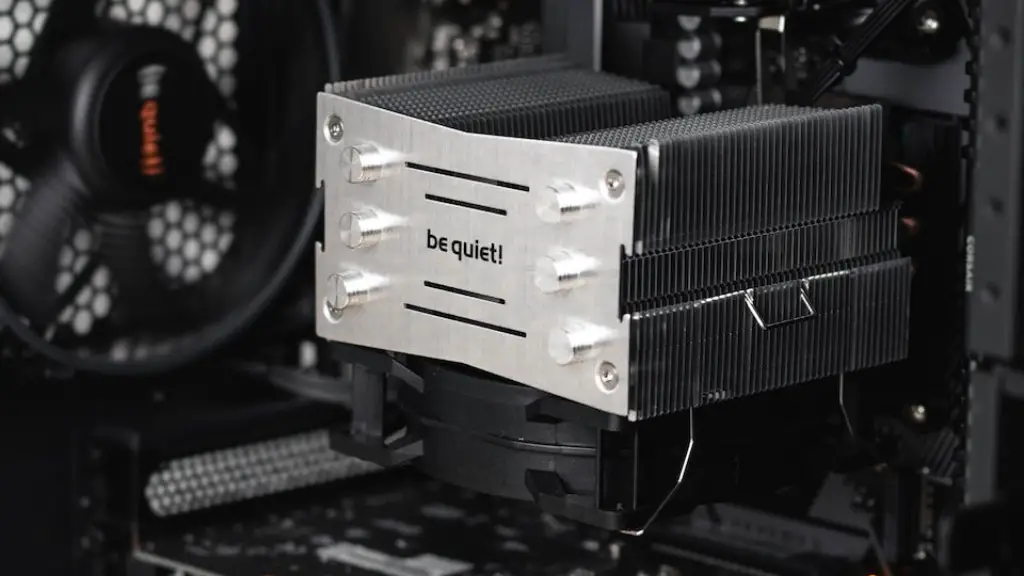
Finally, you will also need a power supply unit, a system case, and cooling components as well. The power supply should be efficient and have enough wattage to power your chosen components. There are several types of system cases available, so make sure you select one that meets your aesthetic and functional requirements. Lastly, make sure you choose a cooling system that can handle the demands of your system.
Choosing a Monitor
Once you have chosen all the components for your gaming PC, the next step is to pick a monitor that is suitable for gaming. Monitors come in a variety of sizes, resolutions, and refresh rates, so it is important to do your research before purchasing one. If you are looking for immersive visuals and smooth performance, then a monitor with a high refresh rate, such as a 144Hz monitor, would be the best option.
If you plan on playing competitively and need to respond quickly to your opponents, then you should look for a monitor with as low of an input lag as possible. Monitors with variable refresh rate (VRR) features such as Nvidia G-Sync or AMD FreeSync are also popular with gamers, as these technologies can reduce stutter and screen tearing.
Additionally, the size and resolution of your monitor is also important. Larger monitors can be more immersive, but if you prefer to play in your bedroom or a smaller space then smaller monitors may be a better option. The screen resolution is particularly important for gaming as a higher resolution will result in improved visuals, up to a certain point. Generally speaking, a resolution of 1080p or 1440p is recommended for gaming.
Finally, when selecting a monitor you should also factor in your budget. Match your budget to the type and size of the monitor you want, and you should be able to find a suitable option that fits your requirements.
Buying Accessories
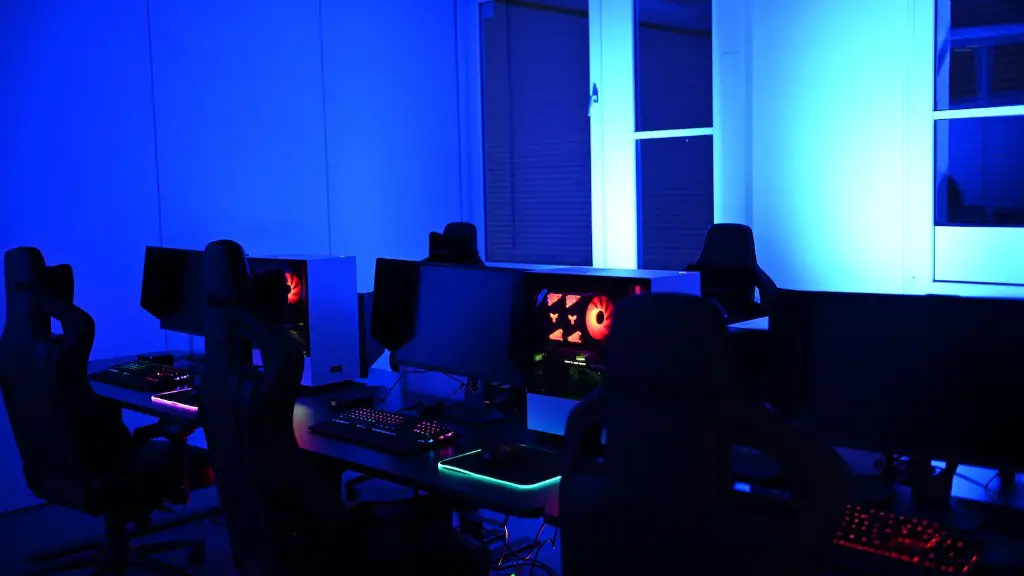
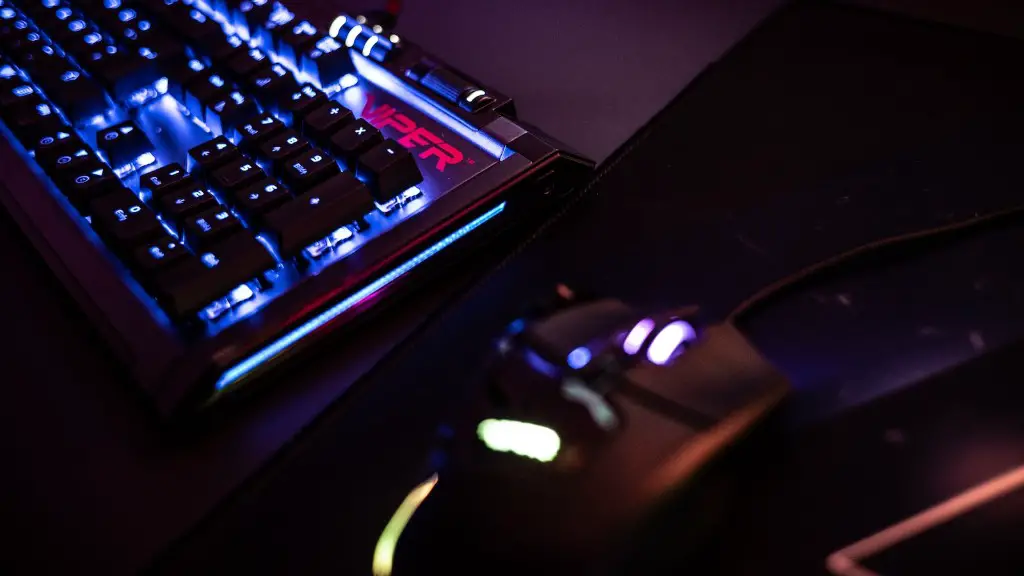
In addition to all the components listed above, you may also want to purchase some accessories such as a gaming keyboard and mouse, a gaming headset, and other gaming peripherals. It is important to select these accessories according to your requirements, as well as the type of games you plan to play.
For instance, if you prefer playing FPS (first-person shooter) games then a gaming mouse with high DPI and adjustable settings would be ideal for you. A gaming keyboard with RGB lighting and backlighting will also give you an edge when gaming in the dark. Additionally, if audio plays an important role for you then you should look for a gaming headset with good sound quality and a microphone.
It is also important to buy accessories that are comfortable to use. For example, if your job involves a lot of coding or programming then a comfortable, programmable keyboard is recommended. Similarly, if you plan on playing online games on a regular basis then you should opt for a comfortable gaming mouse or headset. Finally, if you want to add some character to your gaming setup then you should look for accessories that suit your style.
Purchasing Upgrades
You may also want to consider purchasing upgrades for your gaming PC. Most upgrades are meant to increase performance, but some may improve other areas as well. Upgrading the graphics card is one of the most popular upgrades for gaming PCs, as doing so can drastically improve performance. If you want better visuals then you should also consider upgrading to a better monitor.
If you play online games on a regular basis then you may need to upgrade your system’s internet connection. There are several options available, such as fiber optic connections or wireless connections. Additionally, if you want to save money on new components or apps then you should consider investing in a cloud storage service.
One of the most important upgrades that you should consider is a cooling system. If you are running a high-end system or an overclocked system then you should invest in a liquid cooling system. A liquid cooling system will keep your processor cool and prevent your system from overheating, thus ensuring peak performance.
Finally, if you want to take your gaming setup to the next level then you should look into purchasing accessories such as gaming controllers, gaming chairs, and other gaming paraphernalia. These accessories can make your gaming setup look more stylish and add more comfort and convenience to your gaming experience.
maintainance
You should also remember to maintain your gaming PC regularly, as components can degrade over time or become damaged. To ensure maximum performance, you should keep your gaming PC clean and updated. Dust build-up can lead to system overheating and can damage components, so it is important to clean your system at least once every two months.
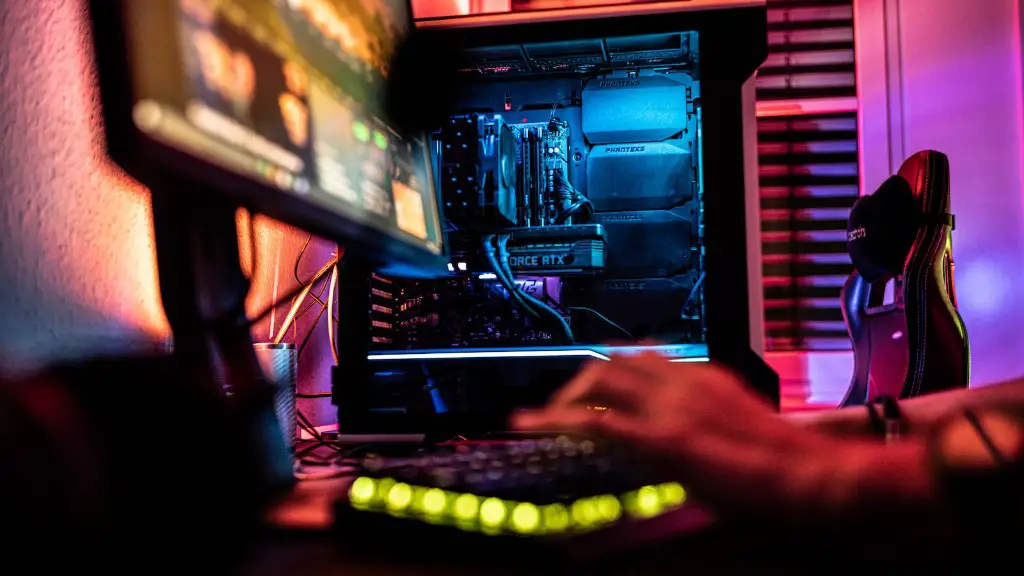
You should also update your components regularly, as newer drivers and firmware can improve your system’s performance. Additionally, make sure that your anti-virus and anti-malware software are up to date, as outdated or disabled security can put your system at risk.
It is also important to monitor your PC’s performance computer. Most PC kits come with pre-installed performance software, such as MSI Afterburner or EVGA Precision XOC. These programs can help you monitor your system’s temperature and performance, as well as allow you to adjust and overclock settings as needed.
Finally, repairing or replacing damaged components is something that you should be aware of. Most parts come with warranties, so be sure to check for warranty details when purchasing new components. Additionally, you should also know when to replace a damaged component, such as when your graphics card is not running as it should.
