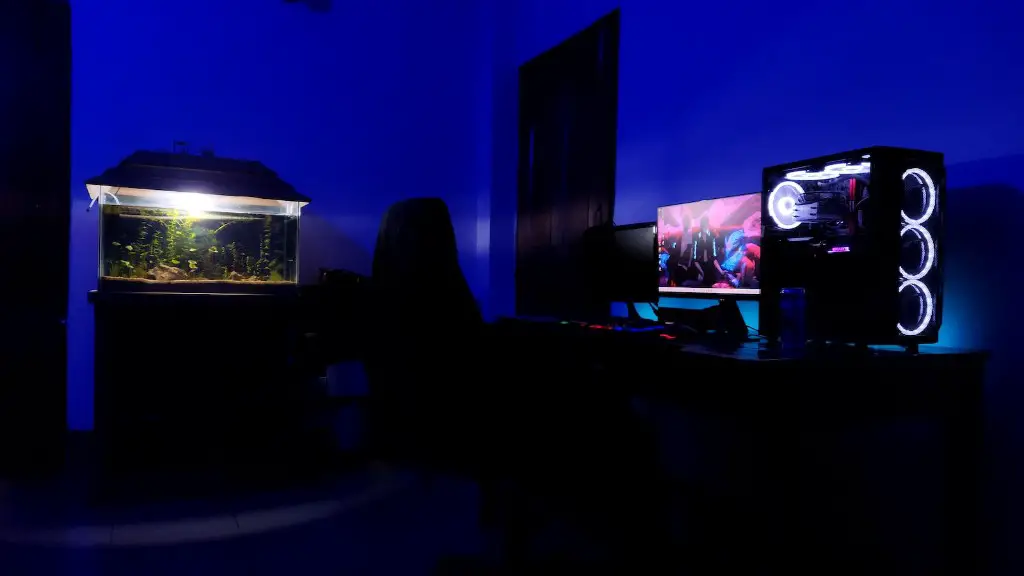
A gaming PC allows you to get the most out of your gaming experience by providing you with a platform capable of delivering the latest releases in graphics and high-resolution textures. In order to build a gaming PC, you must know what are the components you need to install.
The main components you need to build your own gaming rig are the processor, graphics card, motherboard, power supply, memory, storage and the case. The processor is the brain of your PC and the most important piece of hardware to consider. It’s important to select a processor that can handle the games you want to play. The graphics card processes all the 3D images, textures, and effects that make the game look impressive. The motherboard is the main circuit board that connects all the components and components of the system. It is vital to ensure that the motherboard is compatible with all the required components in your PC.
A power supply is needed to ensure the proper level of power is provided to the components of the system. Memory is also essential as a higher amount of it will allow you to store more data and run more applications simultaneously. Storage comes in many forms such as hard drives, solid-state drives, and optical drives. Lastly, the case is where all the components will be placed, and it should be of sufficient size to fit all the components without overcrowding.

Building your own gaming PC requires deep knowledge about components and the skill to combine and install them properly. Assembling a gaming rig from individual components will provide you with a custom-built computer that is specifically tailored to your gaming needs and able to deliver the highest quality gaming experience.
Processor
A processor is the integral component of a gaming pc and selecting the right one is necessary for gaming performance. A processor needs to have a high performance and support multiple threads to handle the intensive graphics and effects of the games. A multi-core processor with a high degree of clock speed, such as Intel Core i7 or AMD Ryzen 7, is the best choice for a gaming setup.
The processor should also be energy efficient and support overclocking to increase the performance. With overclocking, you can enable the processor to run at higher voltages and higher frequencies than the manufacturer’s stock rating. In addition, you should make sure that the processor supports all of the necessary instruction sets for the games you are playing.
Graphics Card
The graphics card is the component that determines the capability of your gaming pc to render visuals to the display. It’s important to choose a GPU that is compatible with the processor and can handle the resolution and frame rate of the game. The best GPUs for gaming performance are the Nvidia GeForce GTX or RTX series and the AMD Radeon series.
In addition, you should consider the amount of video RAM (VRAM) the graphics card is equipped with, as it indicates how many pixels the card can render as video memory. A high-end graphics card with 8GB of VRAM is ideal for handling games at high resolutions and higher anti-aliasing settings.
Motherboard
The motherboard is the main circuit board that connects all the components and components of the system, and it’s important to get one that is compatible with the processor, GPU and other components. Socket types need to match, and compatibility with all the components must be verified.
Additional features such as SLI and Crossfire capabilities as well as internal USB headers and audio codecs should also be considered when selecting a motherboard. The motherboard should also be chosen according to the form factor of the case, and depending on the number of expansion cards you require, it’s advisable to go for a higher end model.
Power Supply
The power supply (PSU) is the component responsible for supplying the required power to the system and its components. Depending on how powerful the components are, and the wattage requirement of the system, a high-end PSUs needs to be selected in order to minimise power loss, reduce heat, and minimise noise.
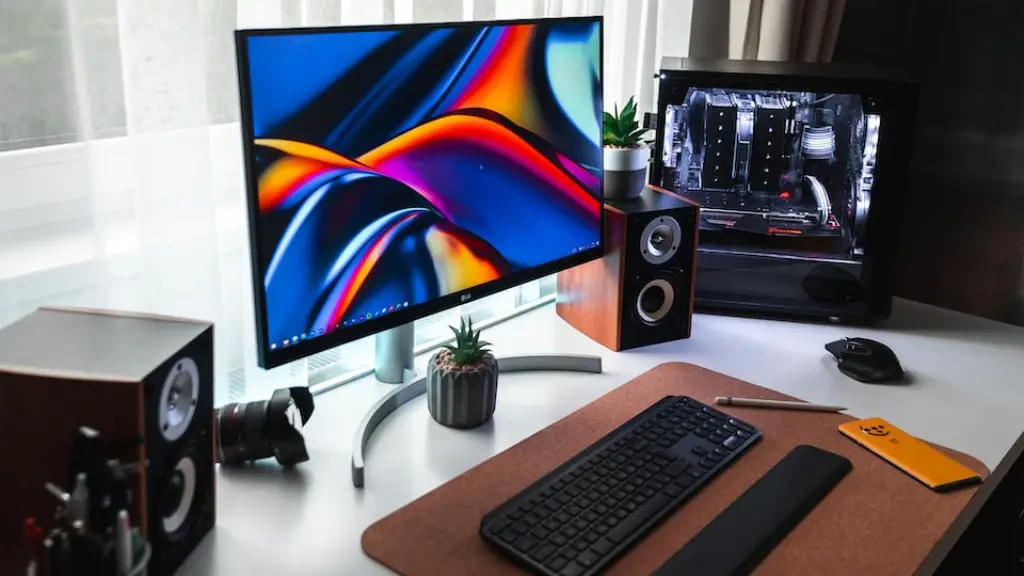
A quality PSU should have the right wattage range, sufficient power connector cables, and the right efficiency rating. This rating indicates how well the power supply unit is able to convert power into usable energy. The best PSUs are 80 Plus certified or higher, meaning they are more efficient and provide more power output.
Memory
Memory, also known as RAM (Random Access Memory), is an essential component for gaming as it allows for fast access to data stored in the system. The larger the memory, the faster the applications can be used, and the more games you can play without the performance being affected.
Choose memory that has high clock speeds and is compatible with the motherboard. DDR3 or DDR4 RAM is a popular choice for gaming rigs and should be chosen based on the motherboard. It is important to choose a kit of 4 modules instead of 2 as it provides better stability and performance.
Storage
Storage consists of the hardware that stores the data and files in the system. Hard disk drives (HDDs) are the most cost-effective form of storage and can provide large storage capacities for a low price. Solid-state drives (SSD) are also available and provide much faster read/write speeds than HDDs.
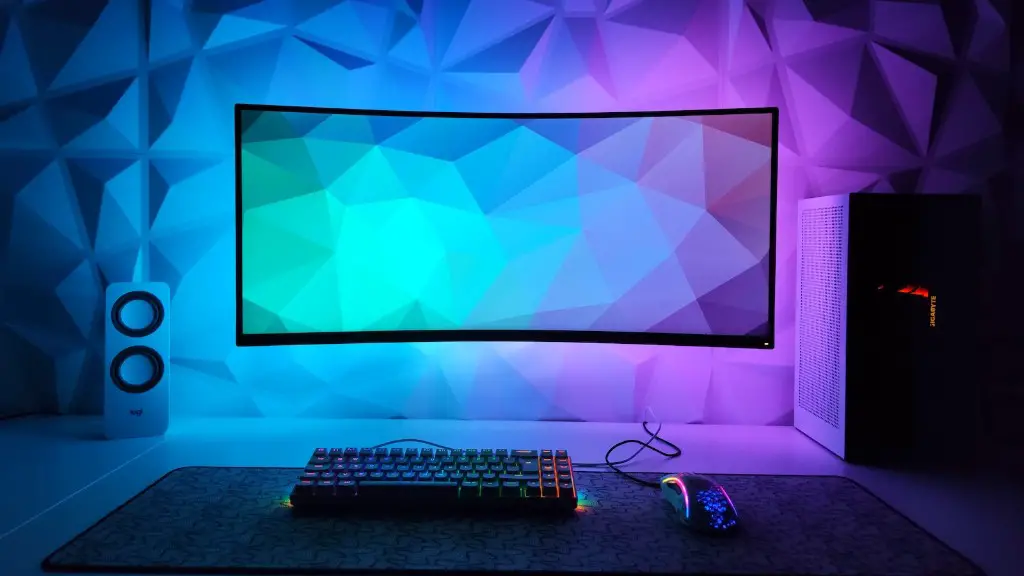
Optical drives are available for game installation but are becoming obsolete. Many of the latest games can now be purchased and downloaded digitally, so it is no longer necessary to install games from optical discs. It is recommended to combine the two types of storage to benefit from the advantages of both.
Case
The case is the last piece of hardware needed to assemble the system. It is important to consider factors such as airflow, space, and aesthetics when selecting the right case. A mid-tower ATX case provides adequate room for installing all the components.
Modern cases also include features such as dust filters, cable management trays and pre-installed fans which make the assembly and upkeep of a gaming PC much easier. As a bonus, the inside of the case can be customised with RGB lights to add an even more customised look to the gaming setup.
