Gaming PCs have become increasingly popular recently, but how do you know if the specs for one machine are good? Choosing the right components is important, as each single element will impact your gaming experience. This post takes an in-depth look at the specs you need for a great gaming PC.
To start off, the processor is arguably the most important element. You need something fast and reliable, so an Intel Core i5 or i7 from the 8th or 9th generation is ideal. The Core i7 9700K is a great choice for hardcore gamers. For the best graphics, you need a powerful GPU. Both AMD and NVIDIA produce cards that can easily handle the highest graphics settings, like the Radeon RX 5700XT or the NVIDIA RTX 2080.
Next is RAM, which is typically measured in gigabytes (GB). 8GB of DDR4 RAM is adequate, but 16GB is the perfect amount for serious gamers. Also, if you plan to stream, you’ll need a more robust set up with at least 32GB of RAM.
Storage is an important element too. At least 1TB of hard disk drive (HDD) is recommended. Games can take up a lot of space, so an SSD is well worth the investment for larger-scale titles. A 1TB M.2 solid-state drive (SSD) is a great choice for those wanting faster loading times.
Finally, the motherboard and power supply are important too. Upper-end motherboards support a range of functions, so keep an eye out for things like USB 3.0 connections and multiple GPU and PCIe slots. An 800W power supply will be sufficient, but if you’re looking for a more powerful setup, look for something stronger than 1000W.
Cooling System
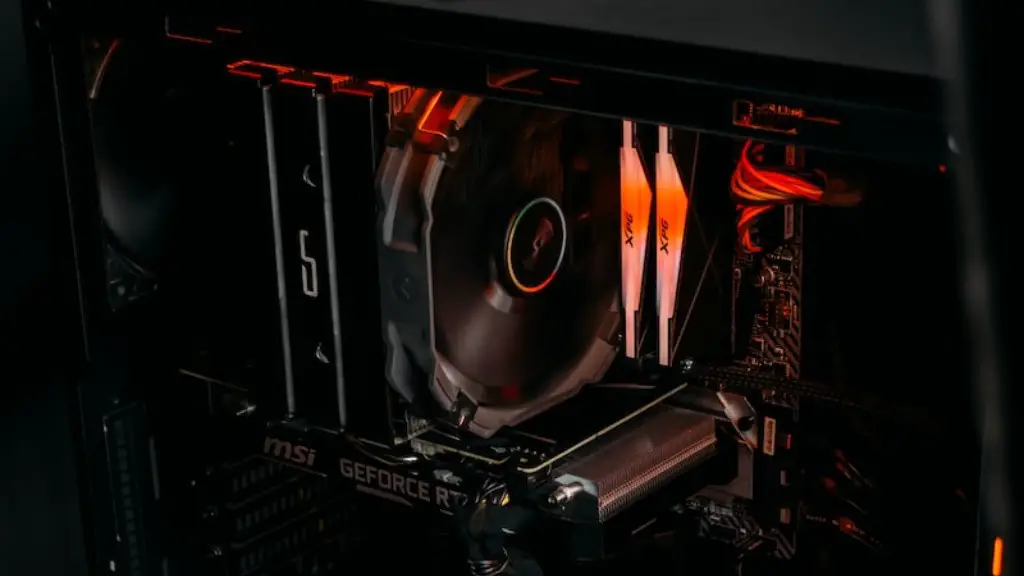
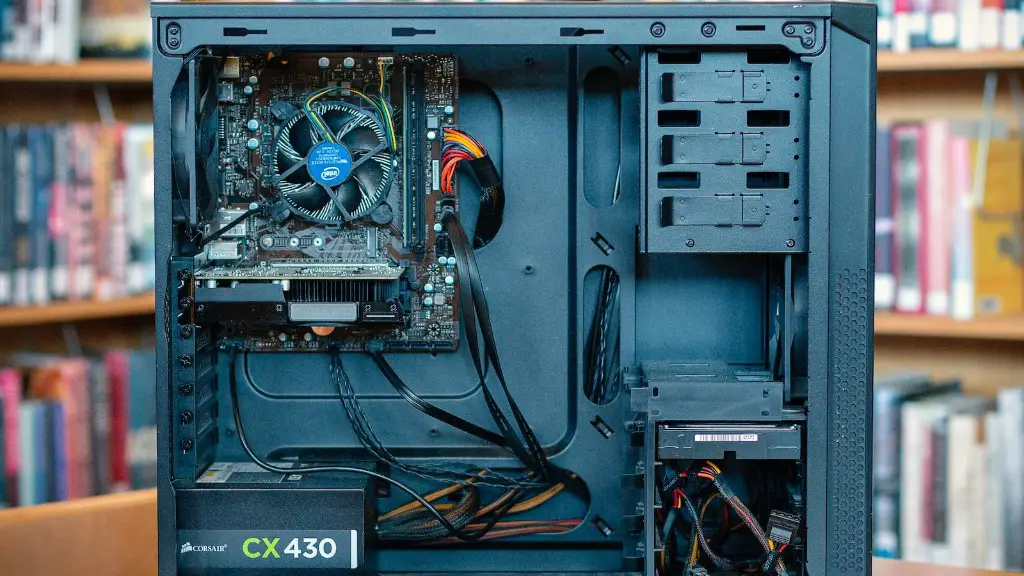
When it comes to keeping your system cool and performing at its best, you need to get a good cooling system in place. Fans are essential, but so is the best case you can get. Cases vary in size and shape, so find one that best suits the components you’re intending to use, such as a mid-tower or full-tower.
Additionally, consider a liquid cooler if you plan to overclock your components. These units come with a radiator, fans, and a pump to draw heat away from the processor and other components. Some cases even come with pre-installed liquid cooling, so check it out.
Fans are really important for keeping your system cool. Case fans keep the air flowing, drawing fresh air in and pushing the hot air out. A tower fan or two will help cool your hard drives, and the CPU fan dissipates heat from that particular component.
Finally, heat sinks are also necessary to dissipate heat. Check the CPU to make sure it already has a heat sink installed. If not, you’ll need to buy one and install it.
Peripherals
All the components are important for a great gaming PC, but don’t forget about the peripherals. Things like mice, displays, keyboards, and headsets, can also make or break your gaming experience. A good gaming mouse makes a world of difference, so look for one that’s fast, responsive, and comfortable.
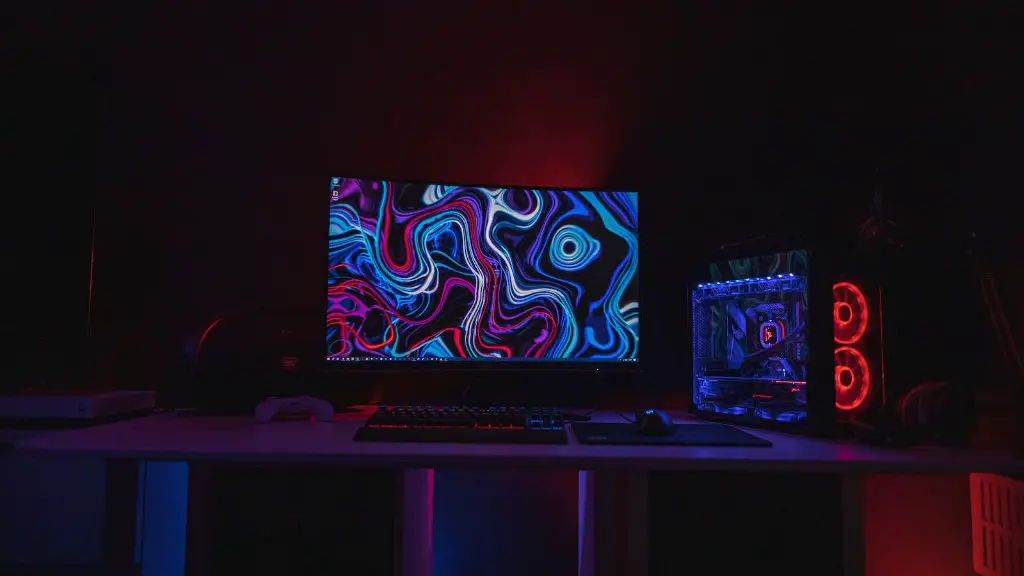
At least one monitor is needed for the full PC gaming experience, and you’ll need a minimum resolution of Full HD (1920 x 1080). Larger and higher resolutions will give you a more immersive experience. Keep in mind, if you’re considering multiple monitors, you should also get an appropriate graphics card.
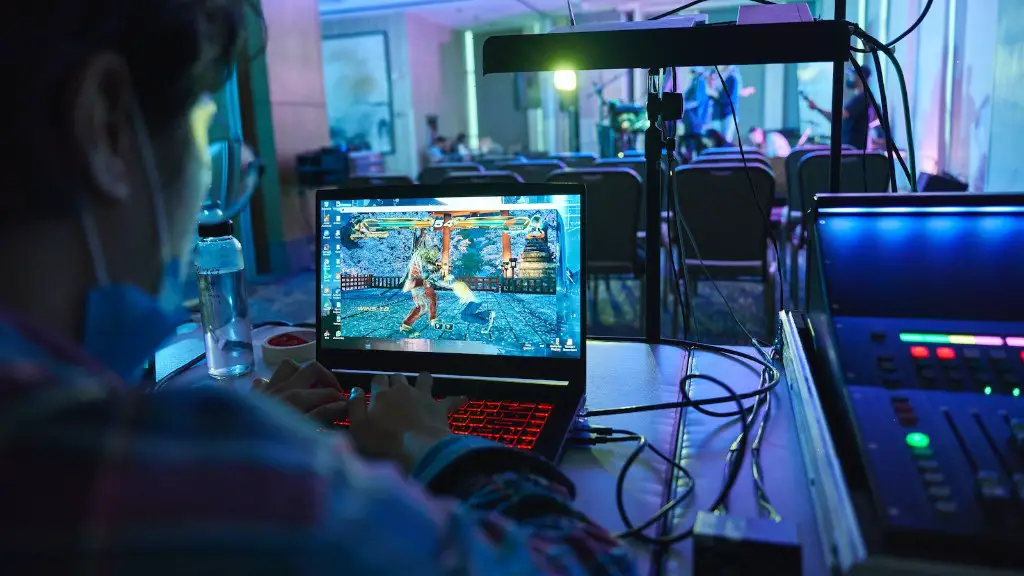
Then there’s the keyboard and headset. Keyboards with backlights, macros, and custom functions are worth considering, while a headset is a must for comfortable gaming sessions. Wireless headsets are much easier to use, but if your budget is limited, look for something with decent sound and a comfortable fit.
In addition, consider the type of mouse pad you’ll be using, as it can take your gaming to the next level. Large mousepads are a good investment, just make sure to find one that’s well made to ensure longevity.
OS and Other Software
Finally, getting the right operating system (OS) and software installed is necessary for optimum gaming performance. Windows 10 is still the best choice for gaming, as it’s easily supported by both AMD and NVIDIA drivers. Get it pre-installed on your new system, or make sure you have your Windows key available to input.
Most modern-day games run on DirectX 11 and OpenGL 4.5, so make sure to download the latest drivers before playing. Updating the BIOS regularly also helps, if your motherboard supports it. Other programs like Steam, Nvidia’s GeForce Experience, and Microsoft Launcher can help maximise your gaming experience too.
An anti-virus program is also essential. Windows 10 ships with its own anti-malware program, but for full protection, consider investing in a paid anti-virus program. Some third-party anti-virus programs provide malicious URL scanning, better malware detection, and increased overall security.
Budget
Of course, budget should also be taken into consideration when building a gaming PC. Quality components don’t come cheap, so be sure to do your research to find the best deals. Choose components that fit your budget, but also offer the performance that you’re looking for.
You can save money on certain parts by buying used, but make sure they’re in good condition — and come with valid warranties. You may also be able to take advantage of deals on pre-built gaming PCs, so watch out for these.
Lastly, if you’re unsure about investing in an expensive system — consider what games you plan to play first. If these games don’t require some of the more advanced components, then you could make a few cuts here and there to keep your costs down.
Putting it All Together
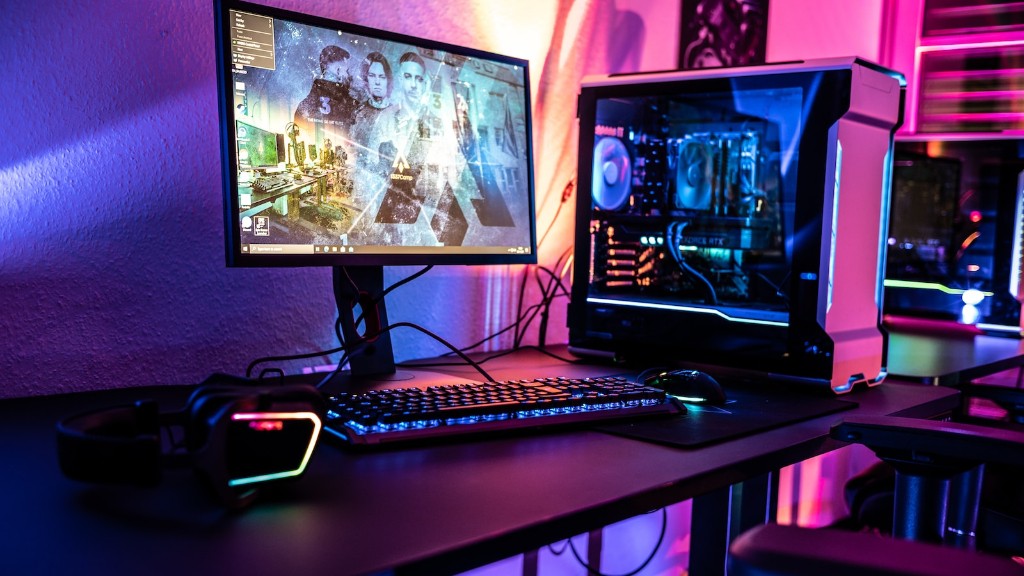
Putting together a great gaming PC is a complex process, so it’s important to get it right. You need a powerful processor, graphics card, enough RAM, sufficient storage, a good cooling system, the right peripherals, the right OS, and some basic software. Make sure to consider your budget too, as all this doesn’t come cheap.
Remember, it all depends on the type of games you plan to play. If they don’t need all the bells and whistles, you can get away with a more basic set up. Choosing the right components to achieve the best performance takes time, but if done right, you’ll have a gaming PC that can handle the most demanding game titles.
Maintenance
No matter how great your PC is, it won’t do much good if it’s not properly maintained. Keeping it dust-free and performing optimally is essential, so regular cleaning and checks should be done.
Unplug the system before cleaning, and use compressed air to blow away dirt from vents and other crevices. Check the back of the PC for dust and buildup, and if you keep it on the floor, be sure to check for dust underneath as well.
Keep an eye on your system’s performance, checking temperatures and identifying any weak points. If you encounter any problems, head to your motherboard’s website and check for the latest updates.
Finally, once a year, take apart the components and clean them properly. If you’re uncomfortable doing it yourself, consider getting a professional clean done.
Conclusion
Building a great gaming PC takes time and money, so it’s important to do your research and plan your rig out carefully. Get the best processor, graphics cards, enough RAM, sufficient storage, a good cooling system, the right peripherals, the right OS, and basic software. Don’t forget to leave some room in the budget for maintenance too.
