The ability to play games on a gaming PC is becoming increasingly popular. To get the most out of these machines, it’s important to understand the basics of how they work. With this knowledge, gamers will be able to customize their gaming experience and get the most out of their gaming PC. Here are the steps to take in order to properly play games on a gaming PC.
First, gamers need to make sure their gaming PC is set up properly. This means checking the hardware to ensure that all components are up to date and in good condition, as well as verifying that the system is compatible with all the necessary software. It is also important to ensure that all drivers are up to date and that any hardware or software that may interfere with performance is removed.
Second, gamers need to make sure that their gaming PC is properly configured. This means ensuring that graphics drivers and other settings are properly configured to optimise performance. It is also important to update the graphics card and other drivers regularly to make sure they are running the latest version.
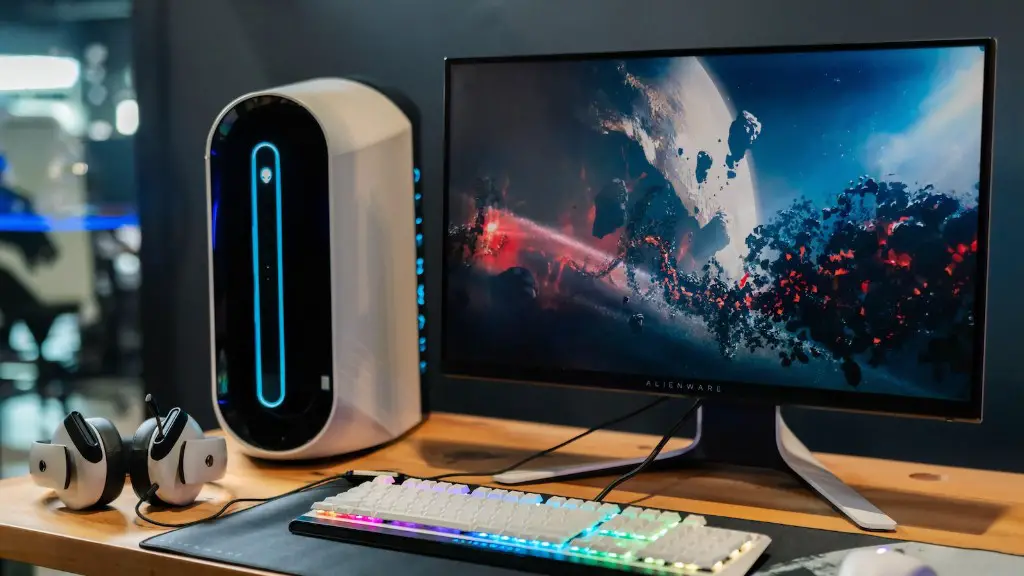
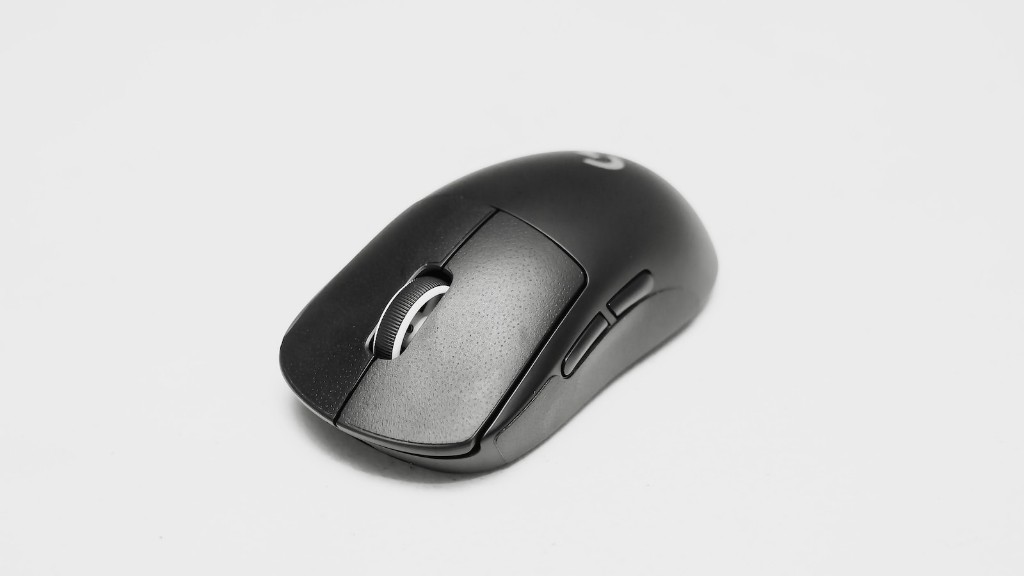
Third, gamers need to make sure they have the right tools to play their games. This includes choosing a gaming keyboard or mouse, as well as finding the right software to run their games. It is also important to determine what type of sound card is required in order to get the best sound quality.
Fourth, gamers need to make sure they have the right hardware for their gaming PC. This includes choosing a powerful CPU, GPU and RAM, as well as making sure there is enough storage space. Additionally, gamers need to make sure that their gaming PC has enough connectivity options, such as USB ports, Wi-Fi and Ethernet.
Finally, gamers need to make sure that their gaming PC is Virtual Reality (VR) ready. This means making sure that the system is powerful enough to run the latest VR games. Additionally, gamers need to make sure their gaming PC has the latest VR hardware, such as a VR-capable GPU.
Advanced Tweaking Strategies
One of the key aspects of running a gaming PC is to adjust the settings to get the most out of the system performance. This can be done by adjusting the graphics settings as well as making sure the system is properly cooled. Additionally, it is important to adjust the game settings so that certain elements of the game, such as the frame rate, are maximized.

Another important factor to consider when maximizing the performance of a gaming PC is to overclock certain components. This can be done by pushing the clock speed of processors and GPUs above their standard frequencies, as well as setting the system RAM to its maximum speed. Additionally, it is important to carefully monitor system performance when overclocking, as pushing components too far can lead to system instability.
Finally, it is important to adjust the system BIOS settings to optimize performance. This can be done by tweaking a variety of settings, such as the power management, boot options and security settings. Additionally, there are a variety of tools available to assist in adjusting the BIOS settings.
Managing Game Updates
To make sure that gamers get the most out of their gaming PC, it is important to make sure all their games are up to date. This means downloading any necessary patches to ensure that games are running the latest version. Additionally, certain games may require specific hardware in order to run properly, so it is important to keep track of these requirements.
Another important step in managing game updates is to ensure that games are backed up properly. This means keeping multiple backups of all game files, as well as any saved game data. Doing this ensures that gamers will not lose all their progress in case of a system failure.
Additionally, gamers should monitor their system regularly for any potential issues that could arise. This means scanning the system for potential viruses or malware, as well as making sure all components are up to date. This will help to keep their gaming PC running smoothly and prevent any potential problems.
Finally, it is important to make sure that gamers keep their gaming PC in top condition. This means regularly cleaning any interior system components, as well as making sure the exterior and components are free of dust and grime. Additionally, it is a good idea to periodically check all the system components for any signs of wear and tear.
Using the Right Accessories
In order to get the most out of their gaming PC, it is important for gamers to make sure they are using the right accessories. This includes making sure that any input devices, such as a gaming keyboard or mouse, are optimized for the game they are playing. Additionally, it is important to make sure that any headsets or speakers are compatible with the type of game they are playing.
Another important step is to make sure all necessary components are connected properly. This means making sure that the gaming PC is connected to the internet properly, as well as making sure any necessary external drives are also connected. Additionally, it is also important to make sure that game controllers and other accessories are connected properly.
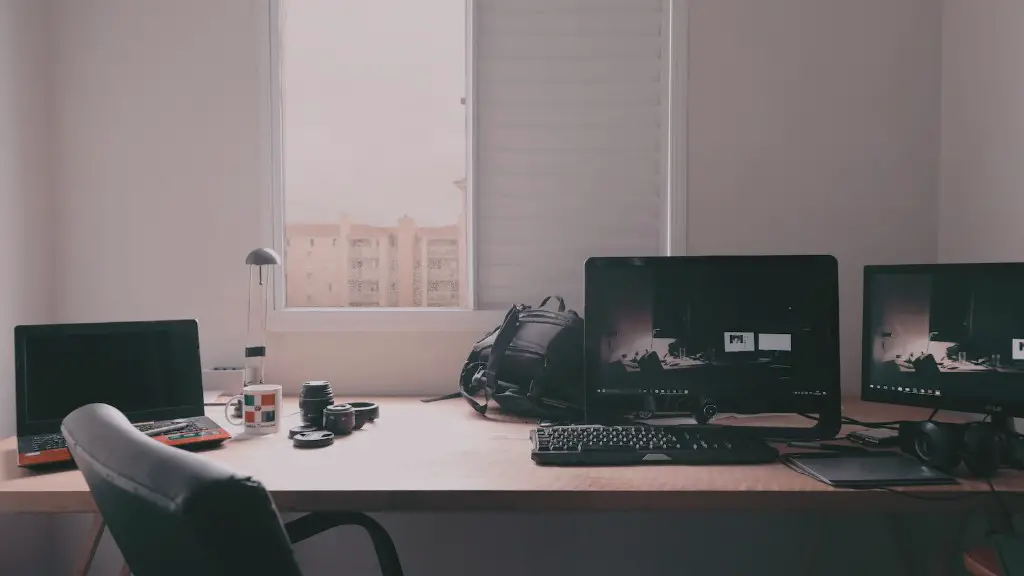
Finally, it is important to make sure that any gaming PCs are connected to a quality display device. This means making sure that the display device is appropriate for the type of gaming PC, as well as making sure that it is able to display the necessary resolution. Additionally, it is important to ensure that the refresh rate of the display device is appropriate for gaming.
Tips for Optimising Game Performance
In order to get the most out of gaming on a gaming PC, it is important to optimize the system performance. This can be done by making sure that drivers, programs and services are up to date, as well as making sure that the gaming PC is free of any clutter or unnecessary programs. Additionally, it is important to make sure that there is enough free hard drive space available.
Another important step is to enable the necessary power saving settings. This means making sure that system components such as the processor, GPU and RAM are running at their optimal performance levels. Additionally, it is important to make sure that the display device is set to the appropriate settings to get the best image quality possible.
Additionally, it is important to adjust the internal graphics settings to get the best performance out of the gaming PC. This means making sure that the system components are performing to their highest capabilities and that the games are running at their highest quality levels. Additionally, it is important to make sure that the game details are set appropriately to ensure the best game experience.
Finally, it is important to make sure that the gaming PC is well ventilated. This means making sure that the system components are getting adequate cooling, as well as making sure that the system is free of dust and grime. Additionally, it is also important to make sure that the power supply is running at the correct voltage and amperage.
Protection Against Cheaters
Finally, in order to protect their gaming PCs from cheaters, it is important to make sure they are properly protected. This means setting up a VPN or a firewall to help prevent anyone from entering the system. Additionally, it is also important to make sure that programs such as anti-virus and anti-malware programs are enabled and running.
Another important step is to ensure that the game servers are securely configured. This means making sure that any game servers are monitored properly, as well as making sure that all necessary accounts and information are securely stored. Additionally, it is also important to make sure that cheats and exploits are not allowed on the game servers.
Finally, it is important to stay informed and up to date with the latest game security practices. This means making sure to subscribe to gaming-related news and reading any relevant articles or posts. Additionally, it is also important to make sure to keep up to date with the latest game updates and patches, as well as any other software or hardware updates.
